 Tristan Muzzu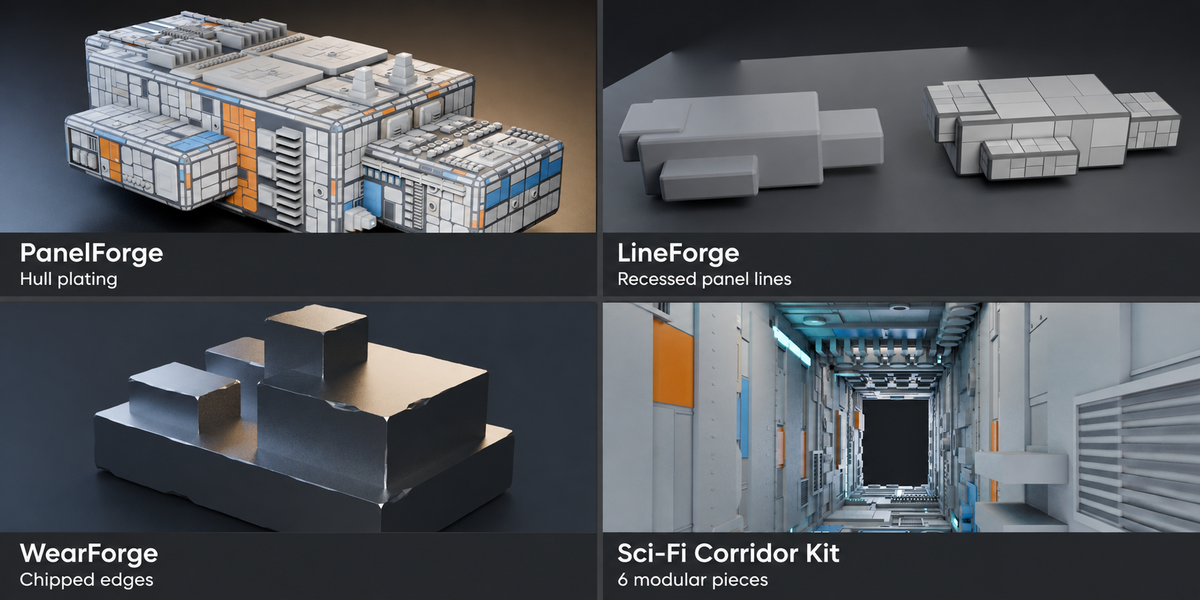
Blender add-ons and assets for sci-fi scenes
PanelForge, LineForge, WearForge and the Sci-Fi Corridor Kit. All four included.
Add hull plating and panel seams, chip sharp edges and build corridor layouts from modular pieces.
$9.99 for all four products.
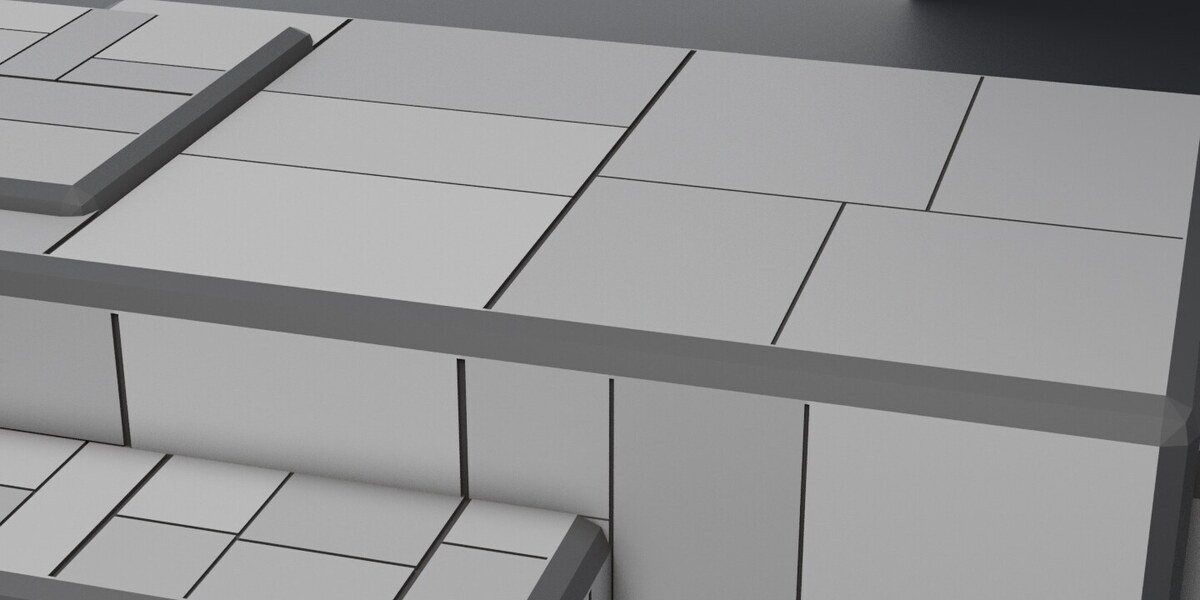
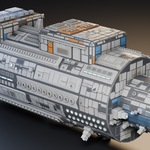
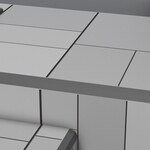
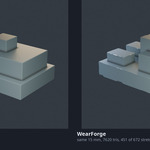
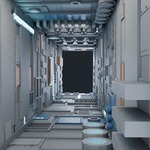
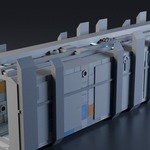
The gallery is grouped in the same order as the products below: PanelForge, LineForge, WearForge, then the Corridor Kit.
PanelForge: hull plating
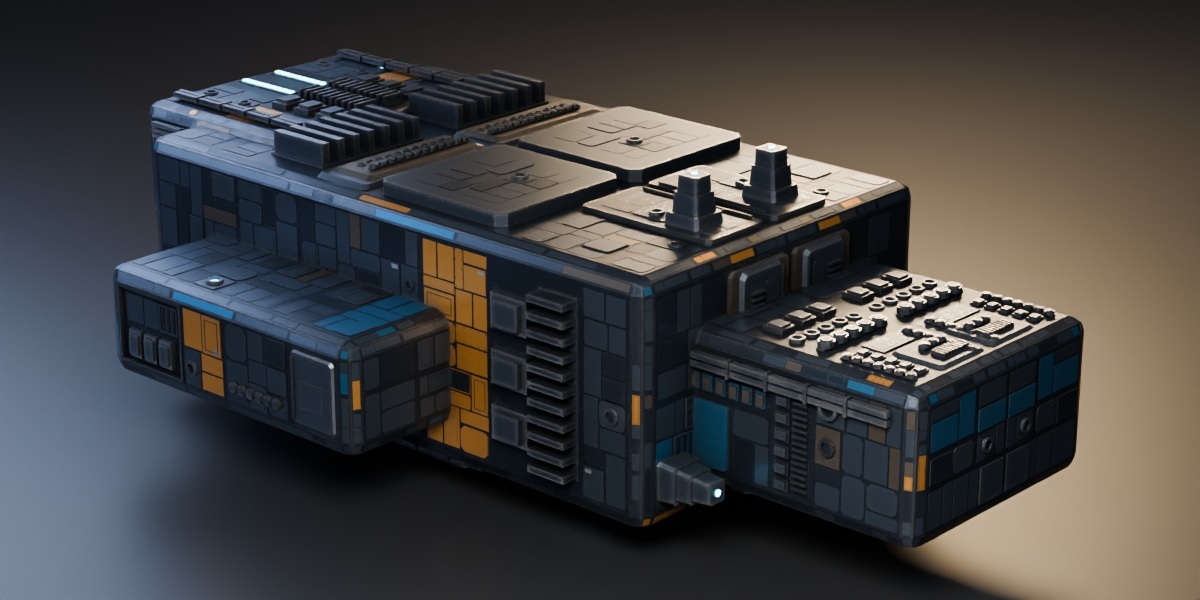
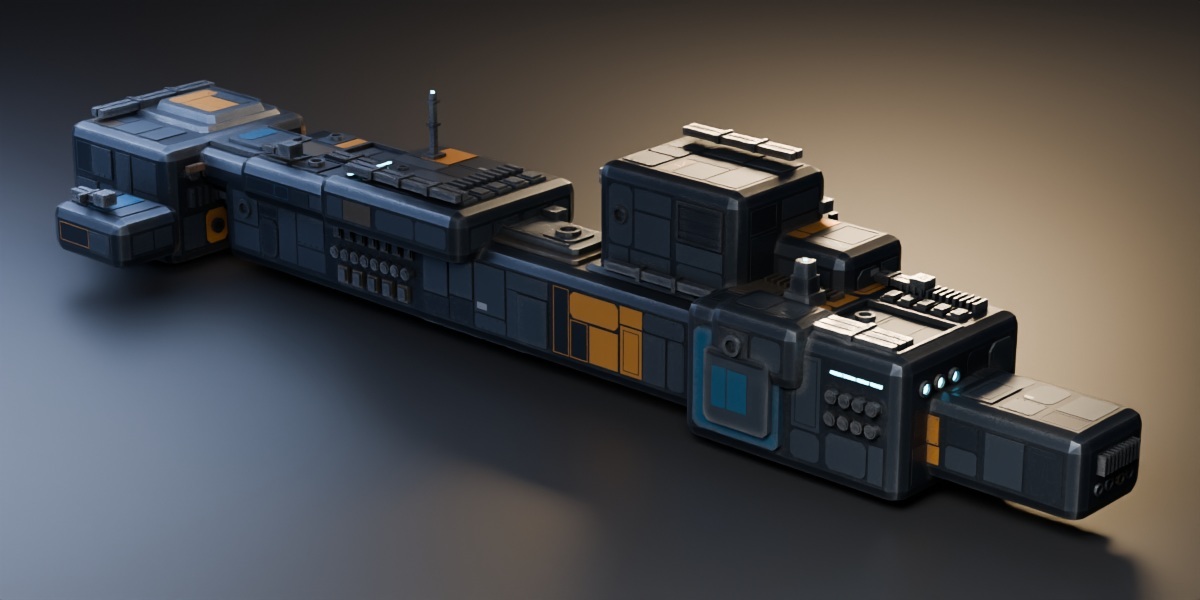
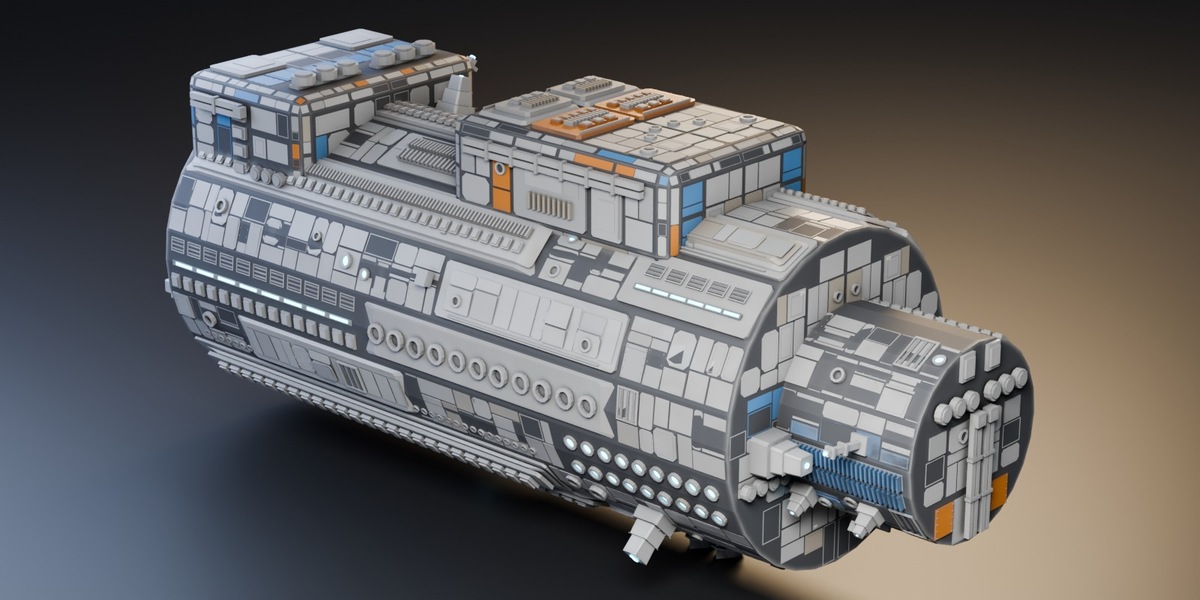
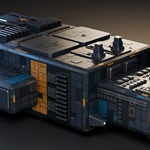
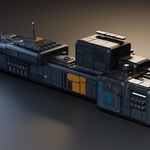
Add plates, recessed bays, conduit and mechanical details to a hard-surface mesh. Eight procedural materials provide paint, dirt and surface variation. Adjust the detail size for a close-up prop or a larger hull. The dark hull and vessel in the gallery use custom dark materials; the cylinder shows the supplied materials.
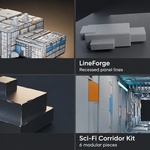
LineForge: recessed panel lines
Cut grooves into flat areas of a mesh you have already modelled. Adjust the main seams and smaller cuts separately. This is useful when you want a panelled surface without building raised plating on top.
WearForge: chipped edges
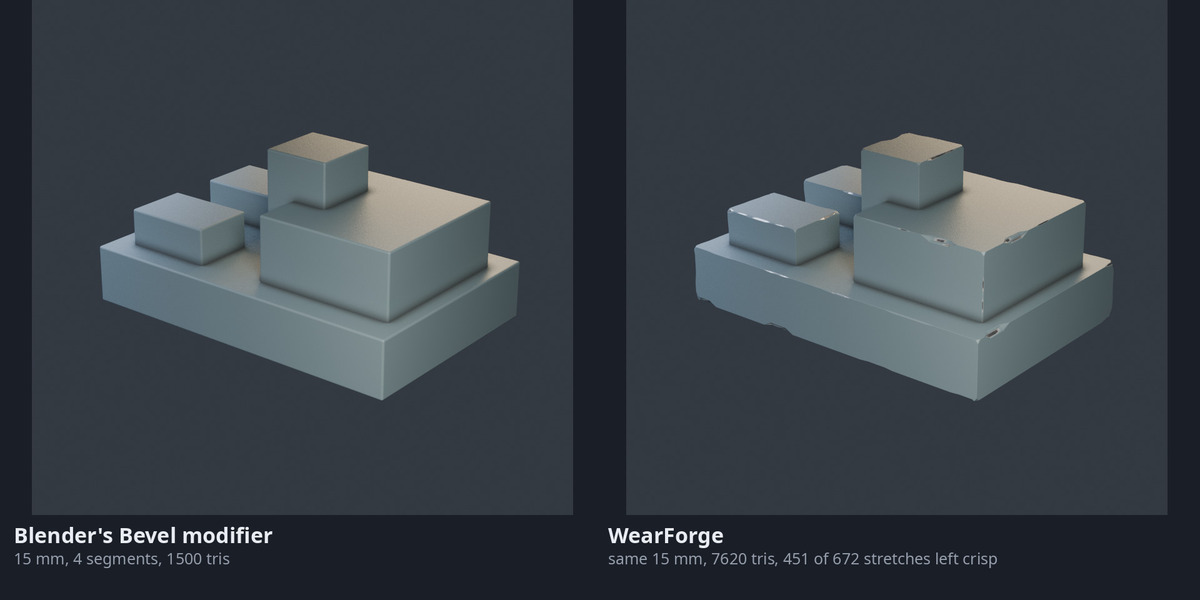
Add uneven chamfers and small chips to sharp edges. The gallery comparison shows a regular Blender bevel and WearForge at the same width. The effect is intended for close views of props and machinery.
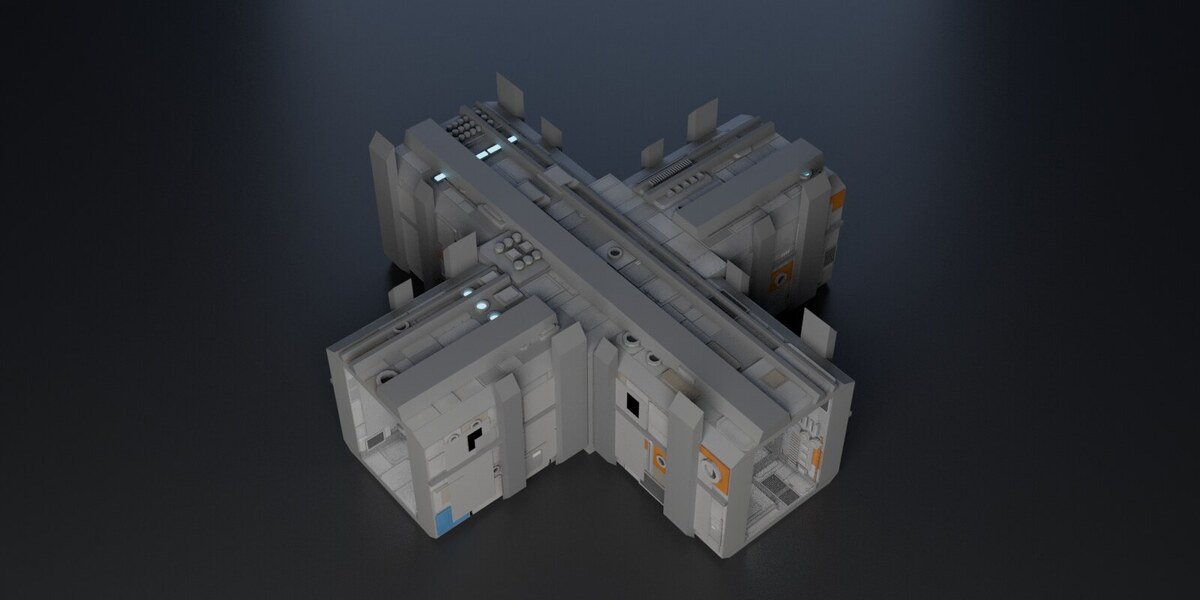
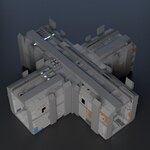
Sci-Fi Corridor Kit: six modular pieces
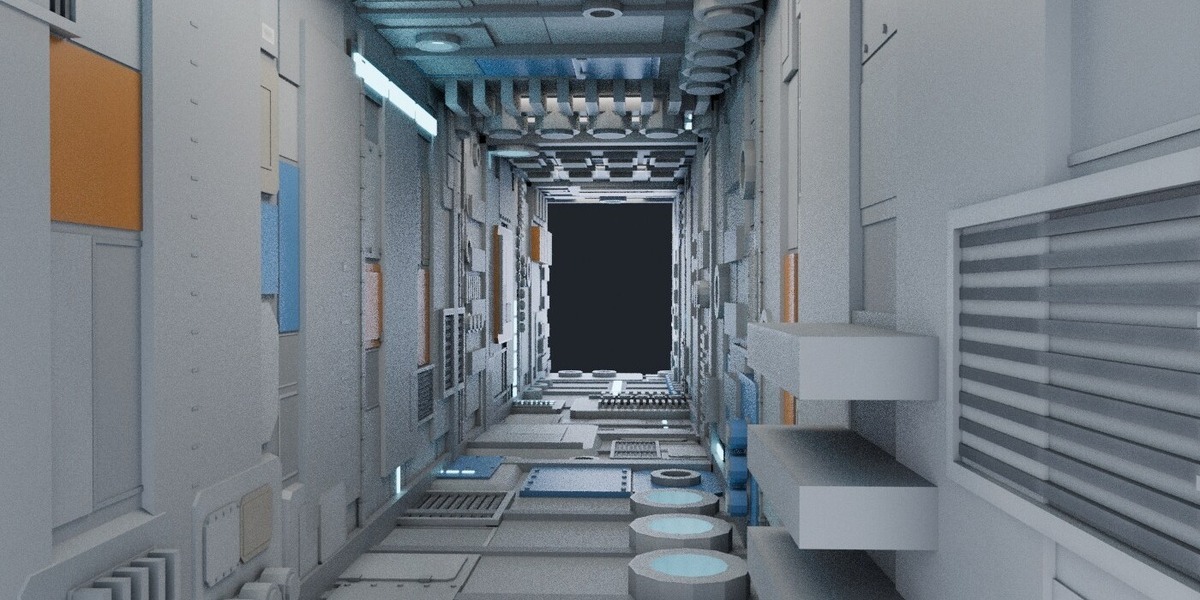
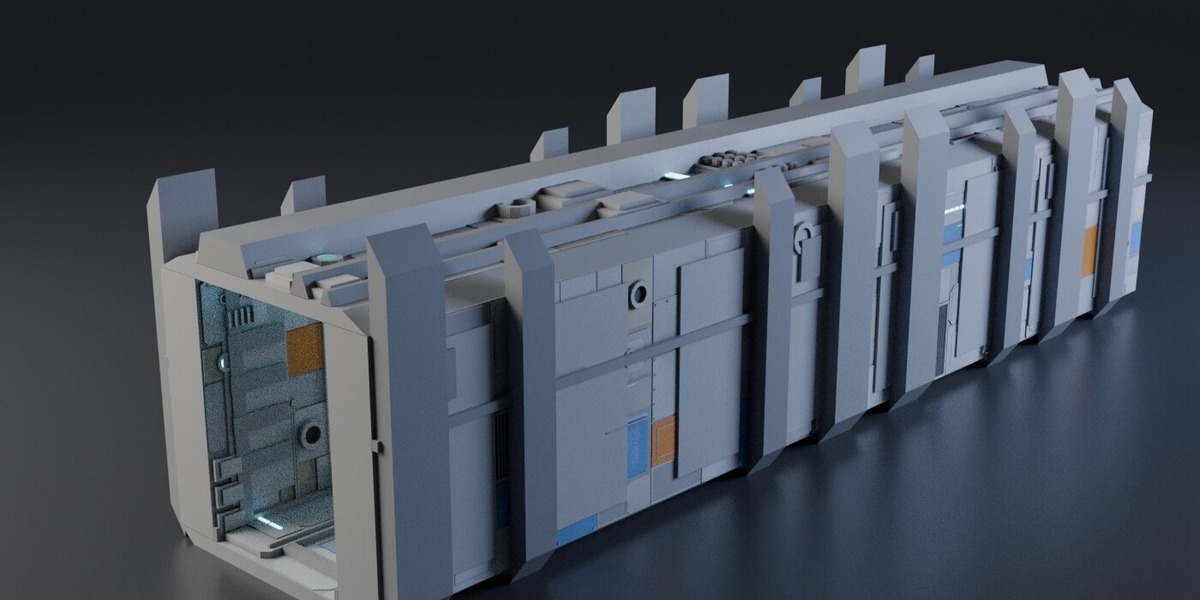
A straight, corner, T-junction, crossroads, doorway and end cap, supplied as .blend and .glb files. The pieces fit a 4 metre grid, with a 2.2 metre wide corridor opening and 3 metres of headroom. Rotate them in 90 degree steps to build a floor plan.
The kit includes its generator, manual and validation report. It is a model pack, not an add-on. It has no stairs, curved sections, collision meshes or LODs, and the pieces are not designed to stack vertically.
Files included
- PanelForge 3.2.0, with manual.
- LineForge 0.5.0, with manual.
- WearForge 0.4.0, with manual.
- Sci-Fi Corridor Kit 2.0.0: six .blend files, six .glb files, generator and documentation.
The tools work independently. The corridor pieces are ready-made examples; you do not need to run an add-on to use them.
Installation and use
Supports Blender 3.6 through 5.2. Install the three add-on ZIPs without extracting them. In Blender 3.6, use Edit > Preferences > Add-ons > Install. In Blender 4.2 and newer, choose Install from Disk. Enable each add-on, then press N in the 3D Viewport to find its tab.
Extract the Corridor Kit ZIP. Open or append a .blend file, or import a .glb. Start on copies of your meshes when using the add-ons and keep an eye on polygon counts as you increase detail. The Documentation tab has a quick start for each product.
Cycles and Eevee are supported. PanelForge's material corner-wear effect needs Cycles. The add-ons and kit scripts are GPL v3; the corridor models use the separate royalty-free commercial licence included in the kit. The models may be used in personal and commercial projects, but may not be redistributed as a standalone asset pack.
For help, use the contact link on this page. Include your Blender version, product version and the steps that led to the problem.
