 Focus Vision LLC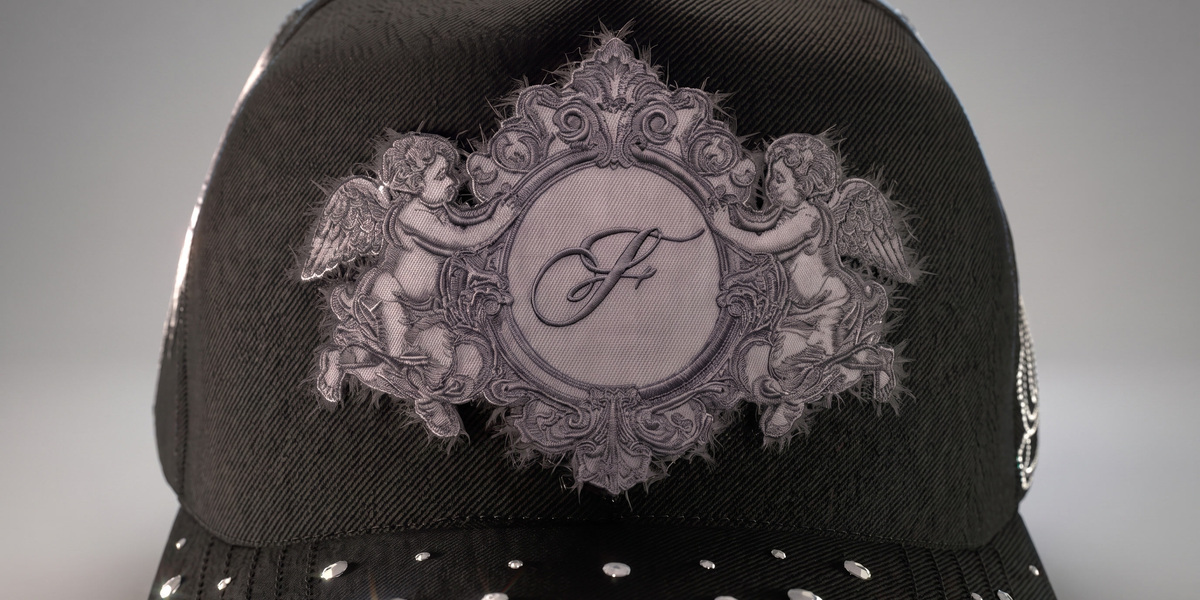
Description
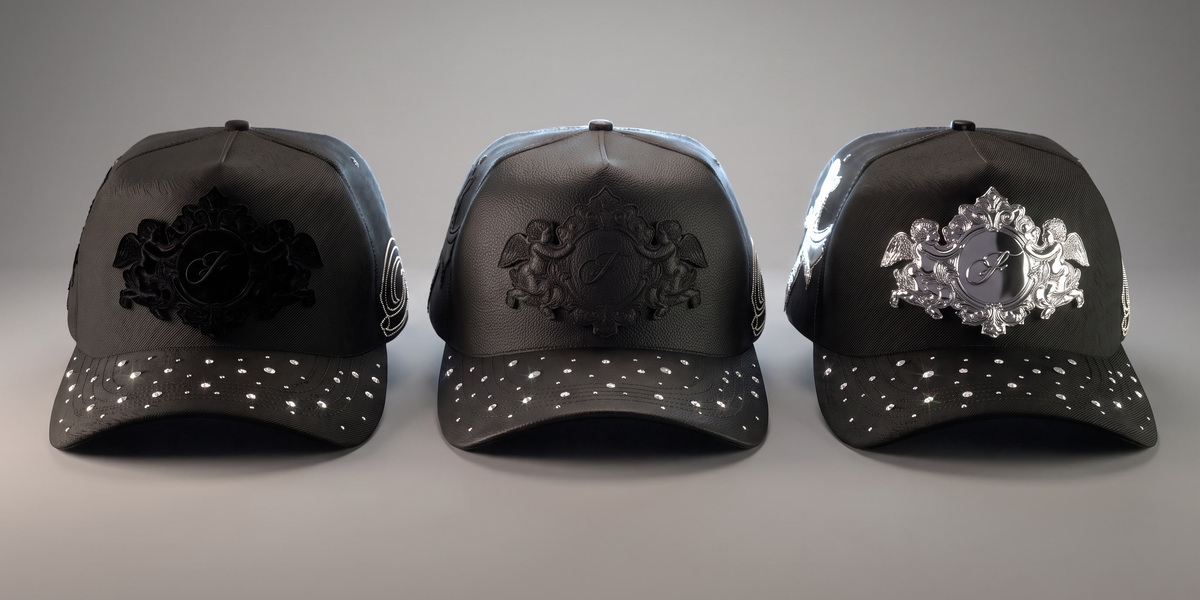
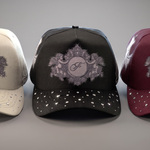
Hat Maker is a 3D cap editor that runs as a Blender add-on. It is built for cap brands and designers who need production-grade mockups and renders: pick a cap model, set the fabric and color of every part, load your artwork and turn it into raised 3D embroidery, rhinestones or a metal pin, then render a still or an animation without leaving Blender. One payment, no subscription, no credits: renders are unlimited and happen on your own computer.
The hard part is already done. The cap models, the fabric shaders and the embroidery, rhinestone and pin generators come ready to use, from one panel in the 3D viewport, in English or Spanish.
Who it's for
- Cap brands that show a design before manufacturing it and want the render to look like the real cap: embroidery with relief, recognizable fabrics, studio lighting.
- Designers who deliver mockups and renders to clients and repeat the process many times a week.
- Anyone who already uses Blender, or is willing to install it, and wants full control of camera, lights, background and animation.
Who it's not for
- If you only need a quick look at artwork sitting on a cap to decide whether you like it, a browser editor or a flat template will do.
- If you are looking for someone to manufacture the cap: Hat Maker produces the image, not the cap. What you do with the render is up to you.
- If you work only from an iPad or a phone. This is a desktop Blender add-on.
What you can do
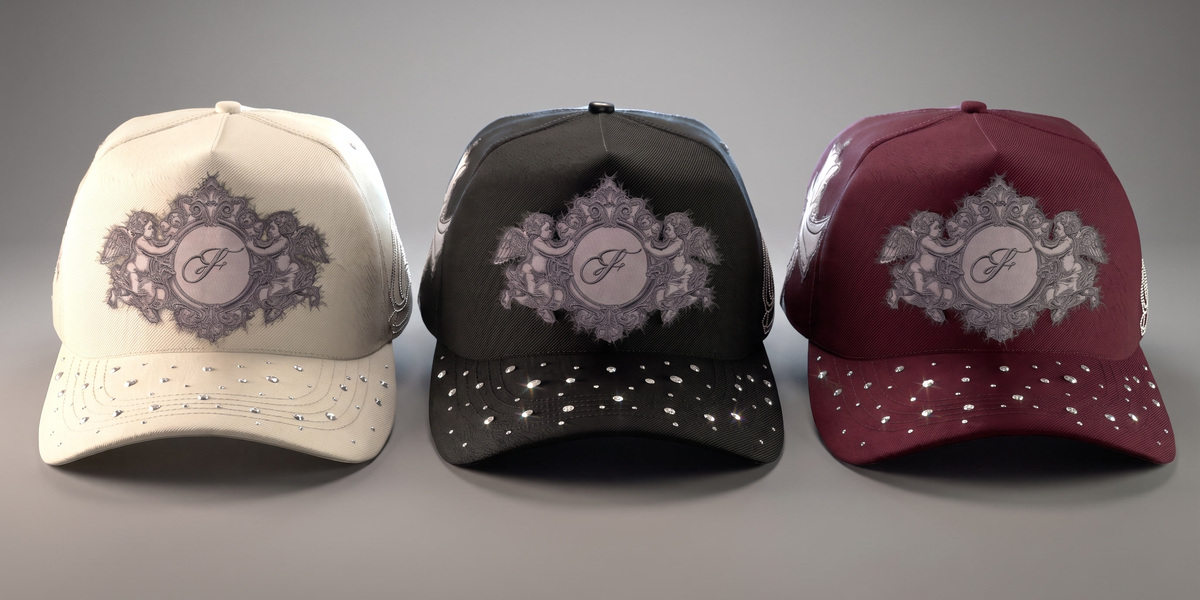
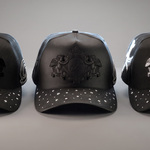
Models and fabrics. Three cap models: a dad hat, a structured "bélica"-style cap and a flat-brim cap. Every part gets its own color. Twelve fabric shaders: cotton, velvet, mesh, satin, metal, suede, two camo patterns, nylon, denim, leather and woven. Save the cap you are working on as a new model in the gallery, or bring caps in from another .blend file.
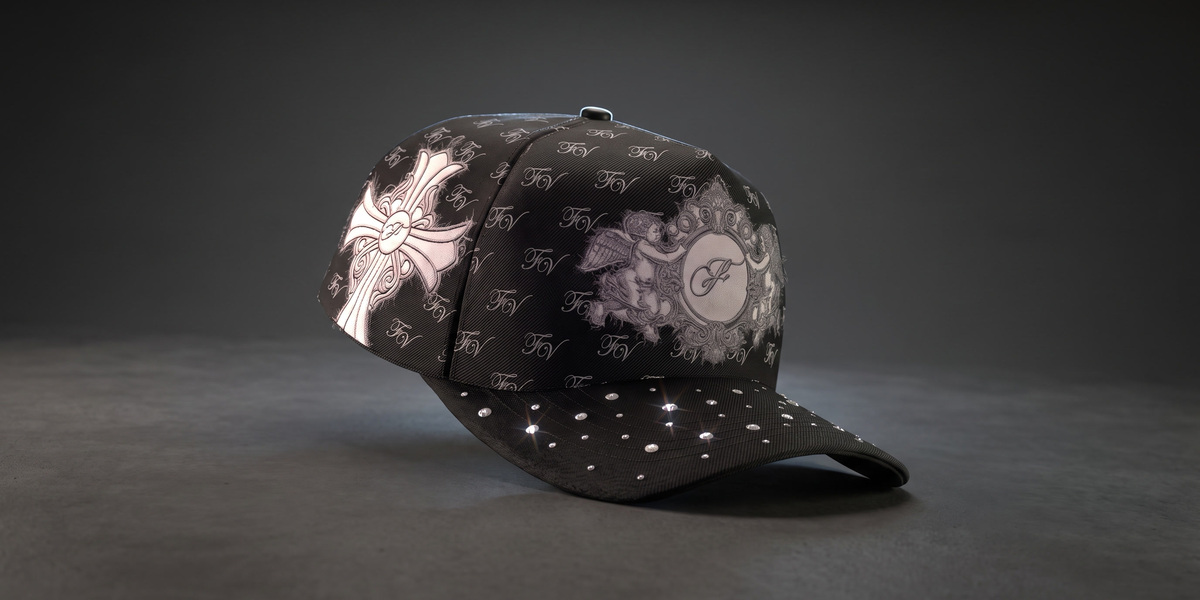
Artwork and patterns. Load PNG or SVG artwork on any part: panels, brim, linings, labels, tape and closure. Print it flat as a screen print (up to eight layers, with a projected mode that crosses seams), or repeat it as a pattern with scale, spacing and offset.
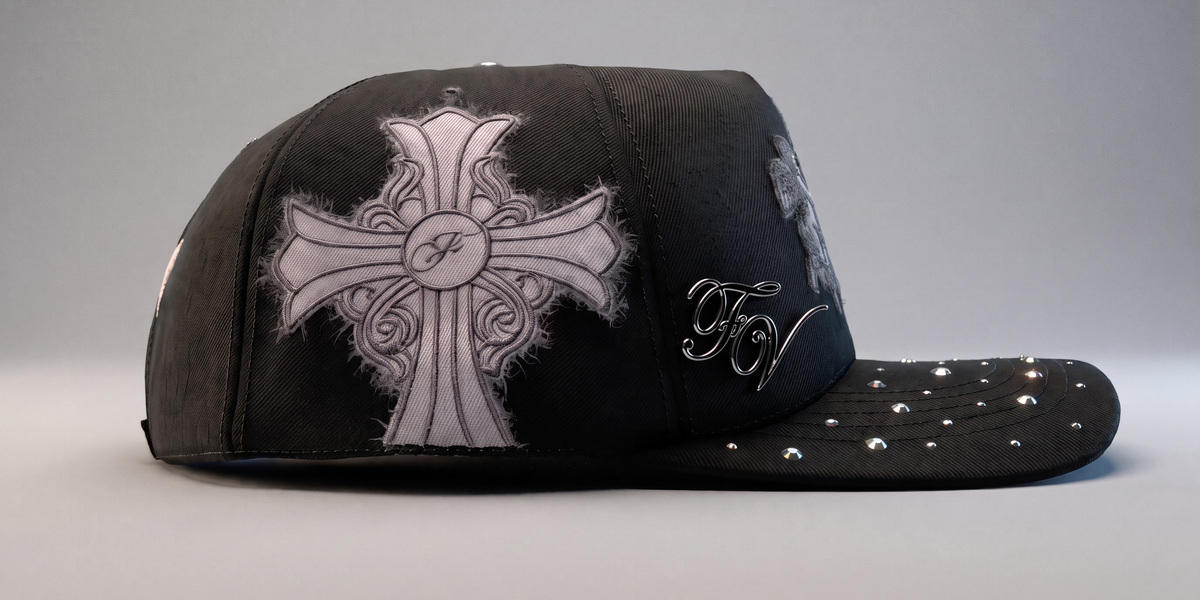
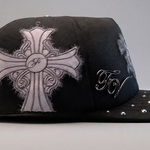
3D embroidery and finishes. Turn a PNG or SVG into raised embroidery on the cap. A PNG is vectorized on import. Finishes: embroidered thread, velvet, leather, metal, TPU and vinyl, plus a separate finish for the border. A distressing tool adds frayed edges along a cut you draw. Check several designs in the list to complete, mirror, unify or delete them together.
Rhinestones and pins. Loose stones that snap to the surface, rhinestone curves, painted areas that fill with stones, and scattered stones. PNG or SVG pins with a bevel and a metallic finish.
Scene, render and animation. Lights, world light and a backstage (cyclorama or cube), saved per cap. Camera zoom and focus, hat motion presets, camera moves and multi-camera shots on the timeline. Resolution presets for Instagram, Reels/TikTok and YouTube. Render PNG, JPG or MP4; video renders run in a separate Blender process so you keep working. Export the finished cap as a GLB with baked textures.
What's included
- The add-on
.zip, installed as a Blender extension. It appears as Hat3D in Blender's add-on list. -
Focus Vision.blend: a separate download with the three cap models and all fabrics already loaded. This is the file you open to start working, and you need it: the add-on is the tool, the .blend is the material it works on. - Written documentation on this page, and updates in your Superhive library for as long as the product is sold here.
Requirements
- Blender 5.1 or newer (free, from blender.org). Tested on 5.1.2 and 5.2.1 LTS. Blender 4.x will refuse to install it.
- Windows x64, Linux x64, macOS (Apple Silicon or Intel).
- No internet connection, ever. The add-on does not go online: it installs and works fully offline, and nothing you load into it leaves your computer. The extension asks for no network permission, which you can check in Blender's permission list when you install it.
- Licensed under GPL-3.0-or-later. Includes potracer by Tatarize, a Python port of Potrace by Peter Selinger.