 ZEG
Installation
In Blender open Edit > Preferences > Get Extensions, then use Install from Disk and pick the zip.
Usage
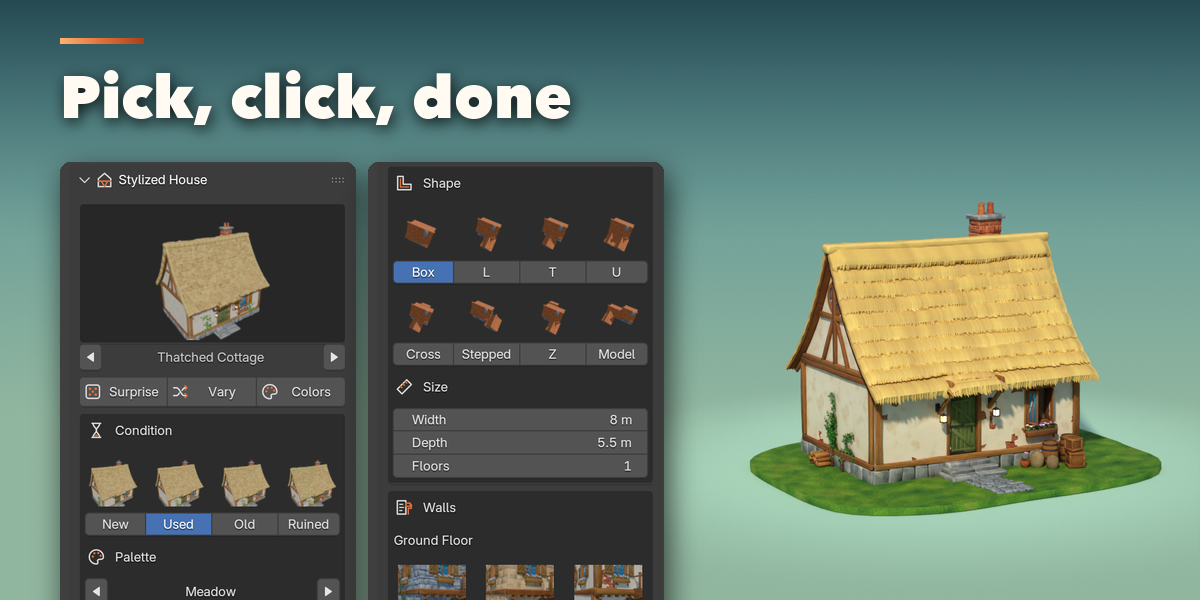
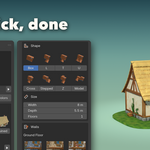
- Open the sidebar (N) and the House tab, or use Add > Mesh > Stylized House.
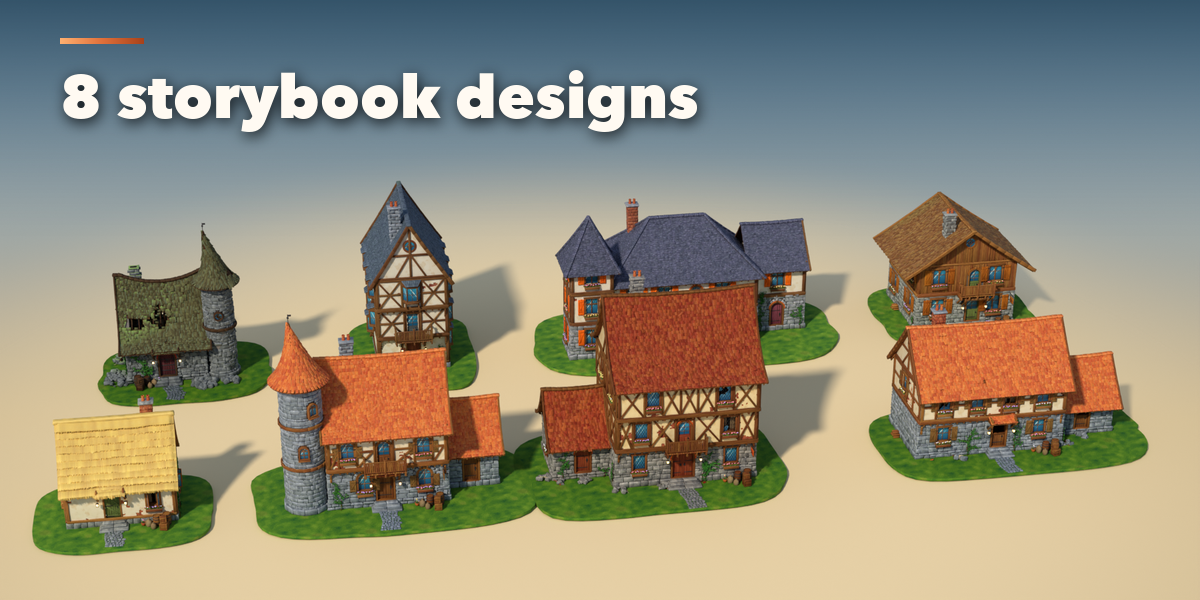
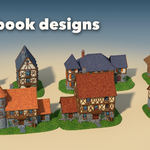
- Pick a design and click Add House, or click Surprise Me.
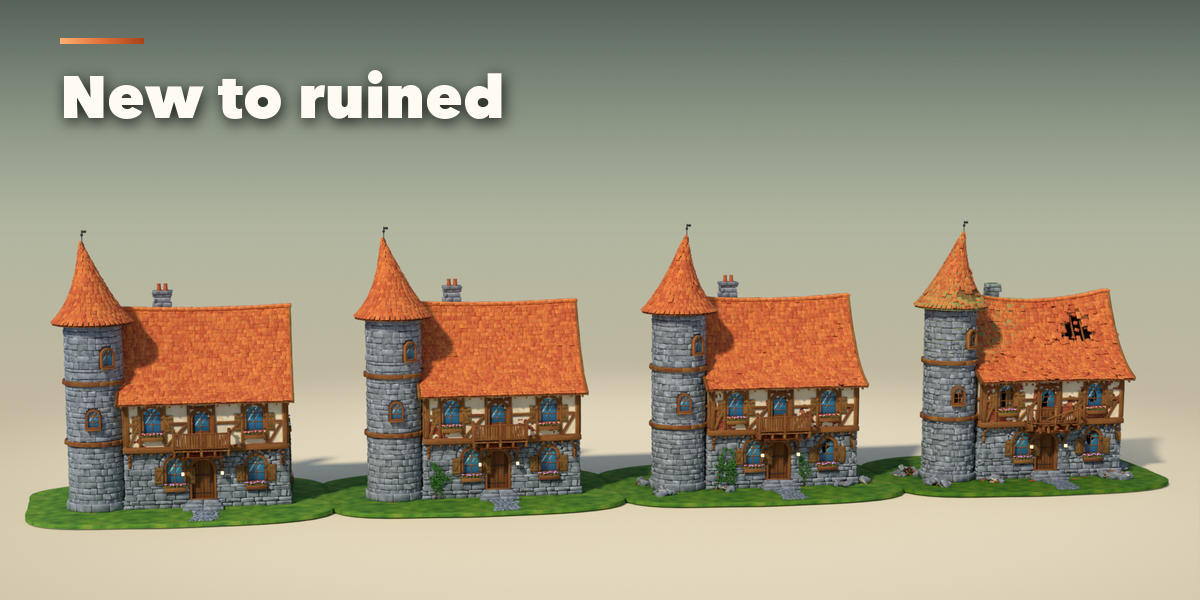
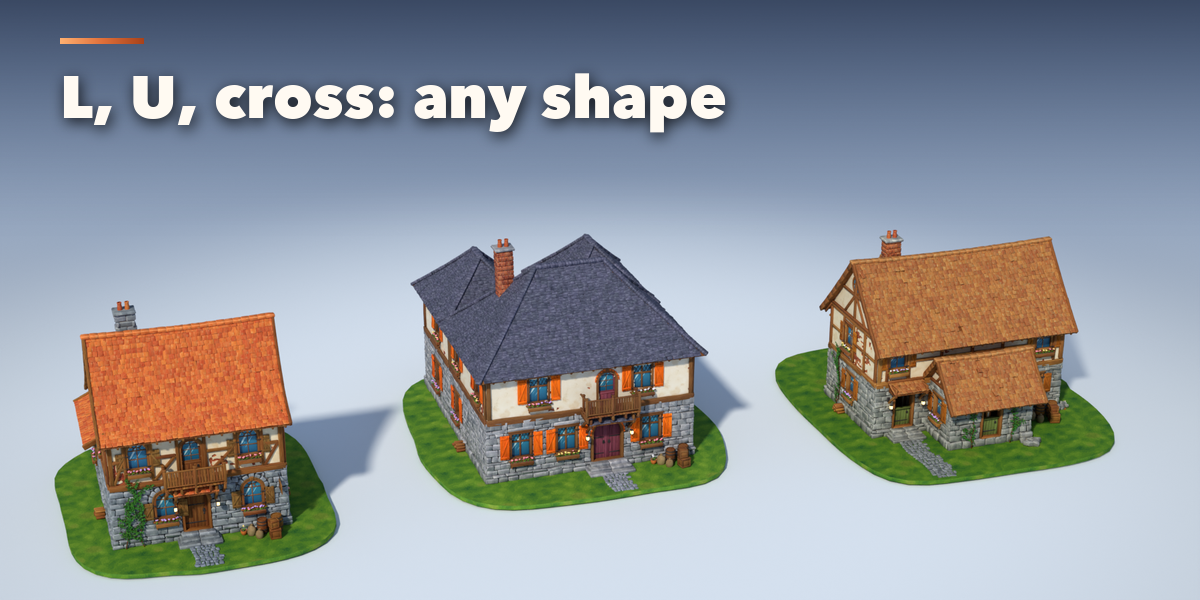
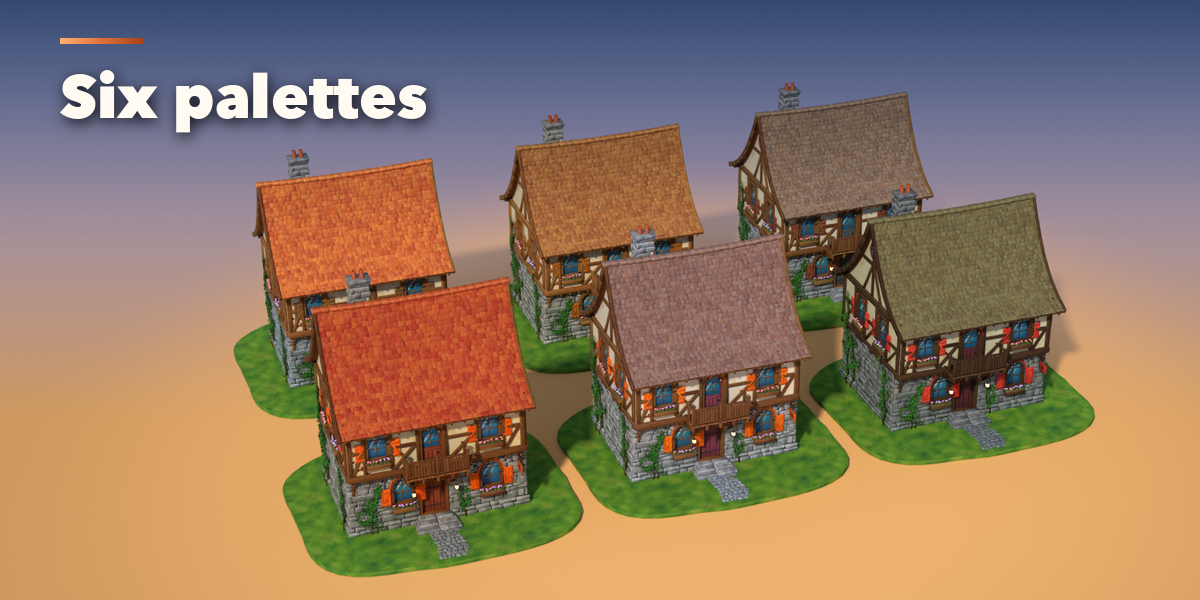
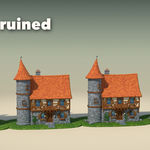
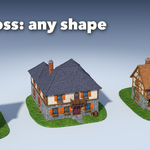
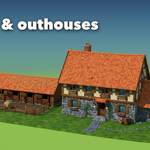
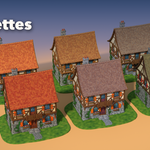
- With the house selected, choose its condition, palette, size, walls and roof; open the sub-panels for the tower, windows, chimney, rooms and colors.
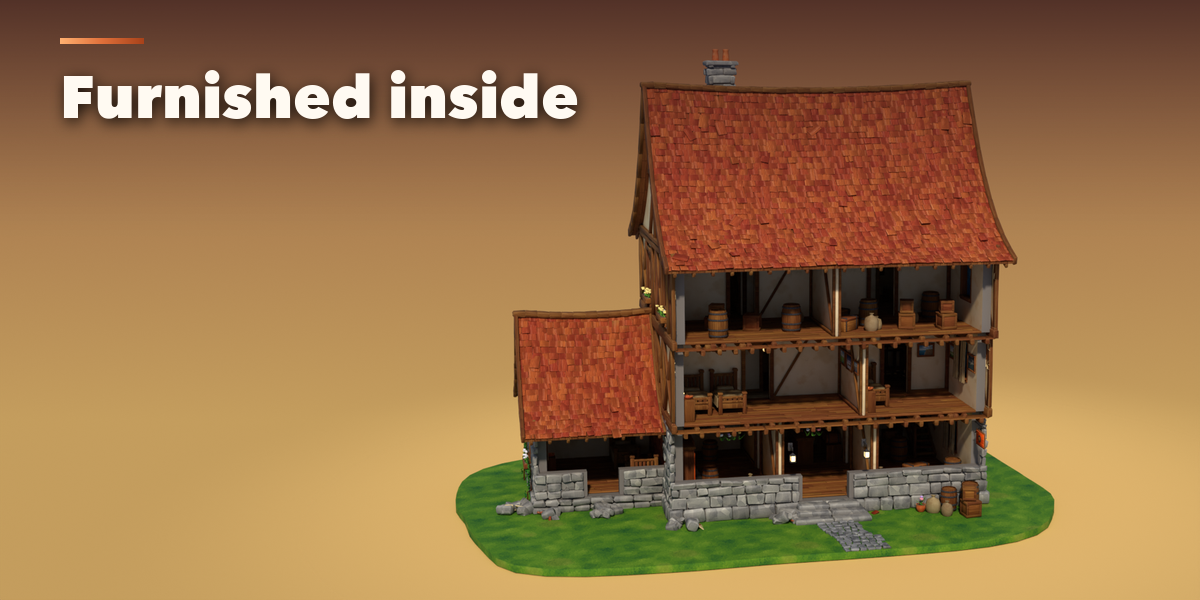
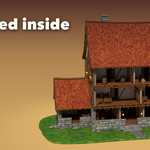
- Under Inside, switch to Open Front or Dollhouse to look into the rooms.
- Click Export for Game Engine, pick Unity, Unreal, Godot or glTF and save.
Game engines
Tiling Textures keeps text-sharp textures and puts the painted shading in vertex colors: glTF engines use it automatically; in Unreal multiply the Vertex Color node into Base Color. Baked Atlas bakes the full look into one texture and one material for any engine.
Have questions about this product?
Login to message
| Blender Extension Compatible | Yes |
| Published | 2 days ago |
| Blender Version | 4.2 - 5.2 |
| Extension Type | Add-on |
| Render Engine Used | Cycles, Eevee |
| License | GPL |

Discover more products like this
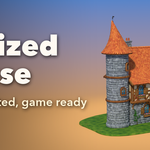
Interior low poly building hand painted cottage game ready Generator medieval fantasy stylized procedural House