Hilight Terrain - Hexascape
 Hilight 3D


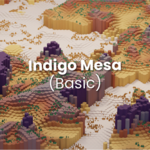
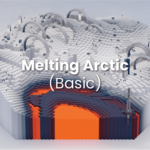
The setup of Hexaspace is simple and easy.
Opening the Project:
- Download the Hexascape file.
- Open the file in Blender 4.5+
- Done.
Using the nodes:
- The blender file you obtain will have the terrain setup. There are three points you need to pay attention to. The terrain object, the terrain list, and the terrain control.
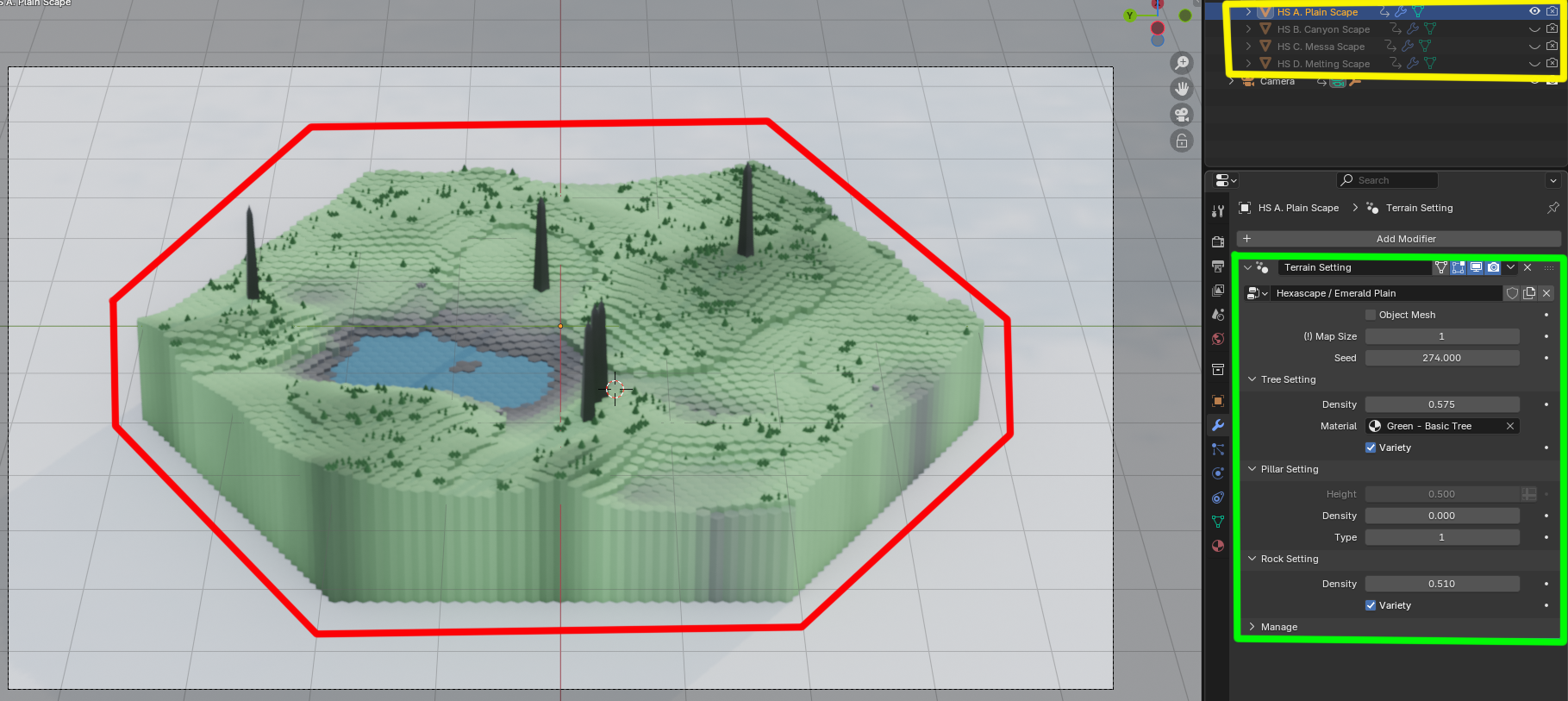
- You can choose which terrain you want to use by hiding/unhiding the terrain object, changing the terrain node, or applying a new object with the terrain node.
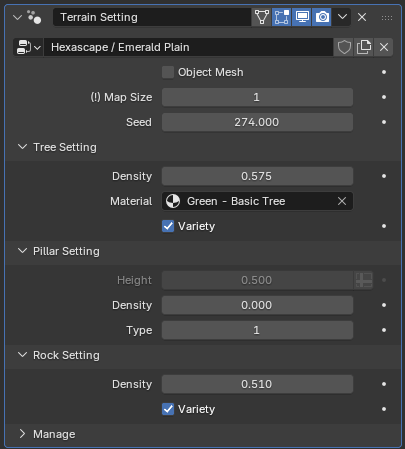
- The terrain control has a few controls that you can change.
 -
-
- Map Size controls how big the terrain is up to level 5. Be careful, because this cost-performance is for low-end users.
- Seed allows you to change the terrain shape. This number correlates with the W value for the texture used in generating the terrain and props.
- Object Setting lets you control specific settings such as its density, material, type, scale, height, and others. - Enjoy!
If you have a question or suggestion, join our Discord and voice them freely!
$17
Have questions about this product?
Login to message
| Dev Fund Contributor | |
| Published | 12 months ago |
| Blender Version | 4.5 - 5.2 |
| Render Engine Used | Cycles, Eevee |
| License | Royalty Free |
Discover more products like this
3D terrain generator eevee cycle Blender Geometry Node stylized 3d Low Poly free