HitForge — Melee Hitboxes From Your Attack Animations for Unity: Active Frames, Weapon and Fist Capsules, Hurtboxes, a Sweep That Does Not Miss
 Skava
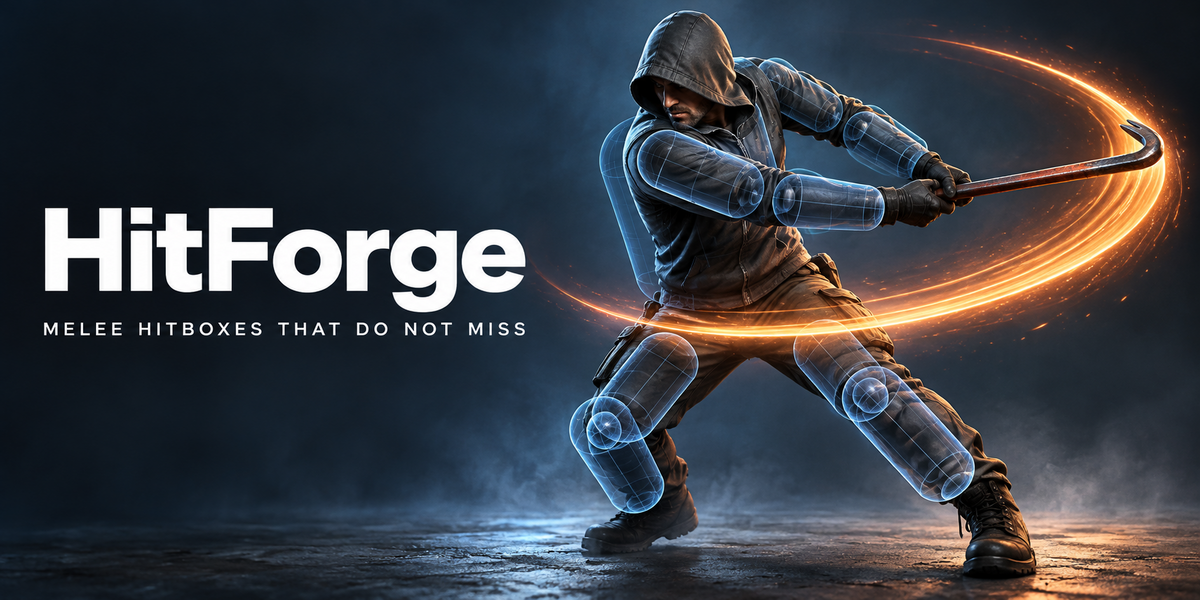
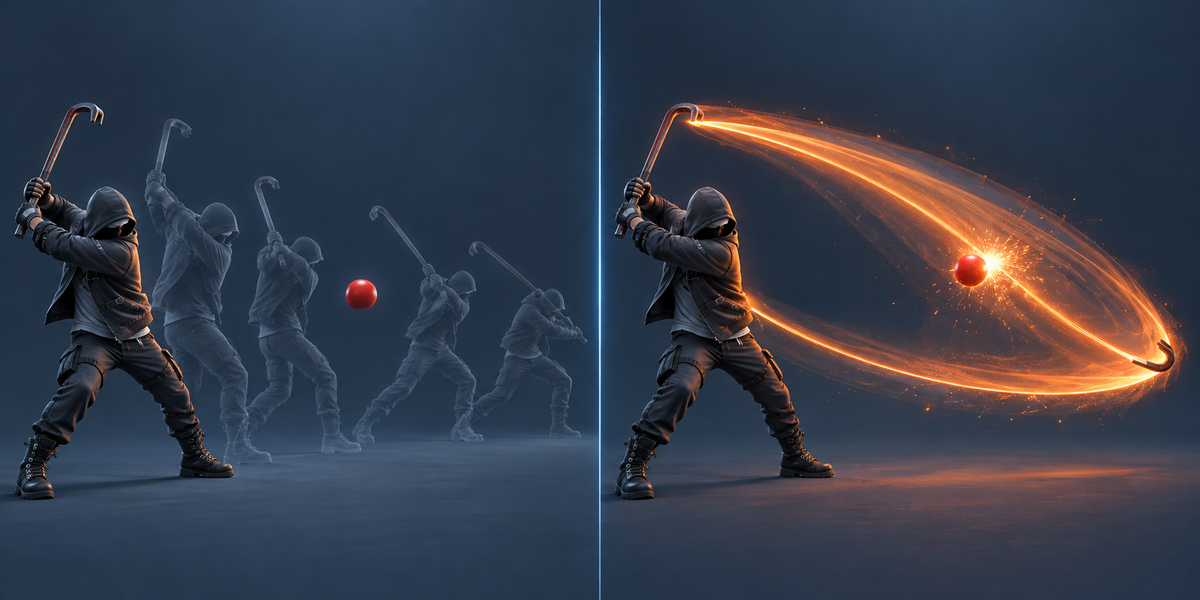
Why does a trigger collider on a weapon miss?
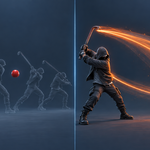
Unity checks a trigger where the weapon is on each frame. A blow at 10–20 m/s moves 30–65 cm between two frames at 30 fps, so anything thinner than that can sit between two frames untouched. On our test attacks a trigger missed up to 62% of what the blow passed through at 30 fps; HitForge missed 0.75%.
How are the active frames found? Can I set them myself?
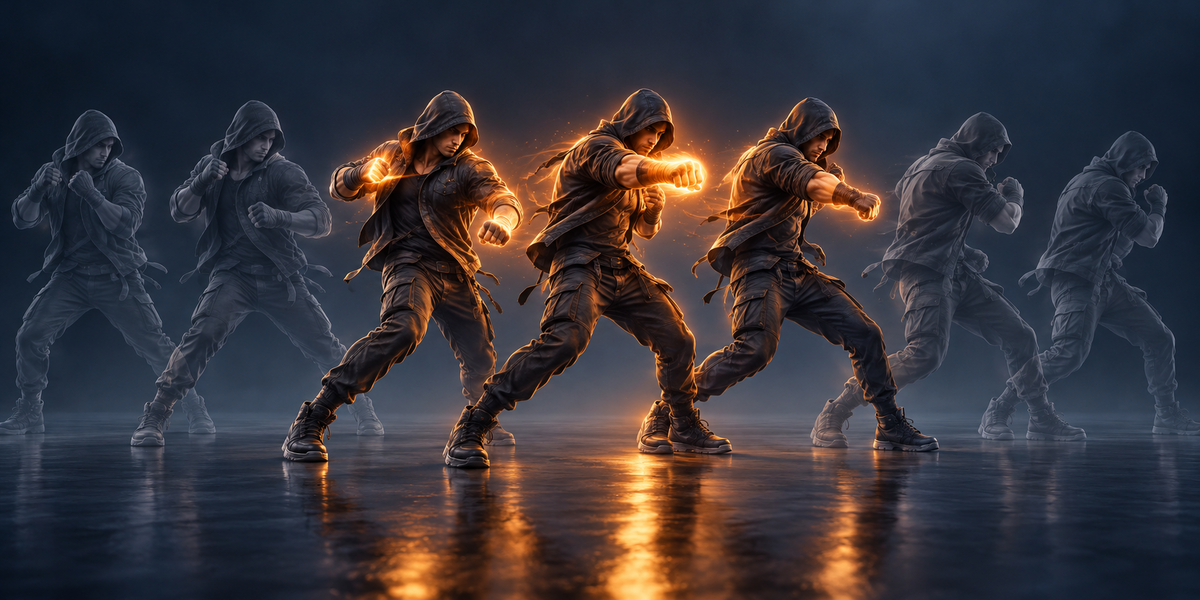
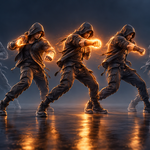
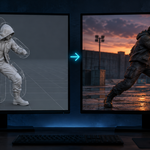
From the speed of the weapon or fist in each action: the run around the fastest moment, not the wind-up, not a jump of the pose. Press Write Markers and move hit_on / hit_off in the Action Editor; markers win over the speed rule.
Does it work with a fist or a kick, without a weapon?
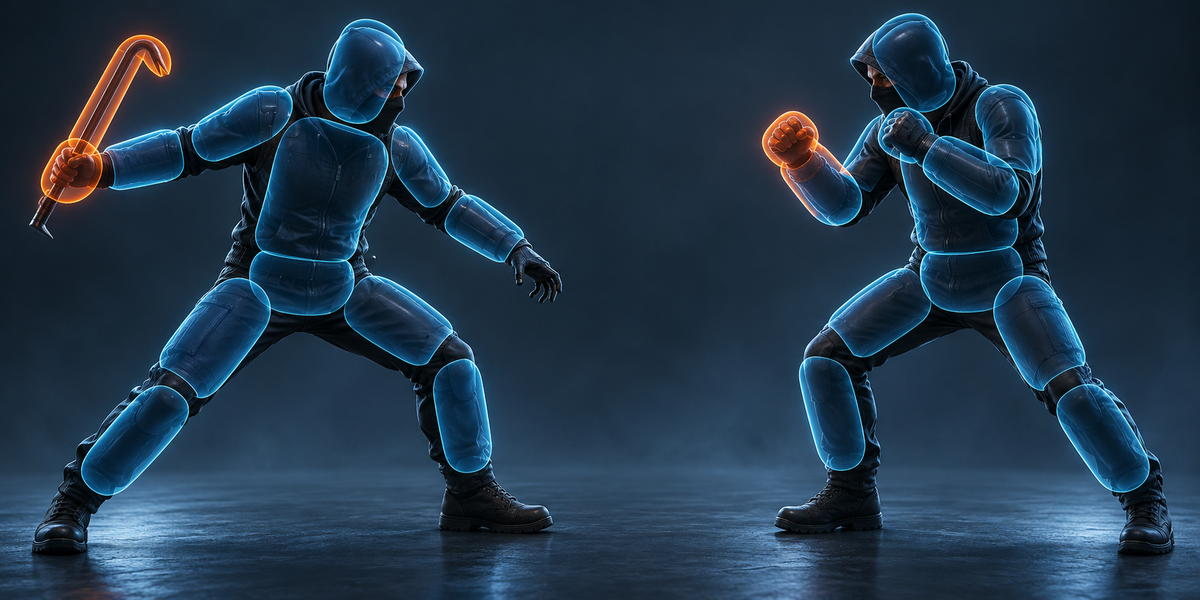
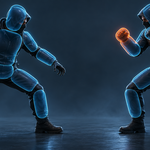
Yes. A body part striker is fitted to the skin of the hand or foot as it is posed during the blows (a clenched fist, not the open hand of the rest pose).
Which Unity versions and render pipelines?
Tested in Unity 6. The scripts use only the physics queries and animation events, no render pipeline, so URP, HDRP and Built-in are the same.
Do my own animation events survive?
Yes. HitForge writes its events with its own tag and replaces only those; your events stay.
Does it work with mocap or a rig without a mesh?
Yes, with a weapon striker: the rig is fitted on a frame of its own clip. Fist and foot strikers and hurtboxes need a skinned mesh.
Does it change my character?
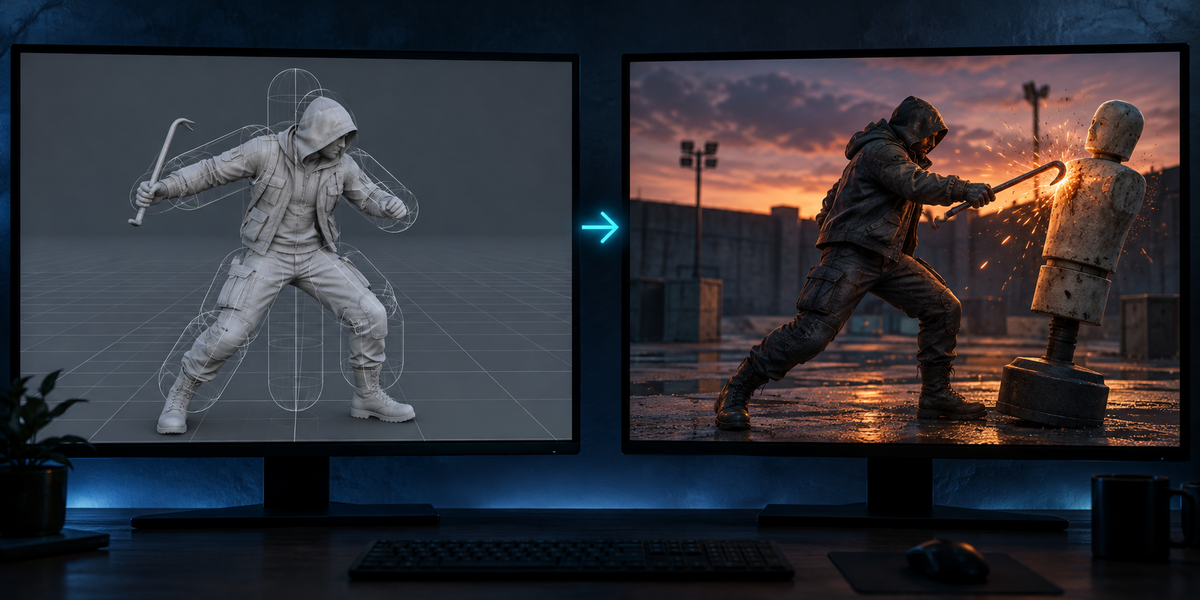
No. It reads the animations and writes a file, scripts and, if you ask, an FBX. The shapes in the viewport are separate objects you can hide.
Does it need AI, a cloud or an account?
No. Everything runs locally, in Blender and in Unity.
Have questions about this product?
Login to message
| Published | 8 days ago |
| Blender Version | 4.2 - 5.2 |
| Extension Type | N/A |
| License | GPL |