Holes on Mesh
 Fazoway


How to install?
This is not an add-on, but a modifier setup and all its nodes must be imported using Asset browser.
Add asset folder to your asset library path. If you can't see the Fazoway menu in the Asset Browser, reopen blender, then you should see it in. Then to see the node group when you add it to the modifier (Add modifier), add the nodes as shown in the video.
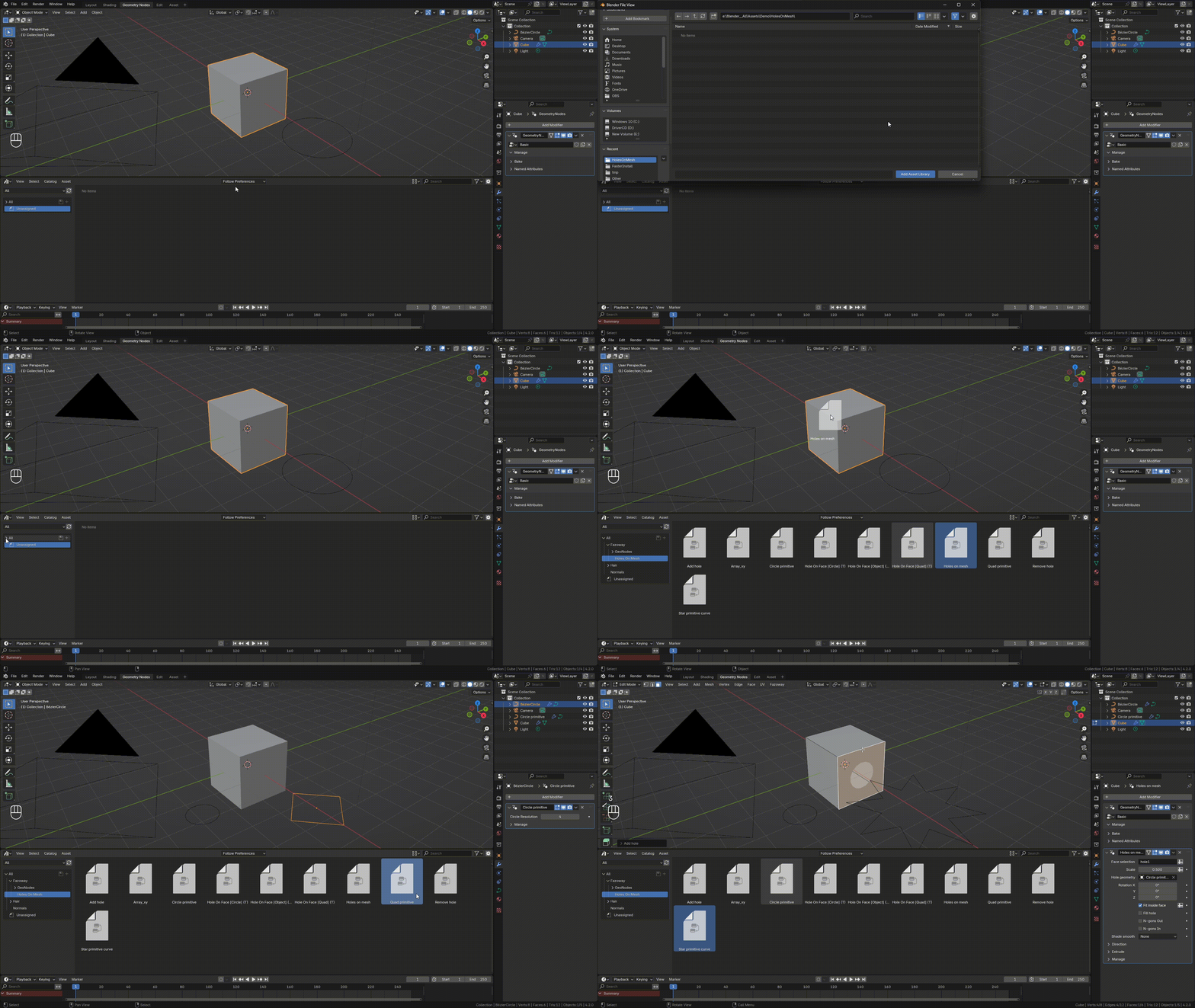
How does it work?
Curve Holes
Nodetools

Modifier

Control over the hole profile:
-selection (on modifier and for node tool object)
-rotation, scale
-topology (currently there is only ngon, or triangle)
-transform hole geometry in edit mode

You can create objects at the points of the holes (which do not affect this hole). To do this, in the Instance panel, choose this object.
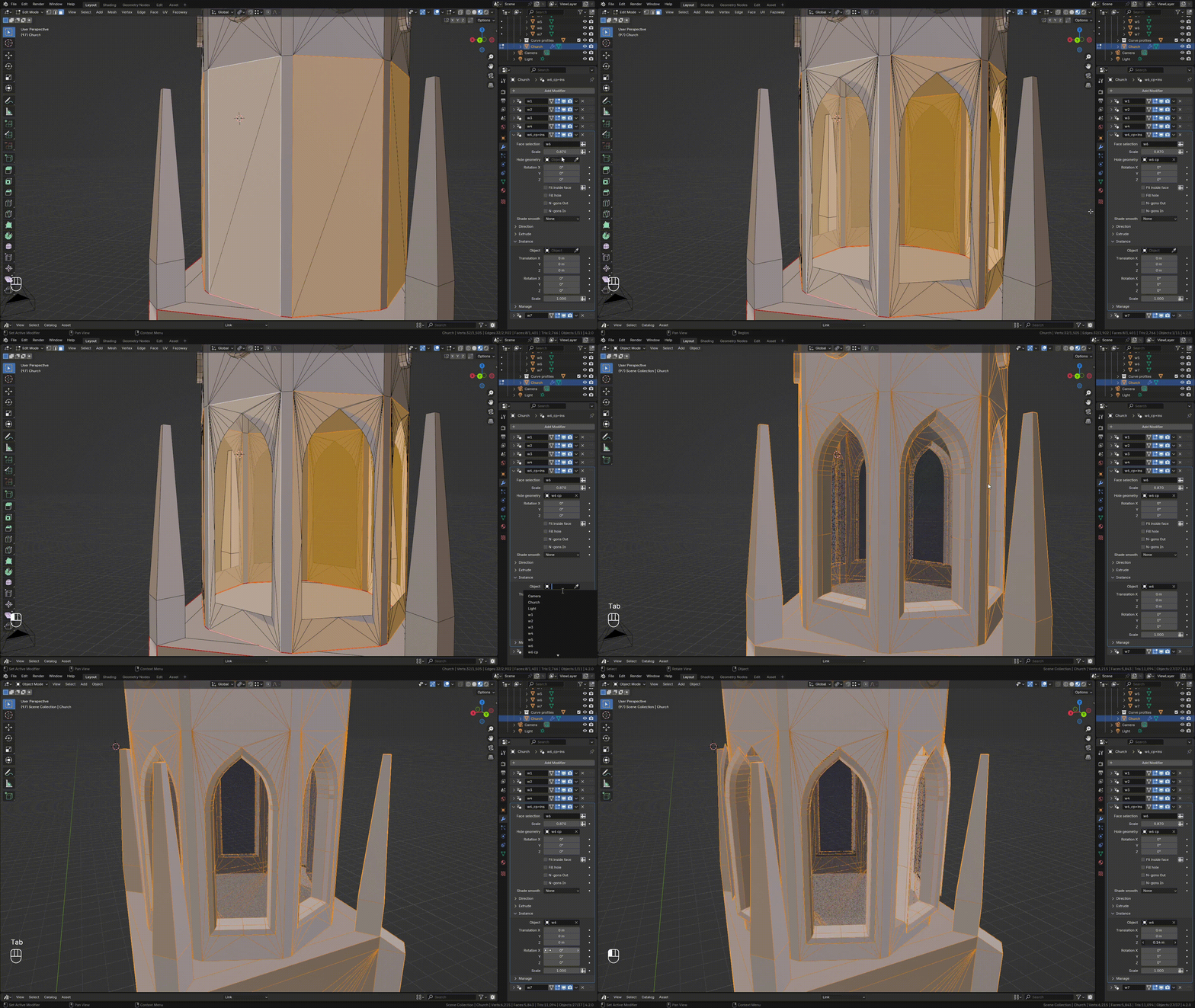
Instance Holes
To create holes using objects, you need to use the InstanceHolesOnMesh node. As shown above, you need to add face under the correct selection tag, and specify it as the first parameter "Face selection". This node works similarly to our main modifier, which works via curve, with the difference that it creates this curve profile from the shape of the object.Works better with convex shaped objects.The object creation position is the center of the face.
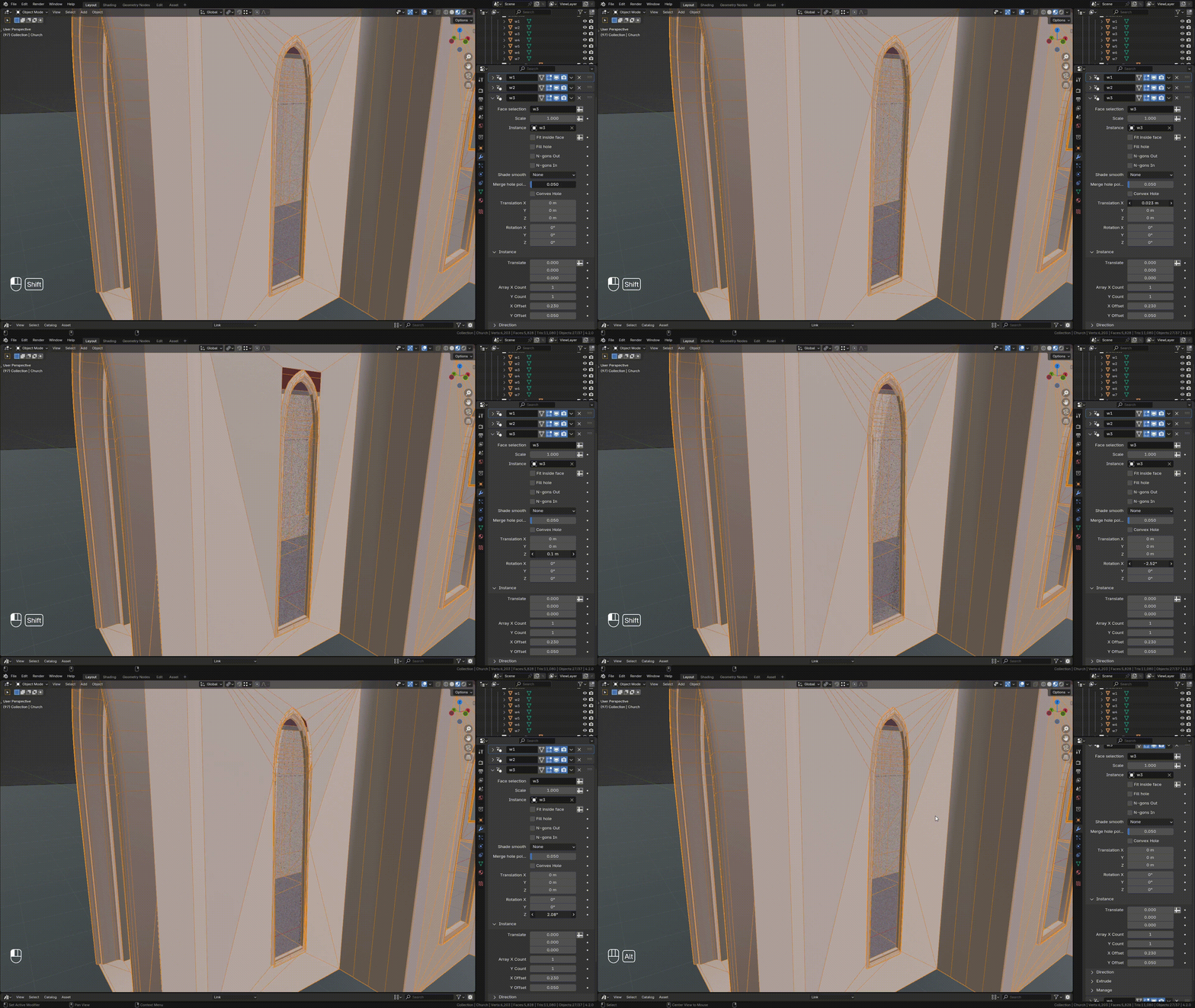
Merge hole points - to optimize and reduce the points of the hole profile.
The first Translate and Rotate is used to change the profile itself, and the second Translate to move the object itself and not the profile.
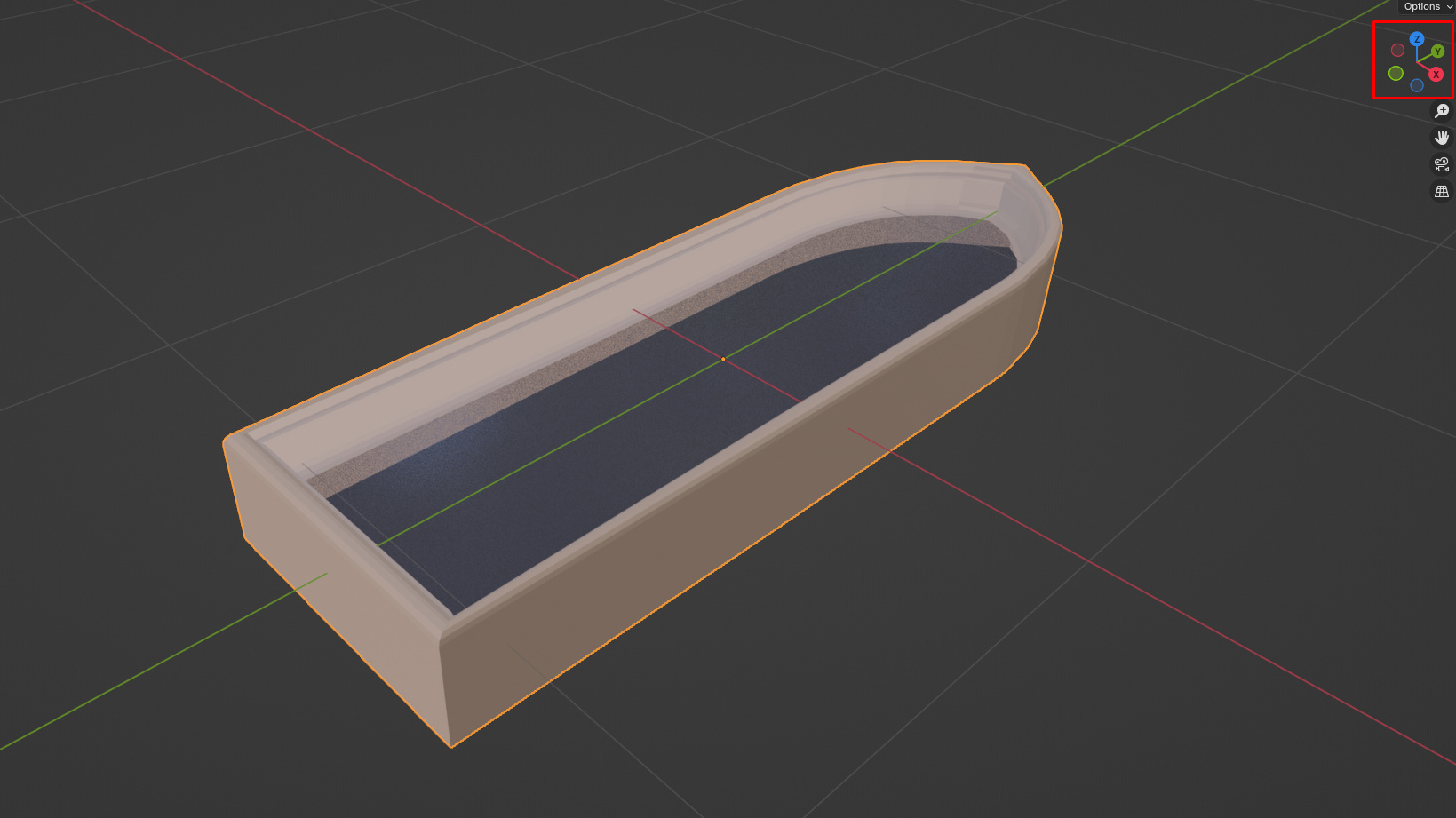
Prepare instance object
All objects that are added as instance must be under a certain position. Its origin is in the center, through this origin around the object the profile of the hole is adjusted. The top is aligned on +y:
Have questions about this product?
Login to message
| Sales | 30+ |
| Rating | 1 ratings |
| Dev Fund Contributor | |
| Published | over 2 years ago |
| Blender Version | 4.4, 4.3, 4.2 |
| License | Royalty Free |

Discover more products like this
hole curve boolean boolean geo node hole curve holes hole on face hole creator mesh holes hole mesh circle hole object holes instance holes face hole