 Mars0hod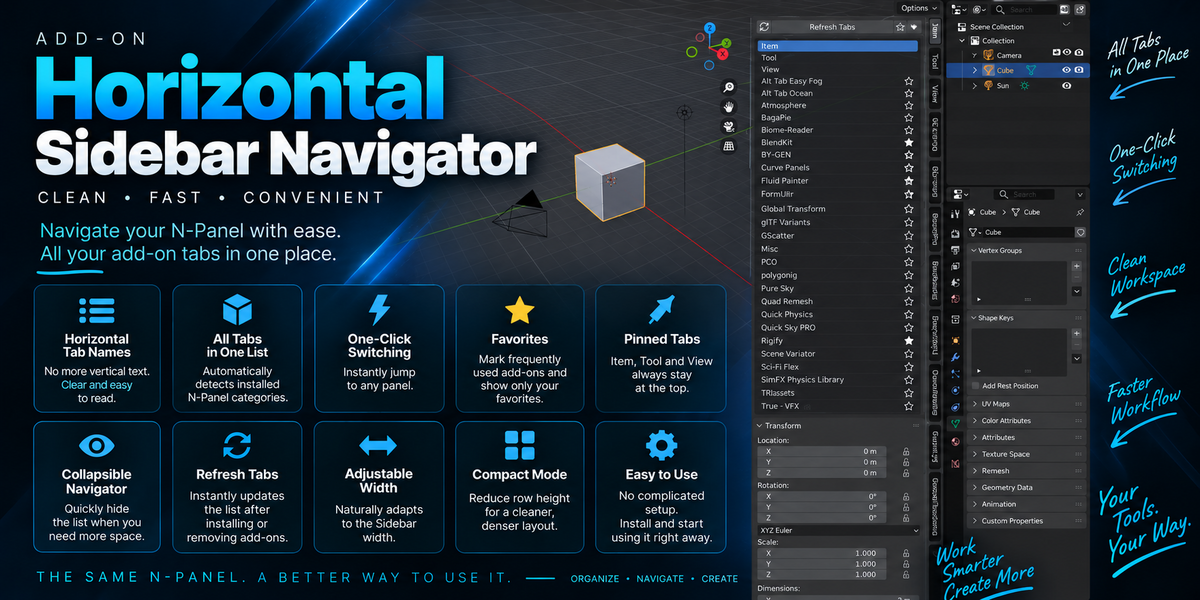
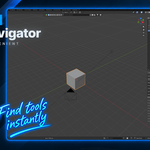
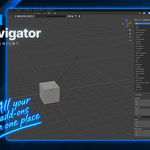
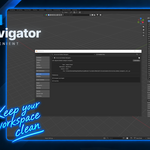
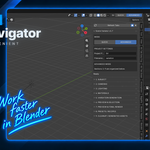
Horizontal Sidebar Navigator
A cleaner, faster way to navigate Blender’s N-Panel.
If you use many Blender add-ons, the N-Panel can quickly become crowded with vertical tabs that are difficult to read and slow to navigate.
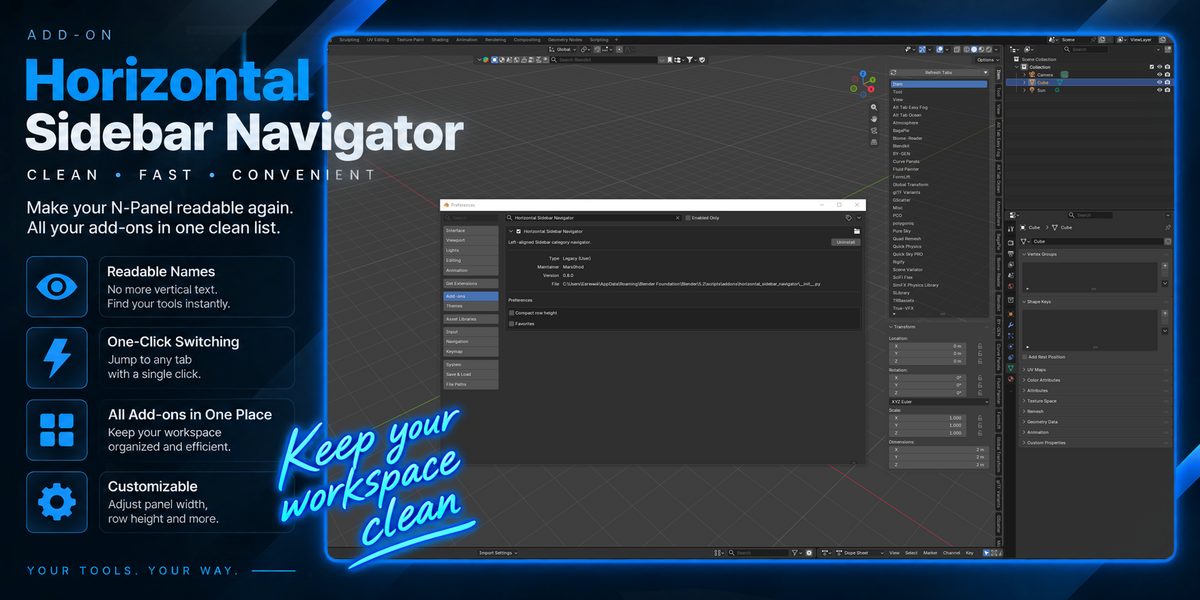
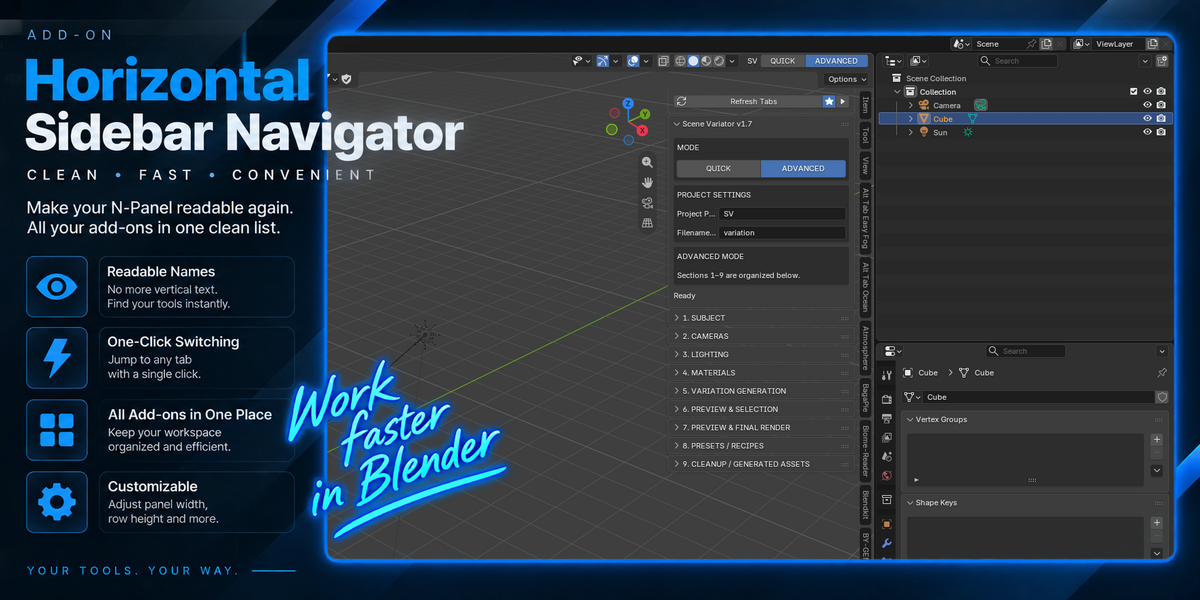
Horizontal Sidebar Navigator solves this problem by displaying your N-Panel categories as a clean list of readable horizontal names directly inside the Sidebar.
No complicated workspace replacement. No new navigation system to learn. The same Blender N-Panel — simply easier to use.
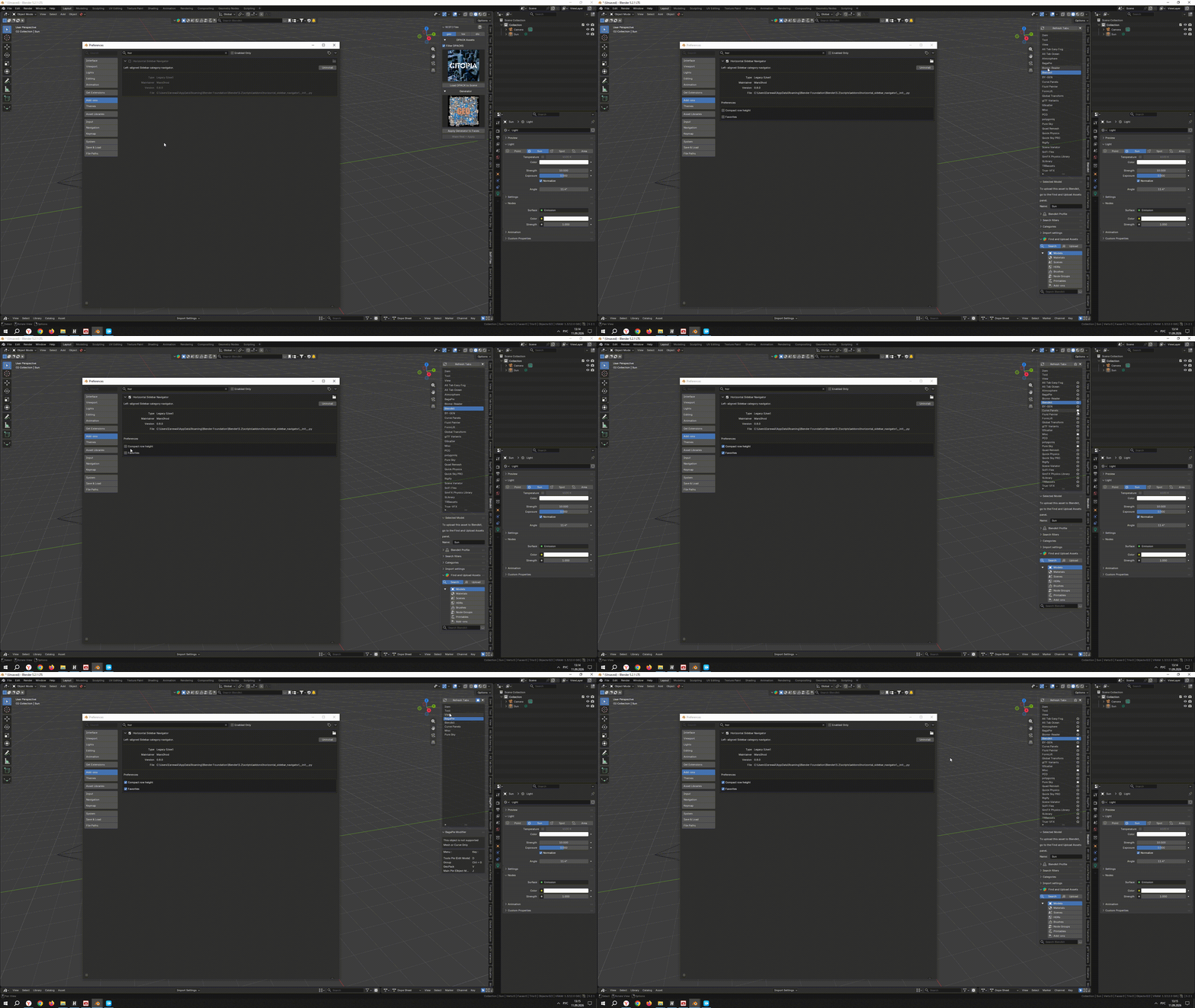
See It in Action
Navigate your N-Panel faster and keep all your add-ons within easy reach.
Key Features
Horizontal Tab Names
Read your N-Panel categories normally instead of searching through vertical text.
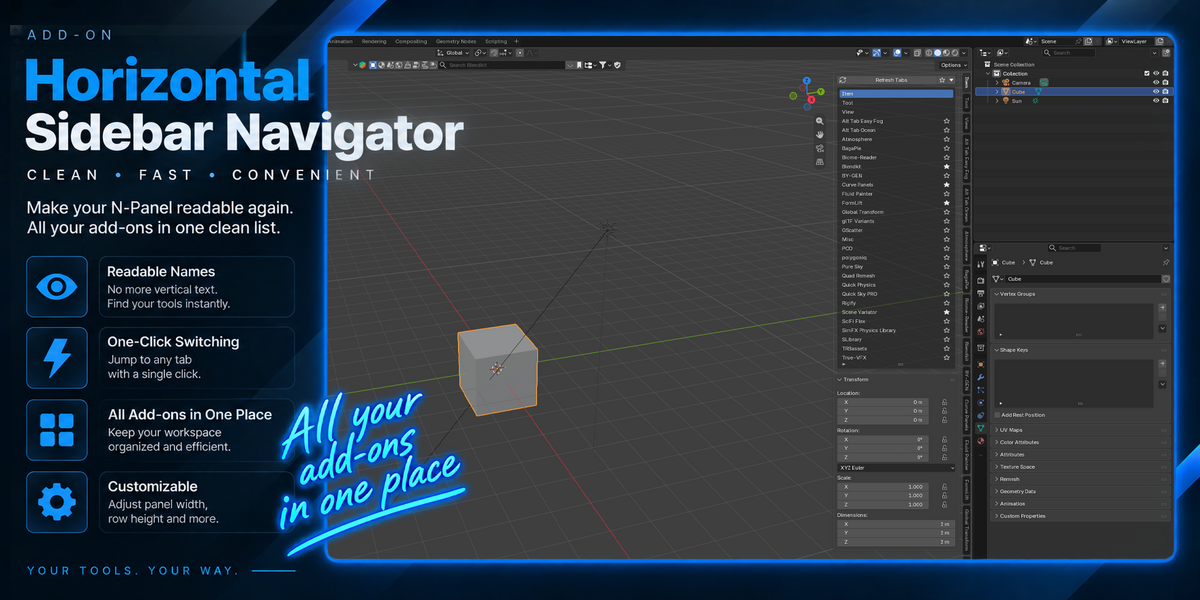
Automatic Tab Detection
The navigator automatically detects installed 3D View N-Panel categories and builds the list for you.
One-Click Switching
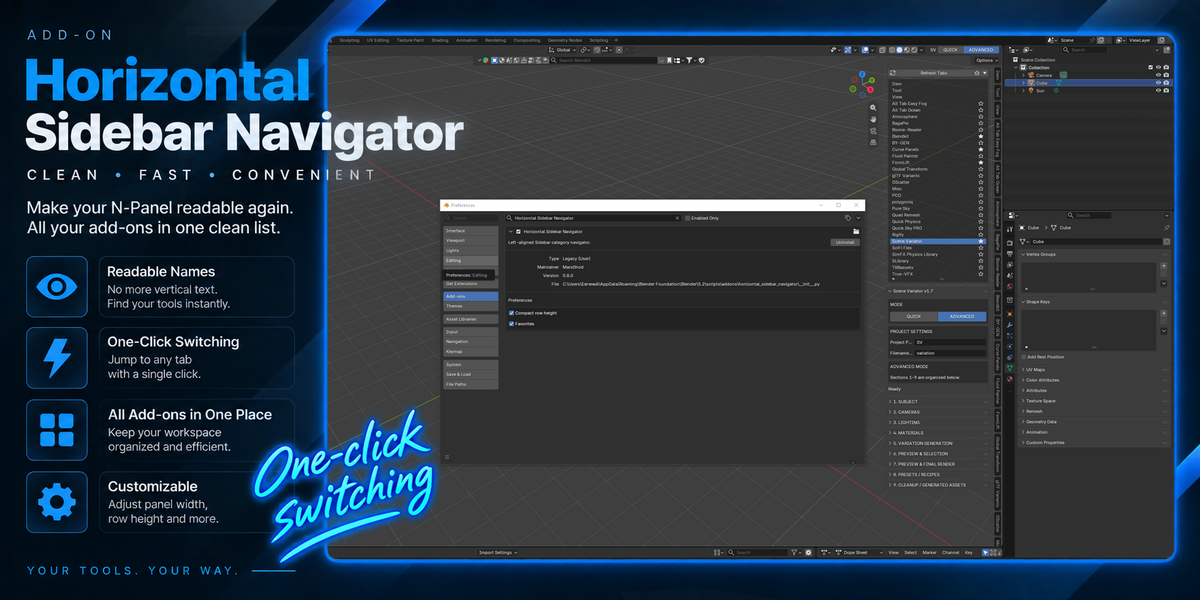
Click any category name to instantly switch to that N-Panel tab.
Favorites
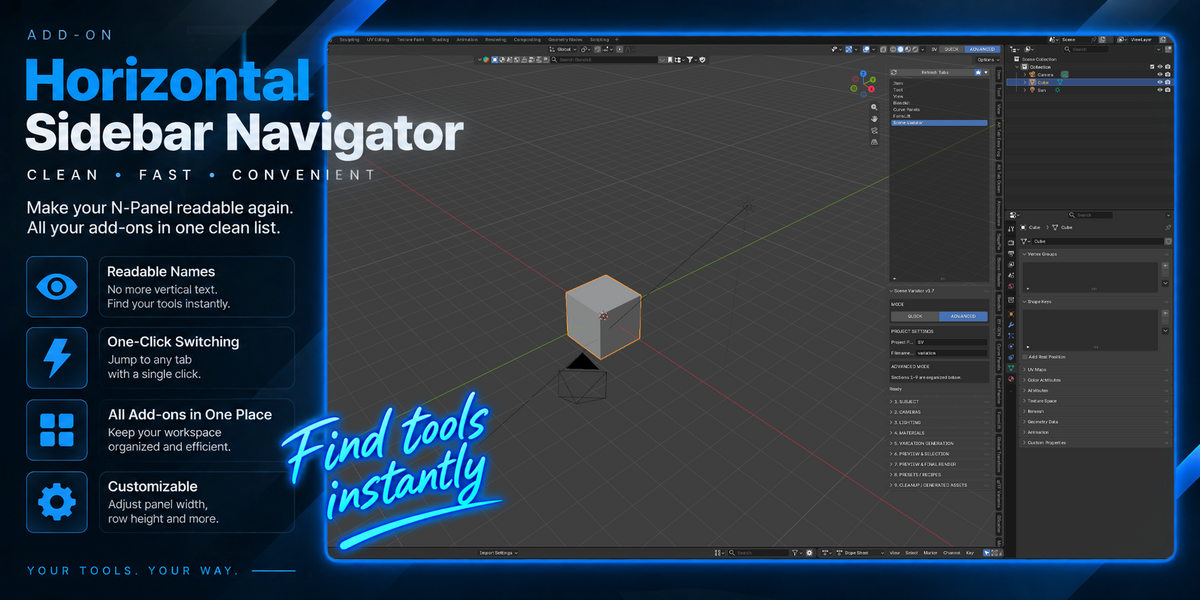
Mark frequently used add-ons as favorites for faster access.
Favorites-Only Mode
One click hides everything except your favorite add-ons, giving you a clean workspace focused on the tools you actually use.
Pinned Blender Tabs
Item, Tool and View always remain conveniently pinned at the top.
Collapsible Navigator
Collapse the entire navigation list whenever you need more Sidebar space.
Refresh Tabs
Installed or removed an add-on? Refresh the list instantly without rebuilding your setup.
Adjustable Width
The navigator naturally follows Blender's standard Sidebar width. Make it narrow or wide depending on your workspace.
Compact Mode
Reduce row height when you want to fit even more categories on screen.
Simple by Design
Horizontal Sidebar Navigator does not try to replace Blender's interface or turn the N-Panel into a complicated management system.
Install it, enable it, and start working.
Your existing add-ons remain where they are — Horizontal Sidebar Navigator simply makes them much easier to find and access.
Clean. Fast. Convenient.
All your N-Panel tabs in one place.
Your favorite tools one click away.
Less searching. More creating.
