 ZEG
ZEG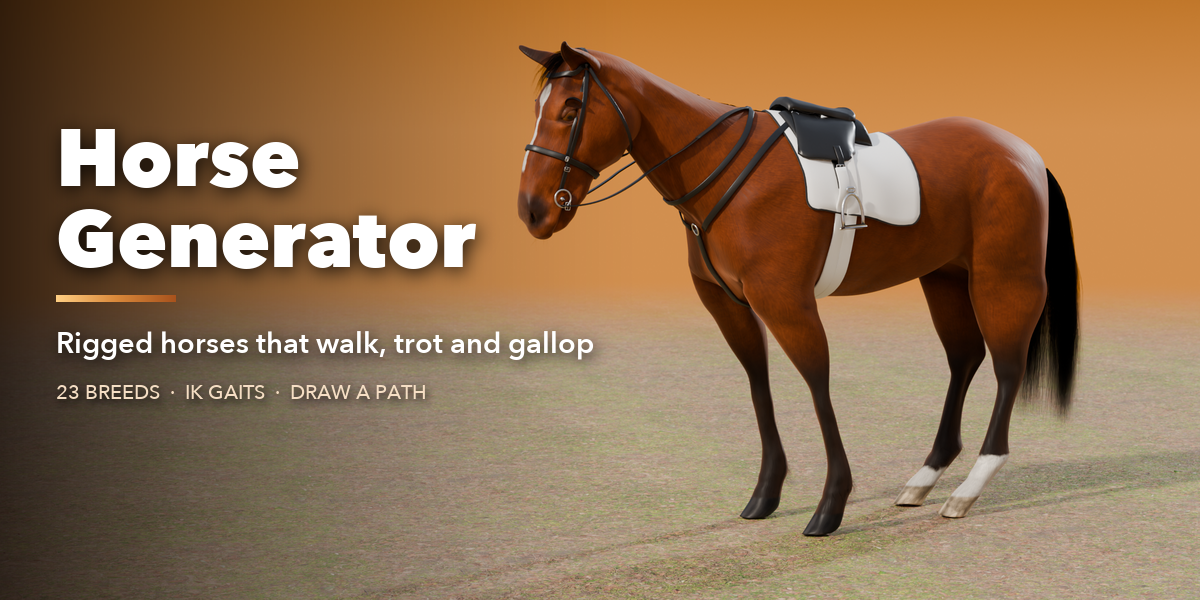
Installation
In Blender open Edit, Preferences, Get Extensions, then use Install from Disk and pick the horse_generator zip.
Usage
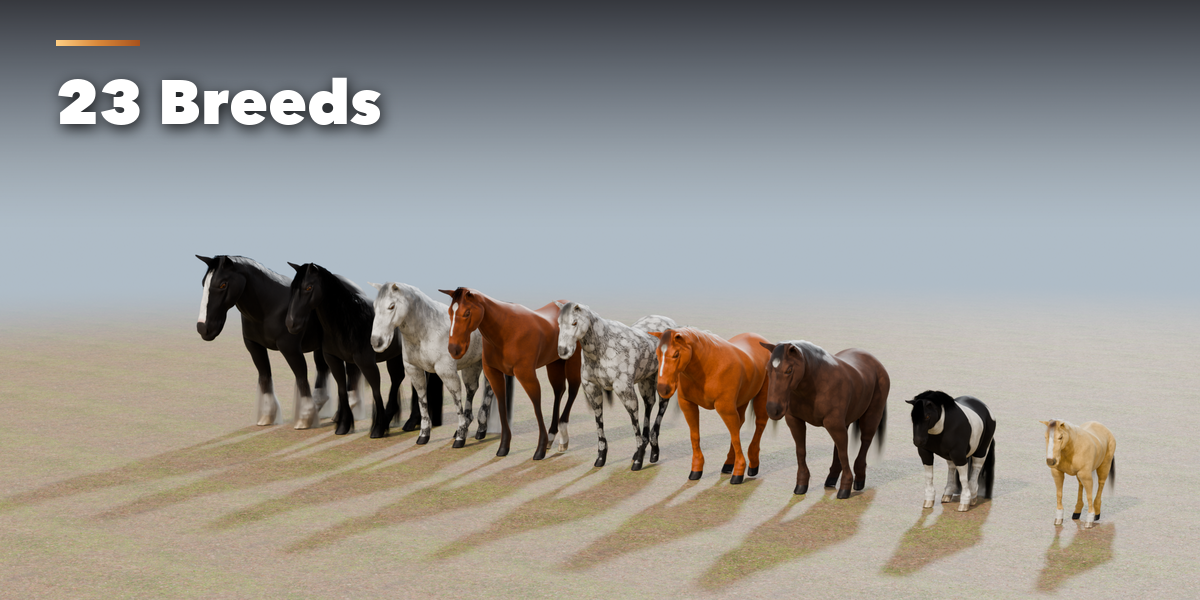
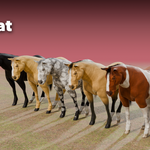
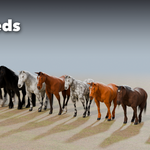
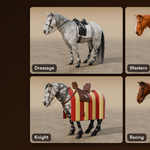
- Open the Horse tab in the 3D viewport sidebar (N). Click a breed picture to add a horse at the 3D cursor, or press Random Horse.
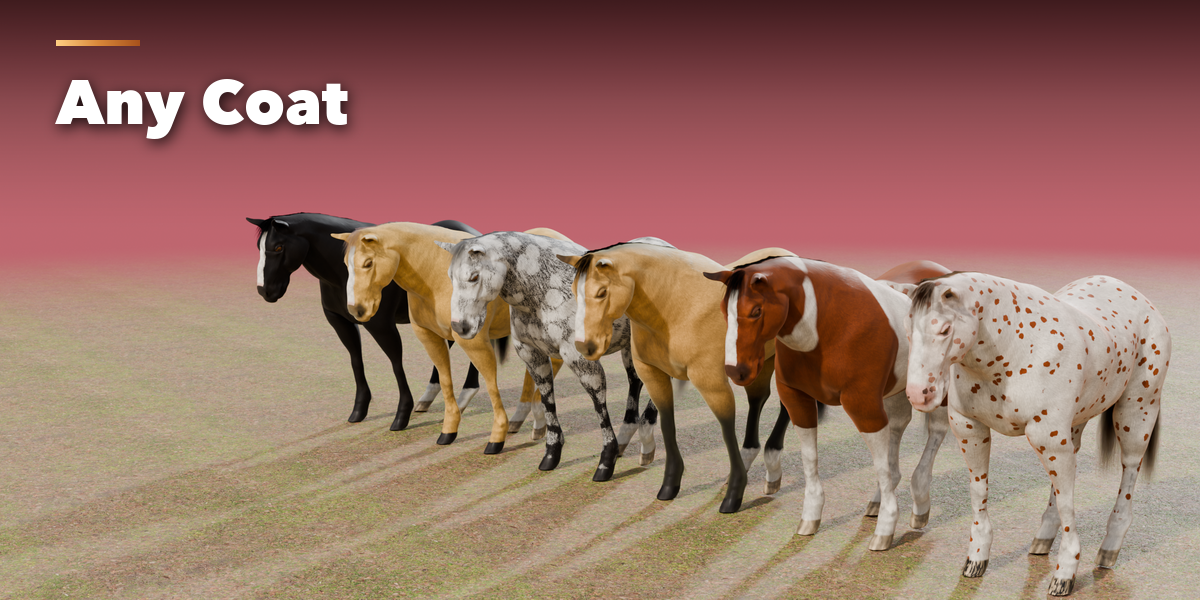
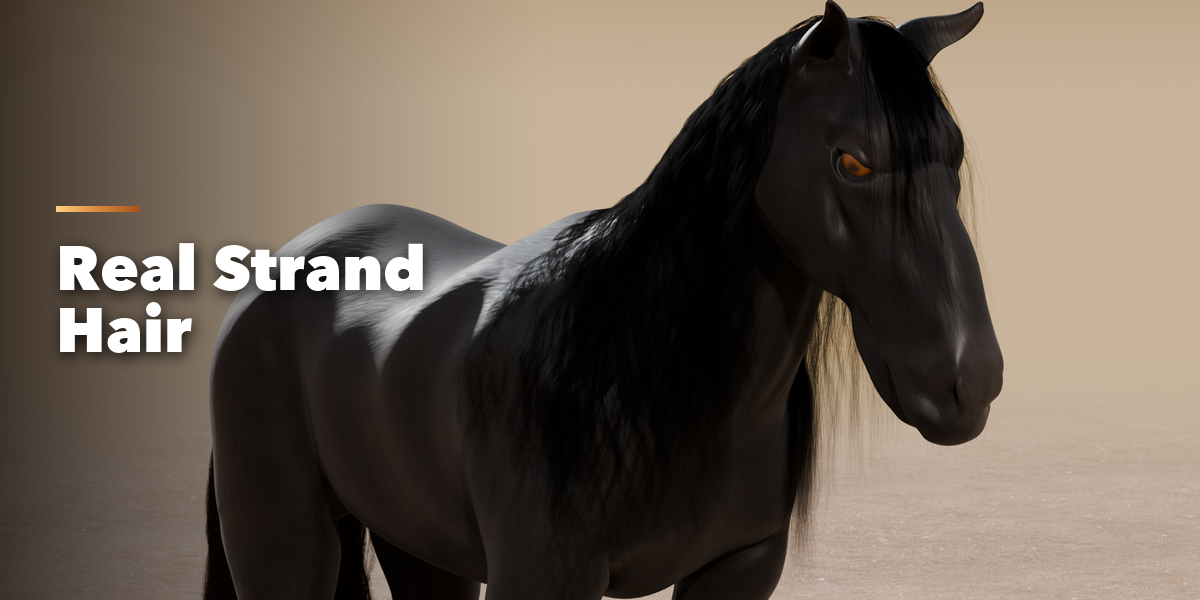
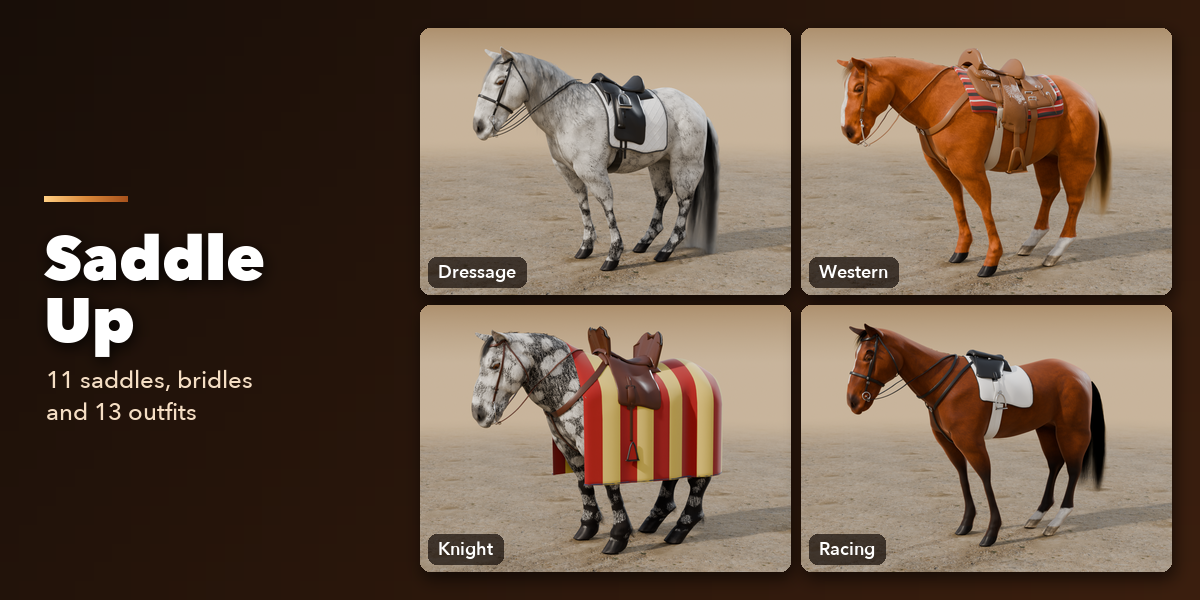
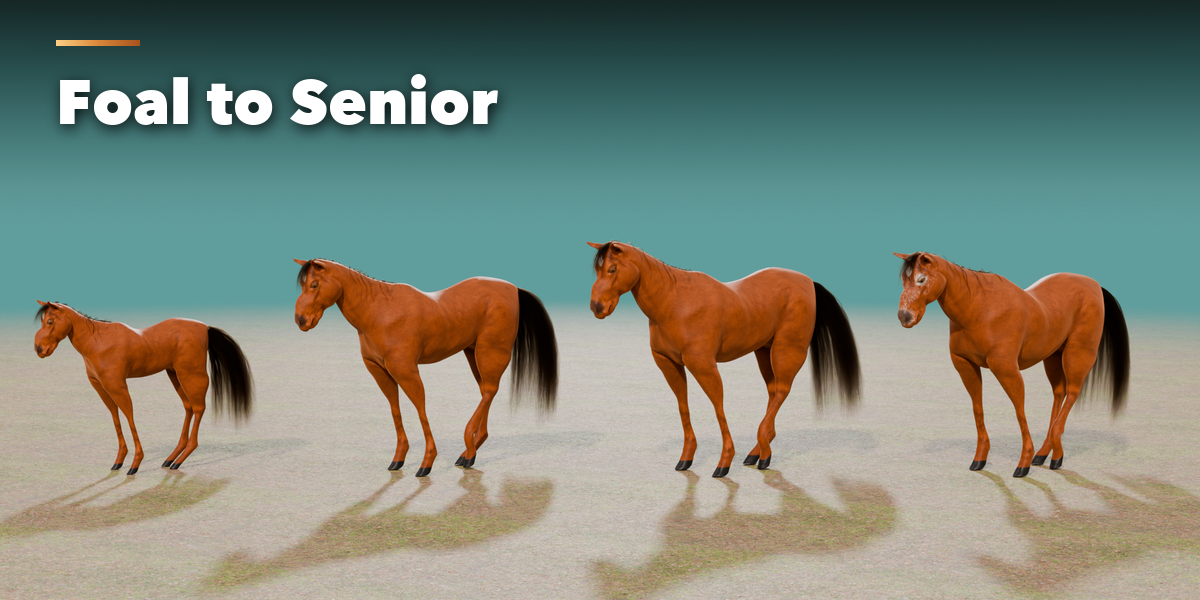
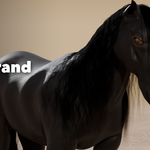
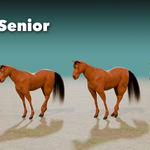
- With the horse selected, the panels hold every setting: Body (breed, age, height, build), Coat (color, pattern, markings, dapples, mud), Hair (mane, tail, forelock, feathering), Saddle & Tack (outfit, saddle, pad, bridle, leather and metal) and Motion. Apply Breed Look sets the coat, hair and tack typical for the breed.
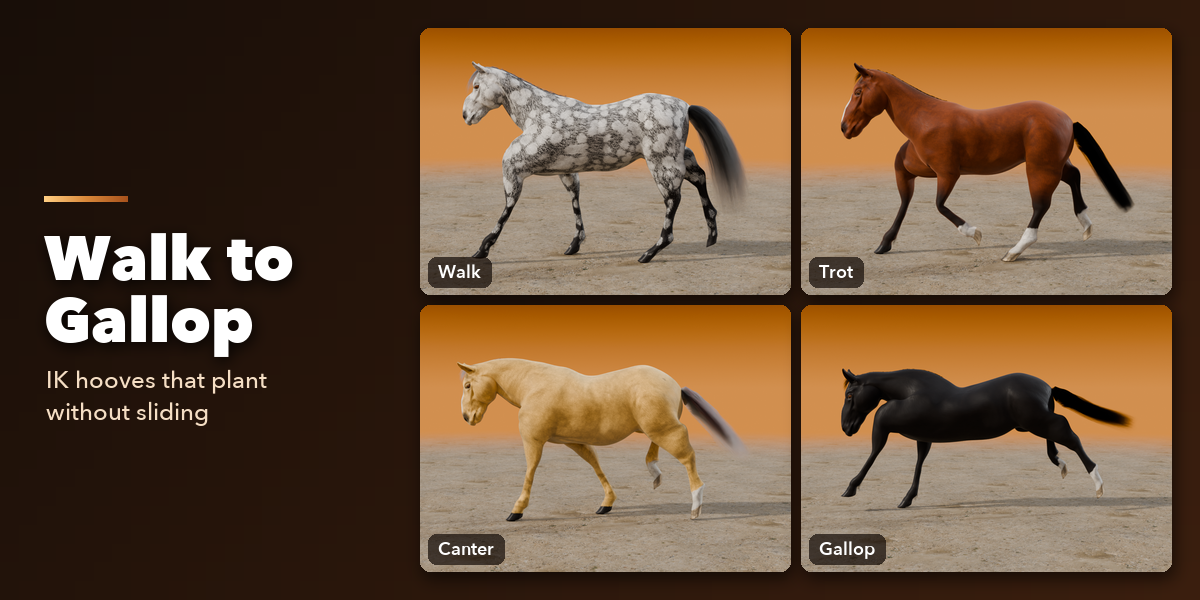
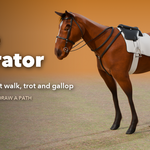
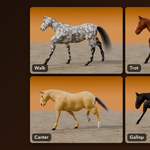
- In Motion pick a clip (idle, graze, walk, trot, canter, gallop, start, stop, turn) to animate the horse in place, or switch to Path.
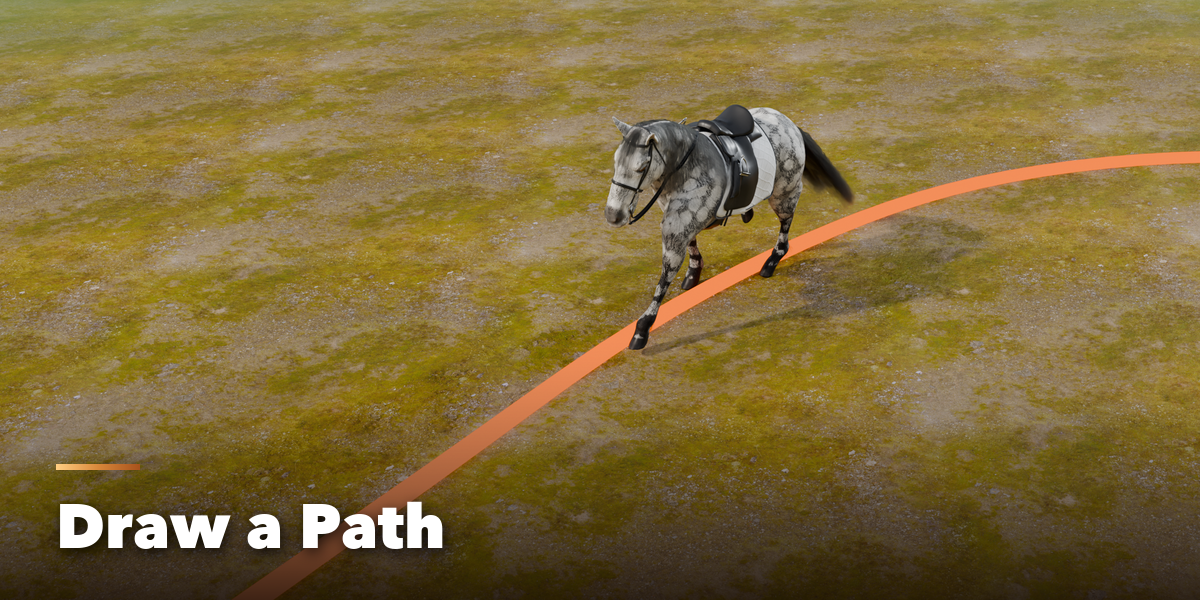
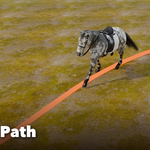
- For a path, press Draw Path and draw on the ground in the viewport, or use Add Preset Path for a ready loop. Choose the gait and pace; add markers to change the gait or stop along the way. The horse follows the path and the ground.
- The rig is a normal armature with IK foot targets and pole controls, so you can keyframe on top of the baked motion.
- For game engines use Bake Coat Textures and hair cards.
The animation is stored as a normal Action and plays in any render engine.
Have questions about this product?
Login to message
| Blender Extension Compatible | Yes |
| Published | about 8 hours ago |
| Blender Version | 4.2 - 5.2 |
| Extension Type | Add-on |
| Render Engine Used | Cycles, Eevee |
| License | GPL |
