 hodgson3d


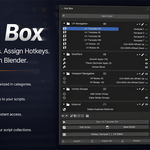
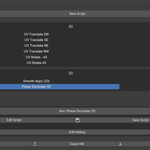
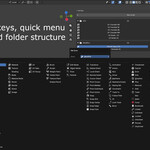
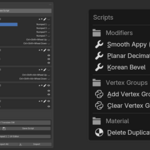
Please watch TUTORIAL HERE for complete breakdown on how to use Hot Box.
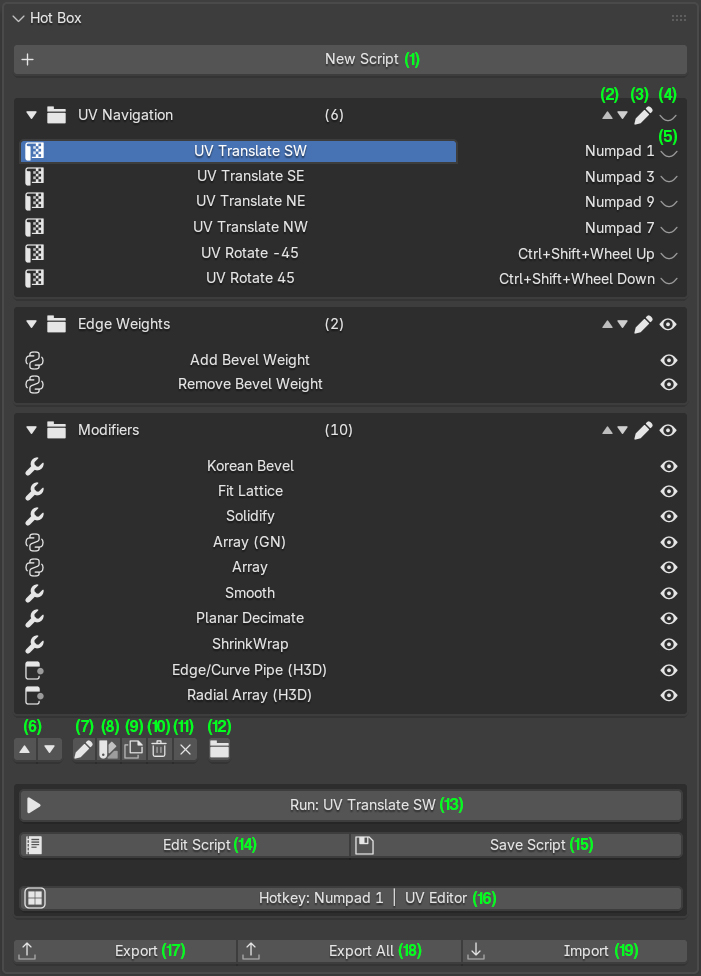
- Click this to create a new script and name it. After you will see a new entry in the menu below
- This button moves the folder up or down in the list (this is reflected in the quick access menu)
- Renames the folder
- Hides the entire folder from quick access menu
- Hides individual scripts from the quick access menu
- Moves scripts up and down within folder structure
- Renames scripts
- Add/Change icon
- Rename script
- Delete script
- Delete all scripts
- Set/Change folder for selected script
- Runs the selected script without needing to use a hotkey or quick access menu
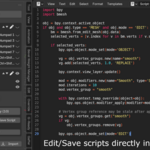
- When this button is clicked, it will import the selected scripts code into the script edit (click the dropdown menu in the script editor to access)
- After creating the script, click save script to save changes
- Set a hotkey and the editor the hotkey will be used in
- Export selected hotkey as a .json file. This .json file can be backed up / shared with other users
- Exports all your scripts including all settings such as icons and folder structure. When re importing you will get the exact same setup you are familiar with
- Use this to import scripts that have been saved out from steps 17/18.
If you dont know Python, create your own tools/scripts by using this prompt in any AI: (Please watch tutorial HERE for more details)
I'm using Hot Box (a Blender addon that runs Python scripts via exec). I want a script that [describe what it does] with a popup dialog / redo panel for the user to adjust [list parameters].
Requirements:
- Wrap the logic in a
bpy.types.Operatorclass withbl_options = {'REGISTER', 'UNDO'} - Expose the adjustable parameters as
bpy.props(FloatProperty, IntProperty, etc.) - Use
invoke()withcontext.window_manager.invoke_props_dialog(self)to show the popup before execution - Put the actual logic in
execute()usingself.to read the values - Register the class with an unregister/register guard so it works on repeat runs
- Call the operator via
bpy.app.timers.register()with atemp_override(window=...)to defer the invoke — this is required because Hot Box runs scripts inside its own operator, which blocks child invokes - Use a unique
bl_idnamein thehotbox.*namespace
After generating the code, just copy and paste the results after clicking 'edit script' and paste it into the script editor and save script.
Any questions please reach out to me directly.
$7.99
Have questions about this product?
Login to message
| Dev Fund Contributor | |
| Published | 5 months ago |
| Blender Version | 4.5 - 5.2 |
| Extension Type | N/A |
| License | GPL |
