HotkeyPilot
 Pilot Studio

Does HotkeyPilot change my .blend files?
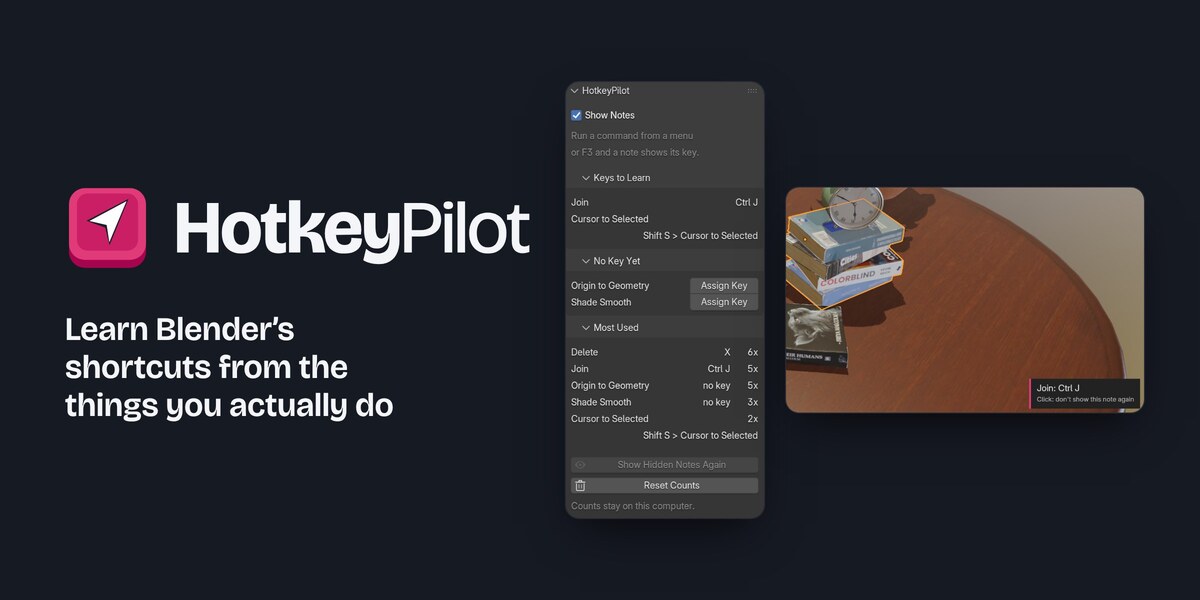
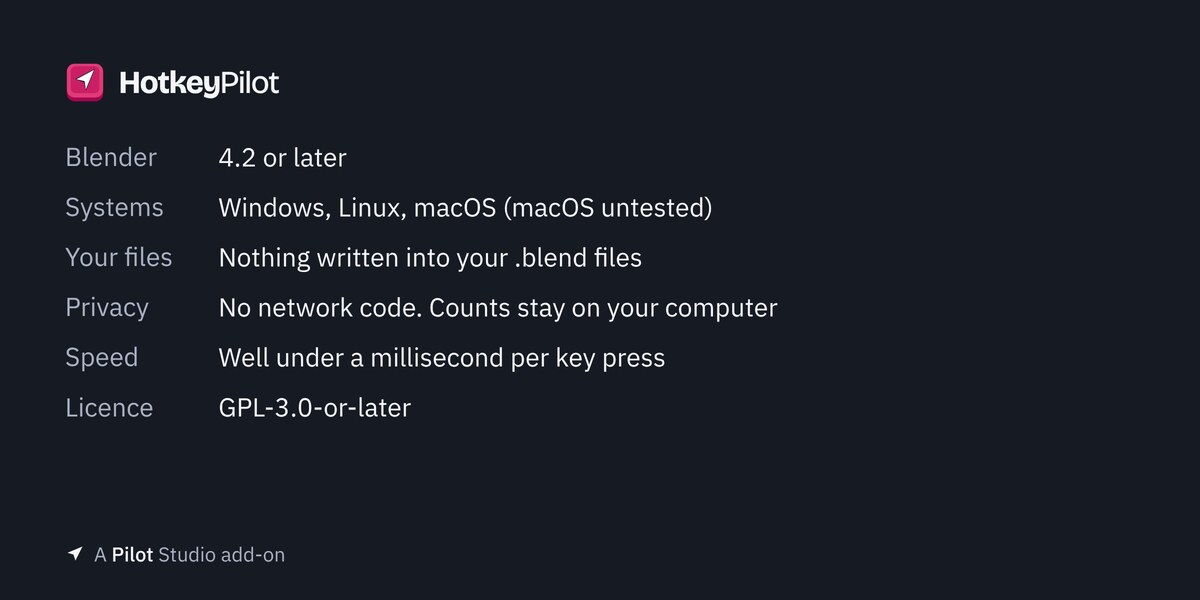
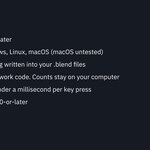
No. It writes nothing into your files and adds no undo steps. The counts are one small file in Blender's folder for extensions.
Does it slow Blender down?
No. It looks at each key press for well under a millisecond, and autosave keeps working while it runs.
Does it work in the node editors or the Outliner?
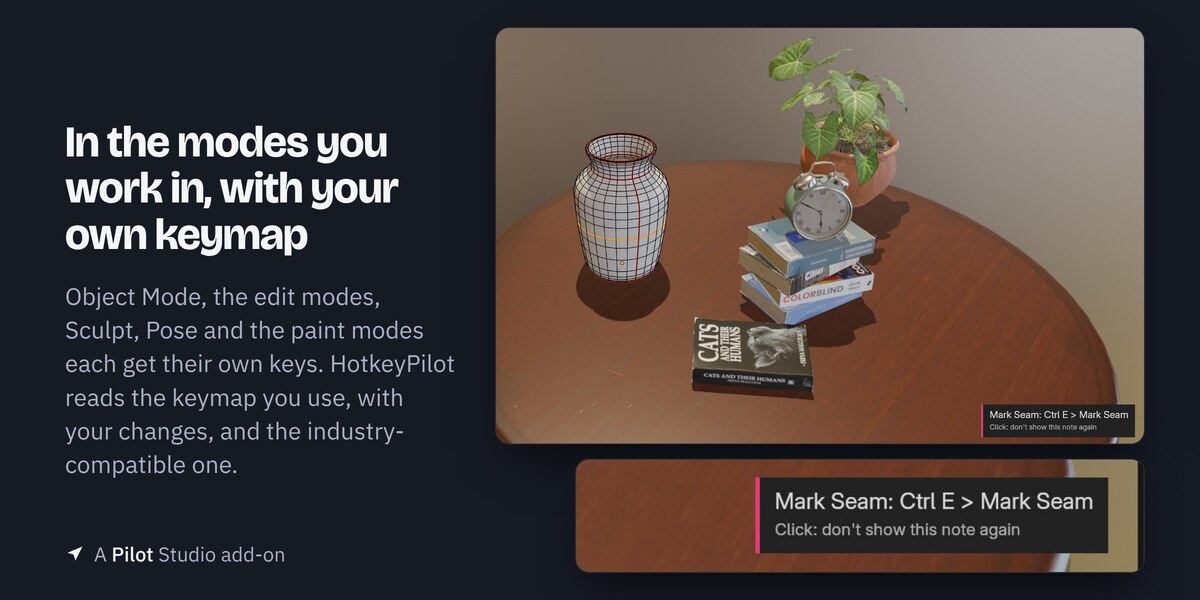
Not in 1.0. HotkeyPilot covers the 3D Viewport: Object Mode, the edit modes, Sculpt, Pose and the paint modes.
Does it work with my own keymap?
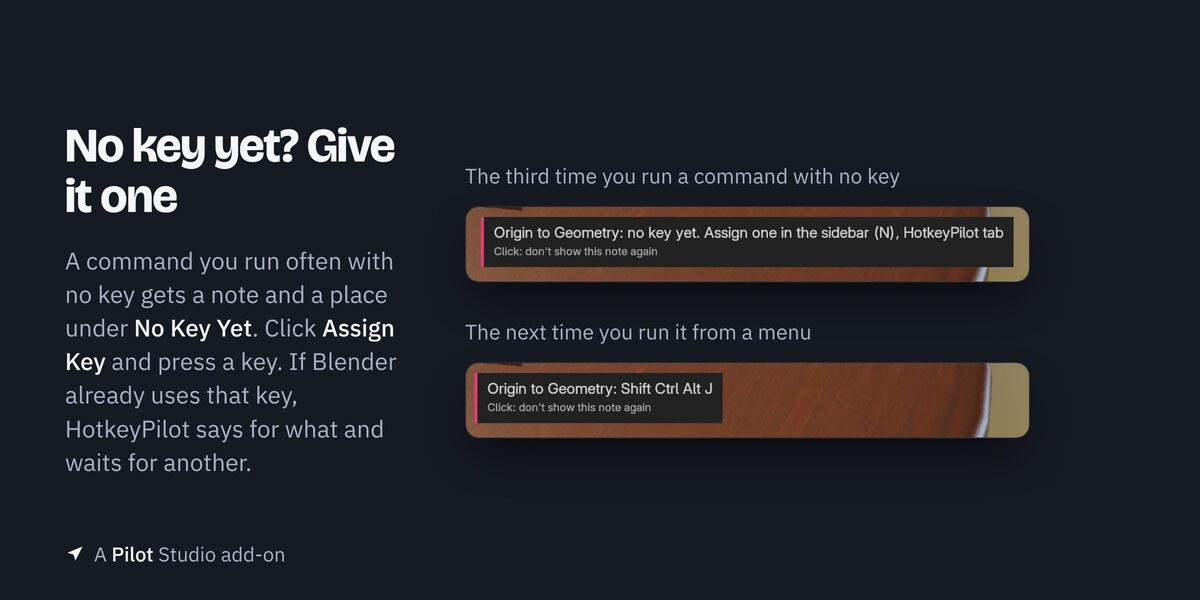
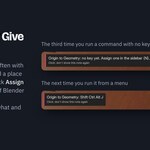
Yes, with your own changes and with the industry-compatible keymap. That keymap gives many commands, such as Join and Delete, no key, so more of them show under No Key Yet, where you can give them one.
Why did no note show?
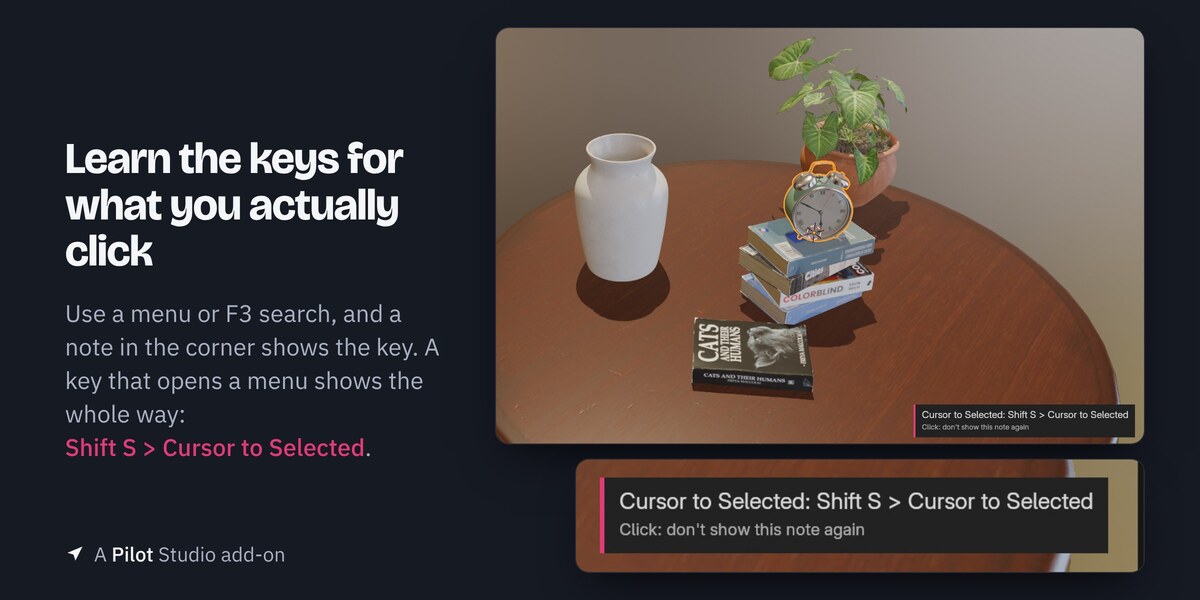
You used the key, or you hid that command's note with a click, or you have used its key three times already, or the command ran outside the 3D Viewport. A command with no key gets its note from the third run.
How do I clear what it has counted?
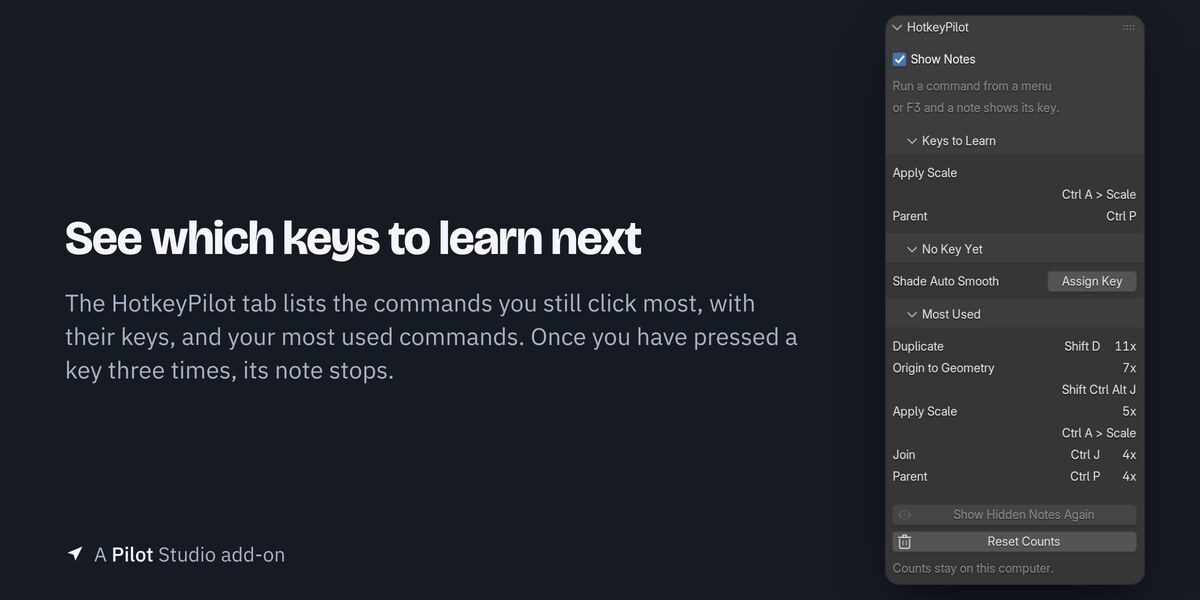
Click Reset Counts in the HotkeyPilot tab. It forgets every count and hidden note; keys you assigned stay.
How do I remove a key I added?
Open Edit > Preferences > Keymap, search for the command and remove the key there.
Can I record tutorials with it on?
Untick Show Notes in the HotkeyPilot tab. It keeps counting and shows nothing.
Have questions about this product?
Login to message
| Blender Extension Compatible | Yes |
| Dev Fund Contributor | |
| Published | about 1 hour ago |
| Blender Version | 4.2 - 5.3 |
| Extension Type | Add-on |
| Render Engine Used | Cycles, Eevee |
| License | GPL |
Discover more products like this
training learn blender 3d viewport keyboard productivity tips Hotkeys shortcuts interface beginner keymap Workflow