 Pilot Studio
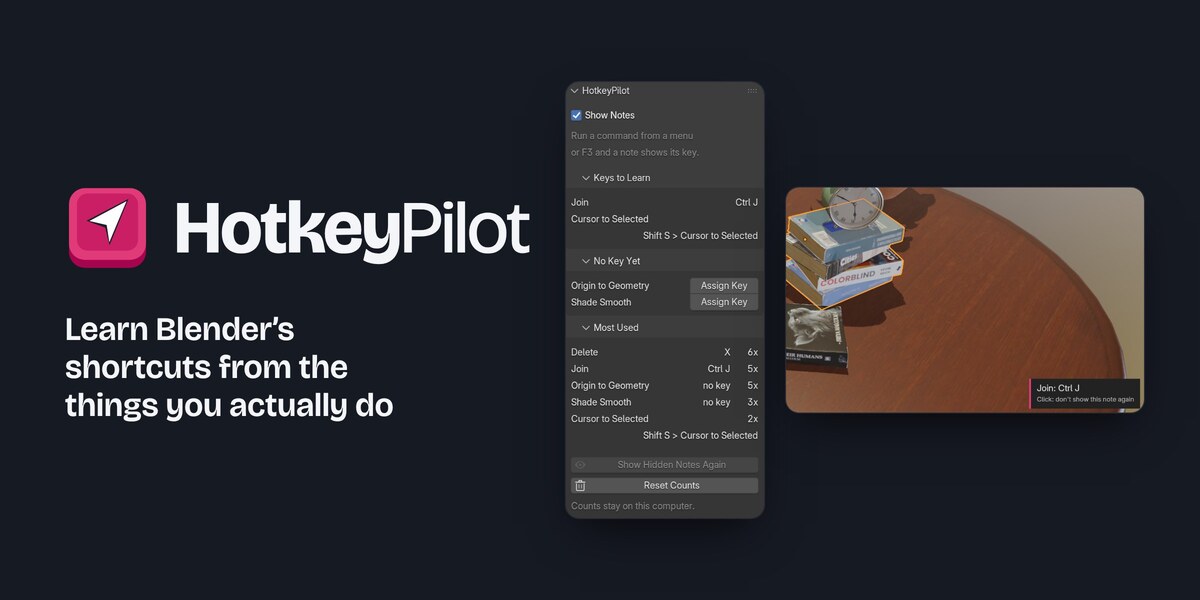
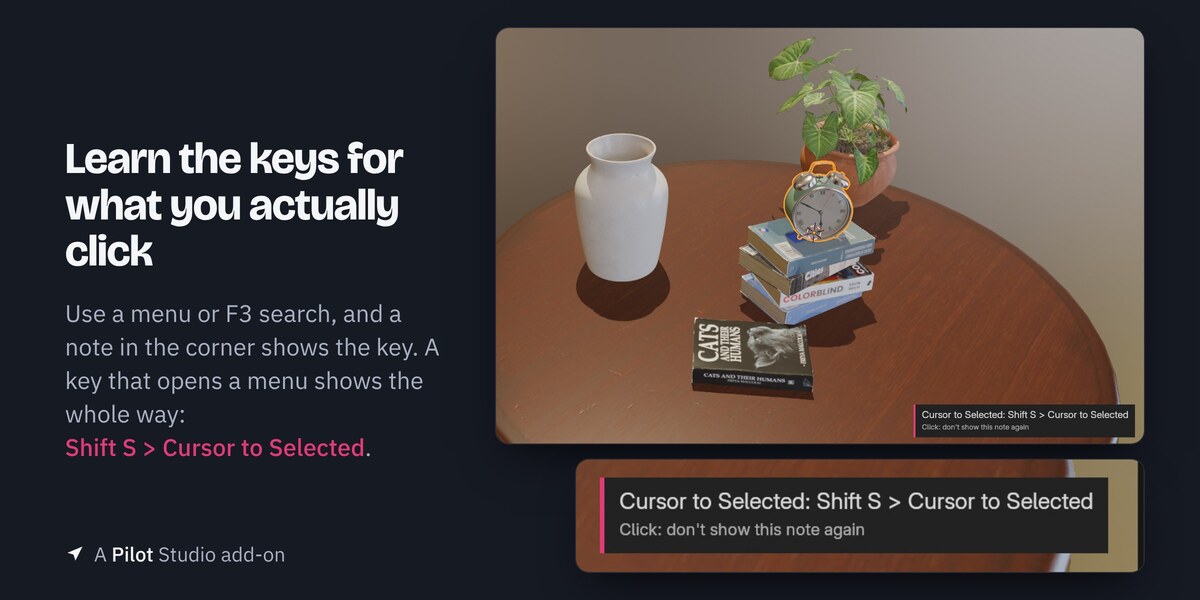
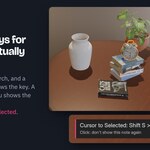
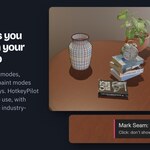
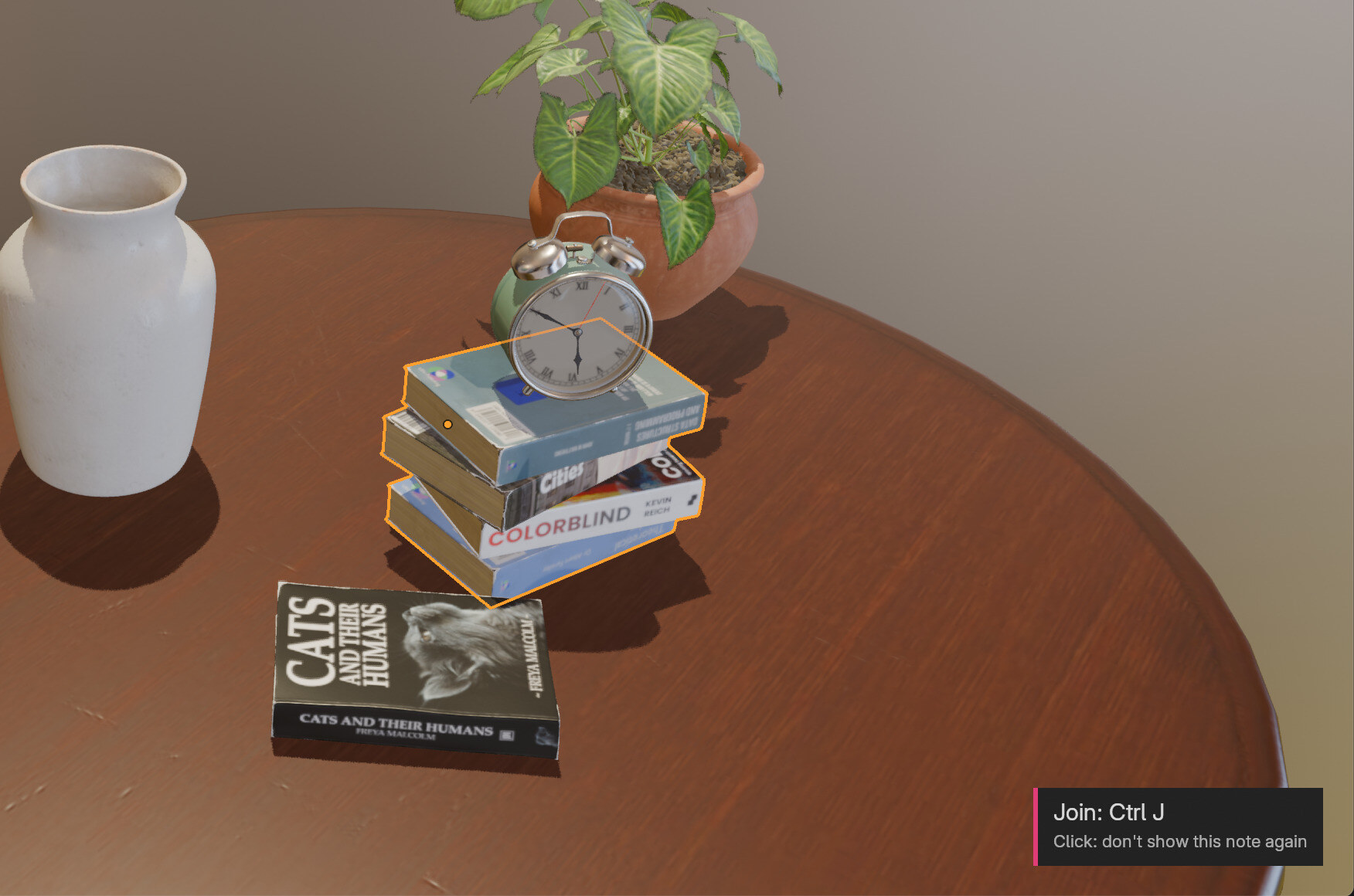
HotkeyPilot teaches you Blender's shortcuts while you work. Run a command from a menu or F3 search, and a small note in the corner of the 3D Viewport shows its key. Press the key yourself, and HotkeyPilot stays quiet.
What you get
- The keys for the commands you use. A cheat sheet lists hundreds of keys. HotkeyPilot shows only the keys for commands you run, at the moment you run them.
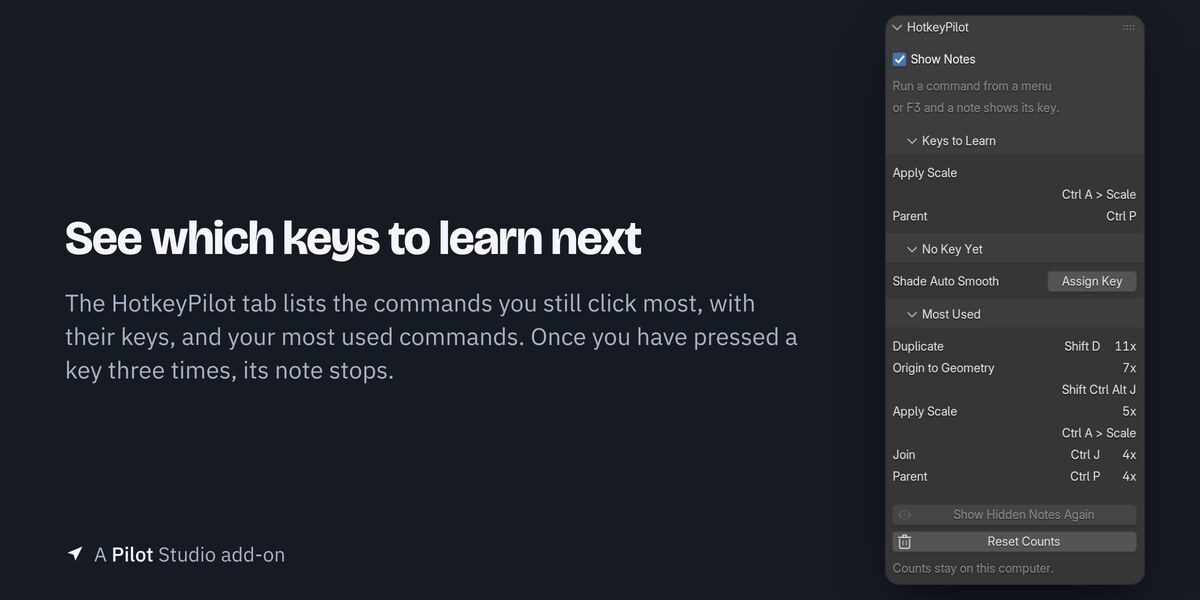
- Notes that stop by themselves. Use a command's key three times and its note stops; a click on a note hides it for good.
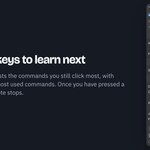
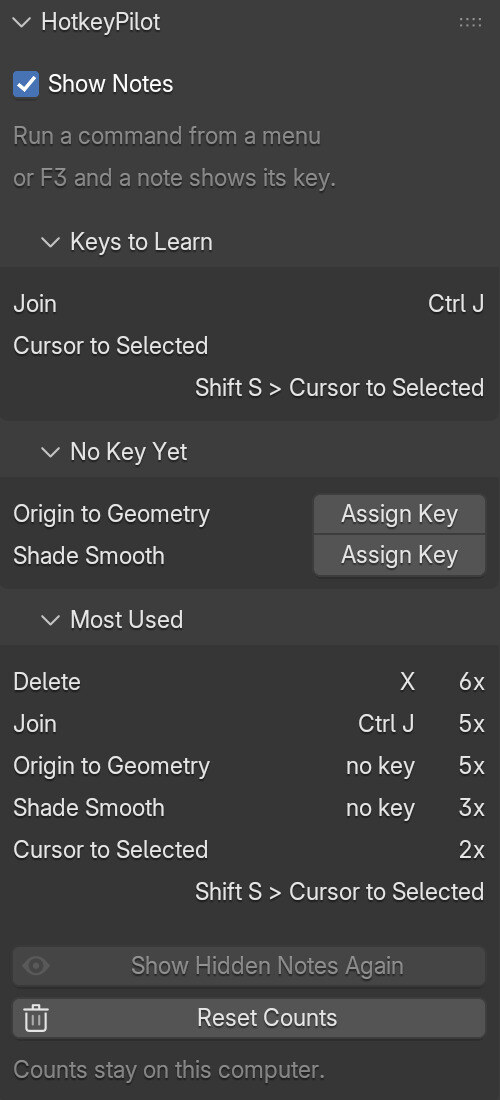
- A list of what to learn next: the HotkeyPilot tab in the sidebar lists the commands you still click most, with their keys, and your most used commands.
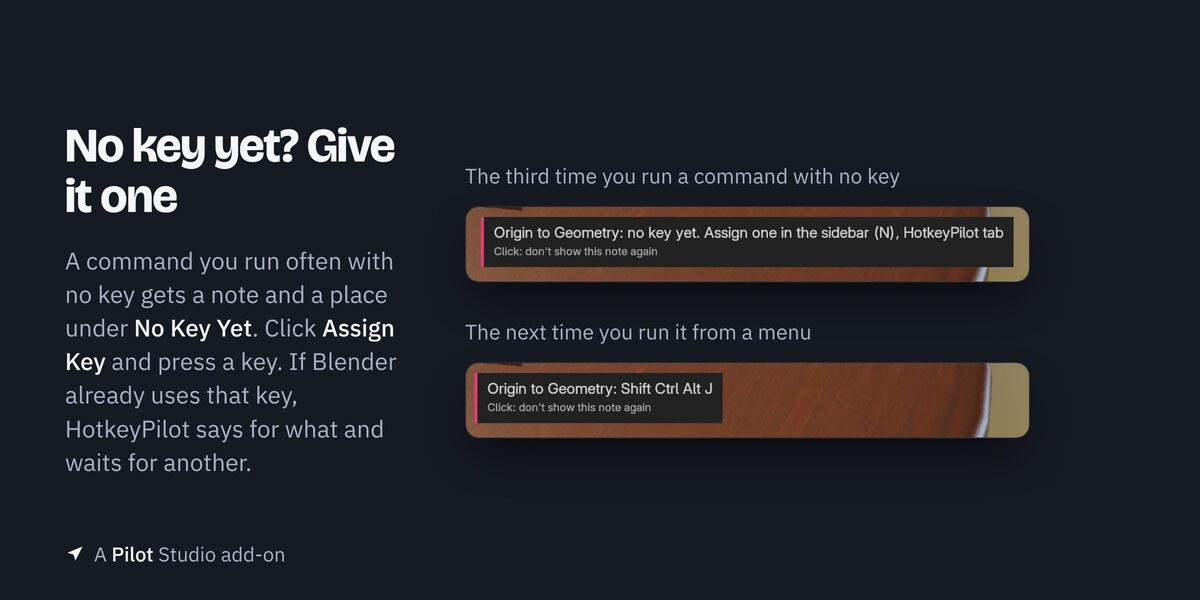
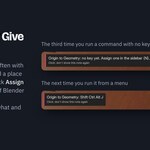
- Keys for commands that have none. A command you run often with no key shows under No Key Yet. Click Assign Key and press the key you want. If Blender already uses that key, HotkeyPilot says for what and waits for another.
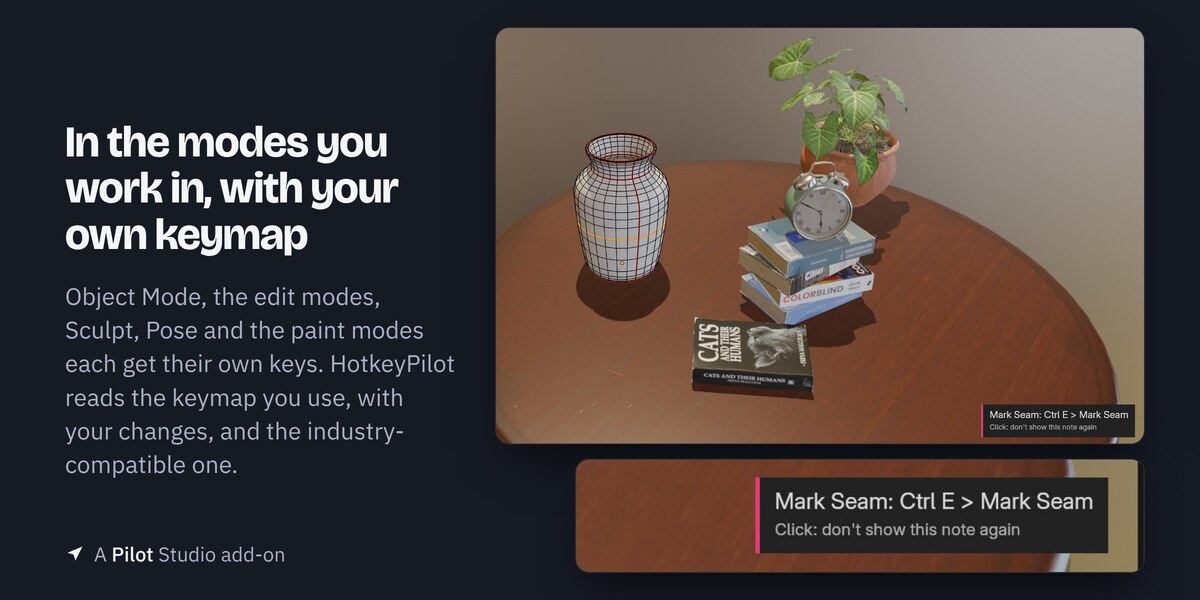
- Your own keymap, in the modes you work in. HotkeyPilot reads the keymap you use, with your own changes, and also the industry-compatible keymap. It covers Object Mode, the edit modes, Sculpt, Pose and the paint modes. A key that opens a menu shows as the whole way, such as Shift S > Cursor to Selected.
- Nothing in your files, nothing sent. Your scenes stay as they are. The counts live in one small file on your computer. HotkeyPilot has no network code, and autosave keeps working while it runs.
Requirements
- Blender 4.2 or later
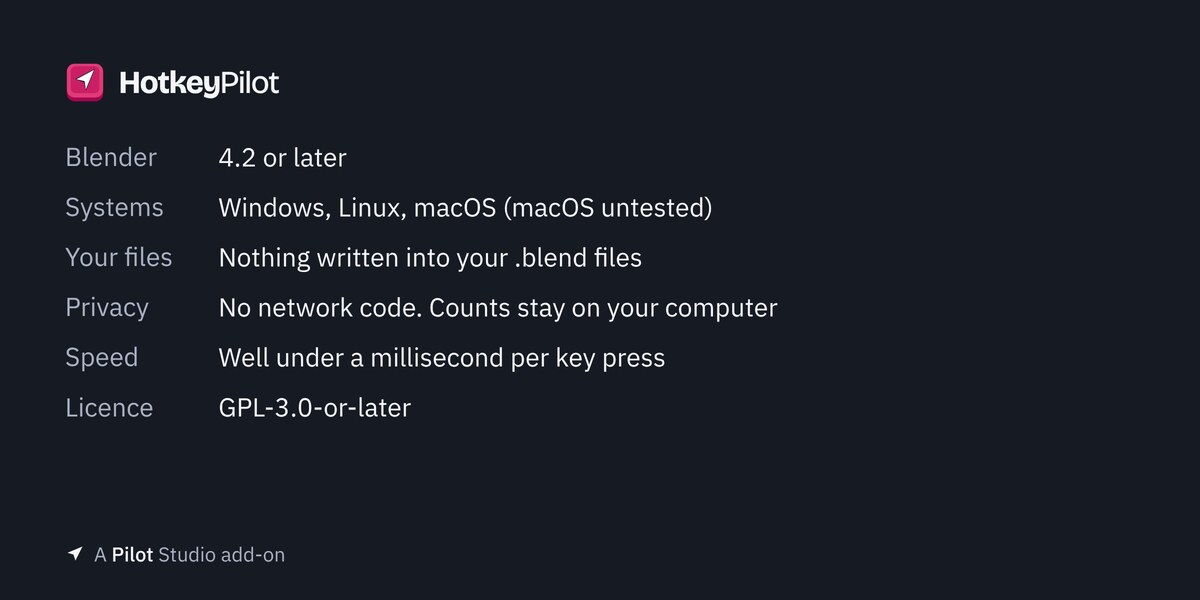
- Windows, Linux or macOS (tested on Windows and Linux)
Install
- Download
hotkeypilot-1.0.1.zip. Keep it zipped. - In Blender, open Edit > Preferences > Get Extensions.
- Click the arrow at the top right and choose Install from Disk.
- Pick the zip. HotkeyPilot is on as soon as it is installed.
First use
- In Blender's new file, open the Add menu in the 3D Viewport header and click Mesh > UV Sphere. A note in the bottom right corner reads Add UV Sphere: Shift A > Mesh > UV Sphere.
- Hold Shift and click the Cube, so both are selected.
- Open the Object menu and click Join. The note now reads Join: Ctrl J.
- Press N in the 3D Viewport and click the HotkeyPilot tab to see what it has counted.