 Orcavia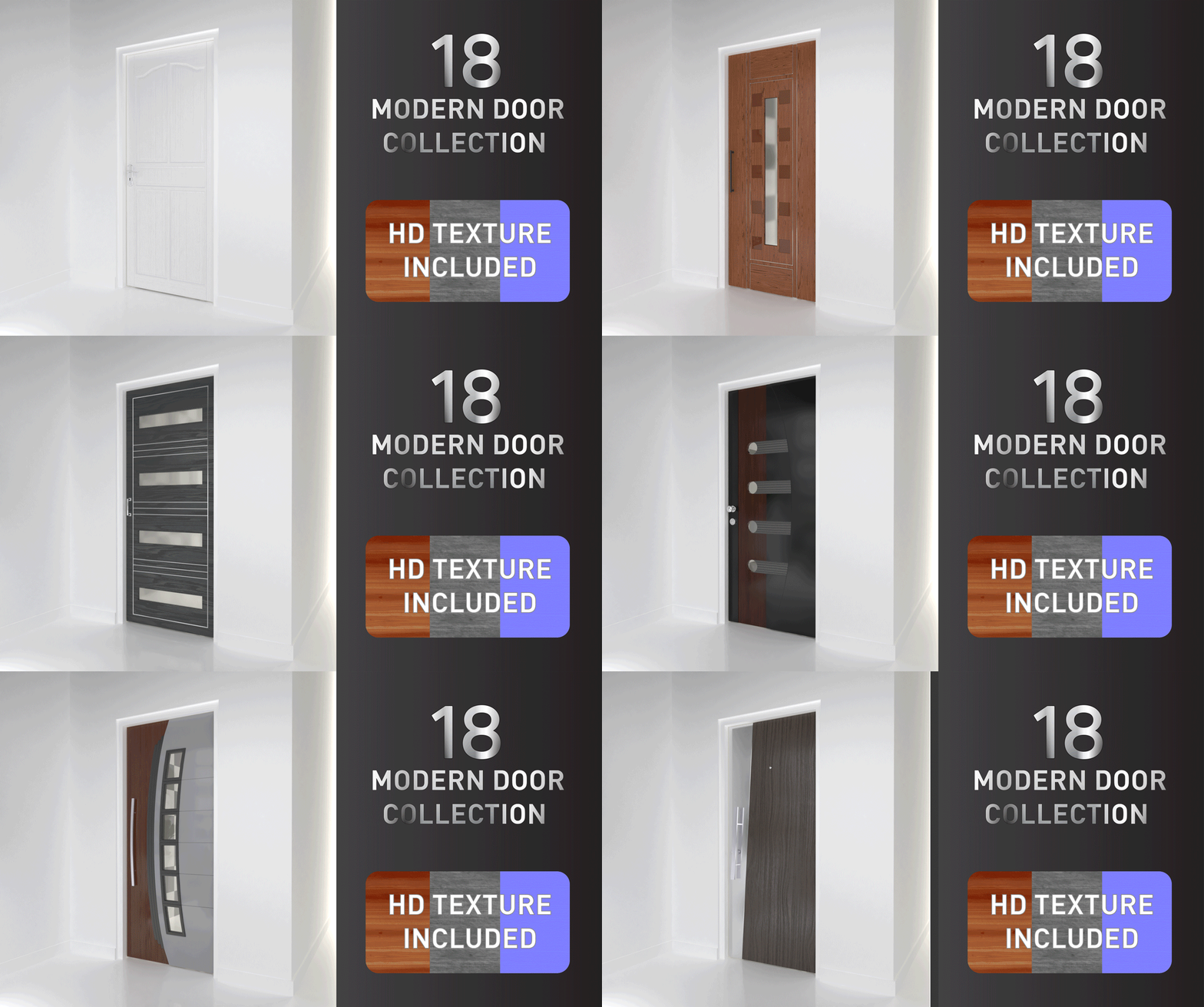
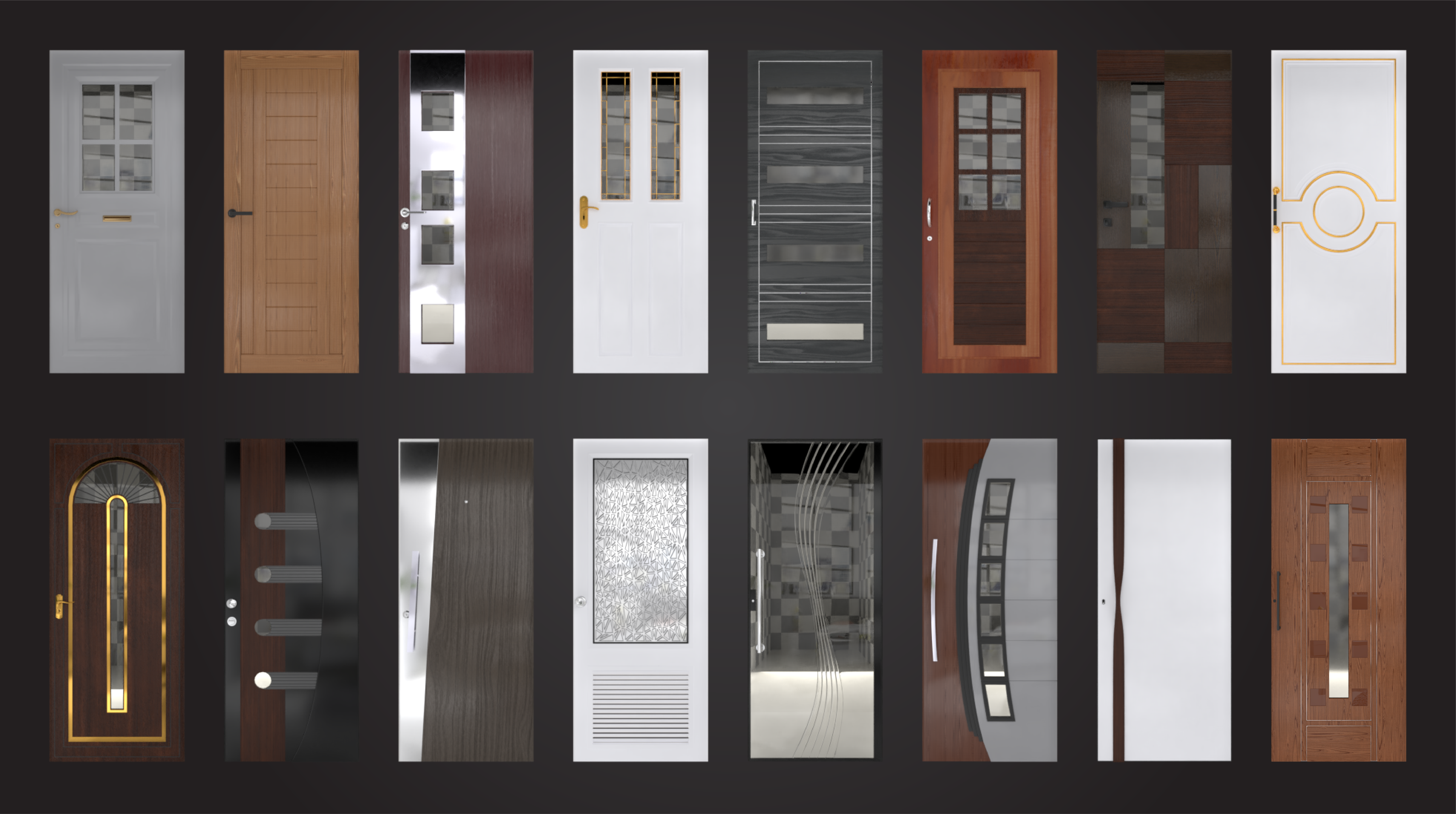
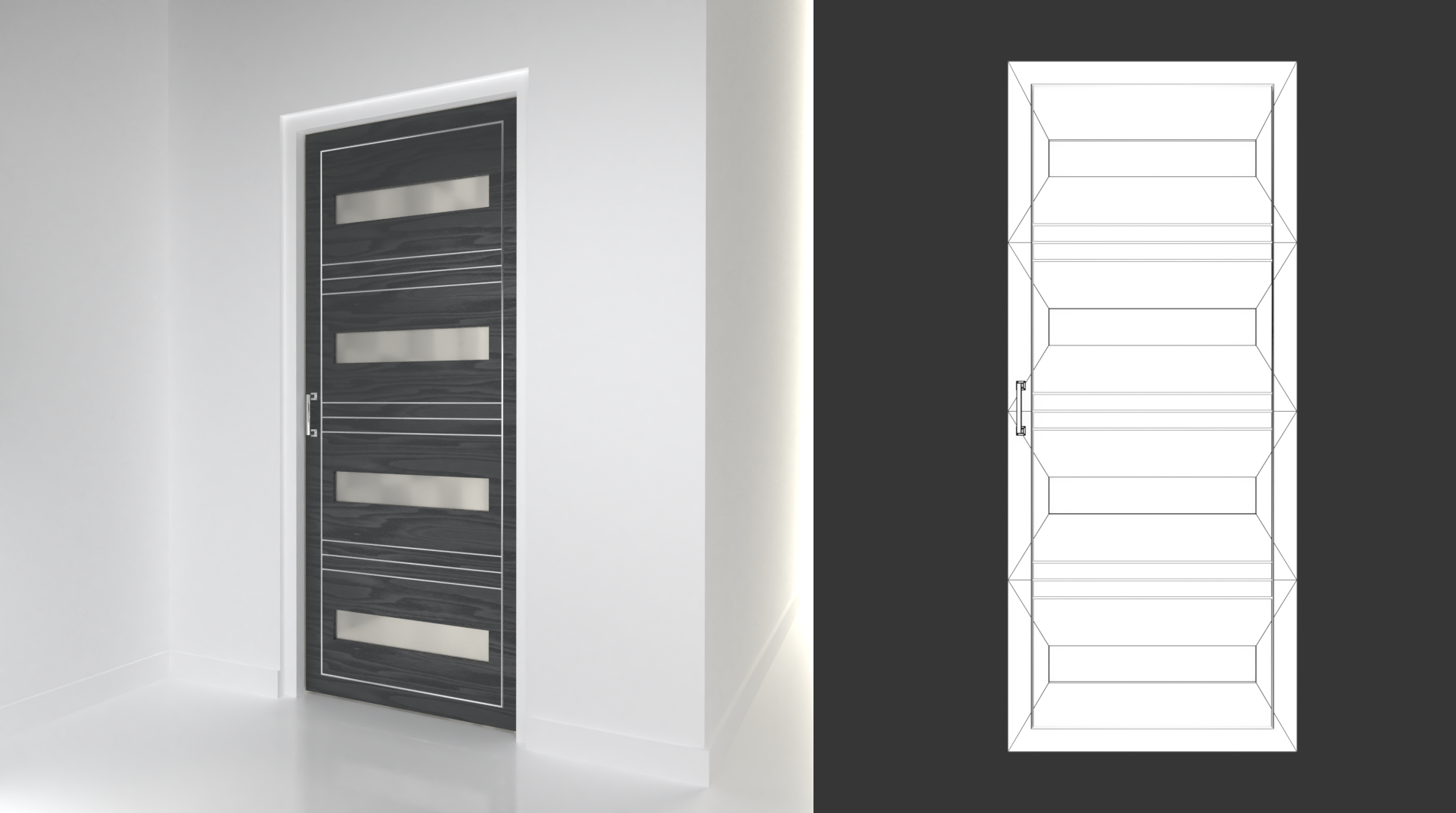
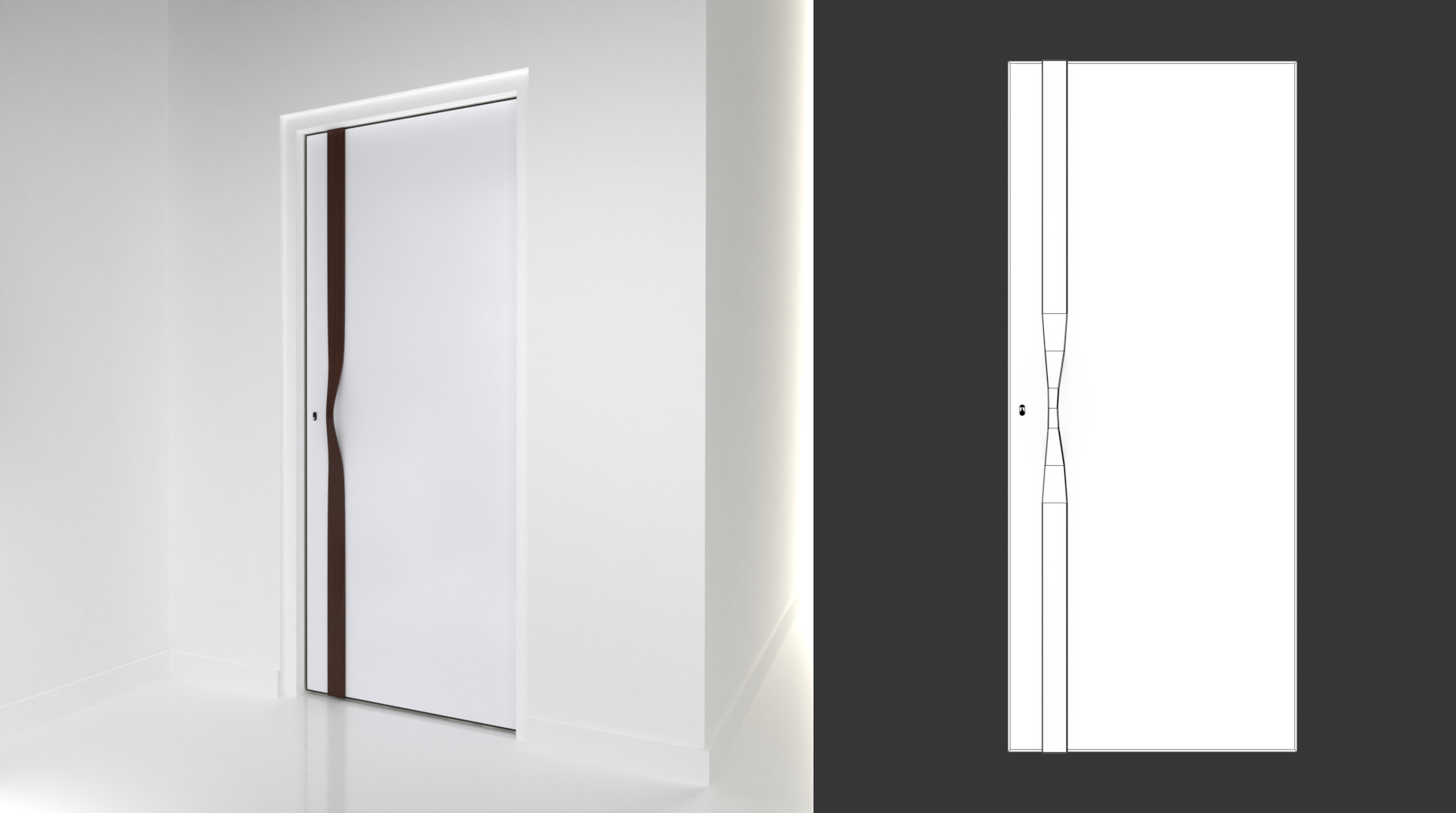
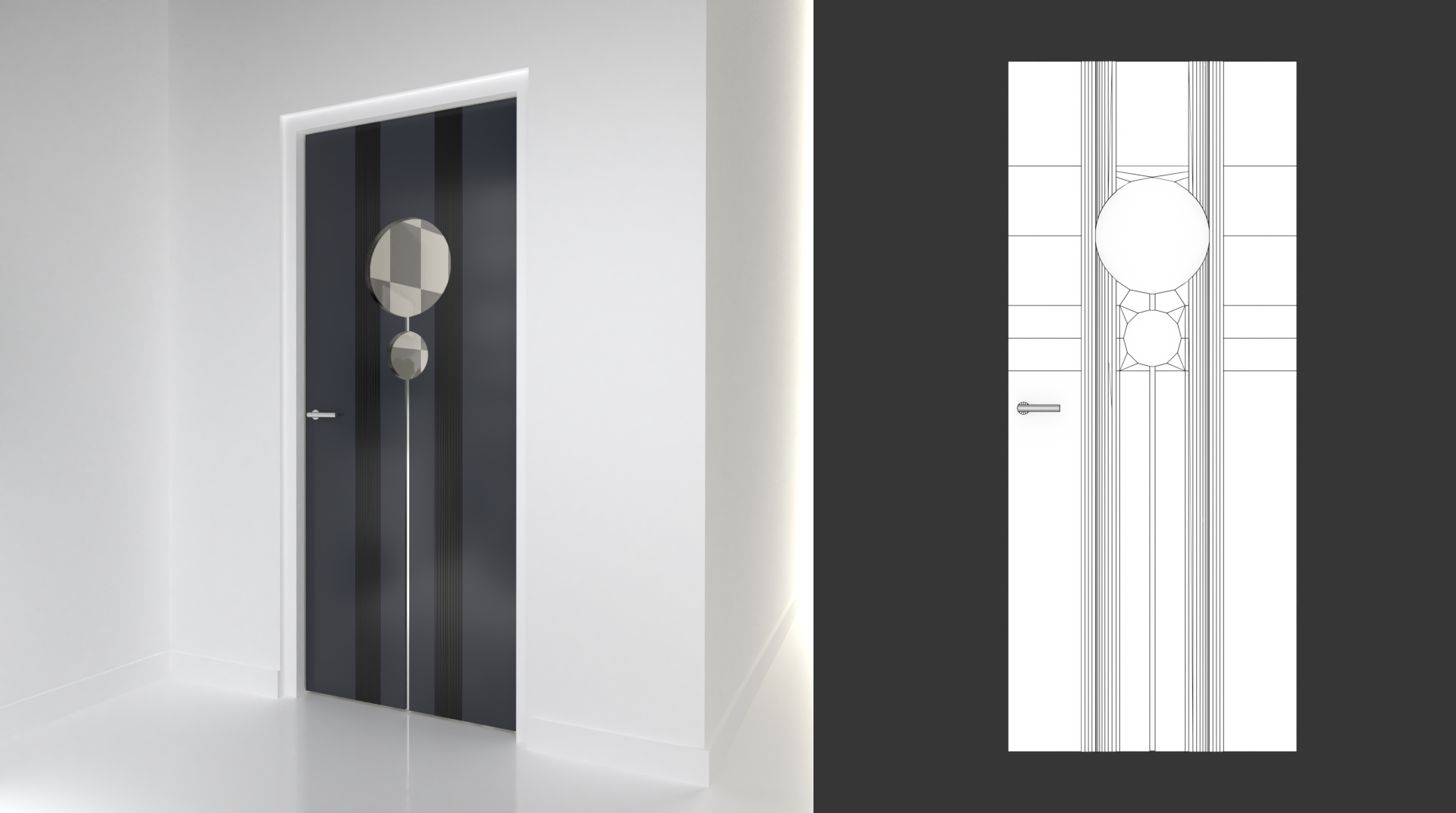
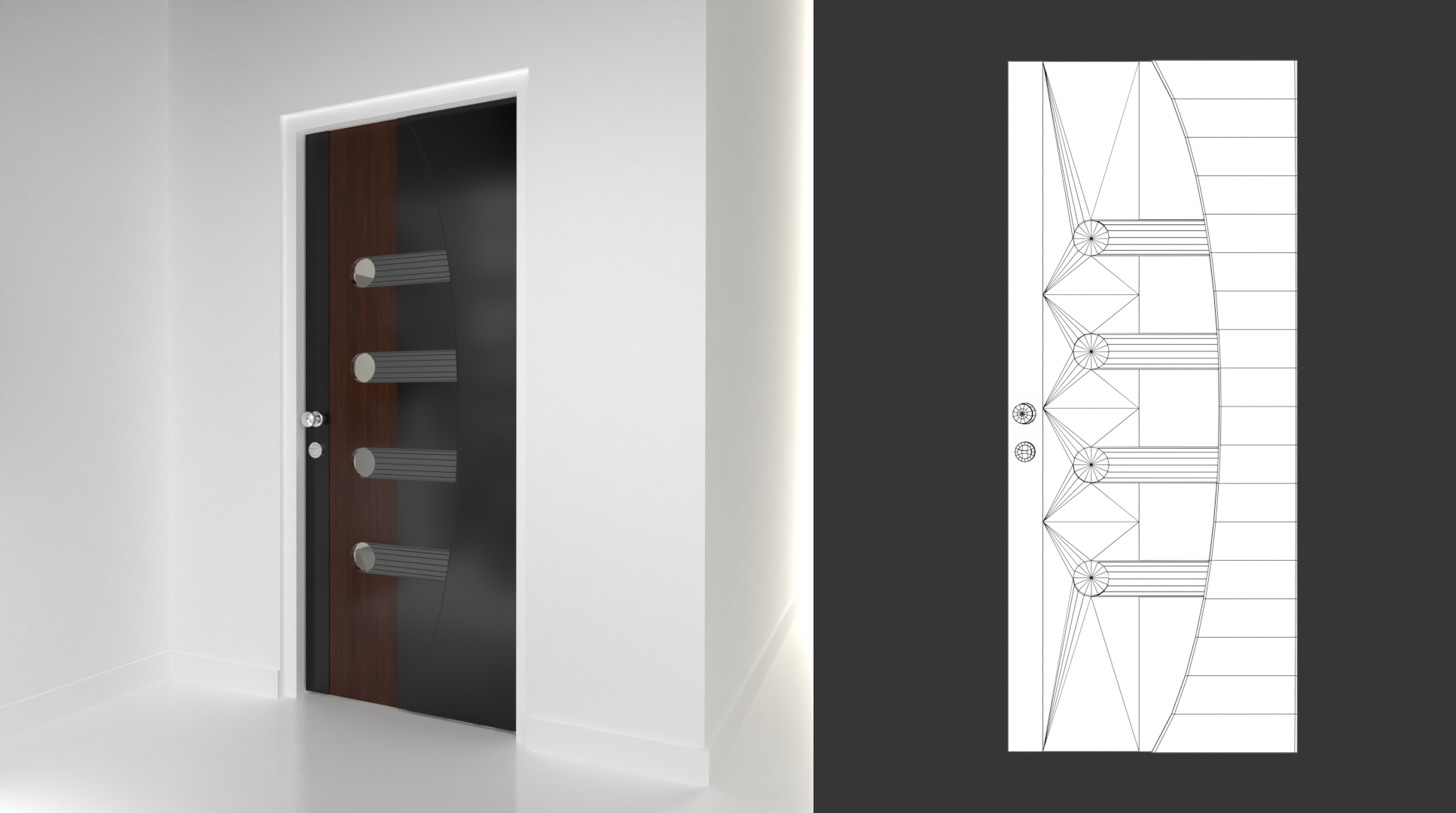
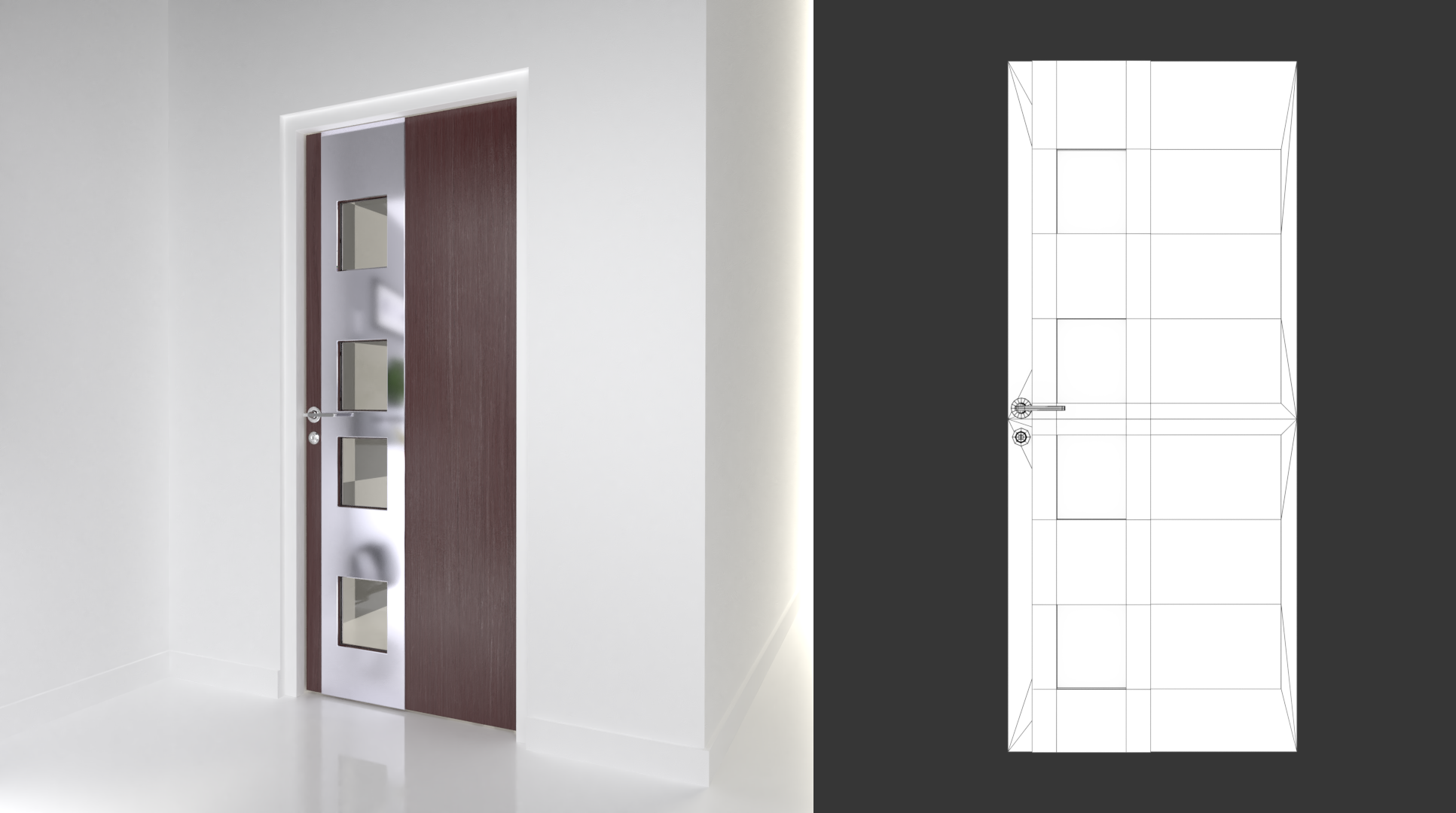
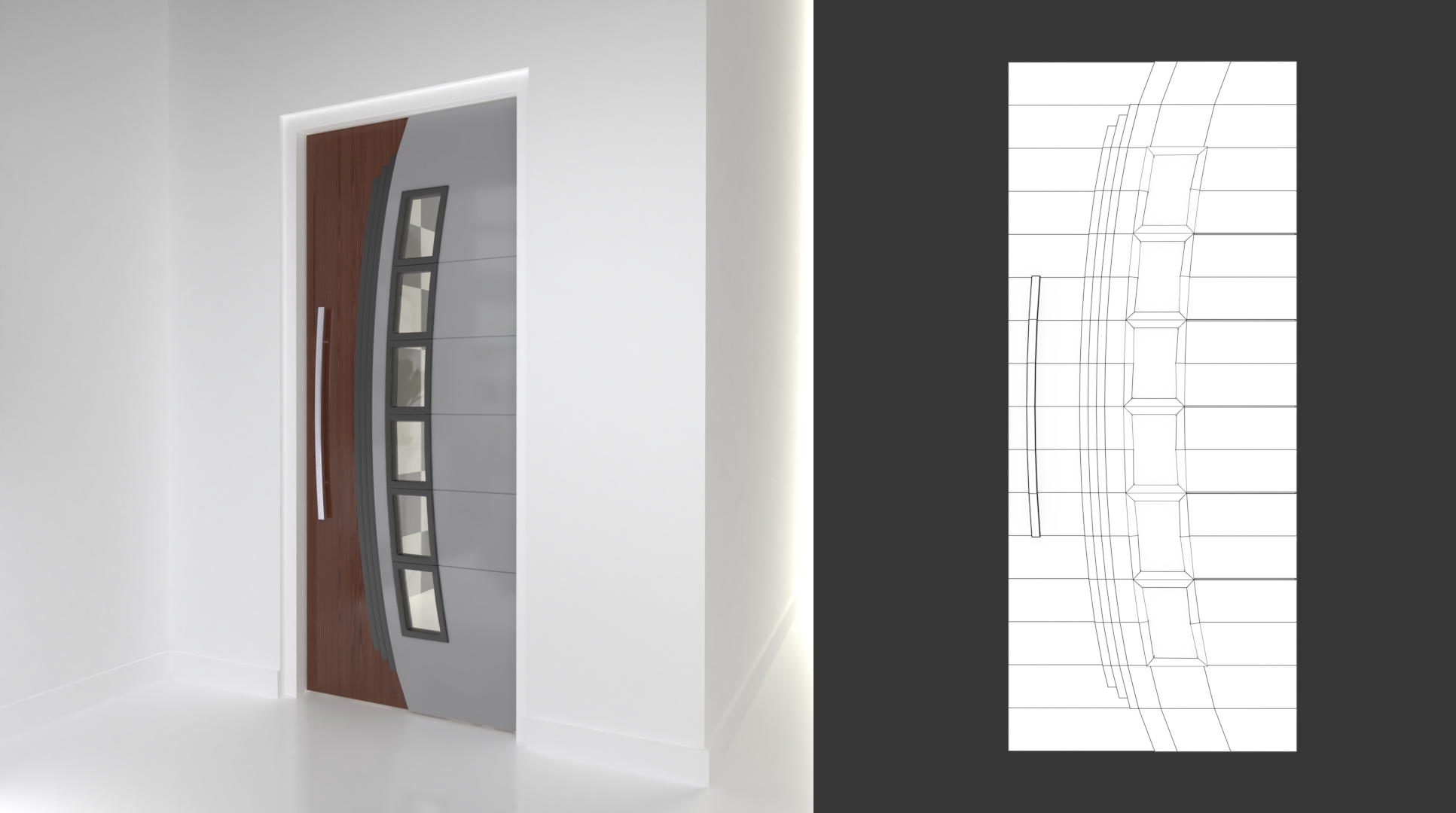
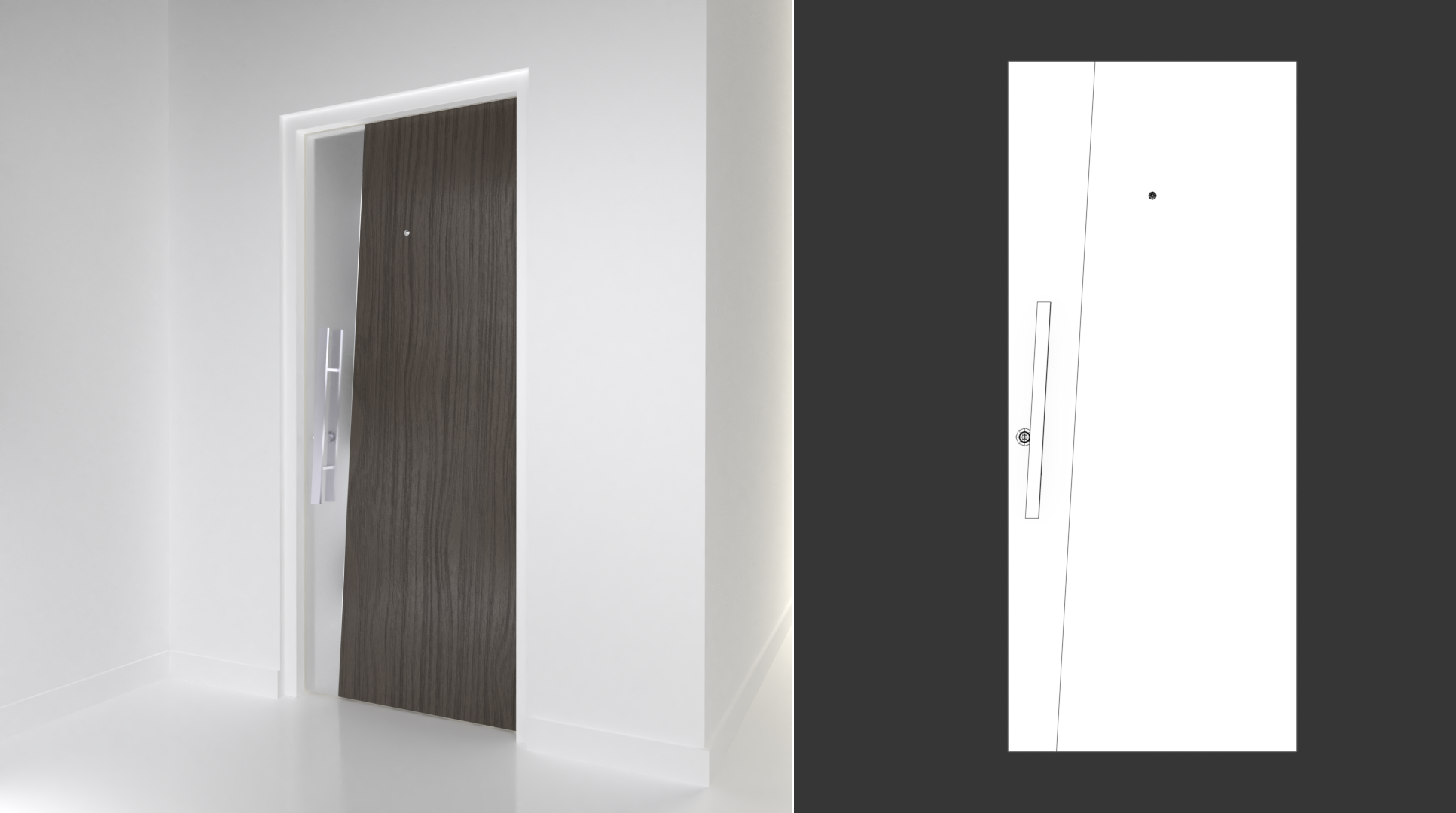
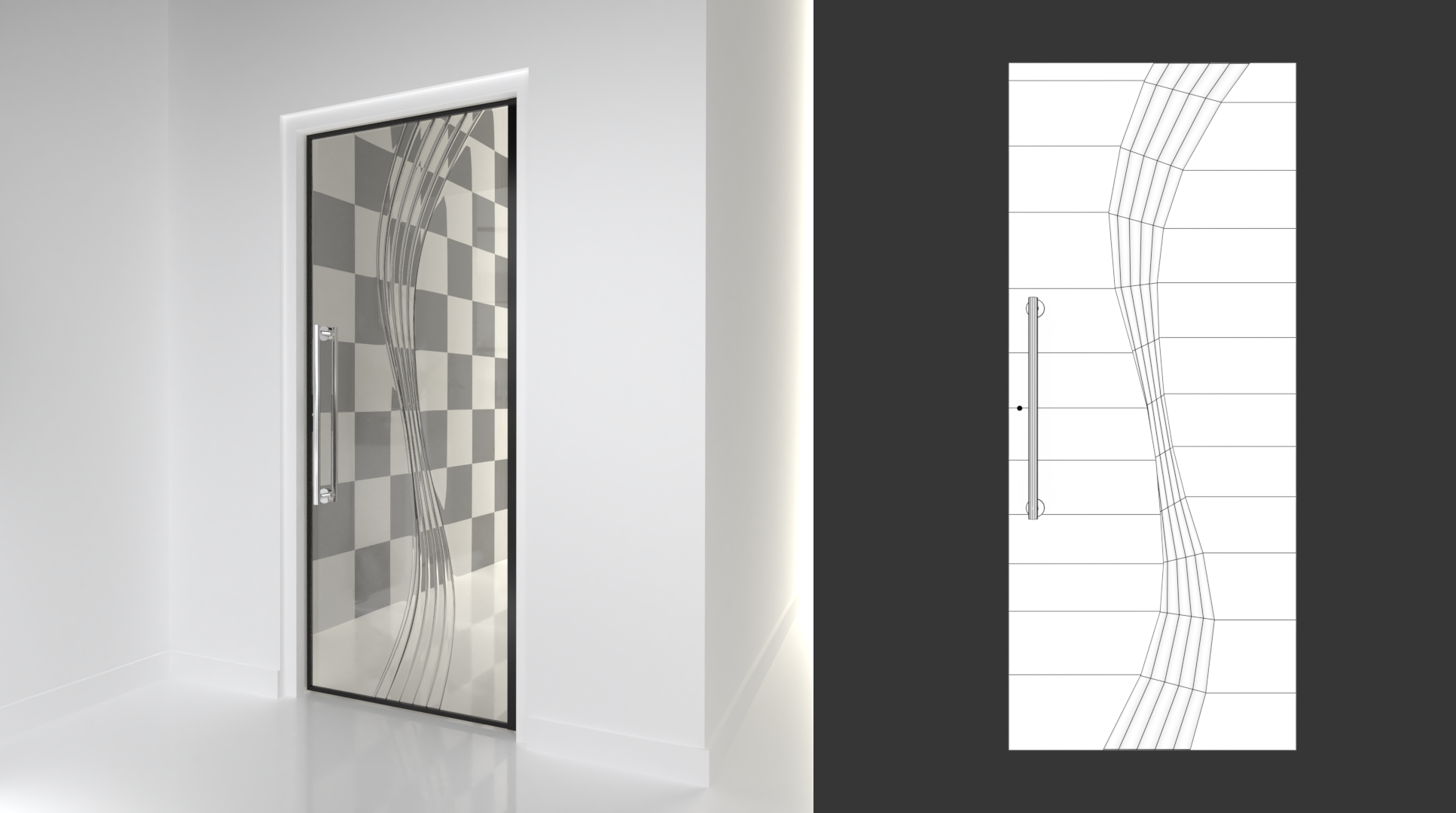
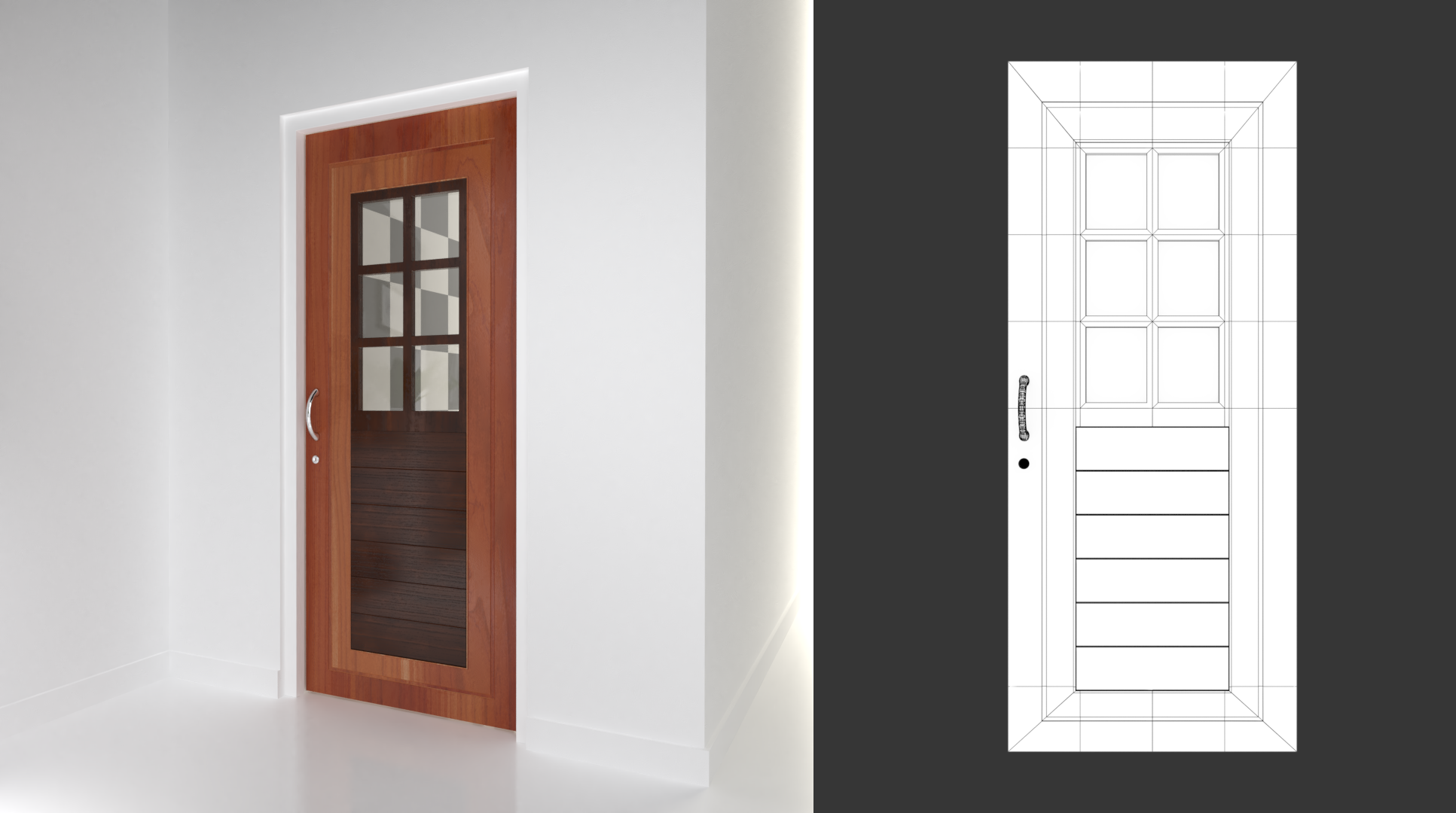
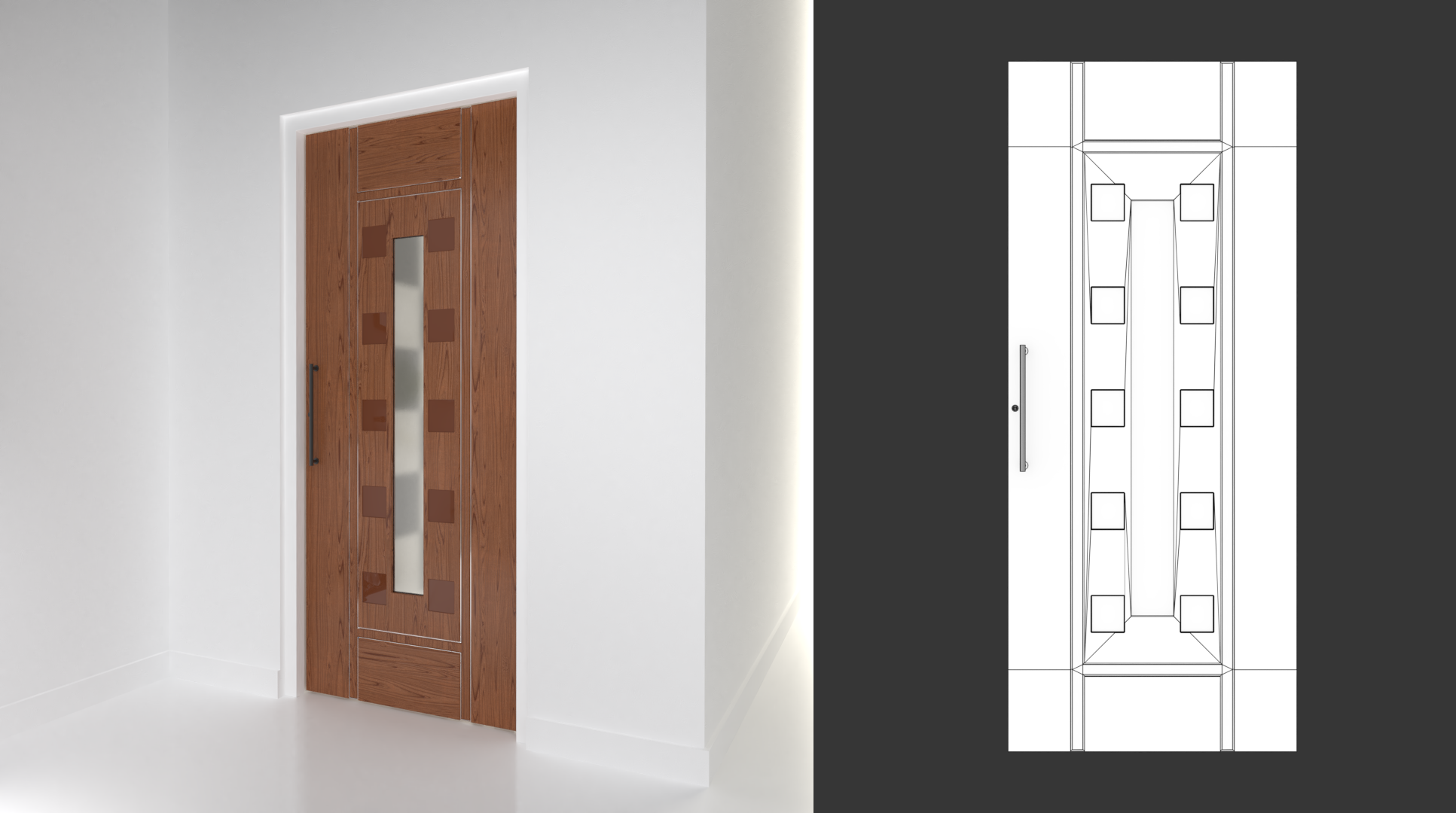
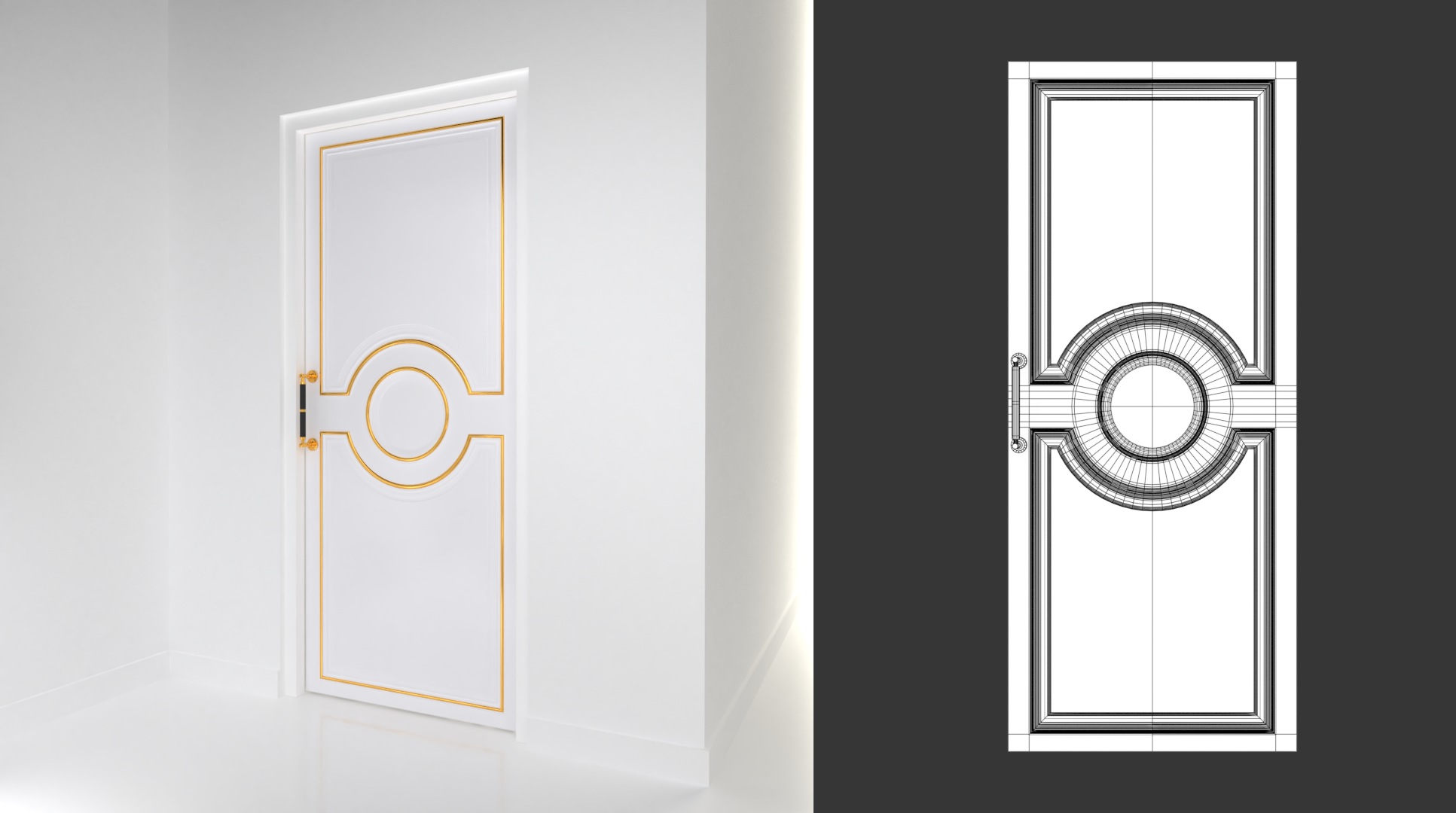
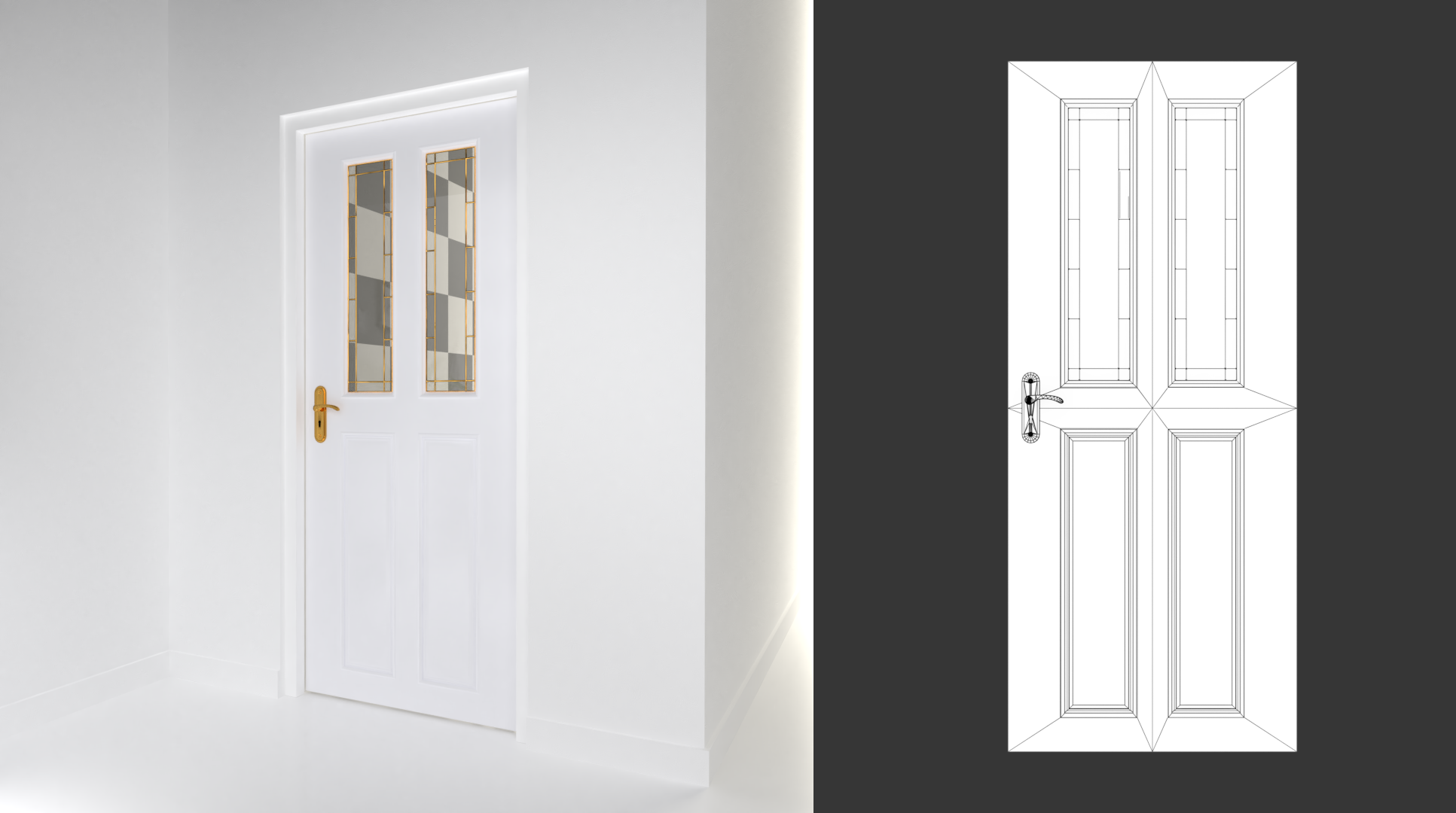
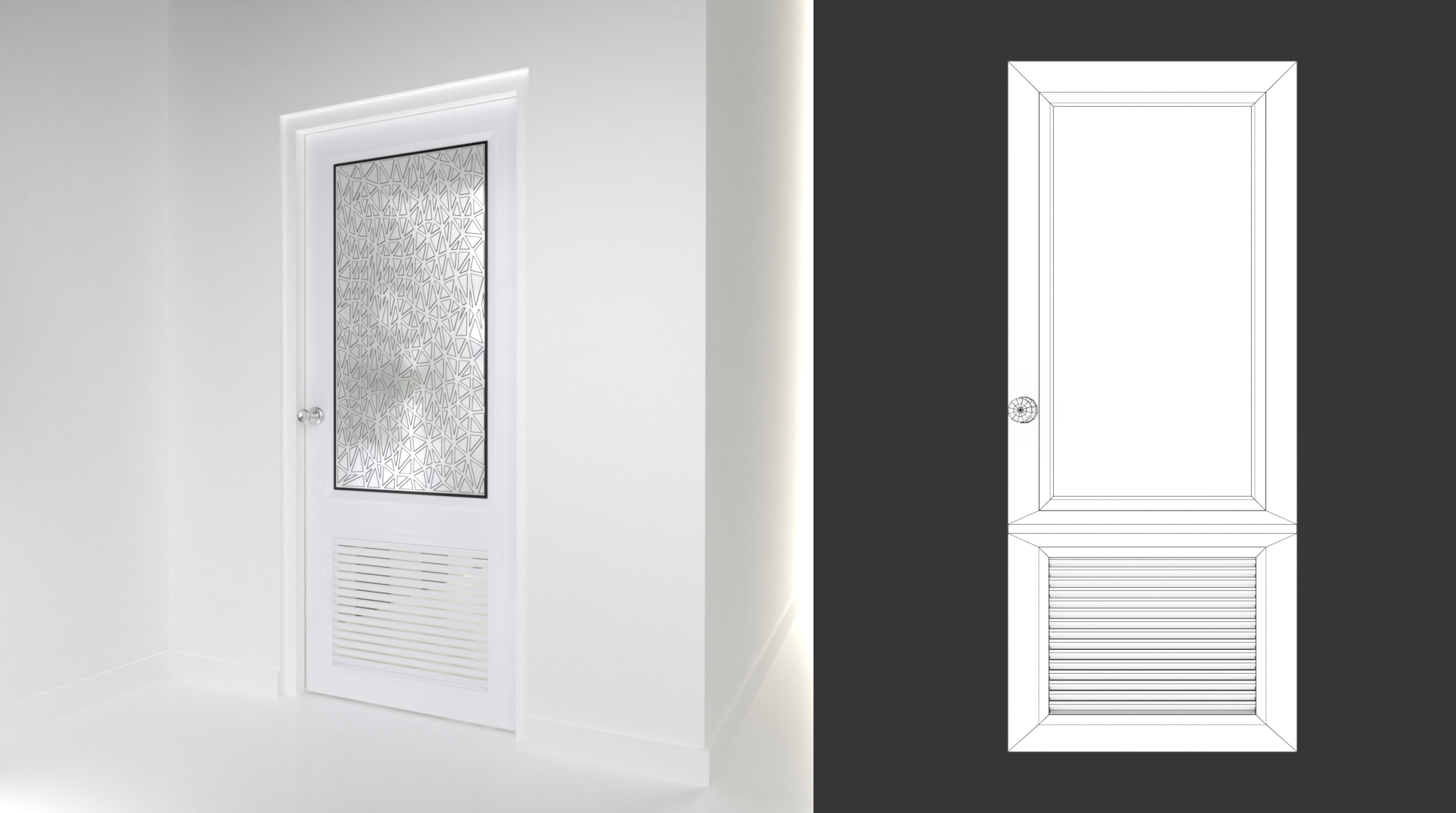
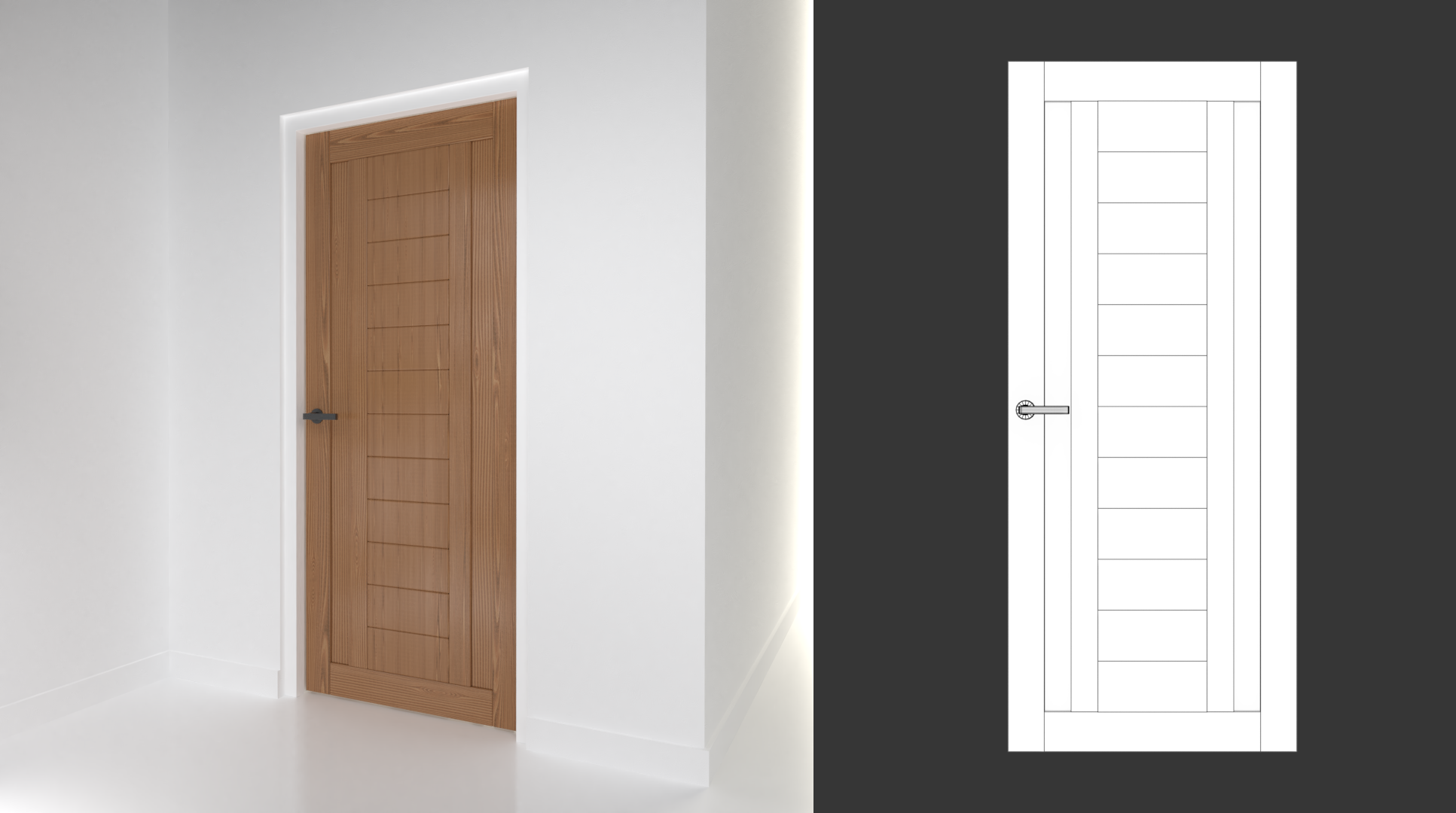
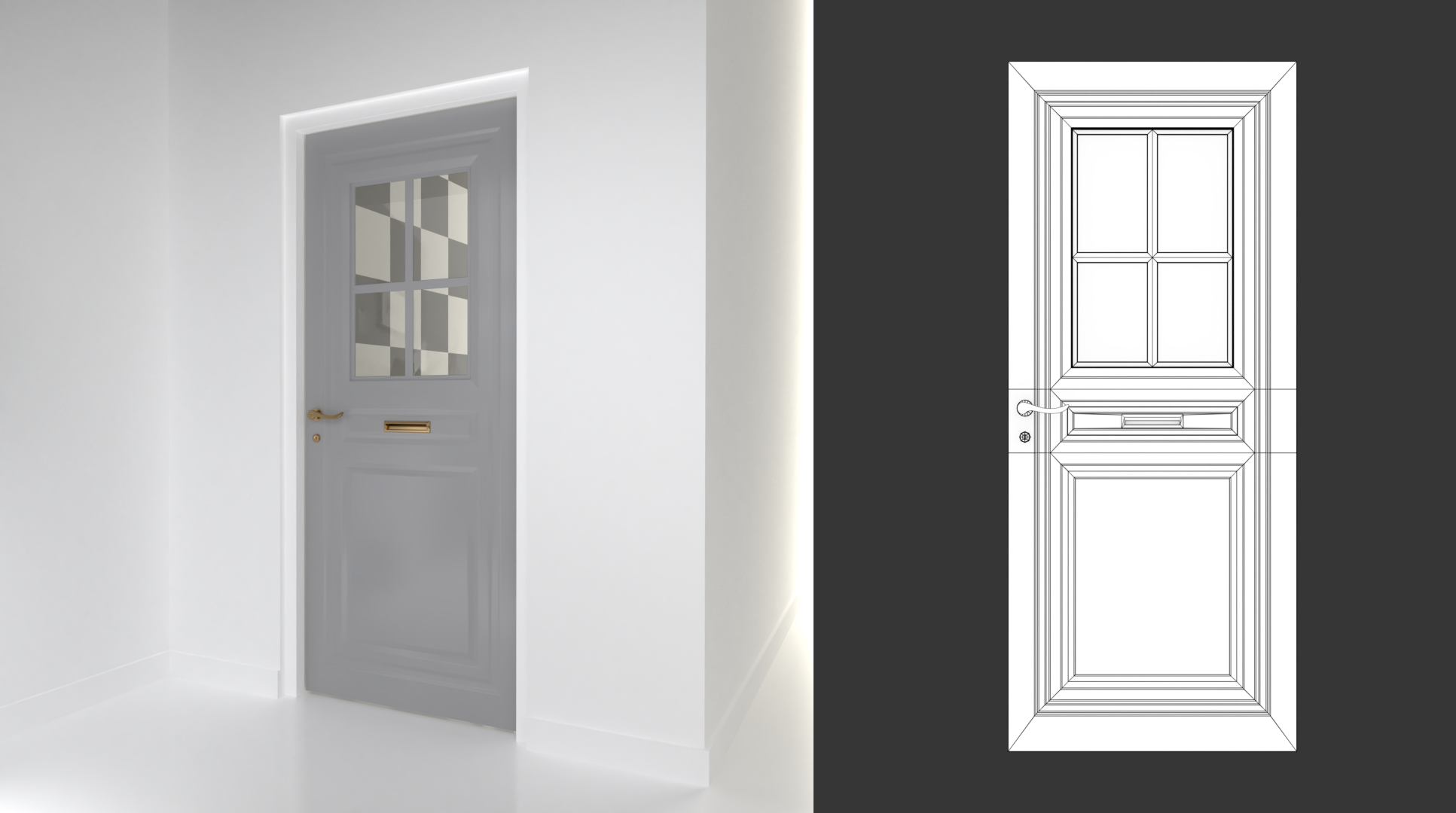
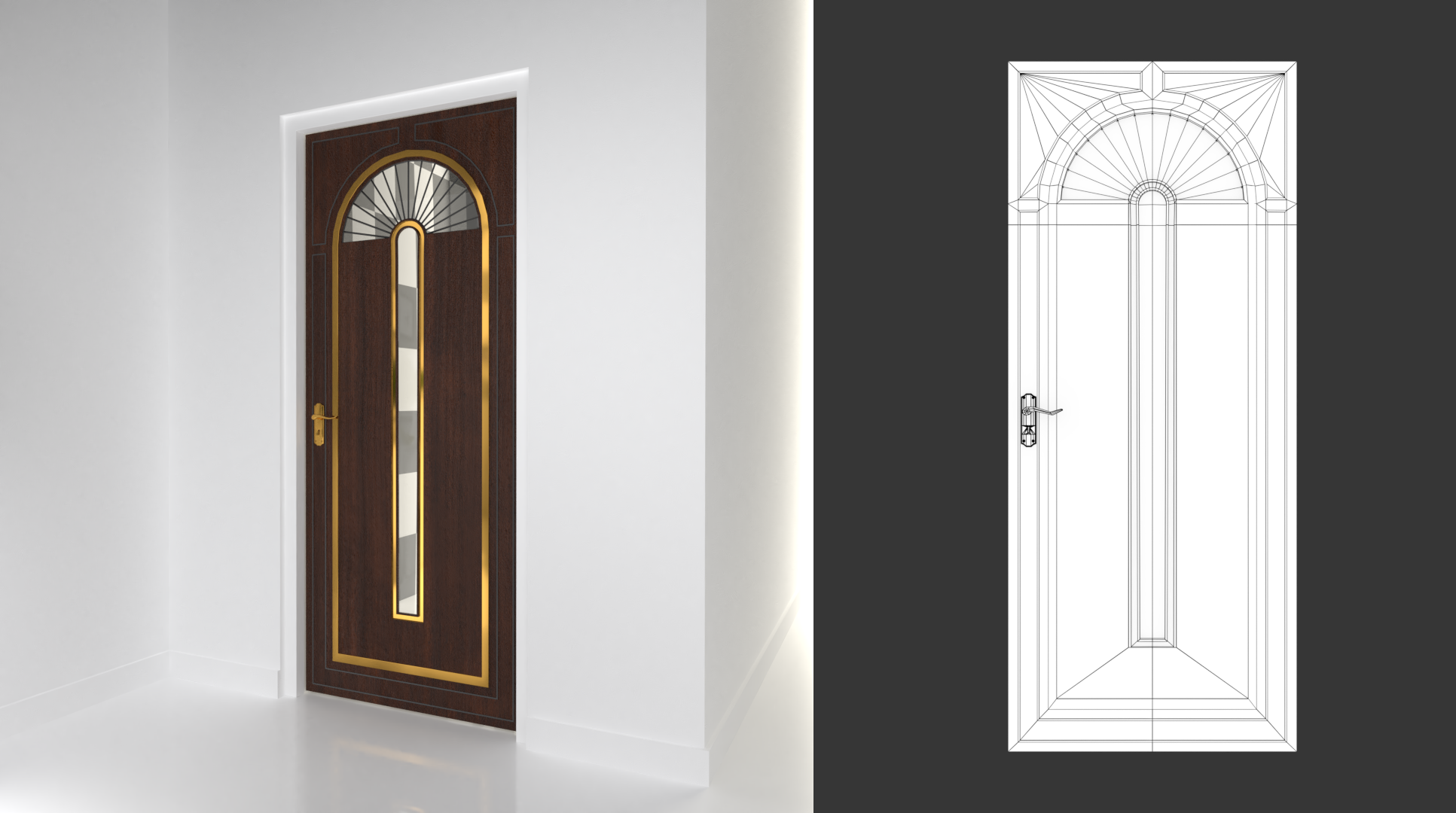
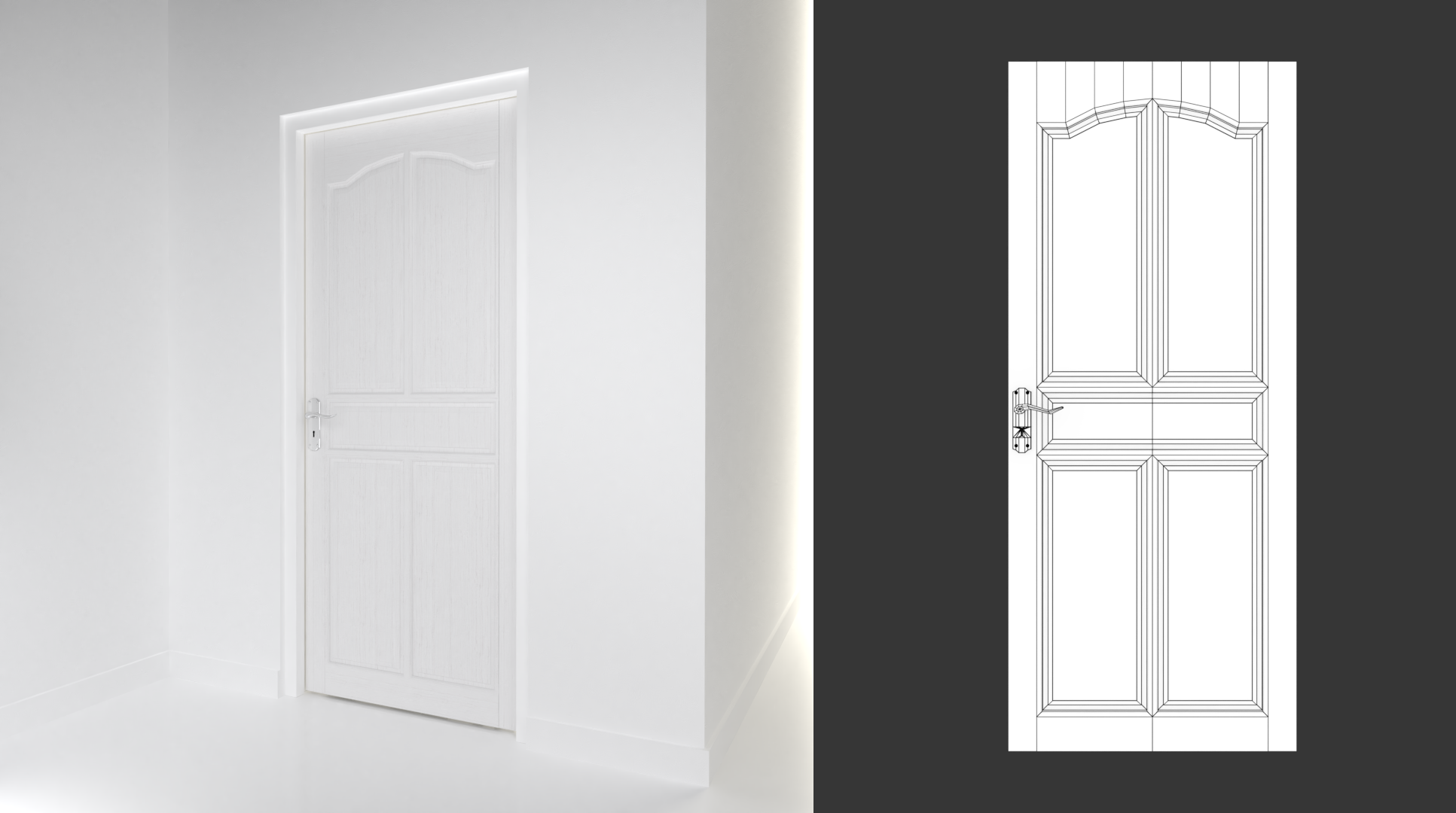
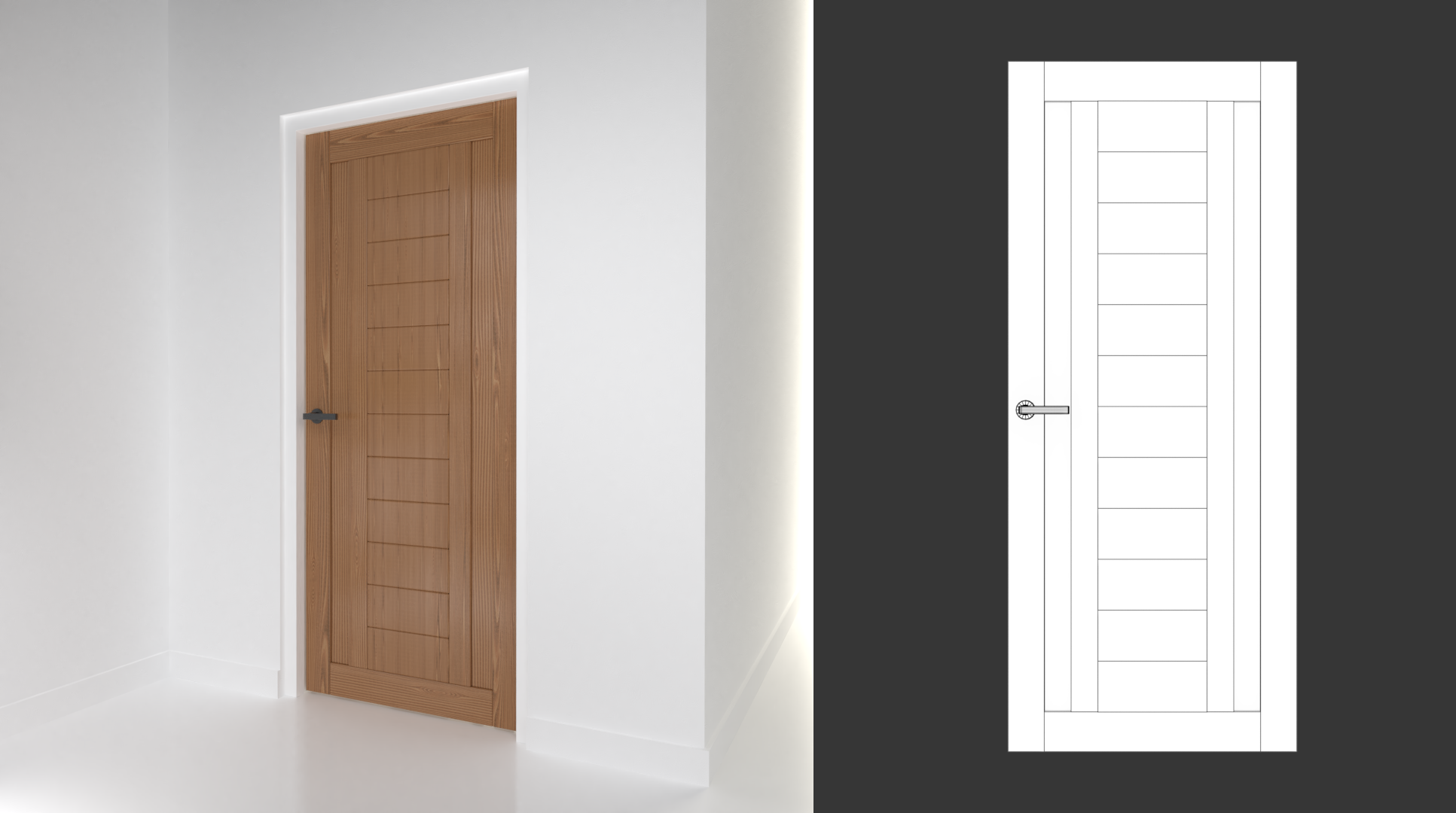
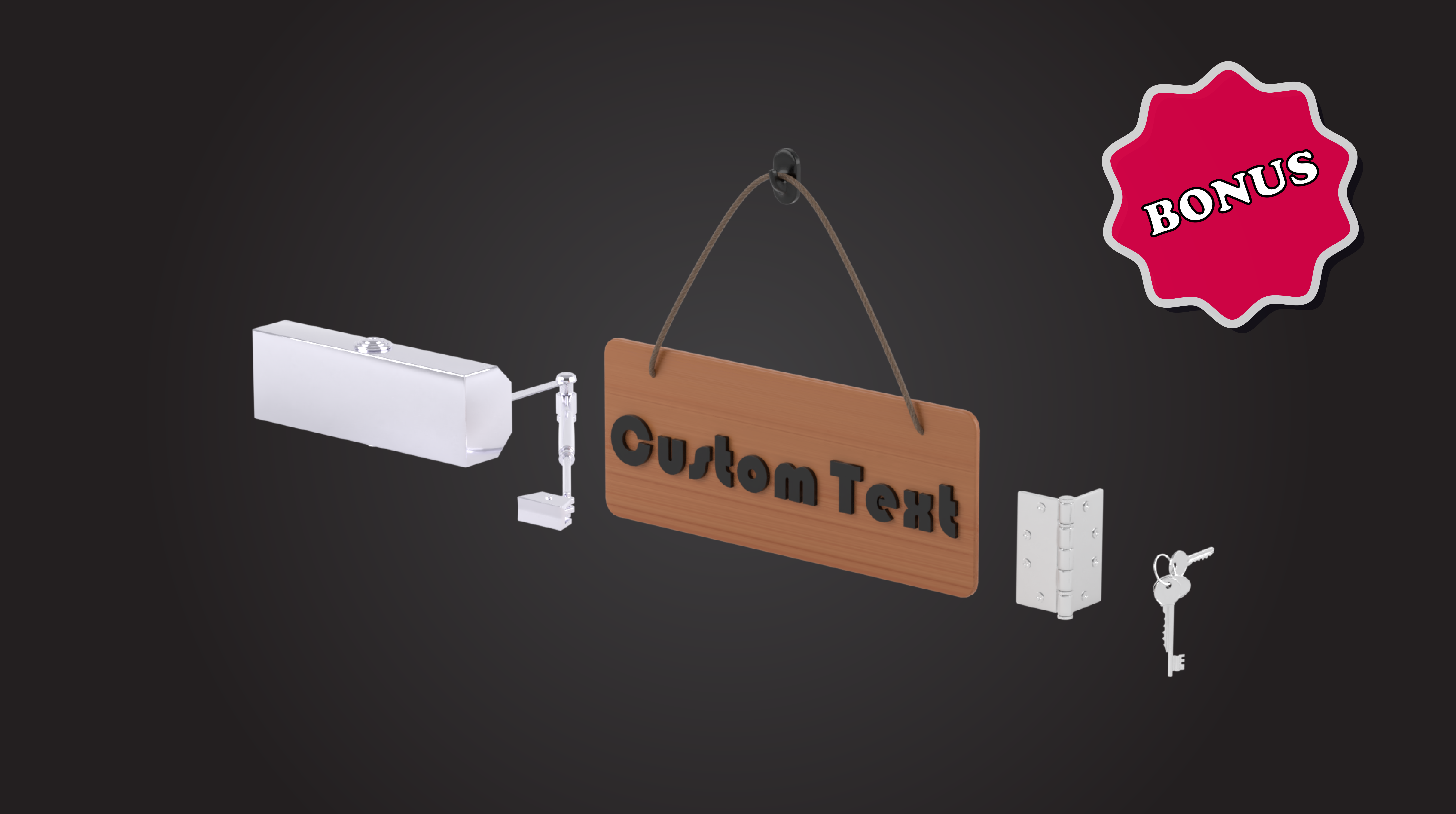
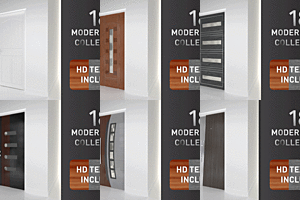
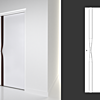
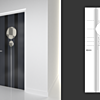
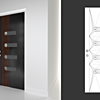
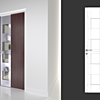
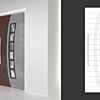
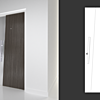
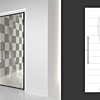
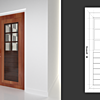
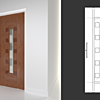

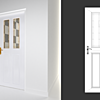
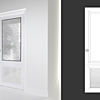
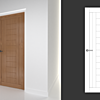
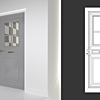

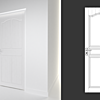
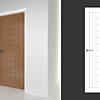
each object are different layer in both version (blender 2.7x & 2.78)


You can take the object that you need
by opening the "doors collection" scene and open the scene that needs it
then copy (Ctrl + C) then paste (Ctrl + V)
like most programs

Object is already parent for each door

Cycles and eevee may differ slightly in compositing e.g normal insinity

Let me know if you any question..
-
$40
the most quality product with Ultra HD 4k textures
-
$19
the same package but you can only download 2k version texture
Have questions about this product?
Login to message
| Sales | 10 |
| Dev Fund Contributor | |
| Published | over 7 years ago |
| Blender Version | 2.7x, 2.77, 2.78, 2.79, 2.8 |
| License | Royalty Free |