 Mamba CG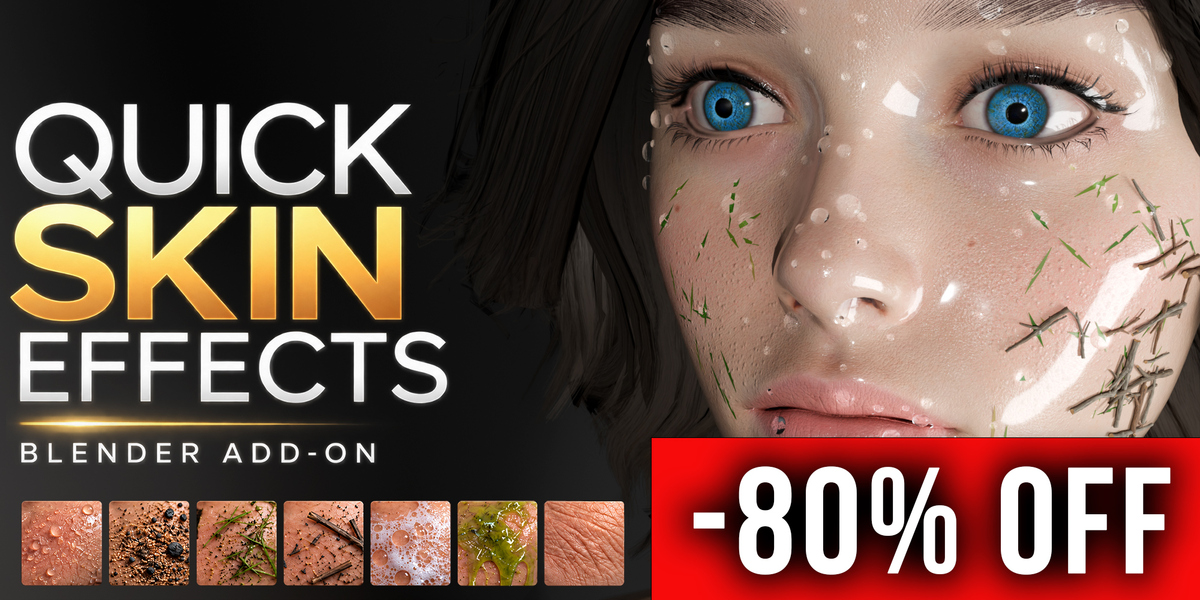
Quick Skin Effects — Procedural Skin and Surface Details for Blender
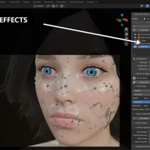
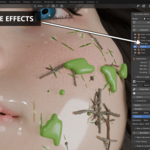
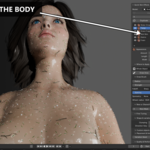
Quick Skin Effects is a Blender addon for adding procedural skin details, water effects and scattered surface elements to 3D characters. Create water droplets, wet skin, goosebumps, wrinkles, foam, slime and environmental details through a dedicated panel in the Blender sidebar. Each effect stays in its own editable layer, with controls for its appearance and coverage.
Use it for character portraits, close-up renders, creature designs and scenes where a character needs visible moisture, skin texture or contact with the environment. Combine effects such as wet skin and water droplets, or sand and debris, and use painted masks to place them on specific parts of the model.
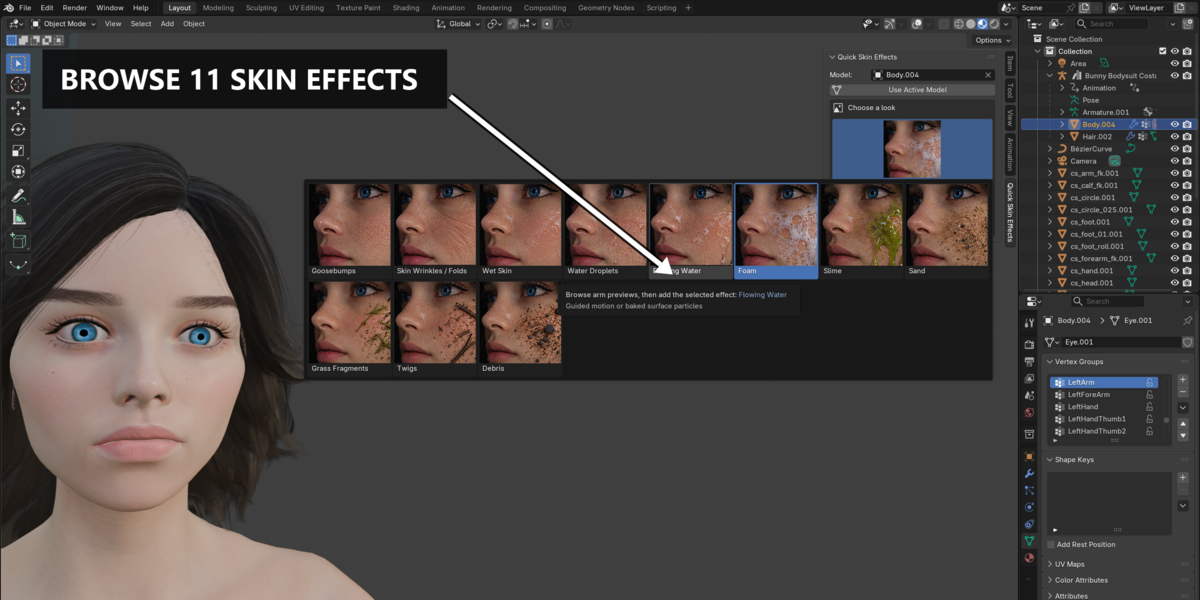
11 Included Effects
- Goosebumps: Add tiny raised bumps and fine shading detail to the skin. Geometric silhouette detail depends on the mesh resolution.
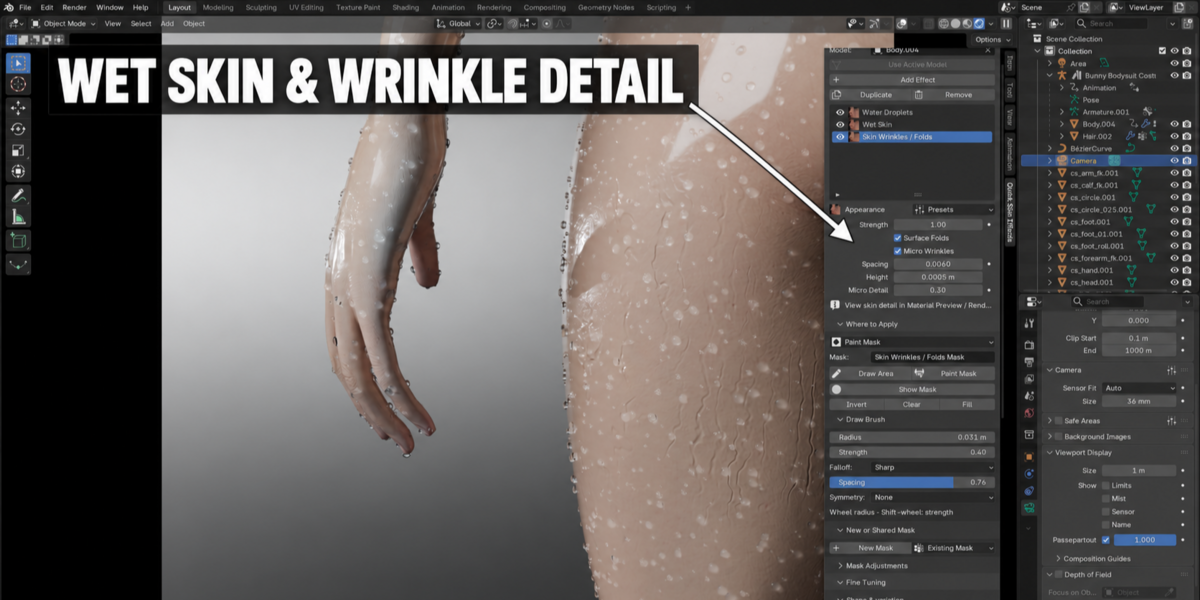
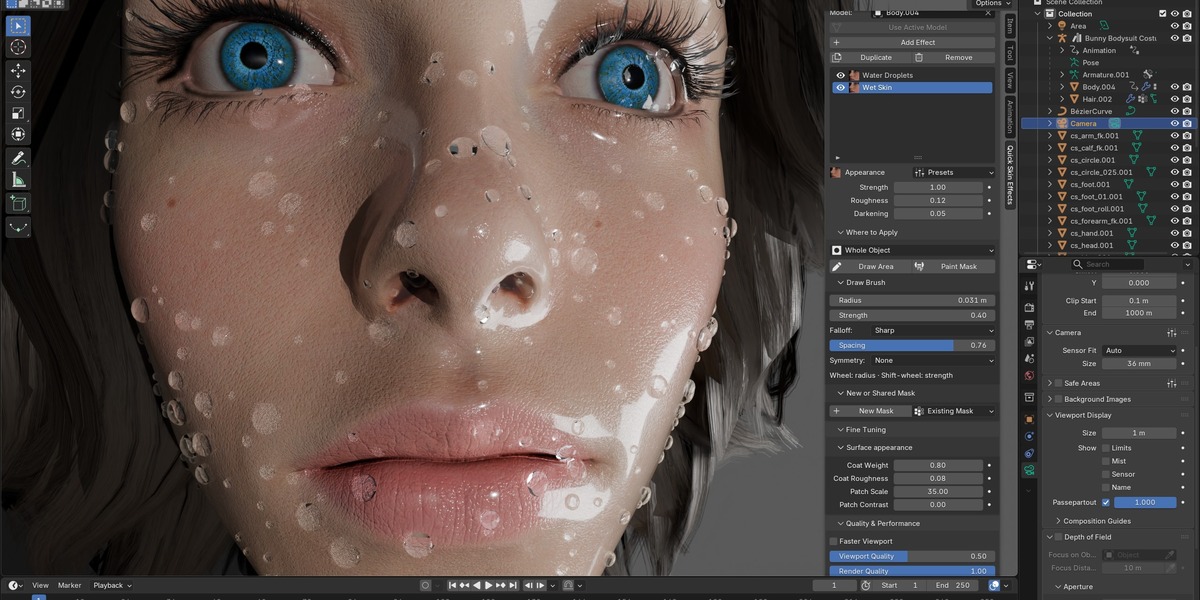
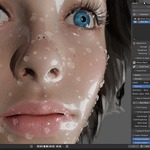
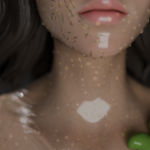
- Water Droplets: Add rounded water beads to the surface, with adjustable spacing and water tint.
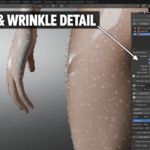
- Skin Wrinkles / Folds: Add wrinkle and fold detail to the skin material for more surface variation in character renders.
- Wet Skin: Blend roughness, color and coat settings to create a moist, glossy or dewy appearance.
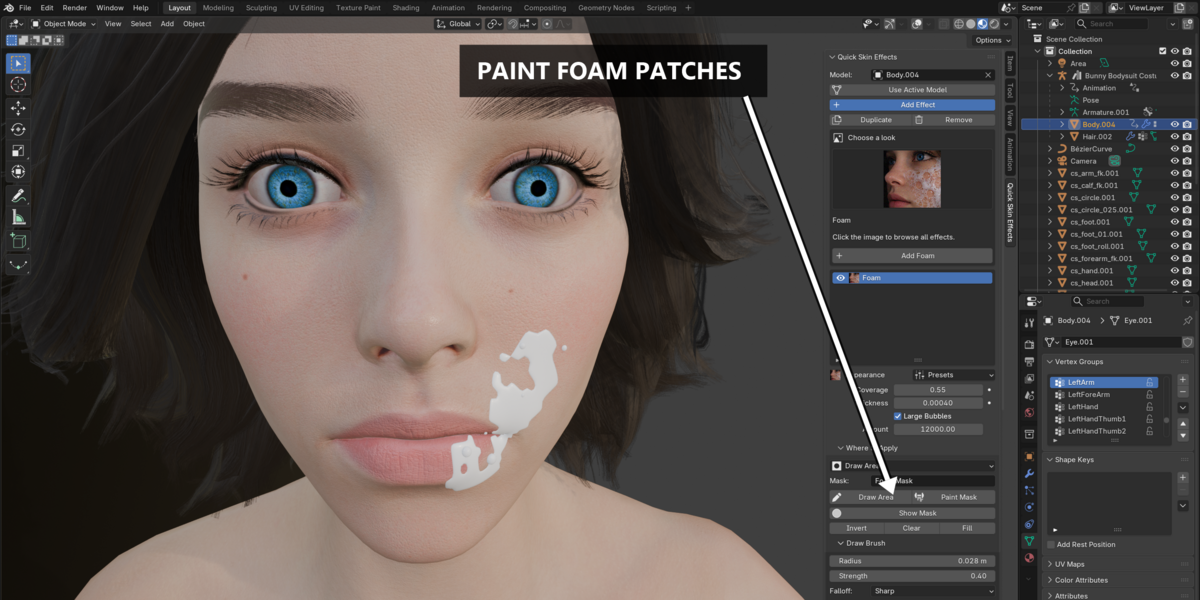
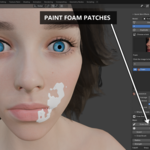
- Foam: Cover selected areas with foam and optional larger bubbles.
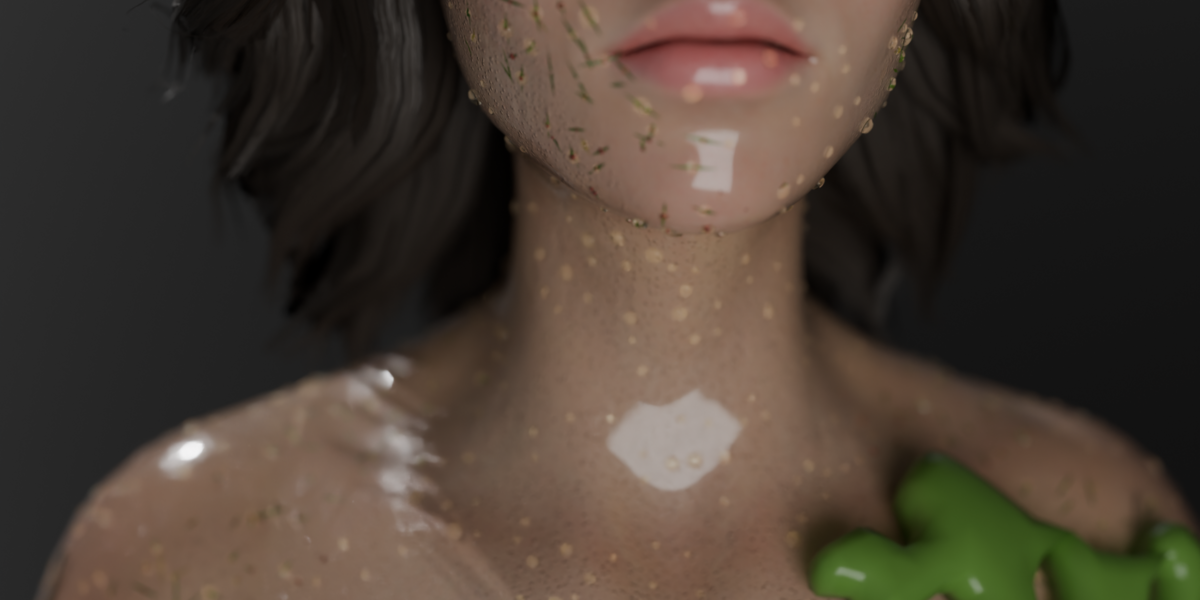
- Slime: Create a covered surface area or use a guide curve to control a slime streak.
- Sand: Scatter small sand grains across the model or restrict them to a painted region.
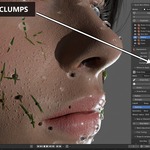
- Grass Fragments: Add short green blades that follow the surface.
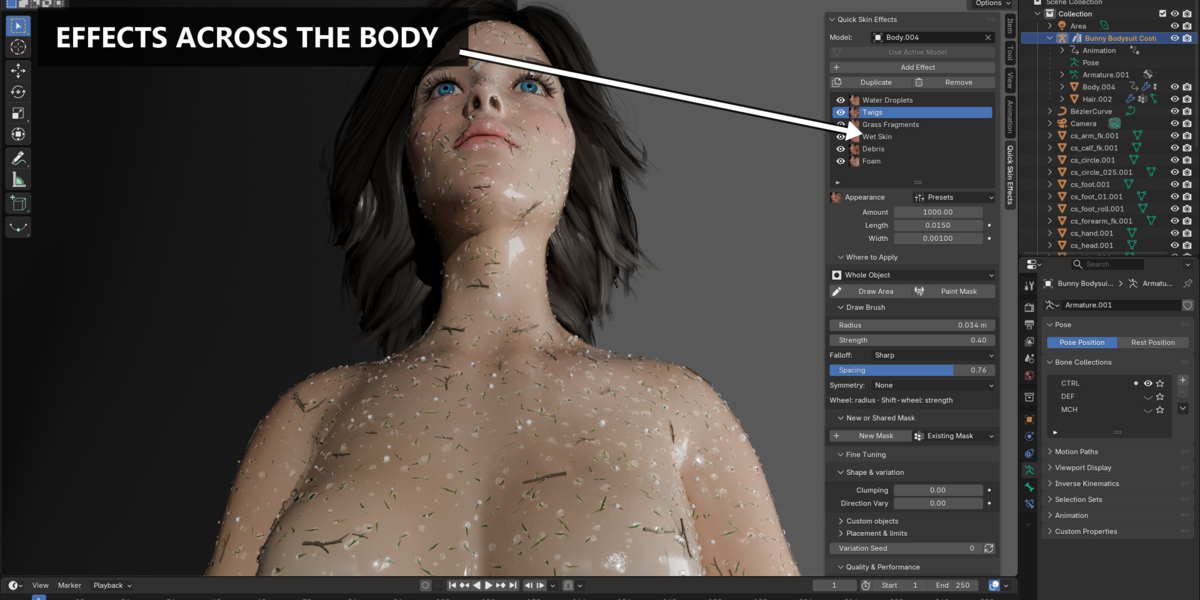
- Twigs: Add curved and forked natural forms, with support for optional custom assets.
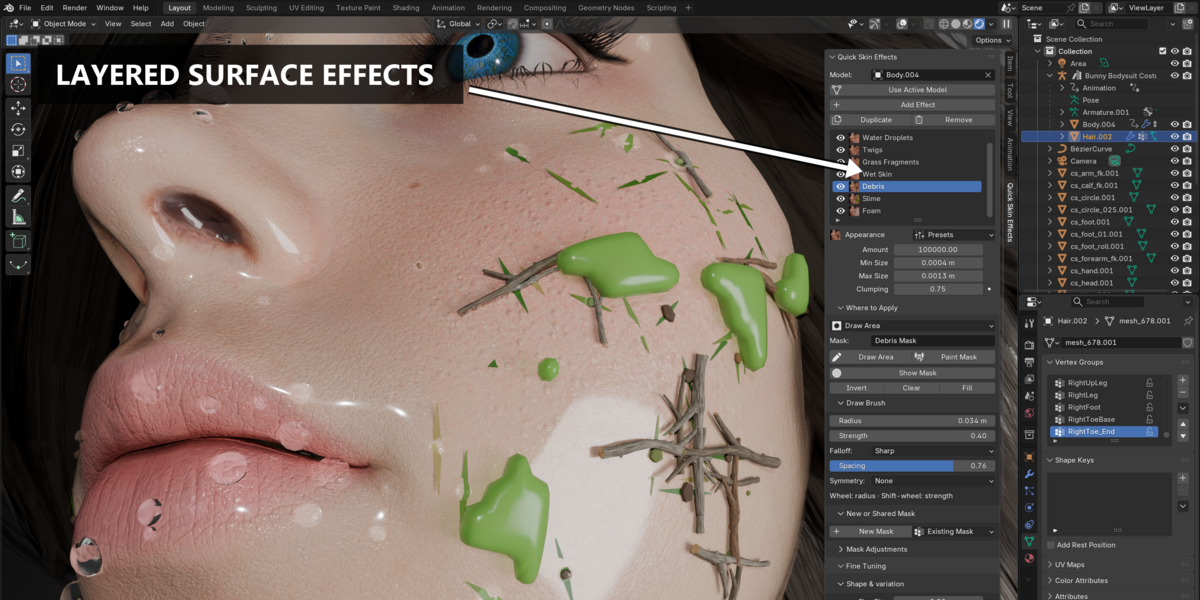
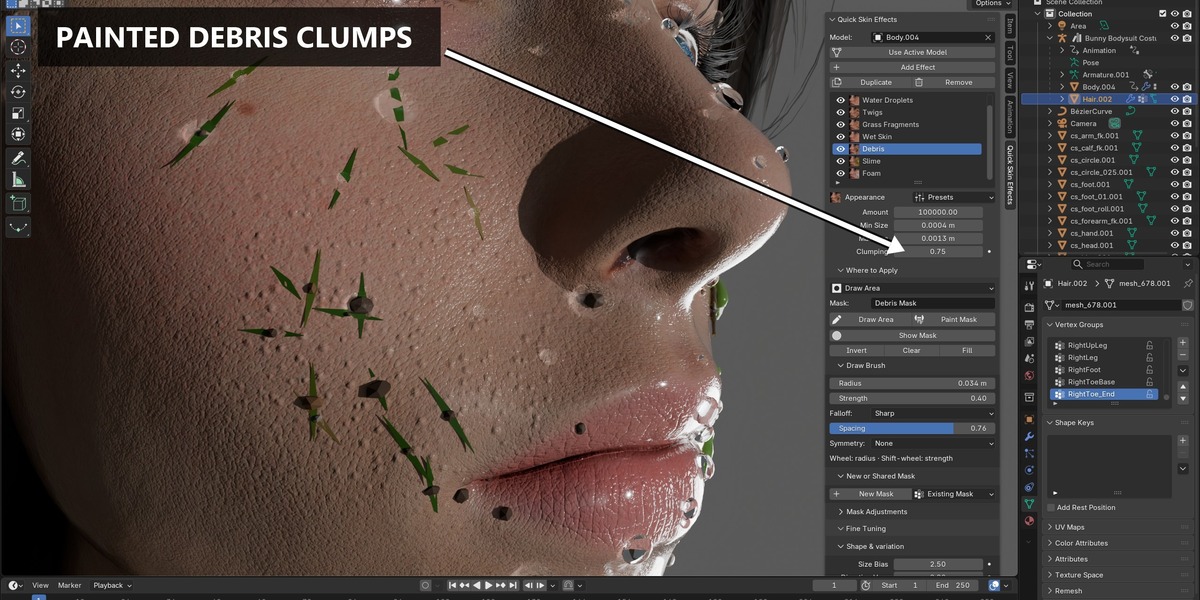
- Debris: Scatter small debris pieces and adjust their amount, size and grouping.
- Flowing Water: Animate beads along a guide curve or bake surface-particle motion for playback and rendering.
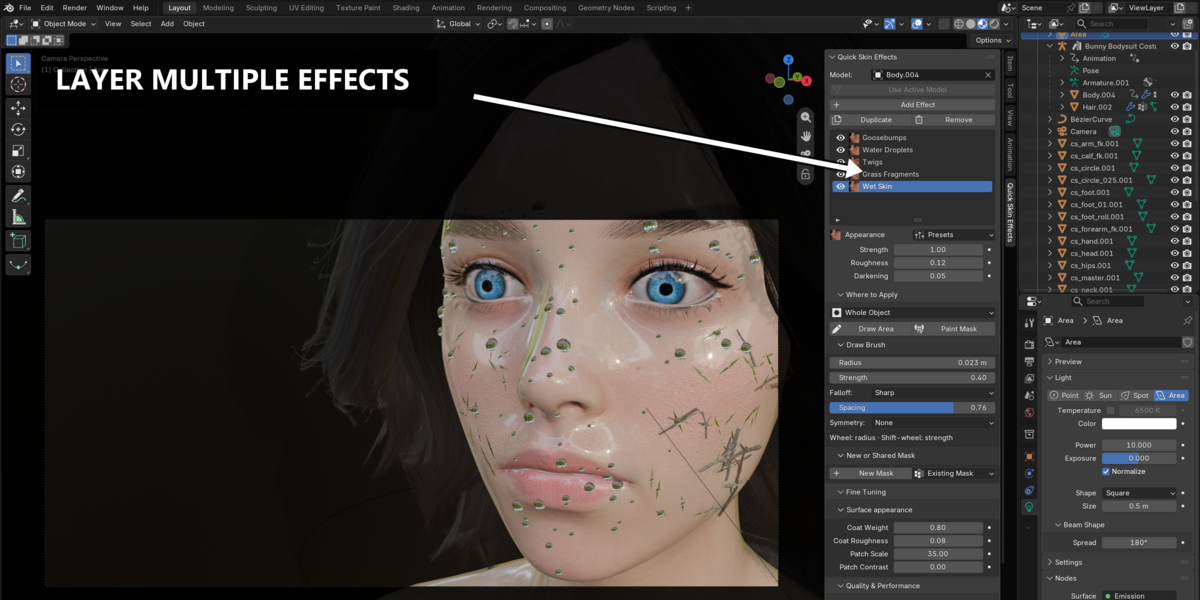
Editable Effect Layers
Build a surface appearance by combining multiple effects in a non-destructive stack. Adjust each layer separately to control its contribution to the result. The addon brings effect selection, appearance settings and coverage controls into one workflow, reducing the need to build each effect from scratch.
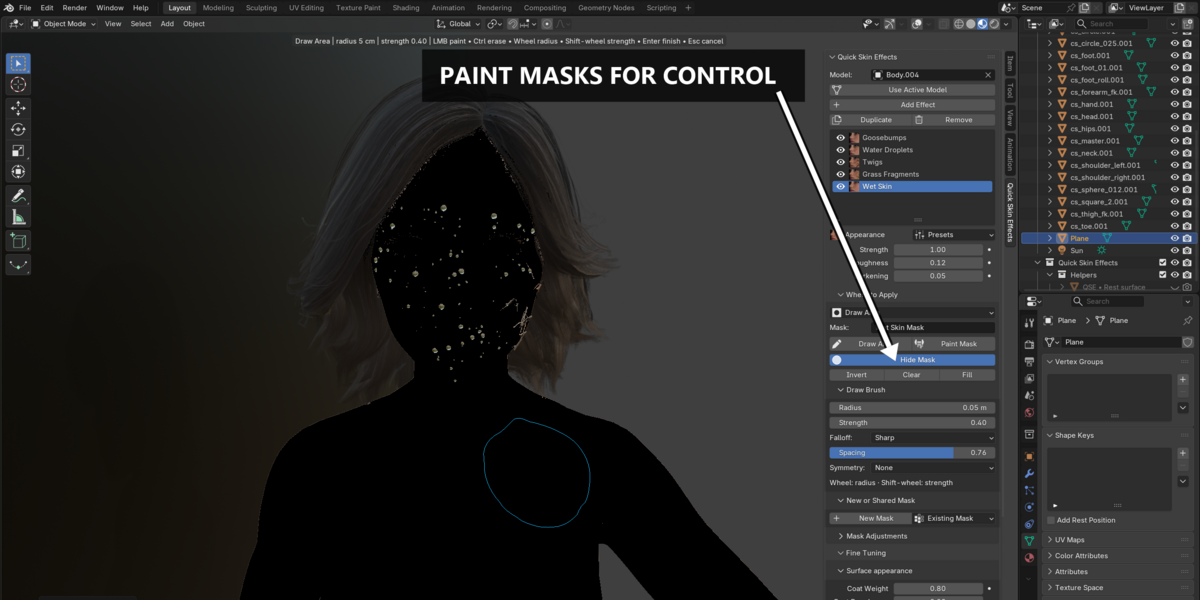
Control Where Each Effect Appears
Quick Skin Effects provides four coverage methods:
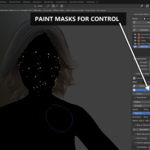
- Whole Object: Apply the effect across the eligible surface without painting a mask.
- Vertex Group: Use an existing vertex group, with its weights controlling coverage.
- Paint Mask: Paint coverage using Blender’s Weight Paint tools.
- Draw Area: Paint directly on the visible surface with adjustable brush size, falloff and spacing.
Masks can be shared between effect layers. Reuse the same mask for several effects and edit their coverage together, such as keeping wet skin and water droplets within the same painted region.
Flowing Water: Guided and Baked Motion
Guided Flow moves beads along a curve that you create and bind to the skin. Use it to choose a path across the model and adjust the flow speed. Surface Flow calculates particle motion on the model and stores the result in a baked cache for timeline playback and rendering.
Flowing Water creates controllable surface-particle motion. Splashes, merging droplets and liquid volumes are outside its scope. Rebind Guided Flow after changing the guide or mesh structure, and rebake Surface Flow after changing simulation settings.
Getting Started
- Install the downloaded ZIP through Blender Preferences and enable Quick Skin Effects.
- Select your character mesh, open the 3D Viewport sidebar with N, and choose Quick Skin Effects → Use Active Model.
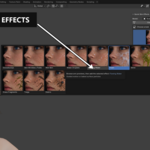
- Open the effect browser, choose an effect and click Add.
- Adjust the effect settings. Start with Whole Object, or choose a mask method to control placement.
Compatibility and Model Setup
- Blender version: Designed for Blender 4.5 and later.
- Mesh topology: Keep topology stable after adding effects. Surface attachments depend on consistent mesh structure.
- Wet Skin and Wrinkles: Every material slot needs a node-based material with a Principled BSDF connected directly to the Material Output Surface input.
- Goosebumps: Use Material Preview or Rendered mode to judge shader detail. Enough mesh resolution is needed for geometric silhouette detail.
What Is Included?
The package includes the Quick Skin Effects Blender addon, 11 effects, shared mask controls, presets and a user guide. Work directly inside Blender to build and refine procedural skin details, moisture effects and scattered surface elements for your characters.