 upAutomat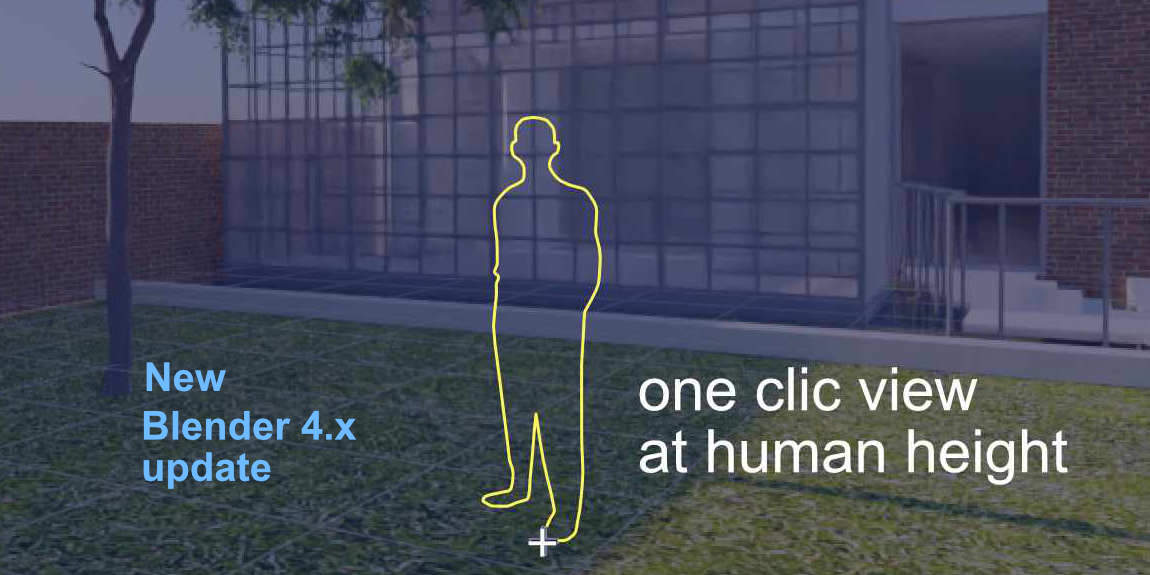
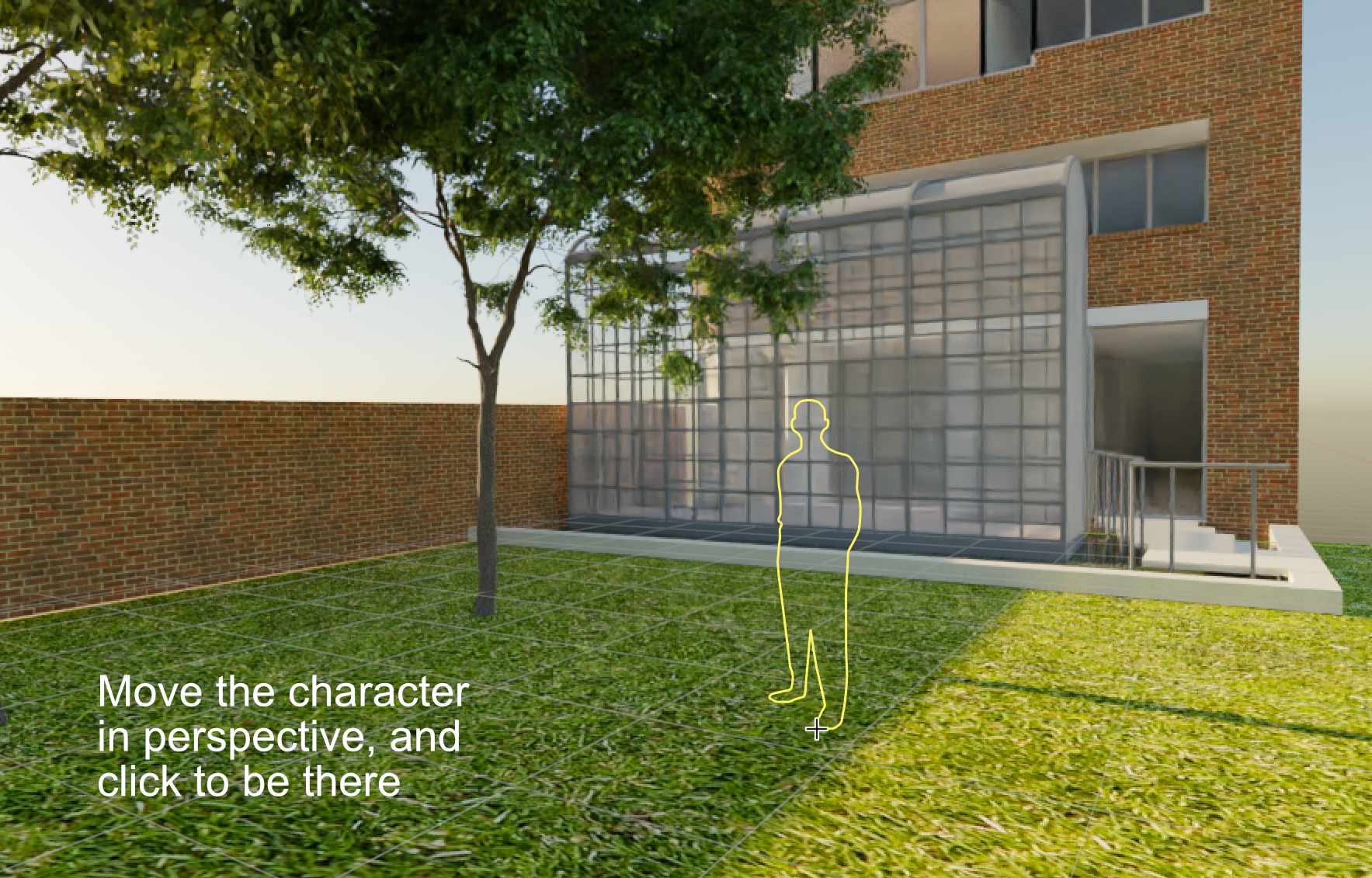
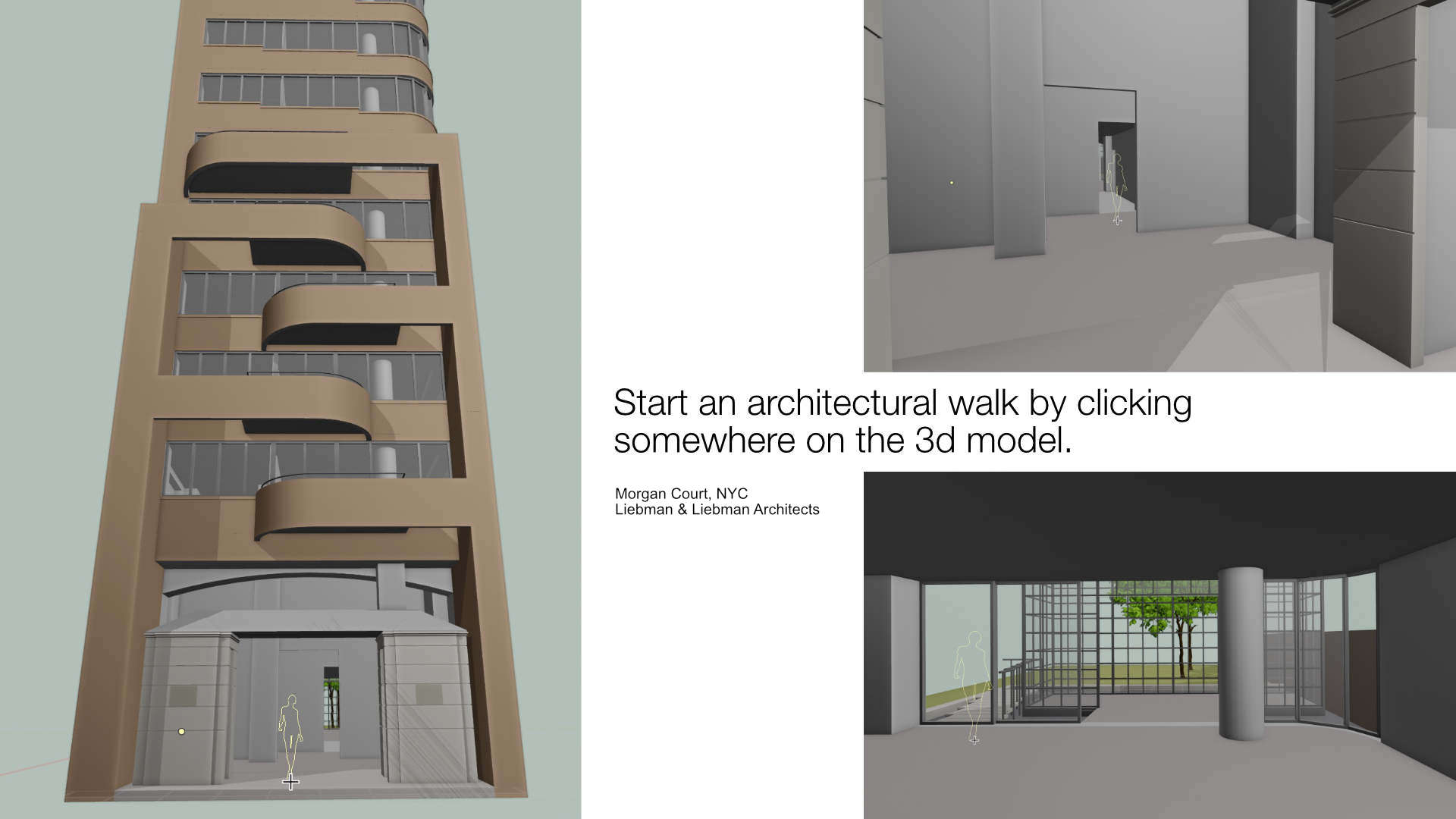
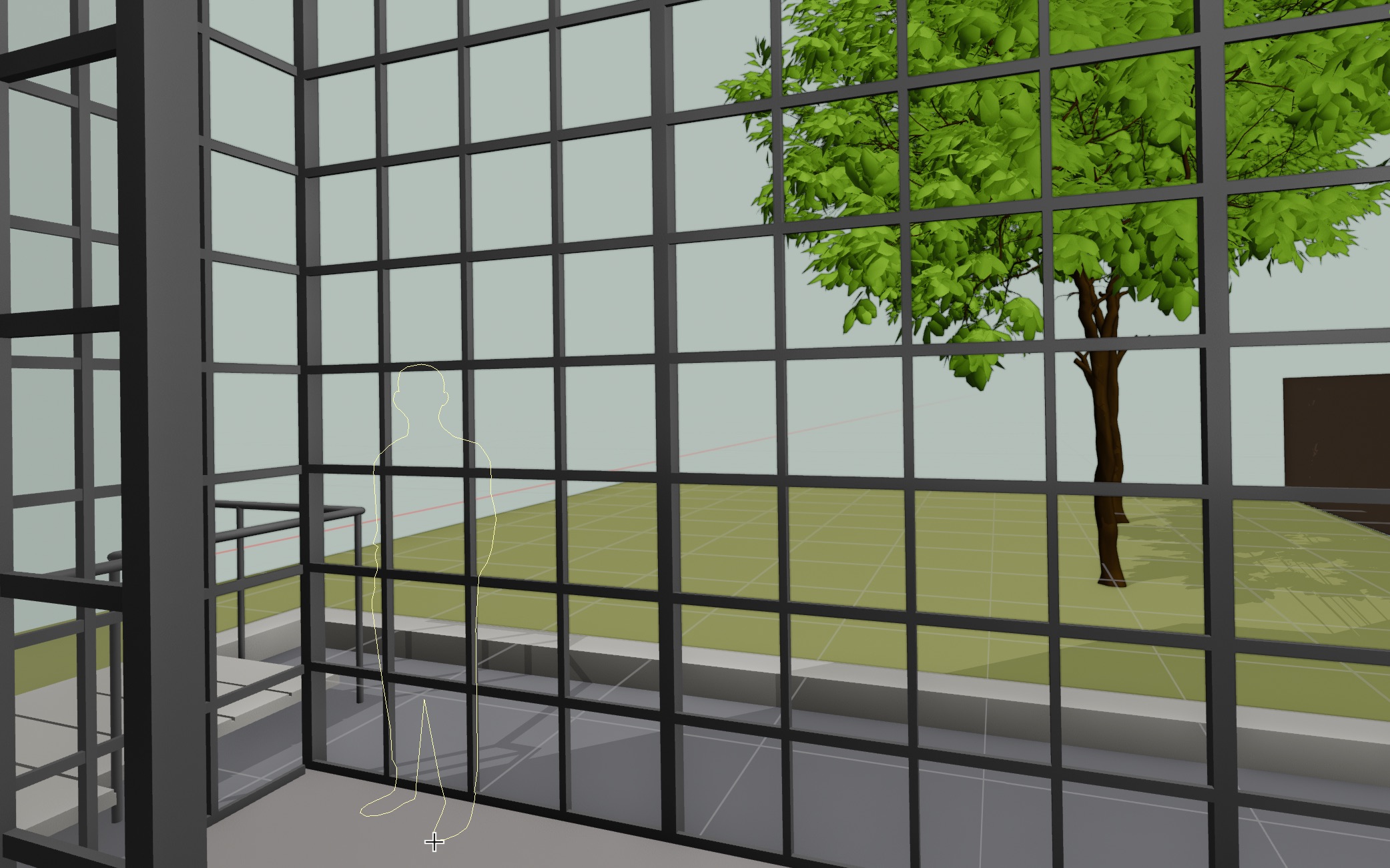
• to set a human view : menu "View" -> "Human view", and left-click on a floor object or the grid
• to exit human view mode : press ESC ( or change tool or workspace )
- ← → arrow keys to change position ( standing, sitting, lying )
- "=" to set eye height
- ⇧ + left click to save a camera with human view
- ⇧ + CTRL + left click to stamp as object the human silhouette as scaled reference
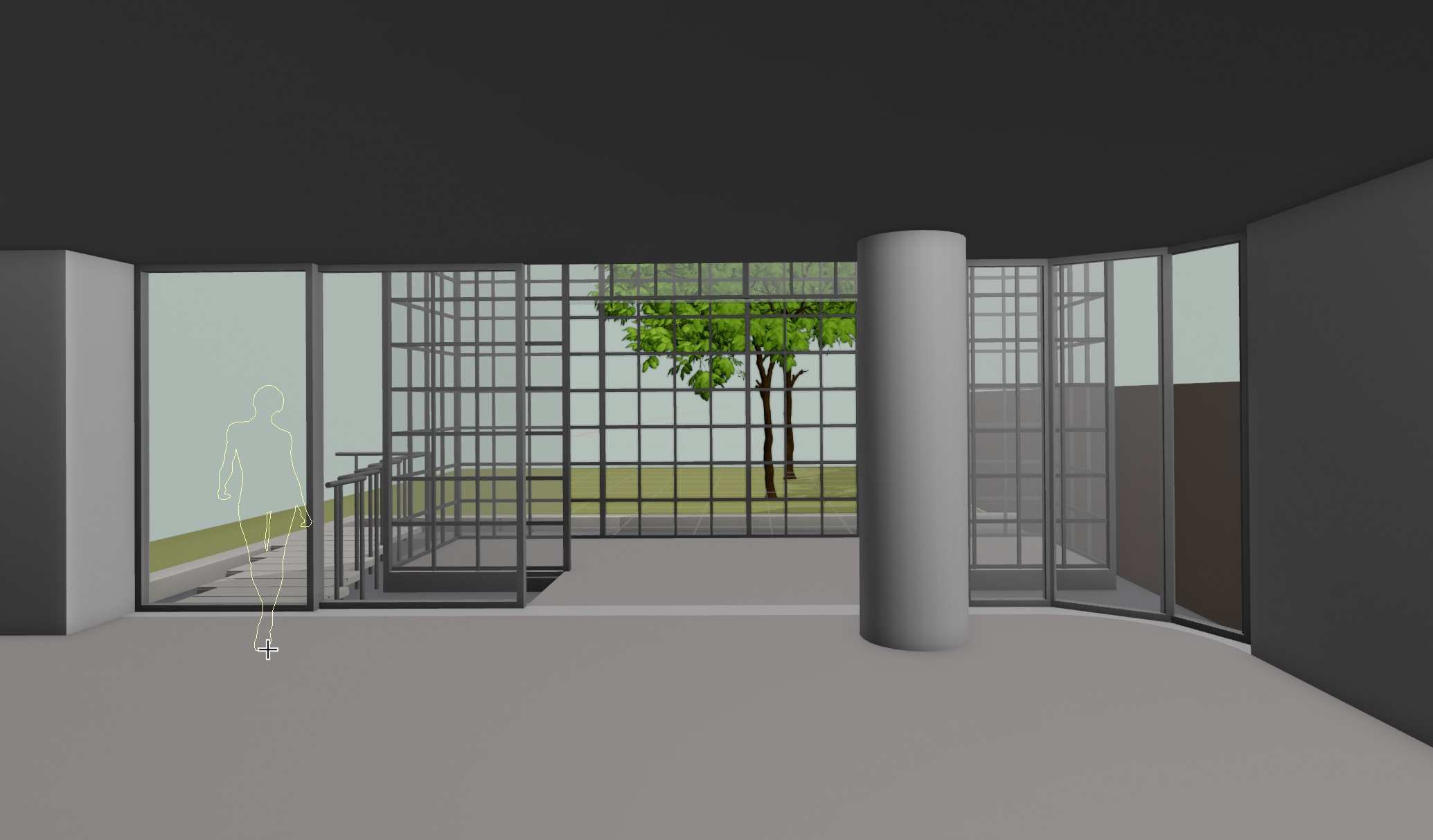
[after first clic] -> use arrow keys to go through

