 MikeStore


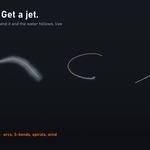

Real water, from a single curve
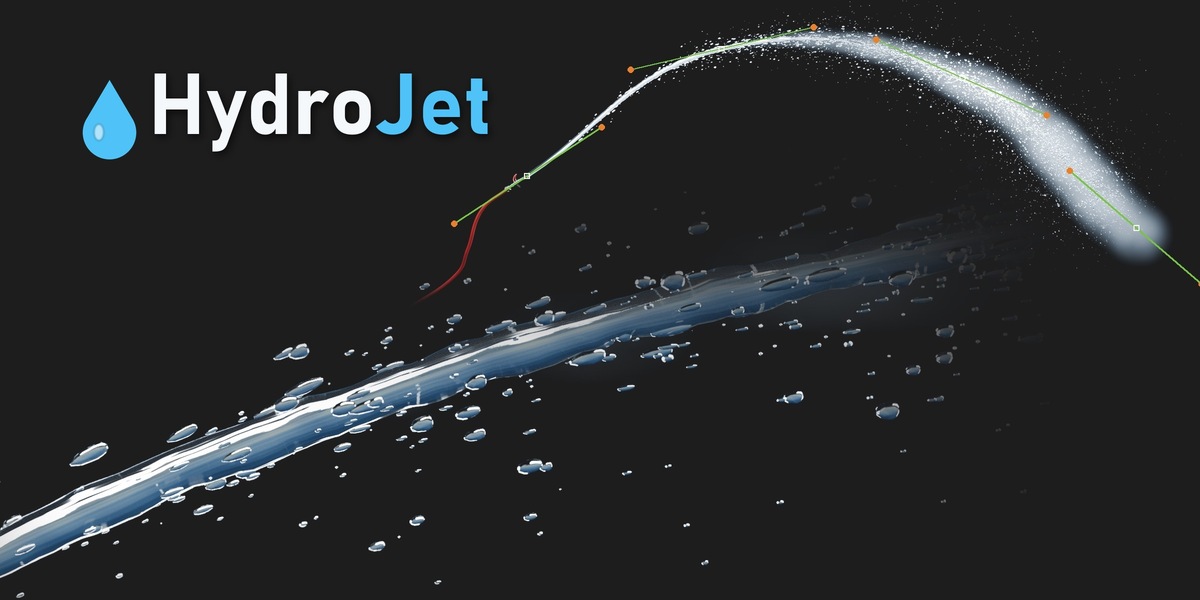
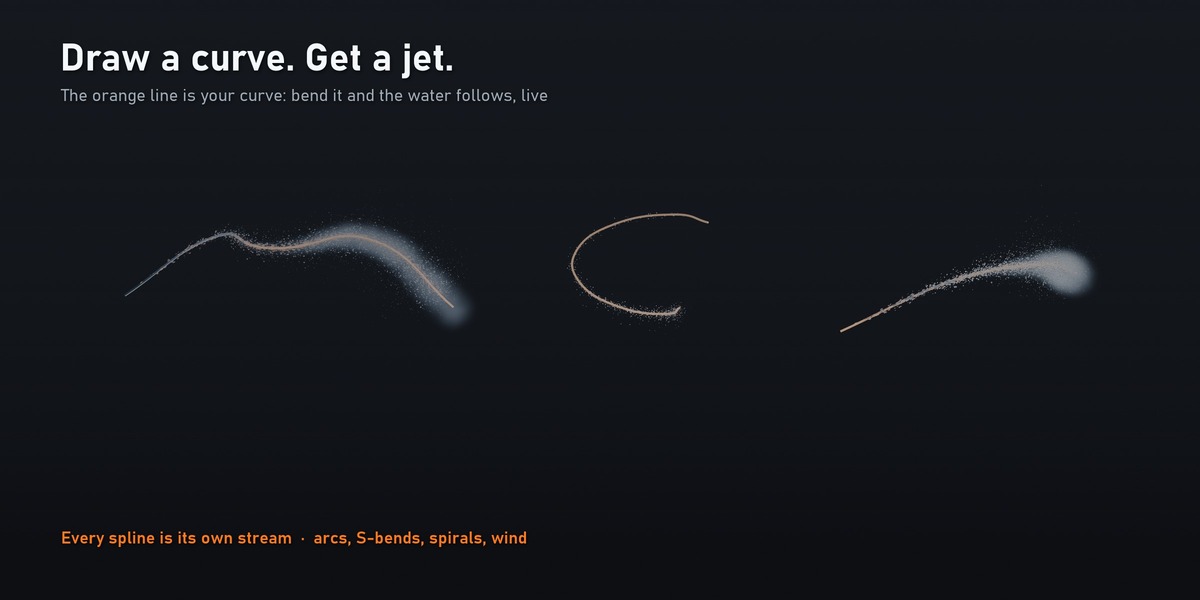
HydroJet turns any curve into a physically-inspired water stream. Point one is the nozzle — bend the curve and the water follows. No simulation domain, no baking, no cache: scrub the timeline, render on a farm, change anything at any frame.
It is built the way real jets behave:
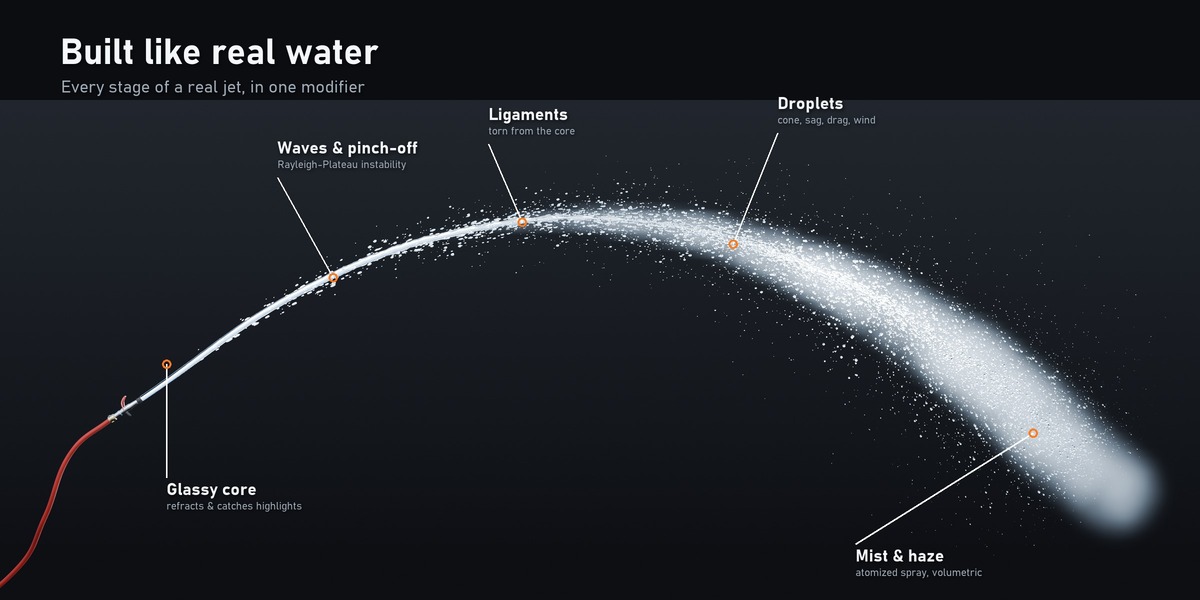
- Glassy coherent core that refracts and catches highlights near the nozzle
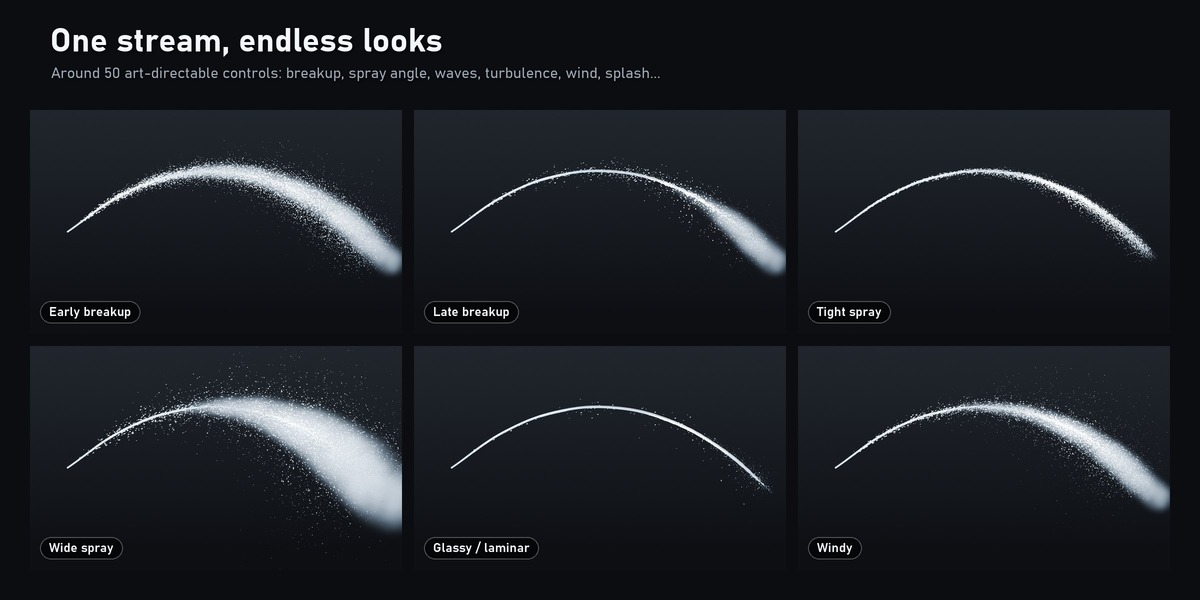
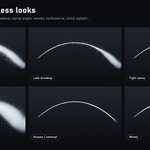
- Rayleigh–Plateau waves: the jet bulges, necks and pinches off into ligaments
- Droplets detach along the breakup zone, open into a spray cone, sag, drag and drift in the wind — small drops spread more and slow down sooner, like real spray
- Mist and volumetric haze wrap the atomized part of the stream
- Impact splash bounces off the ground or a wall where the stream lands
- Aeration: from a clear glassy jet to a white foam jet, for aerated fountain plumes
Every spline is a stream
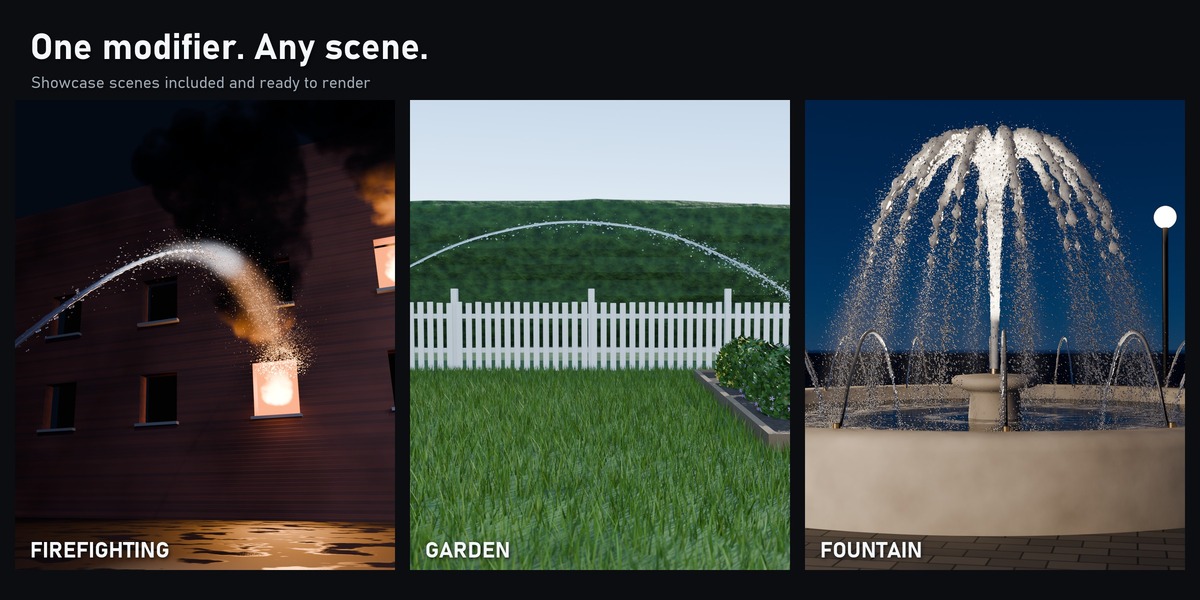
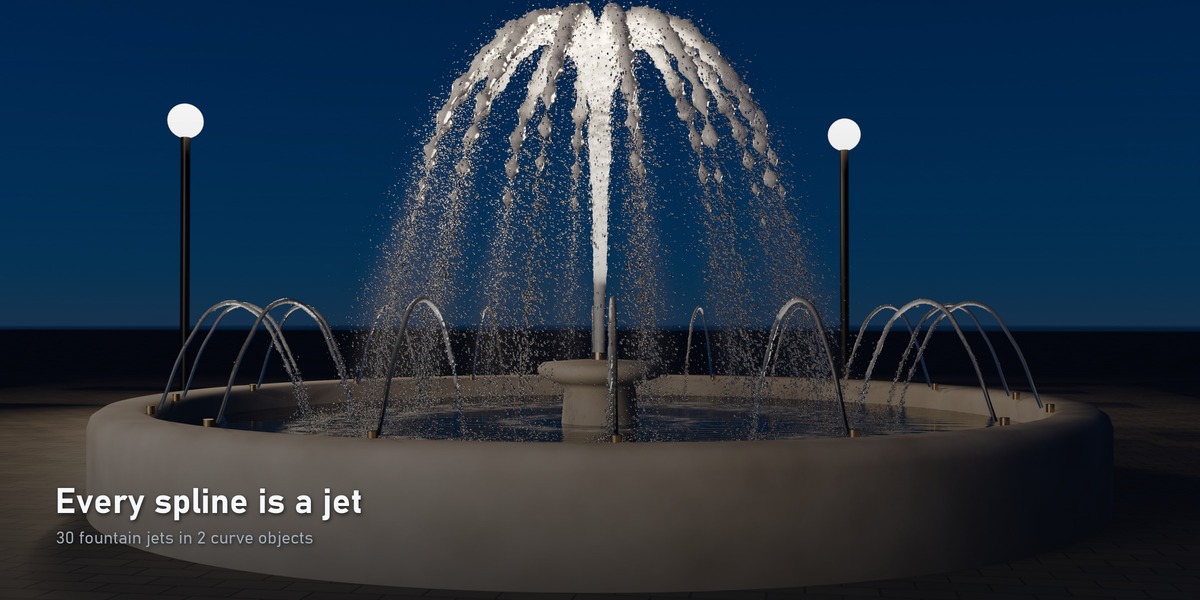
One curve object can hold any number of splines, and each becomes its own jet with its own randomness. Draw 14 splines and you have a fountain plume; the fountain showcase is 30 jets in 2 curve objects.
Ready in seconds
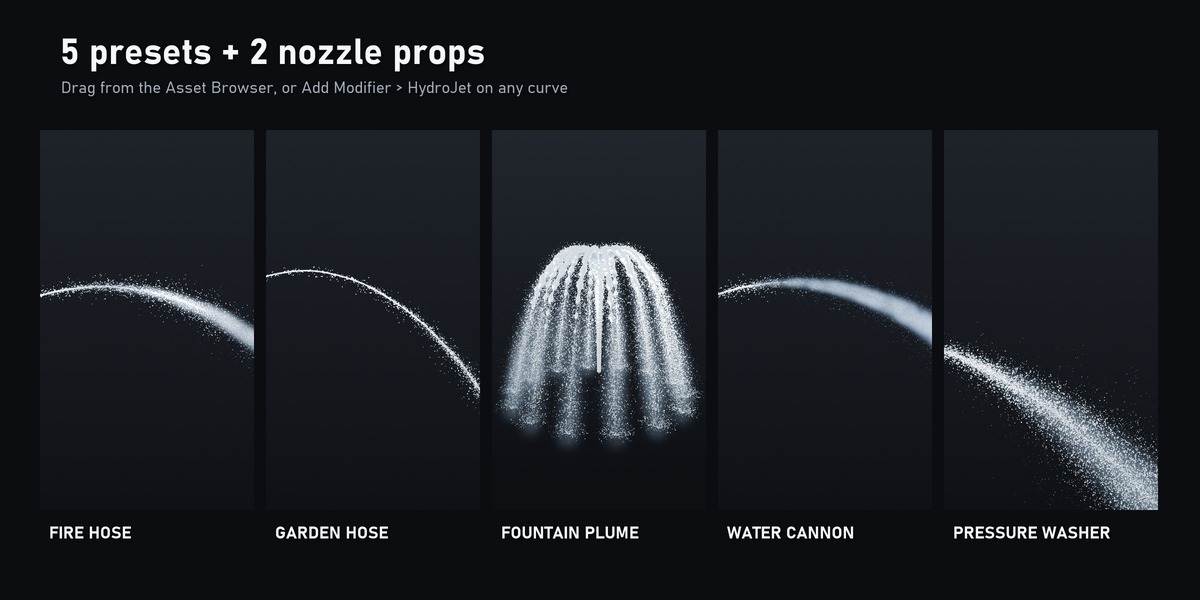
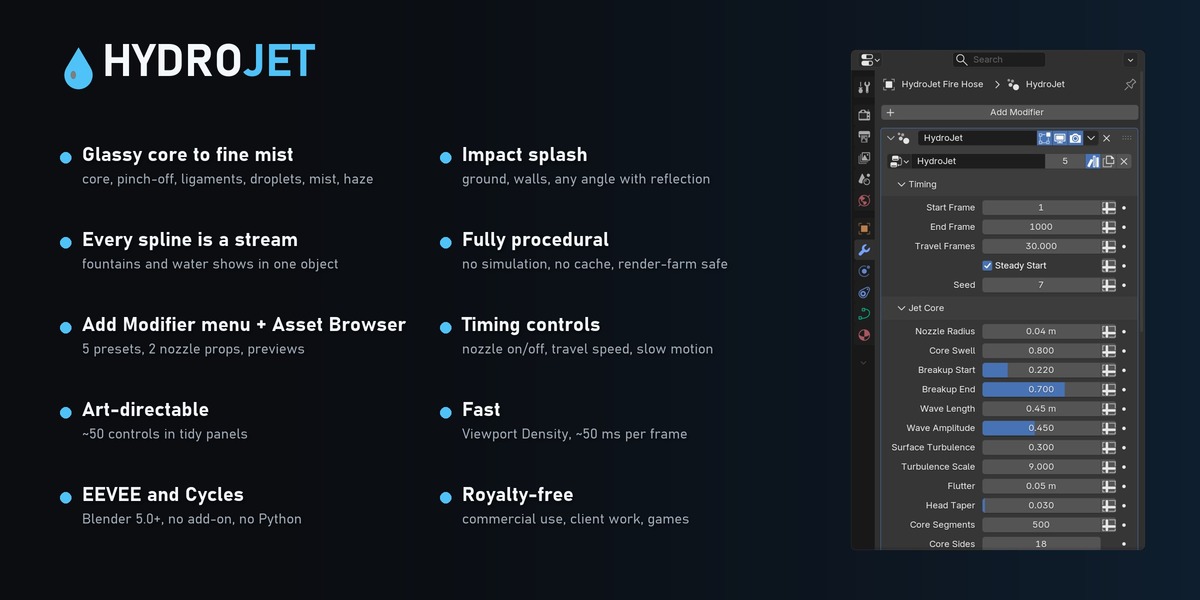
- Add it to any curve from Add Modifier > HydroJet, or drag a preset from the Asset Browser
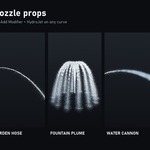
- 5 presets: Fire Hose, Garden Hose, Fountain Plume, Water Cannon, Pressure Washer
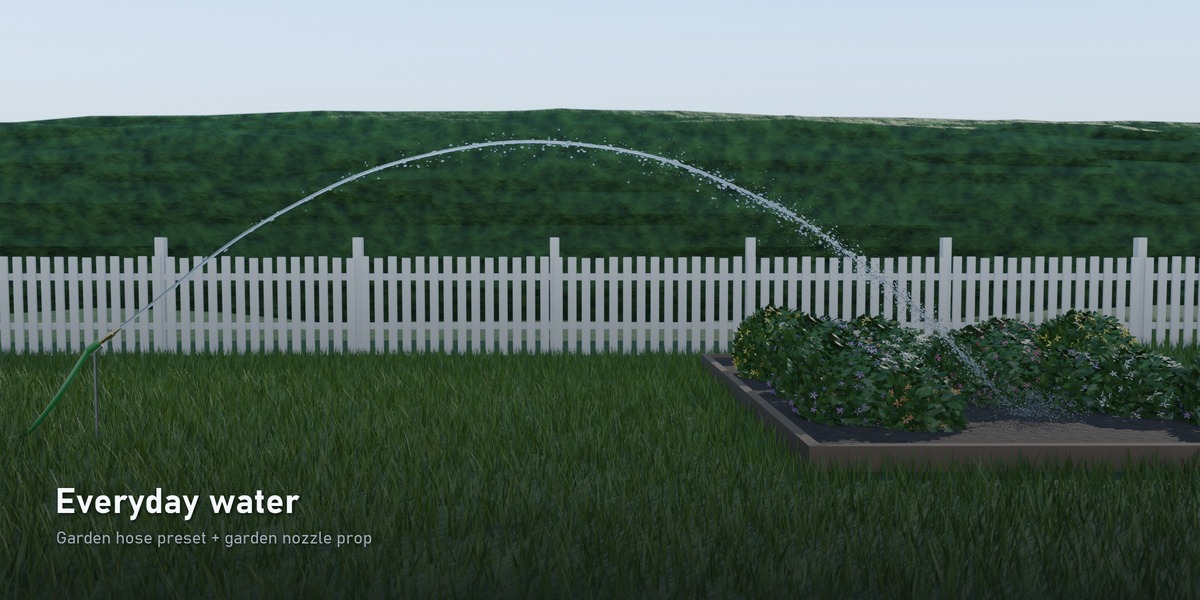
- 2 props: combination fire nozzle with canvas hose, brass garden nozzle with hose
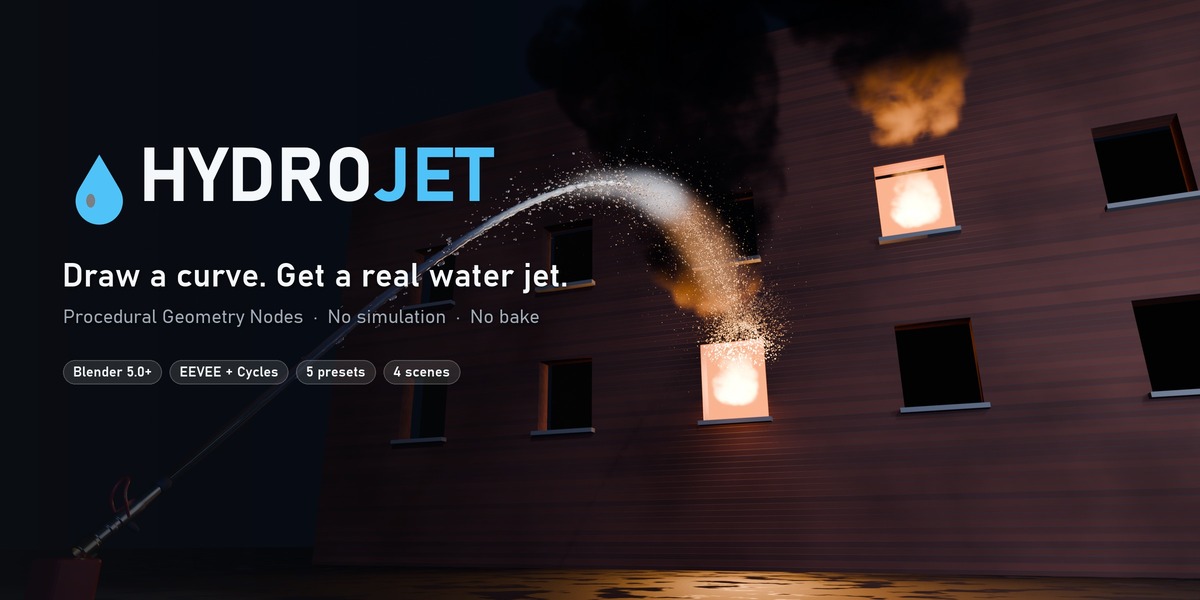
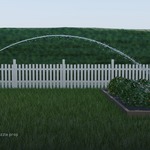
- 4 showcase scenes ready to render: Firefighting (night), Garden (day), Fountain (blue hour), Studio
Art-directable
Around 50 clearly named controls in tidy panels: timing (nozzle open/close, travel speed), core shape, breakup position, wave length, turbulence, spray angle and falloff, droplet sizes, gravity, drag, wind, mist, haze, splash and materials. A Viewport Density slider keeps the viewport fast while renders always use full quality.
Where to use it
Firefighting and rescue scenes · gardens and architecture viz · fountains and water features · car-wash and cleaning ads · product shots · educational and explainer animations · game cinematics · VFX previs
What's included
- HydroJet.blend — asset library (modifier, presets, props, previews, catalogs)
- Showcase/ — 4 ready-to-render scenes
- HydroJet_Guide.pdf — every control explained, with recipes for walls, slow motion, fountains and wind
- README, LICENSE, CHANGELOG
Requirements
- Blender 5.0 or newer
- EEVEE: enable Raytracing in Render Properties for refraction (the showcase files have it on). Cycles works out of the box.
- No add-on, no Python — pure Blender data
FAQ
Is it a simulation? No. It is a procedural Geometry Nodes setup: every frame is computed directly, so it is fast, deterministic and render-farm friendly.
Can I use it for commercial work? Yes — royalty-free for renders, films, ads, games and client work. Just don't resell the asset itself.
Does it collide with objects? The stream follows your curve; the splash is placed at the curve end with an adjustable surface normal (ground, wall, any angle). Shape the curve to land where you want.
Performance? A full fire-hose stream evaluates in roughly 50 ms per frame on a modern PC. Viewport Density lowers counts in the viewport only.