Iceberg Generator — Procedural Icebergs in Seconds (9 Types, Above & Below Water Control)
 Orbbit Tools
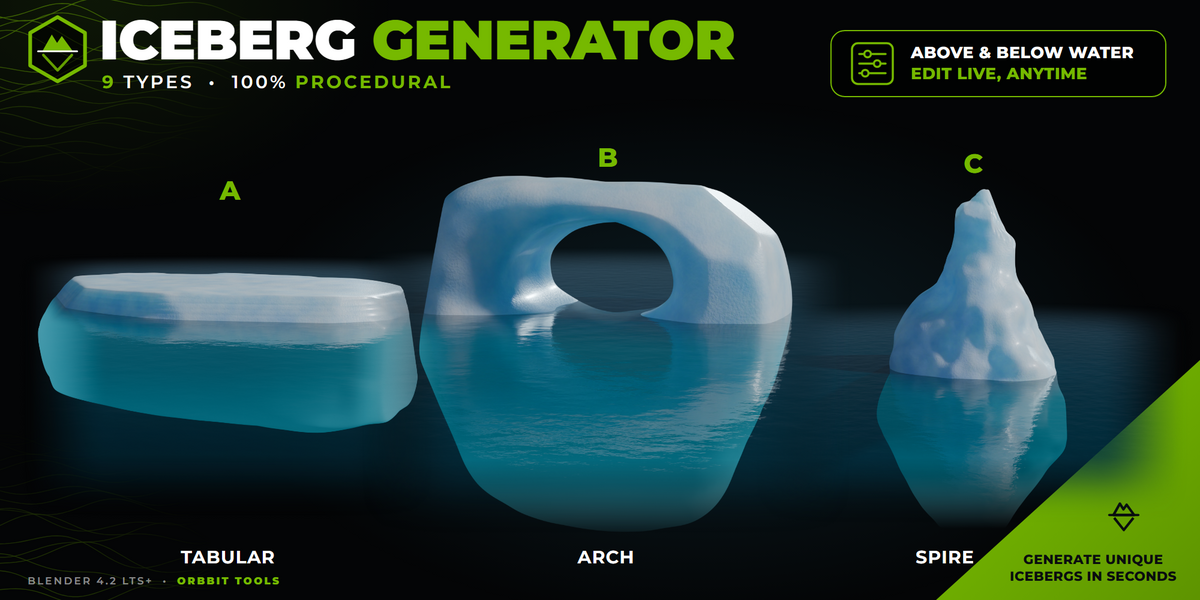
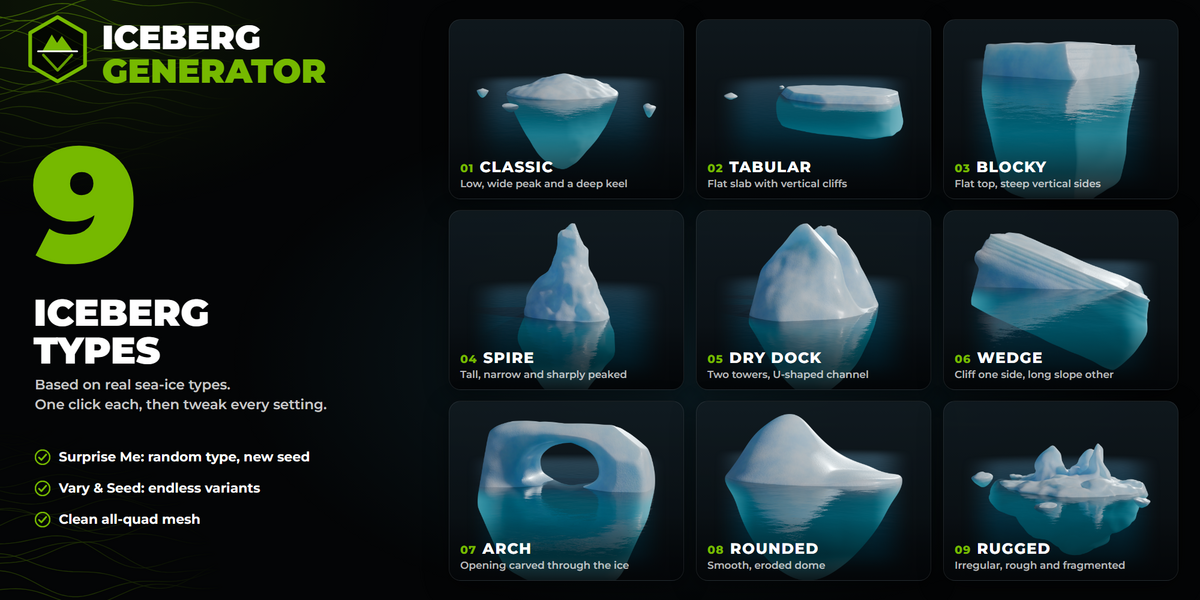
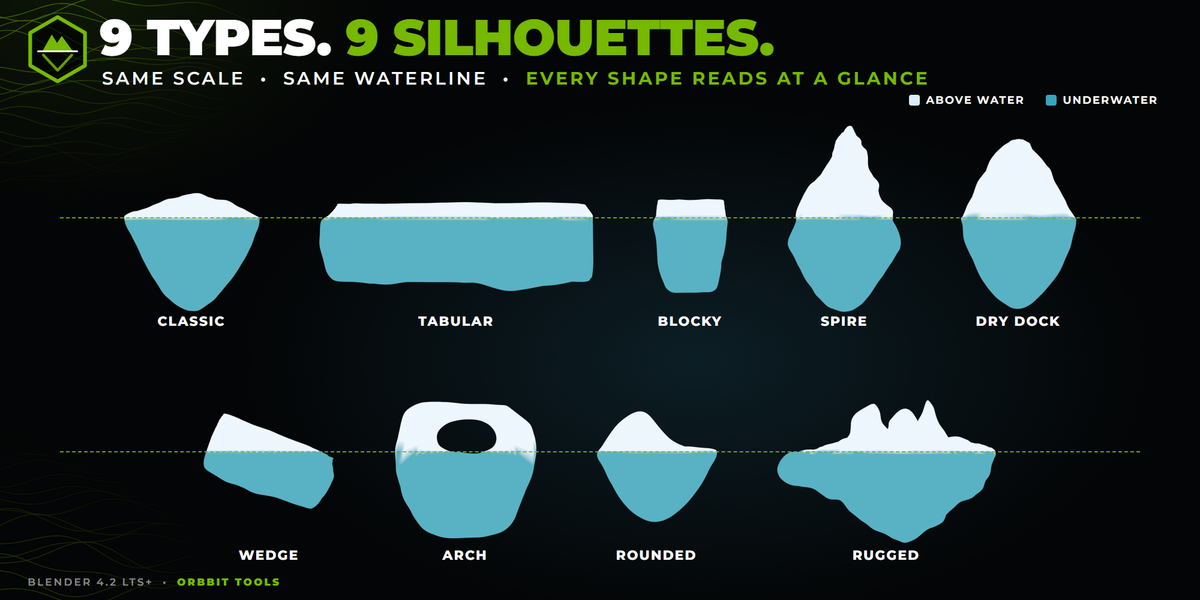
How do I get lots of different icebergs quickly?
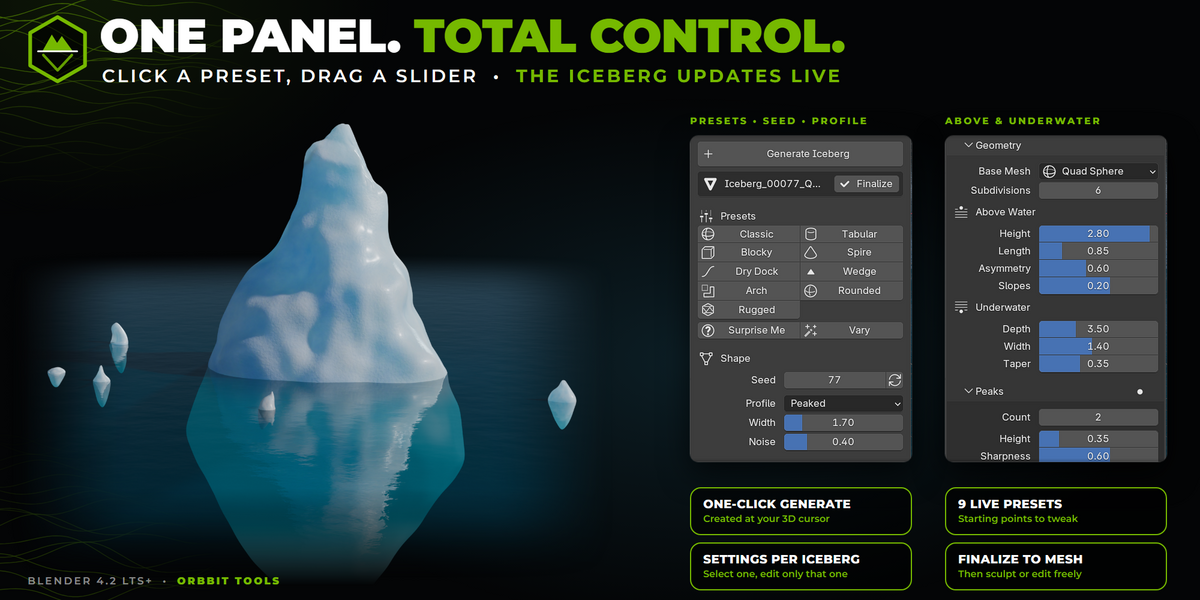
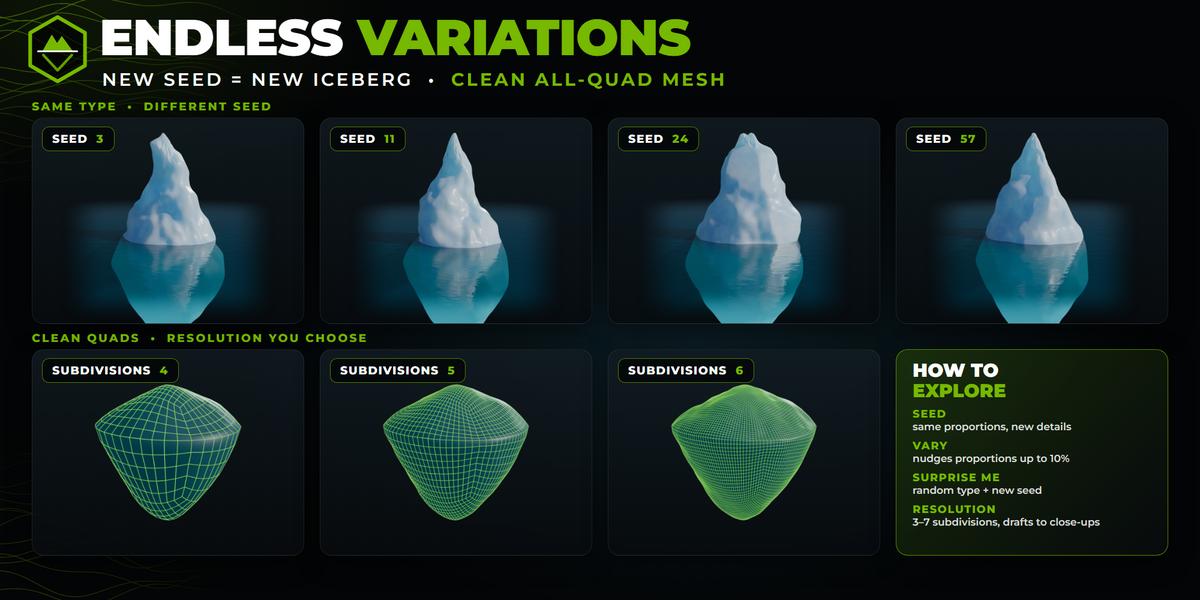
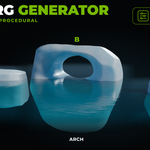
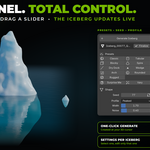
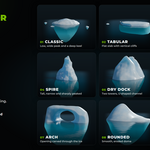
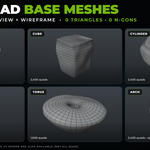
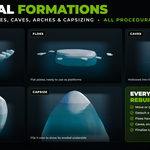
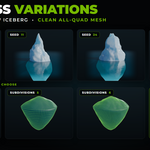
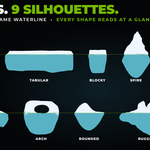
Pick one of the 9 presets, then change the Seed for new details, press Vary to nudge the proportions, or press Surprise Me for a random type with a new seed. If you press Generate Iceberg with an iceberg selected, you get a copy with a new seed. Every iceberg keeps its own settings, so changing one never affects the others.
How do I place an iceberg on my ocean?
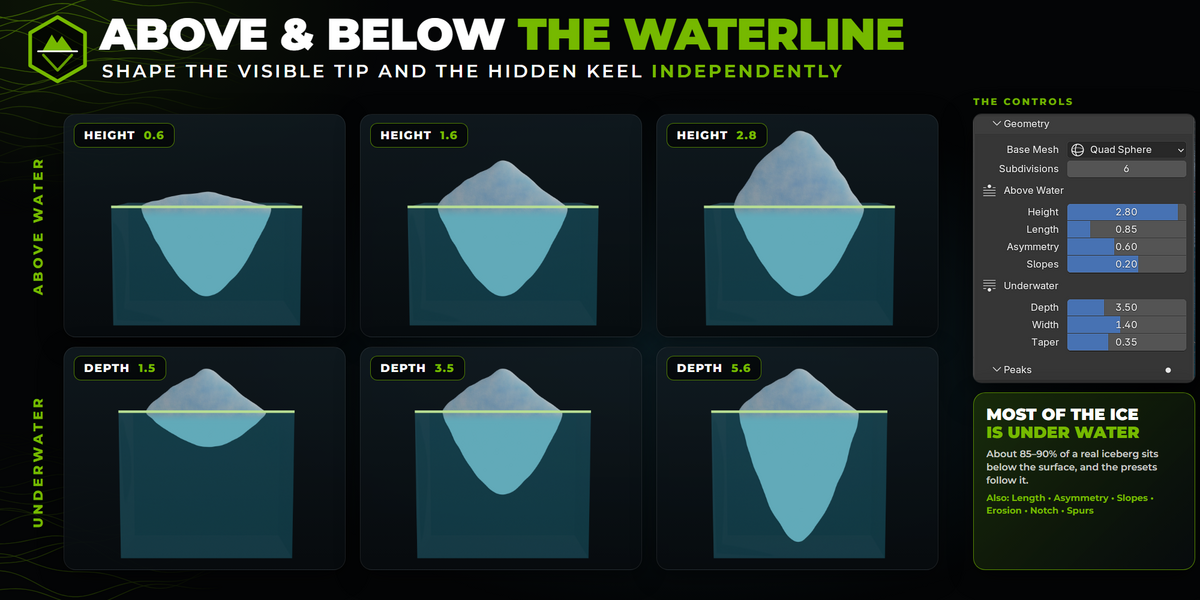
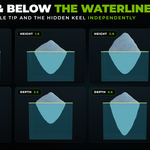
The object’s origin sits exactly on the waterline. Put the iceberg on your ocean surface at height 0 and it floats at the right depth, with most of the ice underwater. The part above and the part below the water have separate controls (Height, Depth, Width, Taper and more).
Can I edit an iceberg by hand, or sculpt it?
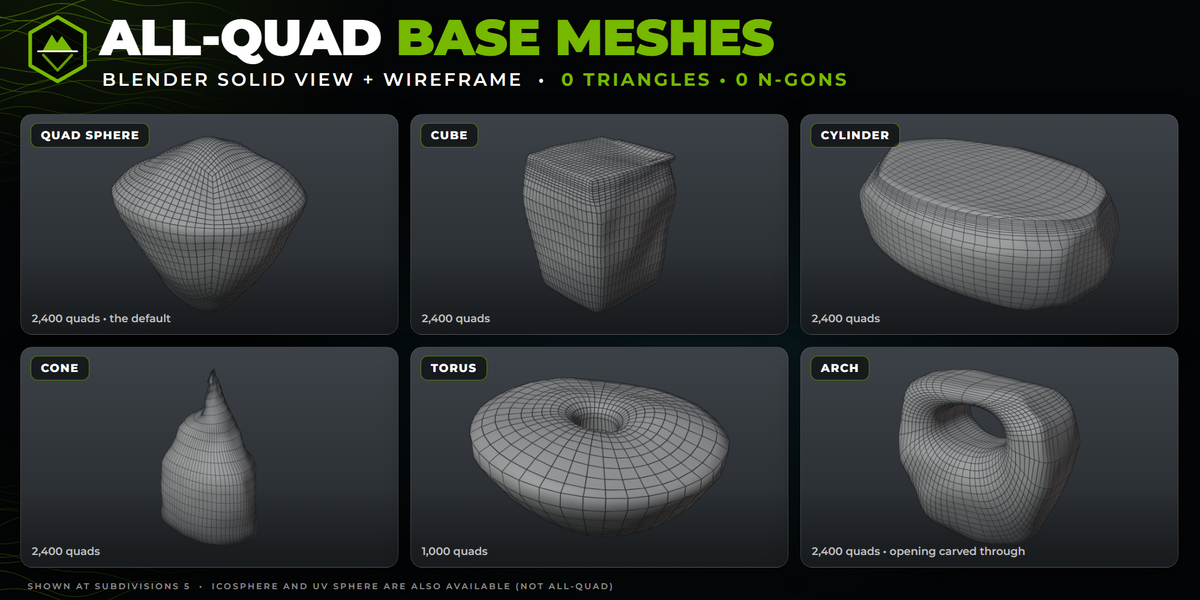
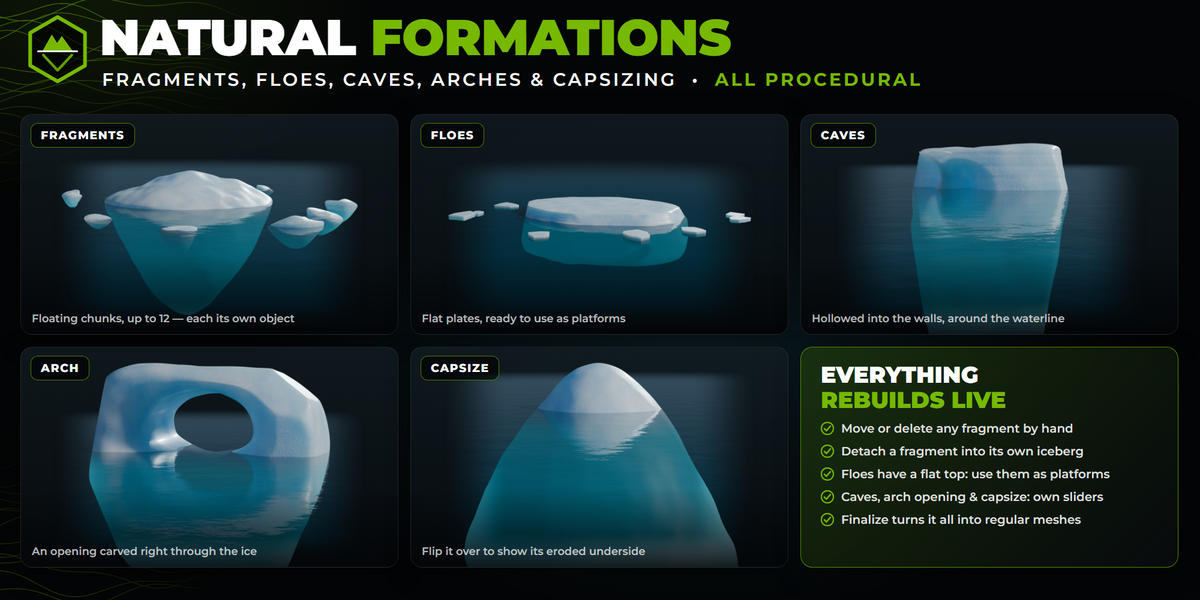
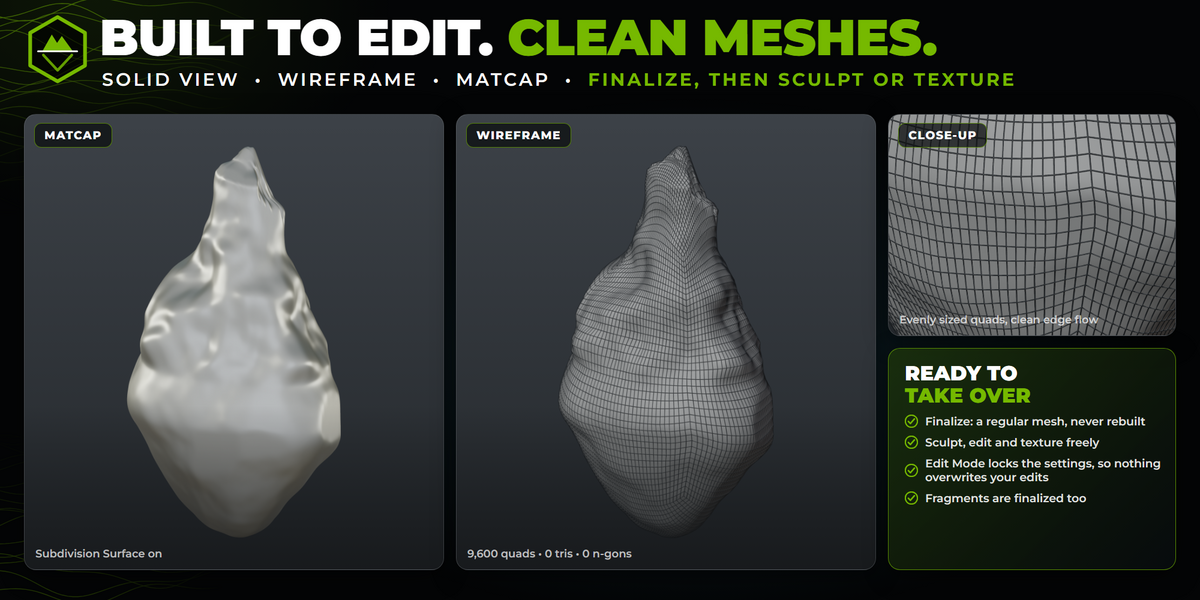
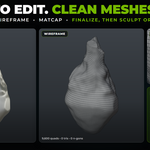
Yes. A procedural iceberg is rebuilt from its settings every time you change one, so hand edits would be lost. When you’re happy with the shape, press Finalize. The iceberg and its fragments become regular meshes that are never rebuilt, and you can then edit, sculpt or texture them freely. While an iceberg is in Edit Mode its settings are locked, so nothing overwrites your edits.
Does it include materials, textures or UVs?
No. Iceberg Generator models the shape only. Materials, UVs, LODs, collision and export are not part of the add-on, so you can do them by hand or with other add-ons. The preview images use a simple ice and water shader set up separately.
Which Blender versions does it support?
Blender 4.2 LTS and newer. It has been tested on 4.2 LTS and 5.2 LTS. Install it from Edit > Preferences > Get Extensions > Install from Disk. The panel then appears in the 3D Viewport sidebar (press N) under the Orbbit Tools tab.
Have questions about this product?
Login to message
| Blender Extension Compatible | Yes |
| Published | about 3 hours ago |
| Blender Version | 4.2 - 5.2 |
| Extension Type | Add-on |
| Render Engine Used | Cycles, Eevee |
| License | GPL |
Discover more products like this
Generator glacier environment game assets ocean ice quad mesh procedural Geometry arctic iceberg landscape