 ramazan sarı



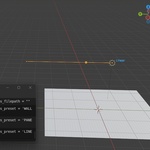
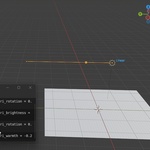
IES Light Architect Pro
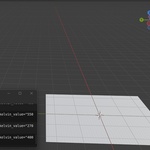
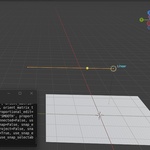
IES Light Architect Pro is a Blender lighting add-on designed for architectural visualization, interior design, and render lighting workflows.
It helps speed up the process of adding IES-style architectural lighting setups to Blender scenes, with adjustable controls for practical lighting work.
Features
- Helps create architectural lighting setups inside Blender
- Useful for interior visualization, archviz scenes, product renders, and staged environments
- Includes IES-style lighting profile workflow support
- Adjustable lighting settings for scene refinement
- Designed to reduce repetitive manual lighting setup work
- Works with Blender lighting and rendering workflows
How to Use
- Install and enable the add-on in Blender.
- Open the IES Light Architect Pro panel.
- Choose an available light profile or lighting option.
- Add the light setup to your scene.
- Adjust intensity, color temperature, placement, and other available settings.
- Refine the result based on your render needs.
Compatibility
Tested with Blender 4.2 up to Blender 5.0.
AI Usage Disclosure
This product was created through an AI-assisted but human-led development process.
AI tools were used to support parts of development, including code suggestions, debugging ideas, workflow planning, and documentation drafting. The final Blender workflow, tool behavior, UI decisions, testing, bug fixing, packaging, and product preparation were reviewed and completed manually by the creator.
This product is not fully AI-generated. The final result reflects manual revisions, Blender testing, and human-led product design decisions.
Support
If you have an issue or question, please contact me through Superhive messages.
