 Ignis
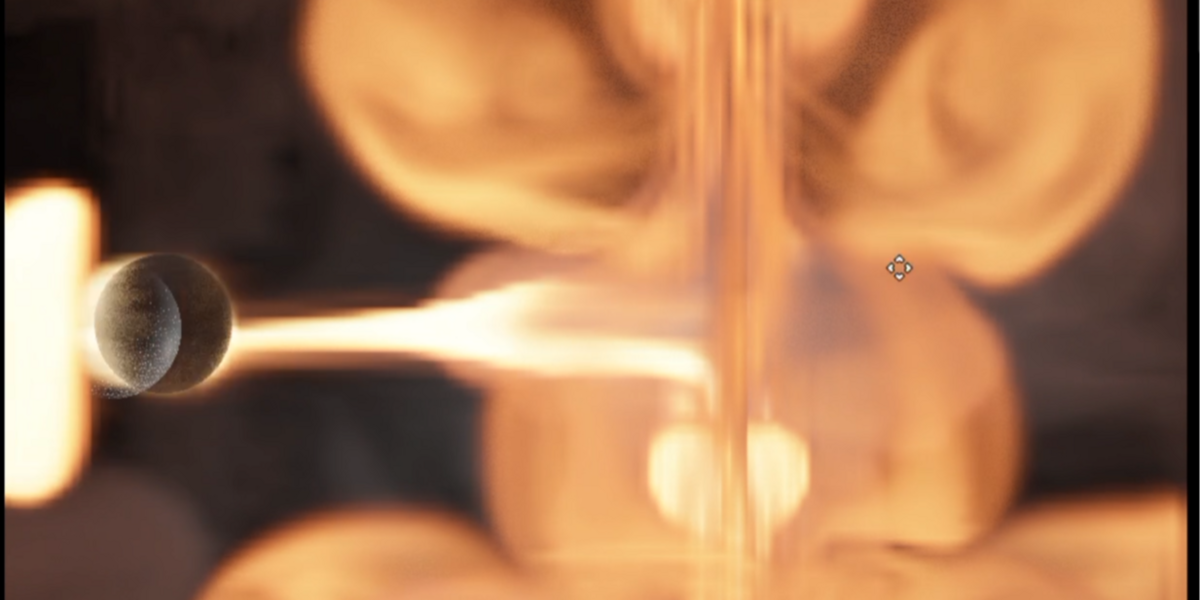
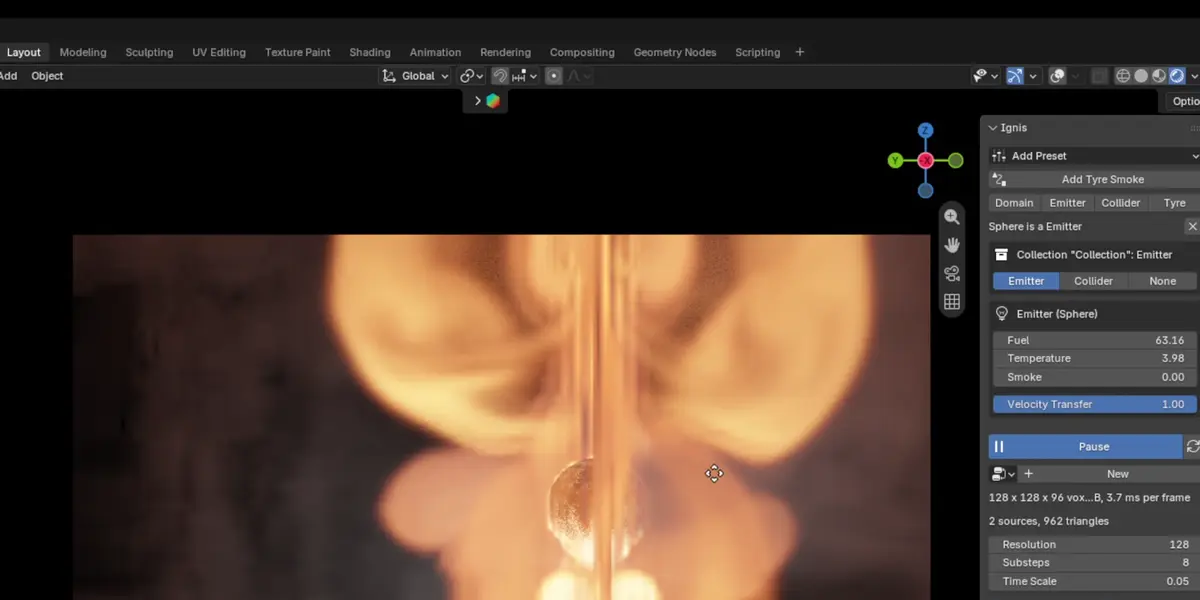
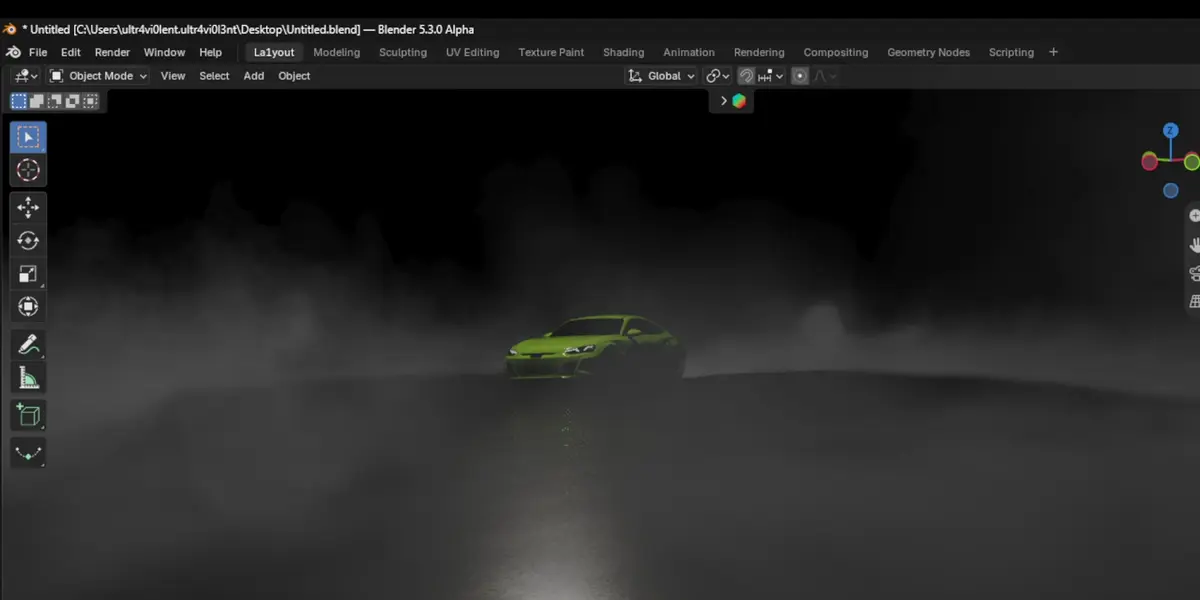
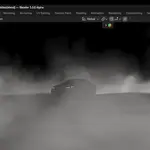
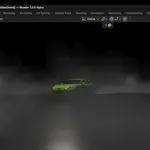
Fire and smoke that simulate while you watch.
Ignis is a GPU fire and smoke solver that runs live in Blender's viewport. Press Live and the simulation plays while you work. Move the emitter or change a node and the flames react on the next frame. You don't have to bake to see a change. When it looks right, render it straight away or bake it to OpenVDB.
Live in the viewport. A full combustion solver runs on the GPU. Fuel burns into heat, flames and soot, the gas expands, and vorticity keeps the detail curling. The built-in presets run in 6 to 14 ms per frame on an RTX 5080 Laptop GPU.
Ready-made effects in one click: Flares, Aerial Explosion, Massive Aerial Explosion, Nuke, and Big Explosion + Debris. Each one lands at the 3D cursor in its own collection with a labelled node graph, and you move the whole effect by moving one empty. Quick Fire gives you a burning sphere in a domain to start from.
Build the effect with nodes: emitters, colliders, shape primitives, oscillators, colour gradients, and point, line, directional, twist and noise forces. Burning particles leave trails of fire, and vorticles ride the flow to break it up. Blender's own Force, Wind, Vortex and Turbulence fields push the smoke too.
Lit by your scene. Ignis uses your Blender lights and world HDRI, casts shadows through the volume and adds multiple scattering. It is tuned against Cycles, so what you see in the viewport is what you get in the render.
Solid objects work as expected. Smoke goes behind your meshes in the viewport. Make a mesh a collider and the smoke flows around it, even while it moves.
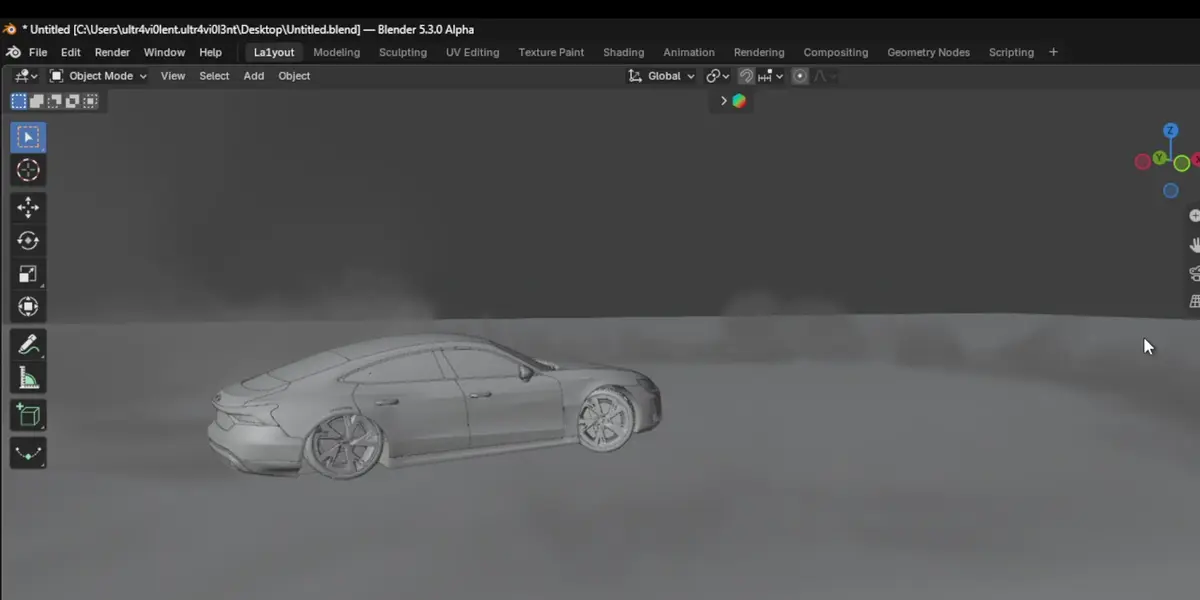
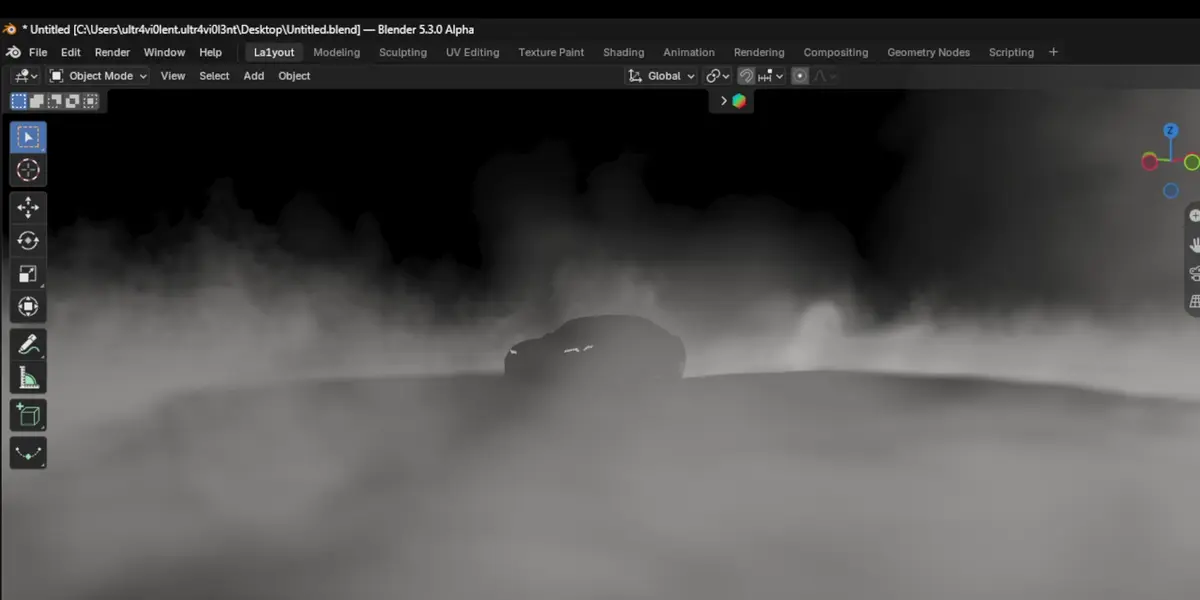
Tyre smoke for car shots: select the wheels and click Add Tyre Smoke. Ignis sizes the domain to the car's path, builds a collider in the shape of the body, and makes smoke wherever the tread slips: burnouts, donuts, drifts and hard braking. It works with the wheel meshes or with the empties that spin them.
GPU fracture and debris: Voronoi-fracture a mesh and simulate the pieces as rigid bodies on the GPU. The flying pieces drag smoke trails through the fire.
Two ways to render. Render with Ignis (F12, Ctrl+F12 and command-line renders) draws the volume from the camera as fast as the viewport does and lays it over your Cycles or EEVEE render, and solid objects in front still hide it. Bake to VDB writes density, temperature, flames and, if you want it, velocity grids, and sets up a Principled Volume fire material. Use the bake when the fire has to light the scene, show up in reflections or go to another app.
Repeatable: random seeds are fixed, so a bake matches what you saw in the viewport.
Requirements: Blender 4.2 or newer (tested on Blender 5.3) and a GPU that supports compute shaders. Tested on Windows with NVIDIA graphics under both Vulkan and OpenGL. GPL-3.0-or-later.
