 Ignis
Installation
- Download the Ignis .zip (don't unzip it).
- In Blender: Edit > Preferences > Get Extensions (or Add-ons) > dropdown > Install from Disk… and pick the .zip.
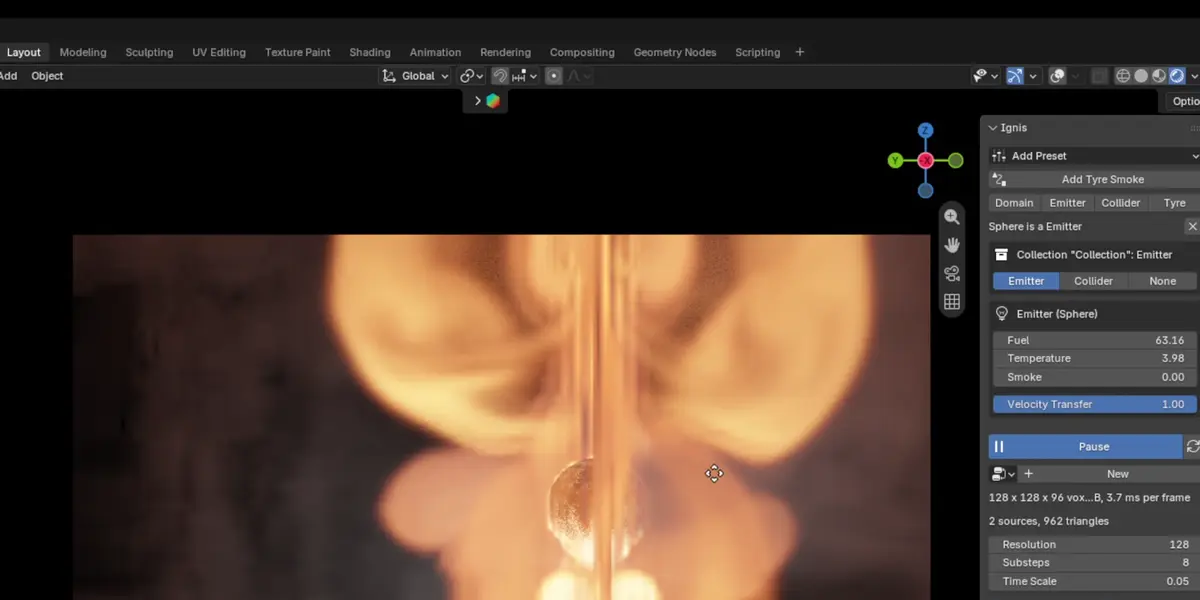
- Enable Ignis. The panel appears in the 3D Viewport sidebar (N) under the Ignis tab.
Requirements
- Blender 4.2 or newer (tested on 5.3).
- A GPU with compute shader support. Tested on Windows with NVIDIA under Vulkan and OpenGL.
Quick start
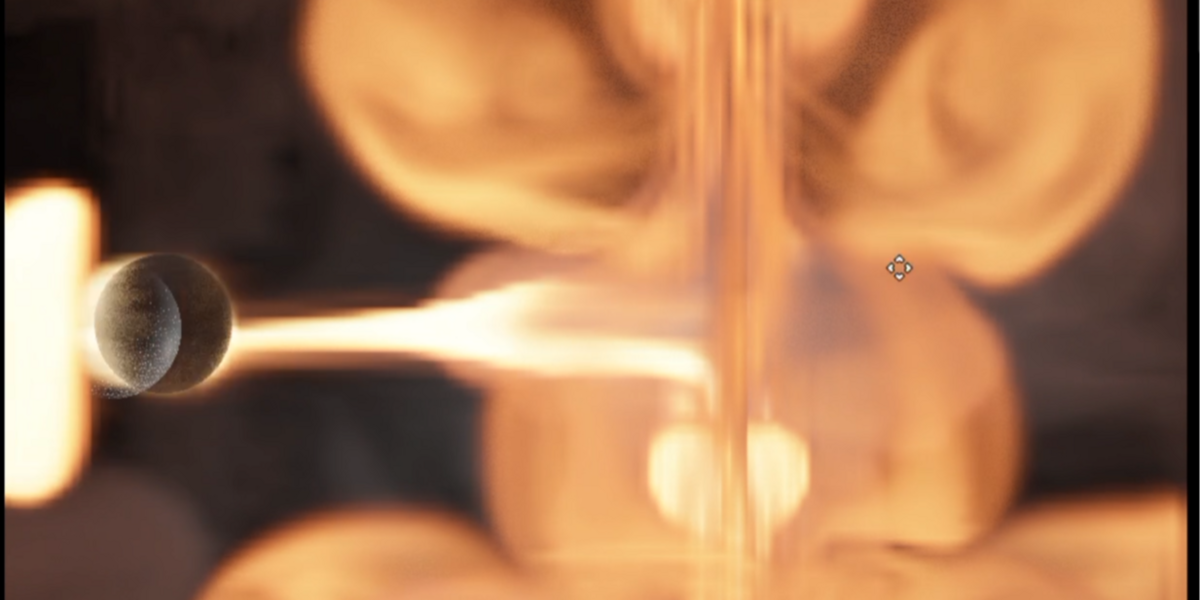
- Click Quick Fire to get a burning sphere in a domain, or pick a preset (Flares, Aerial Explosion, Massive Aerial Explosion, Nuke, Big Explosion + Debris). Presets are placed at the 3D cursor in their own collection.
- Press Live. The simulation runs in the viewport while you work.
- Move the emitter or tweak nodes in the Ignis node graph; changes show on the next frame.
- Move the whole effect by moving its parent empty.
Building effects with nodes
Combine emitters, colliders, shape primitives, oscillators, colour gradients and forces (point, line, directional, twist, noise). Burning particles leave fire trails; vorticles add breakup. Blender Force, Wind, Vortex and Turbulence fields also affect the smoke.
Colliders
Mark any mesh as a collider and smoke flows around it, including animated meshes.
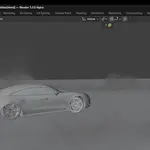
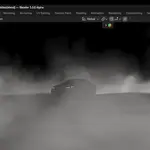
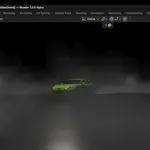
Tyre smoke
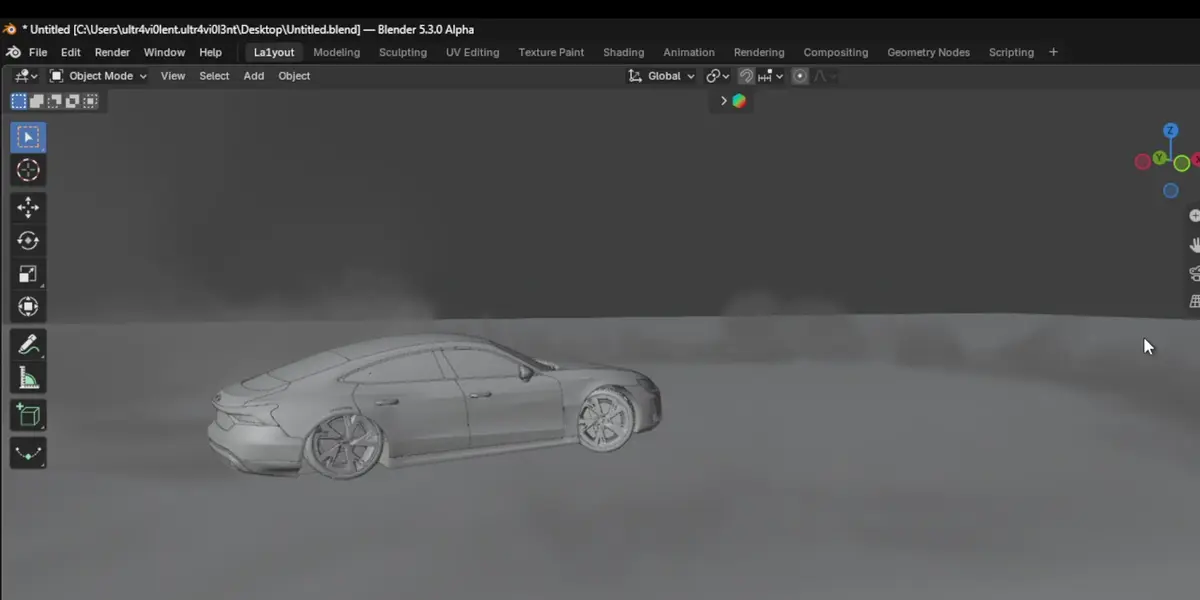
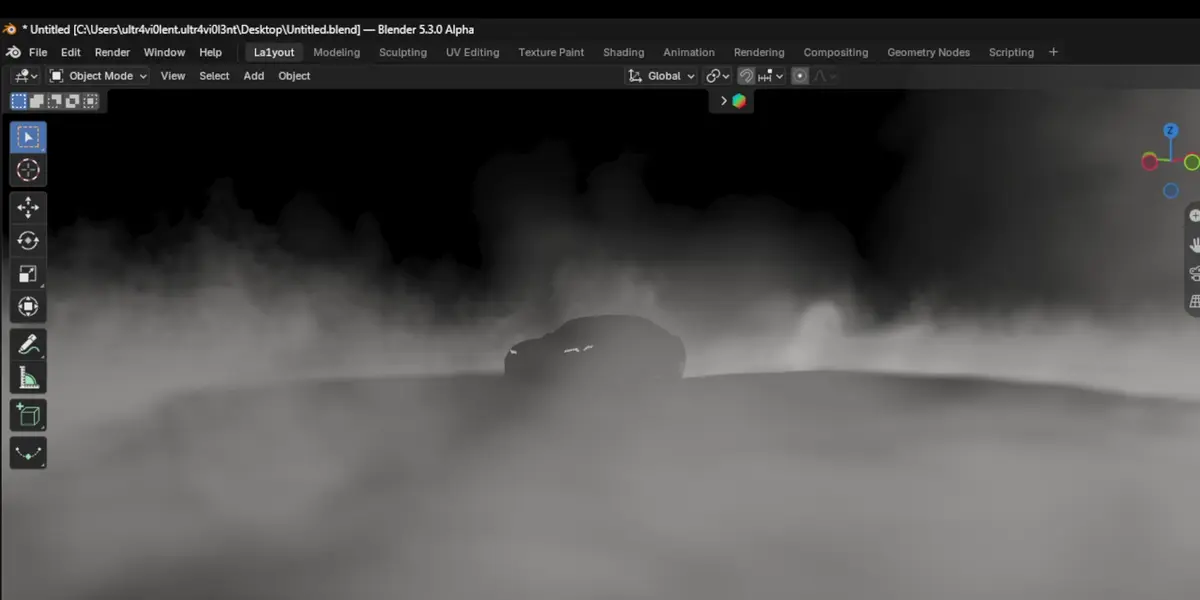
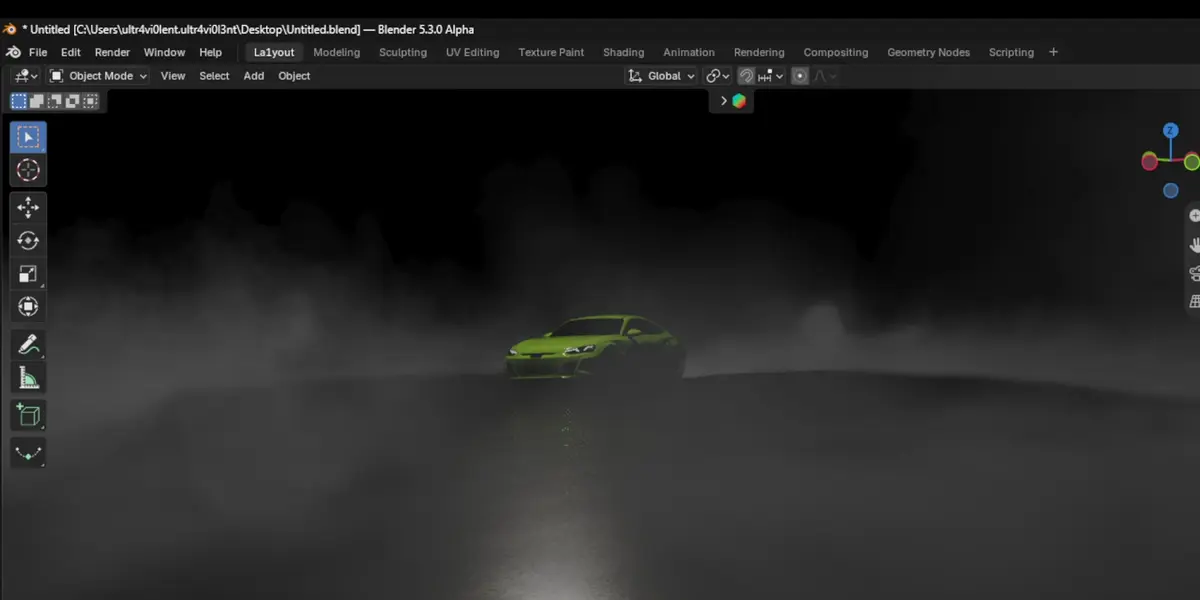
Select the wheels (meshes or the empties driving them) and click Add Tyre Smoke. Ignis sizes the domain to the car's path, builds a body collider and emits smoke wherever the tread slips.
Fracture & debris
Voronoi-fracture a mesh and simulate the pieces as GPU rigid bodies; debris drags smoke trails through the fire.
Rendering
- Render with Ignis: F12, Ctrl+F12 and command-line renders composite the volume over Cycles or EEVEE, with correct occlusion by solid objects.
- Bake to VDB: writes density, temperature, flames and optional velocity grids, and sets up a Principled Volume fire material. Use this when the fire must light the scene, appear in reflections, or go to another app.
Random seeds are fixed, so bakes match what you saw in the viewport.
Lighting
Ignis uses your scene lights and world HDRI, with volumetric shadows and multiple scattering, tuned to match Cycles.
Support
Questions or bugs: use the Superhive product inbox. Please include your Blender version, GPU, driver version and graphics backend (Vulkan/OpenGL).
License
GPL-3.0-or-later.
 Included
Includes 12 months of
- Support from Ignis
- Product updates
Extend this product’s Support Period +12 months: 50% of product price
Have questions before purchasing?
Login to message
| Blender Extension Compatible | Yes |
| Published | about 5 hours ago |
| Blender Version | 4.2 - 5.3 |
| Extension Type | Add-on |
| Render Engine Used | Cycles, Eevee |
| License | GPL |