 MeshMind
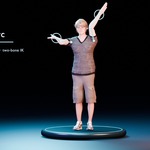
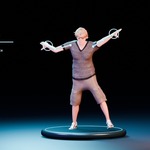
PoseWeave: IK Character Posing Add-on for Blender
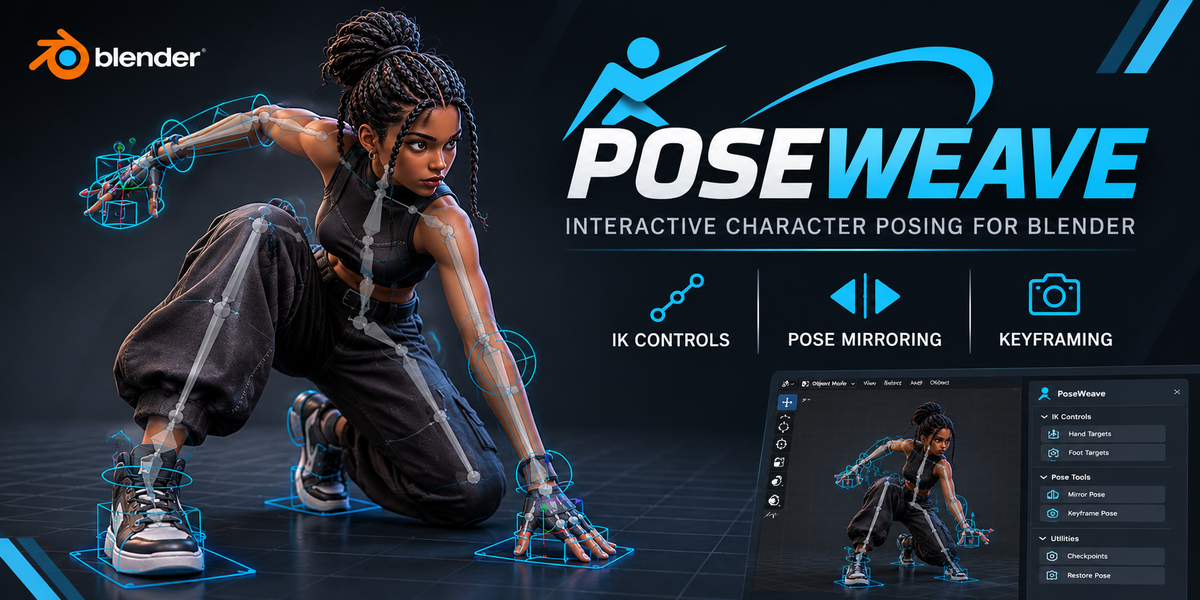
Drag a hand or foot to where you want it and PoseWeave poses the arm or leg to reach it. Foot locks, hand pins, checkpoints, mirroring and keyframing are built in. Works in Blender 4.2 LTS and 4.5.
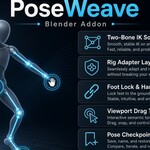
PoseWeave two-bone IK posing diagram out of reach: flagged, not hidden reachedPose characters in minutes, not bone by bone. Install it, open the PoseWeave tab, and start dragging.
Stop rotating every bone by hand
Posing a character's arm to reach a prop, or planting a foot on the ground, usually means rotating the shoulder, then the elbow, then fixing the wrist, then repeating. FK rigs make this slow, and the result is hard to adjust.
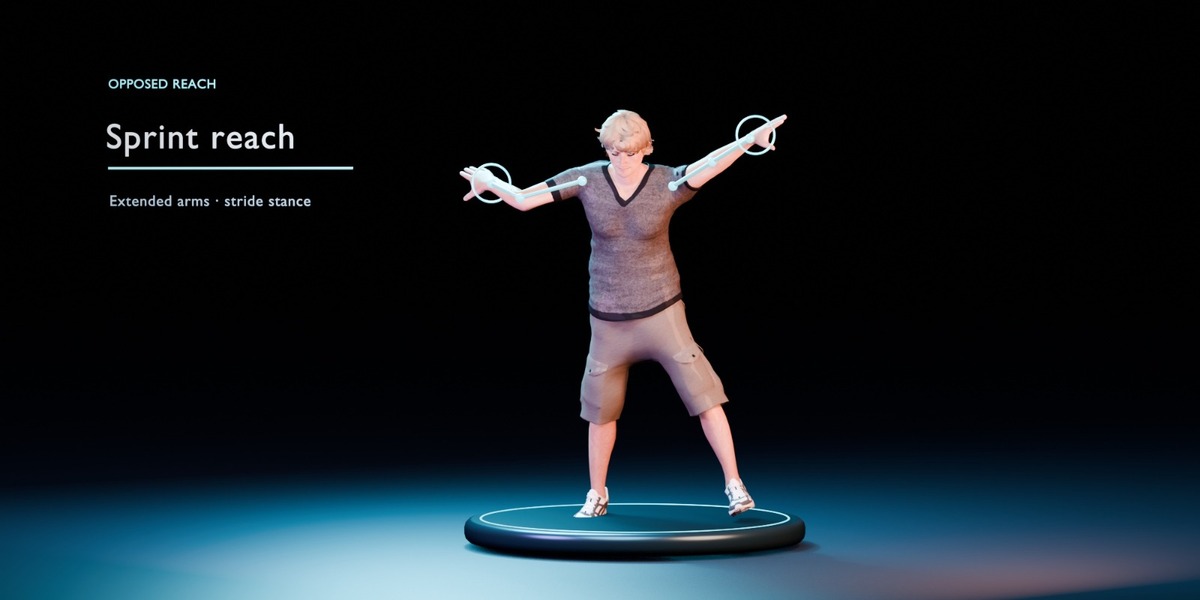
PoseWeave lets you move a target for the hand or foot instead. It works out the limb's bend using two-bone IK, applies it to your armature, and shows you how close it got. You get the speed of IK while staying on the FK rig you already have.
Features
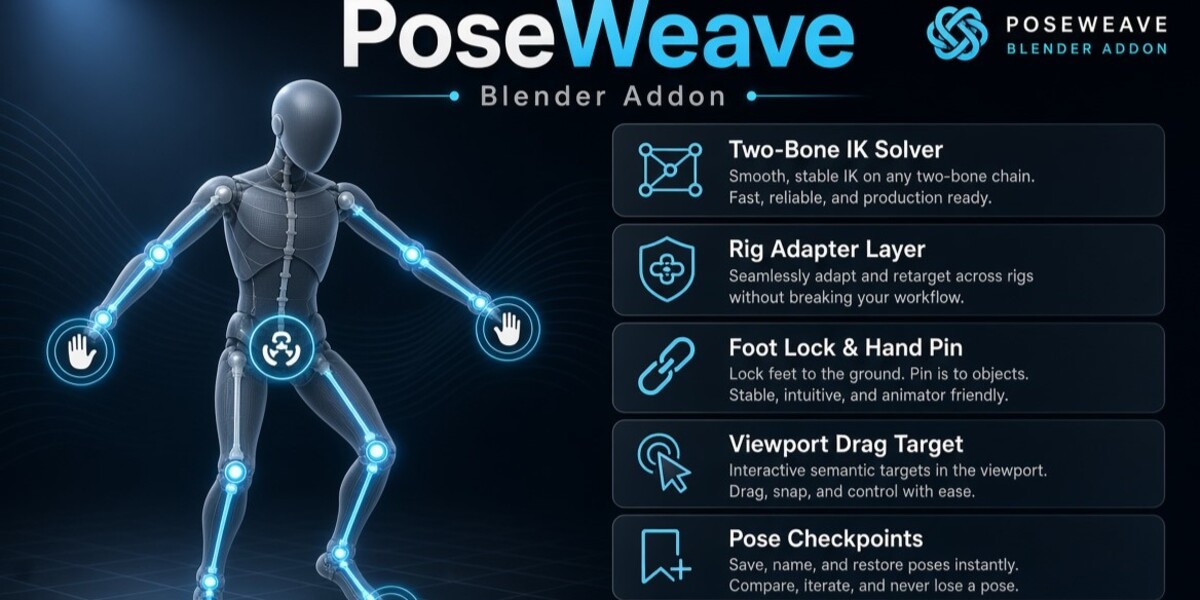
Drag Target in ViewportMove hand and foot targets live in the 3D viewport. Lock to the X, Y or Z axis, or use Shift+X/Y/Z for a plane. Click to confirm, right-click or Esc to cancel and restore. |
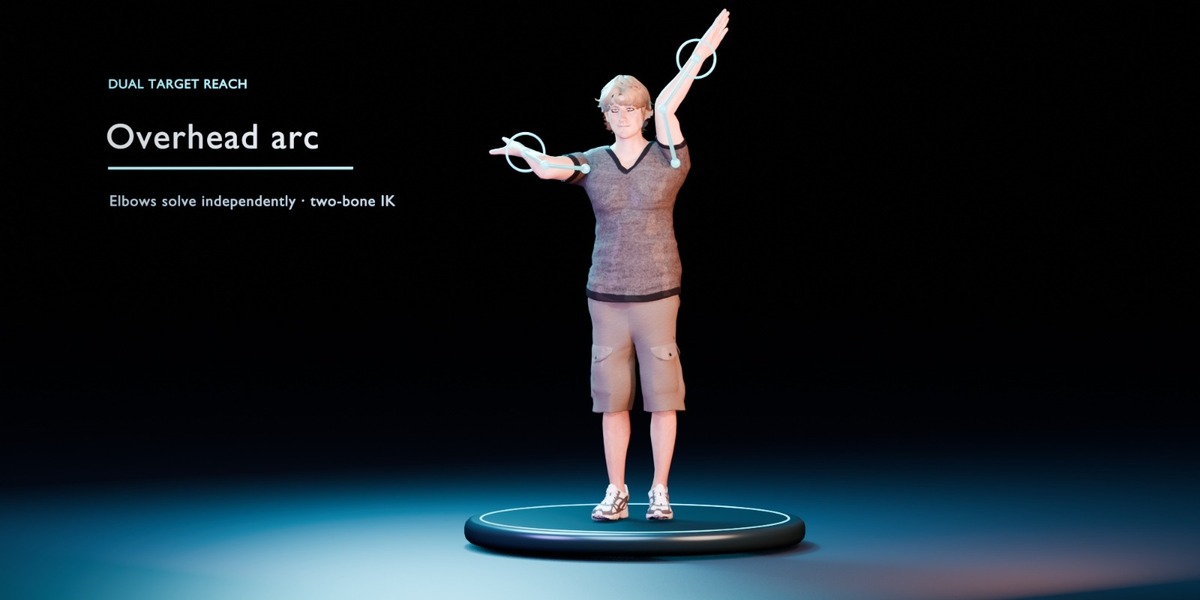
Two-bone IK for arms and legsLeft and right hands and feet, plus pelvis translate. The elbow or knee direction comes from a pole point, the previous mid-joint, or a stable fallback, so limbs don't flip. |
Reachability feedbackTargets that are too far or too close are clamped to what the limb can reach and flagged as approximated or unreachable. Your original target is kept and the remaining error is displayed. |
Foot lock and hand pinPlant a foot or pin a hand and keep it there while you pose the rest of the body. If two locks conflict, PoseWeave tells you instead of pretending they were met. |
CheckpointsSave named checkpoints, then restore, rename or delete them. Try a risky pose without losing the good one. |
Commit or cancelPosing runs inside a session. Commit keeps the pose. Cancel puts the rig back exactly as it started. |
Mirror poseReflect a pose left to right. PoseWeave re-solves each limb on the rig. |
Safe keyframingInsert keys on the mapped control bones. Existing keys are protected unless you choose to overwrite them. |
Who PoseWeave is for
- Character animators who want to block poses quickly on humanoid FK rigs.
- Illustrators and concept artists posing characters for renders and key art.
- Game artists creating poses, idle stances and promotional shots.
- Hobbyists and beginners who find bone-by-bone posing frustrating.
How it works
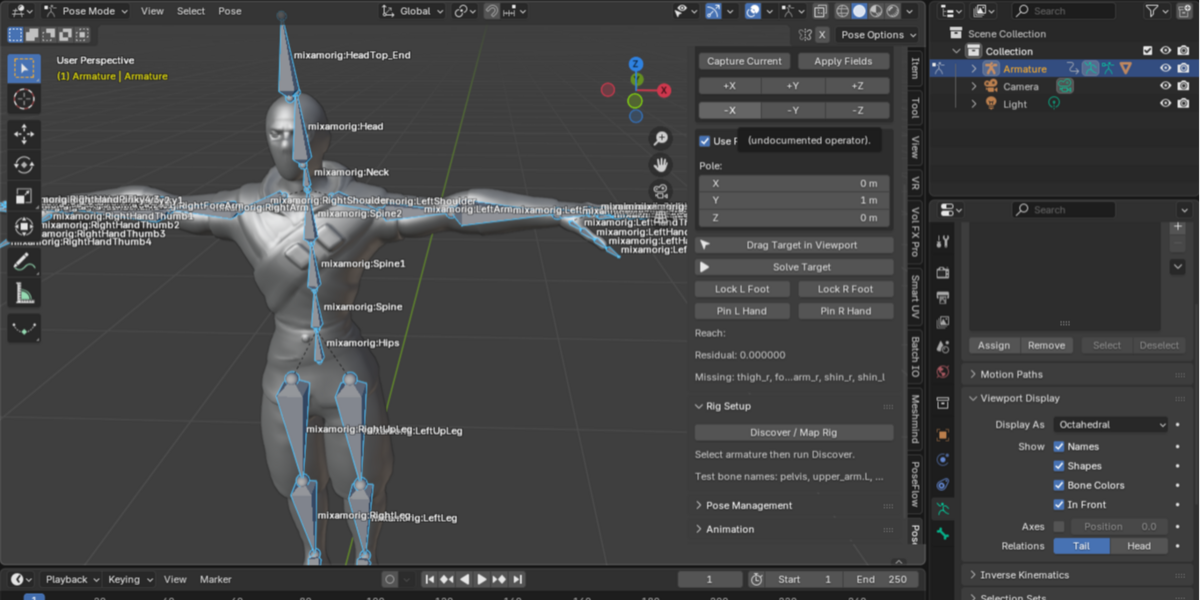
- Select a humanoid armature and click Discover / Map Rig. PoseWeave matches your bones to roles like upper arm, forearm and hand, and shows what it found or couldn't find.
- Begin Posing Session and pick a hand or foot target.
- Drag the target in the viewport, or type a position, then solve. Check the reachability and residual readout.
- Lock feet or pin hands where they need to stay put.
- Checkpoint, mirror or keyframe as needed.
- Commit to keep the pose or Cancel to restore the start state.
Compatibility
| Blender versions | 4.2 LTS and 4.5 |
| Rigs | Humanoid FK armatures. Bones are matched by name, including common left/right conventions and Mixamo-style names, or you can assign roles manually. |
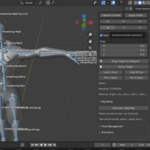
| Panel location | 3D Viewport > Sidebar (N) > PoseWeave |
| License | MIT |
Frequently asked questions
Does PoseWeave work with Mixamo rigs?
It recognises Mixamo bone names such as mixamorig:LeftArm and maps them automatically. Mapping means the bones were found, so check the result on your own character before relying on it in production.
Does it work with Rigify or Auto-Rig Pro?
PoseWeave can try to map common bone prefixes, but rigs with complex control and deform separation are not guaranteed. Test on a copy of your scene first, or email me if a rig won't map.
Is it a full-body IK solver?
No. PoseWeave solves arms and legs with two-bone IK and moves the pelvis. Whole-body optimisation and balance are not included.
Will it overwrite my animation?
No. Existing keys on the affected channels are protected unless you explicitly ask to overwrite them, and Cancel Session restores your starting pose.
Which Blender versions are supported?
Blender 4.2 LTS and Blender 4.5.
Good to know before you buy
- Arms and legs use two-bone IK plus pelvis translation. Whole-body optimisation is not included.
- Only the built-in test rig has automated coverage. Verify other rigs in Blender before production use.
- Locks hold a position in world space. Locks relative to another object are not implemented.
- Armatures with non-uniform object scale may be rejected.
Installation
- In Blender, open Edit > Preferences > Add-ons > Install and select the PoseWeave ZIP.
- Enable PoseWeave.
- Press N in the 3D Viewport and open the PoseWeave tab.
Support
Questions, a rig that won't map, or a bug to report? Email [email protected] with your Blender version and, if you can, a screenshot of the Diagnostics panel. I read and answer every message.
PoseWeave is made by Meshmind, a Blender add-on studio.
