Illustration Station: Real-Time Illustration Engine
 Chipp Walters
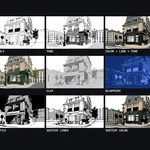
Buy Pro once and it's yours forever — everything you download keeps working for as long as you use Blender. Your purchase includes a full year of updates and support. After that year, an optional 25% renewal buys another year of the latest updates and support; skip it and you simply keep the version you have.
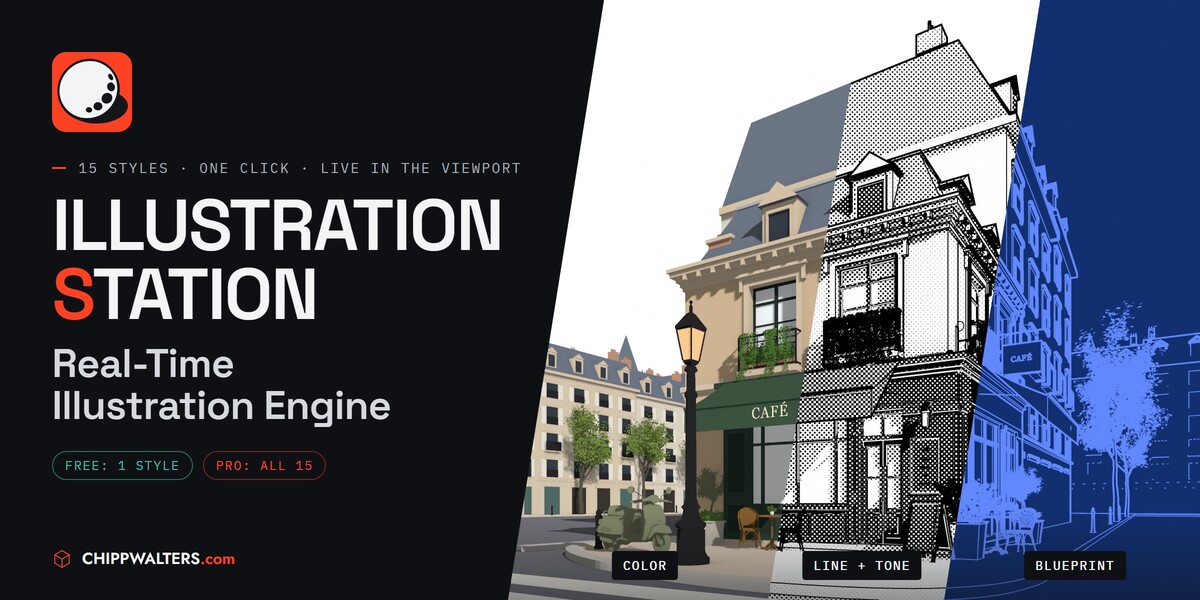
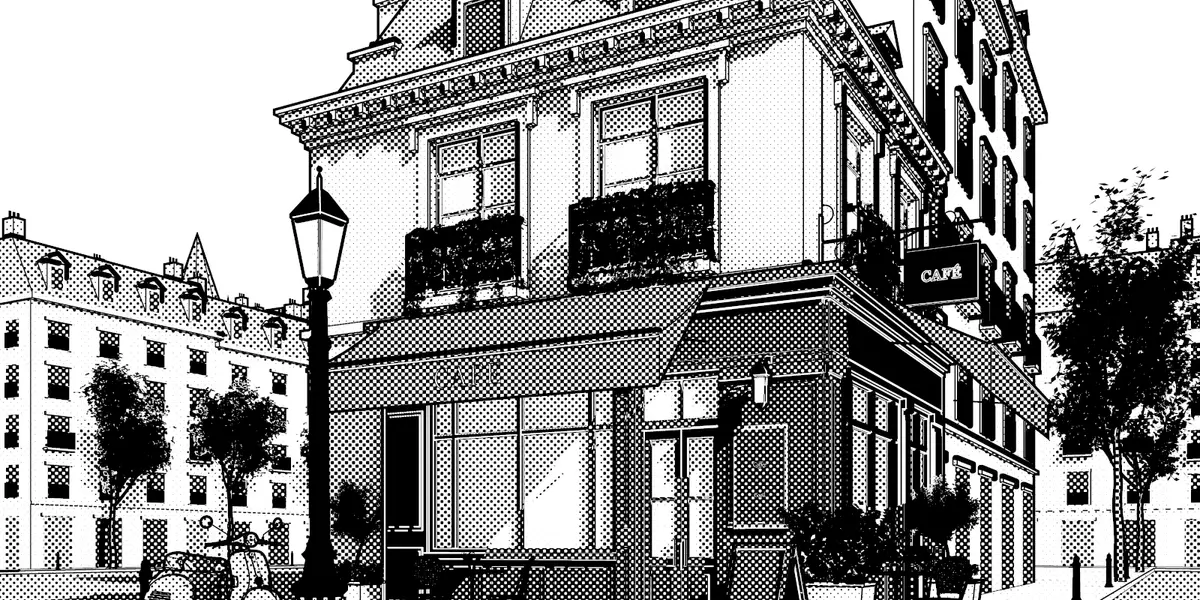
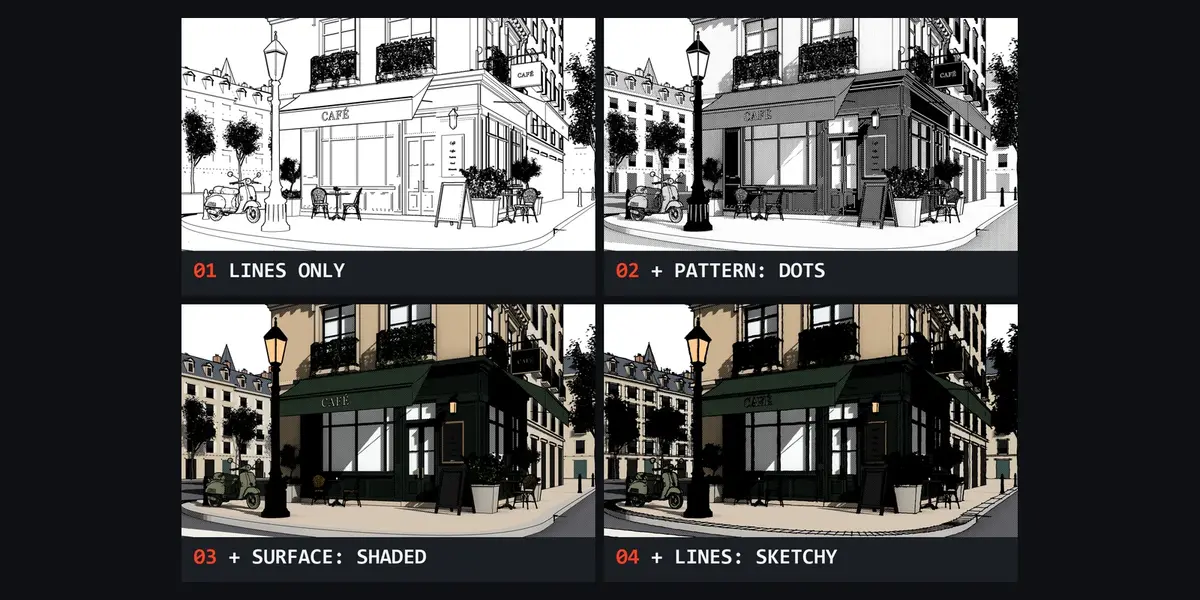
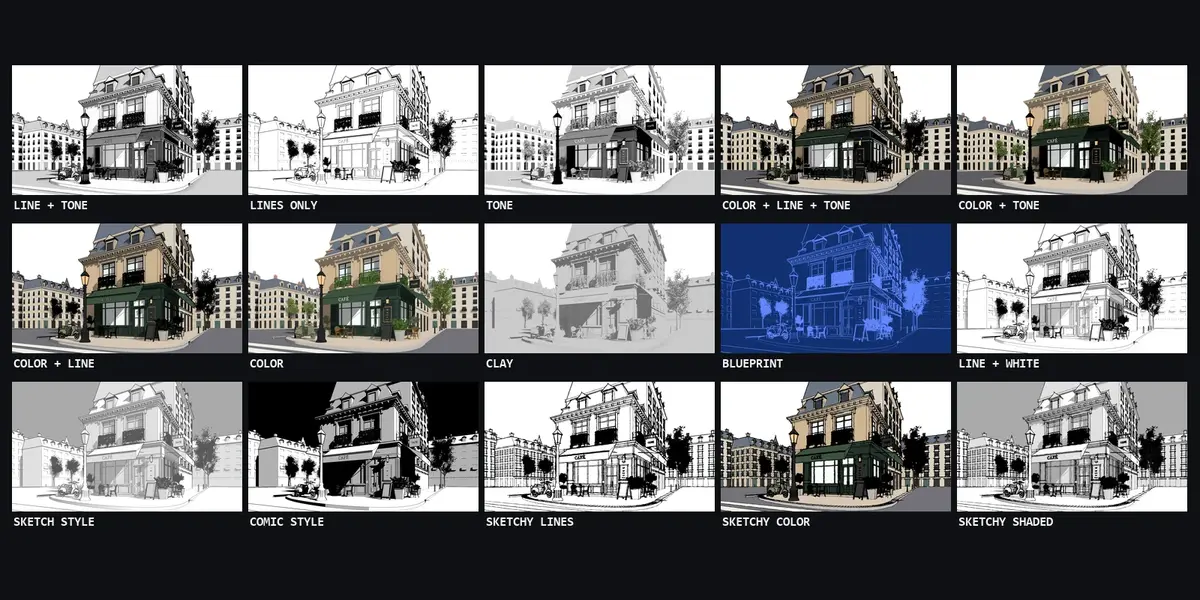
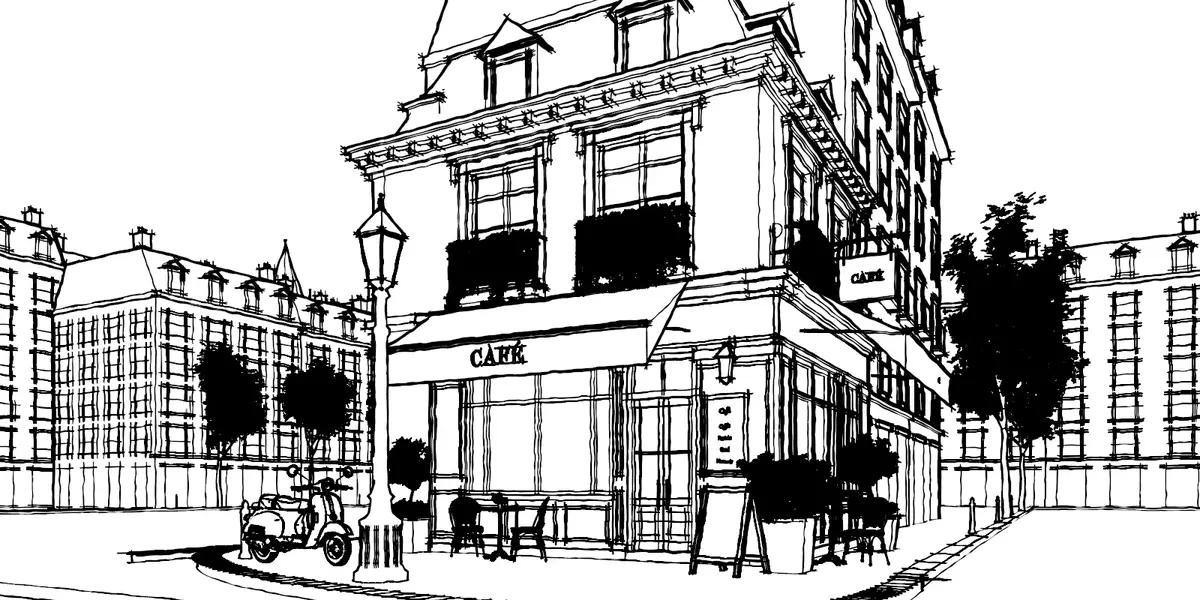
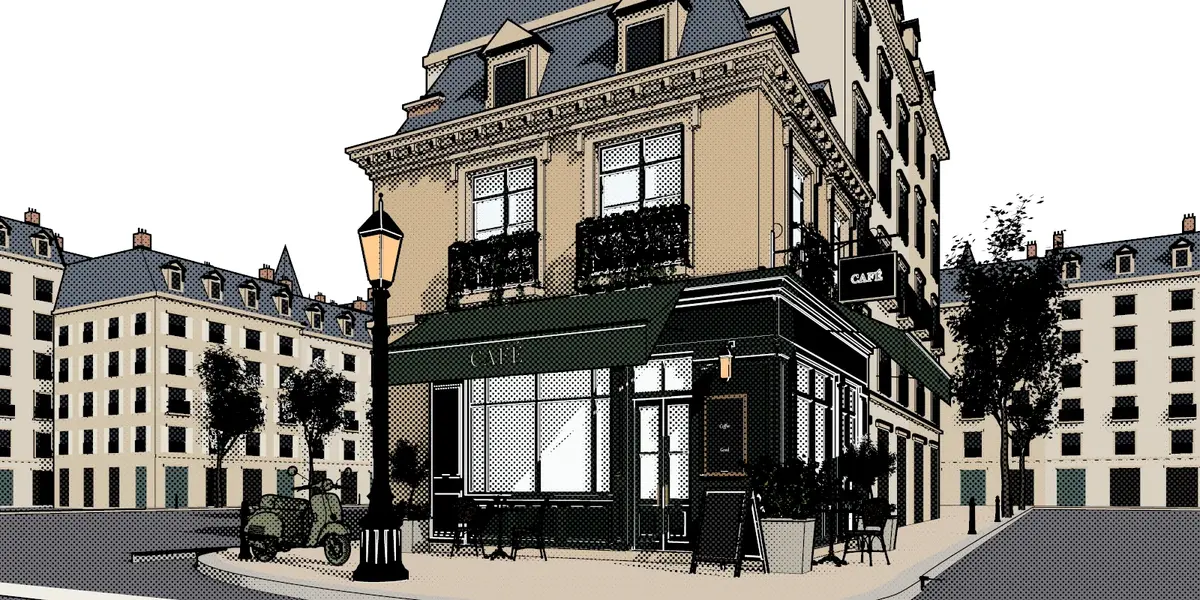
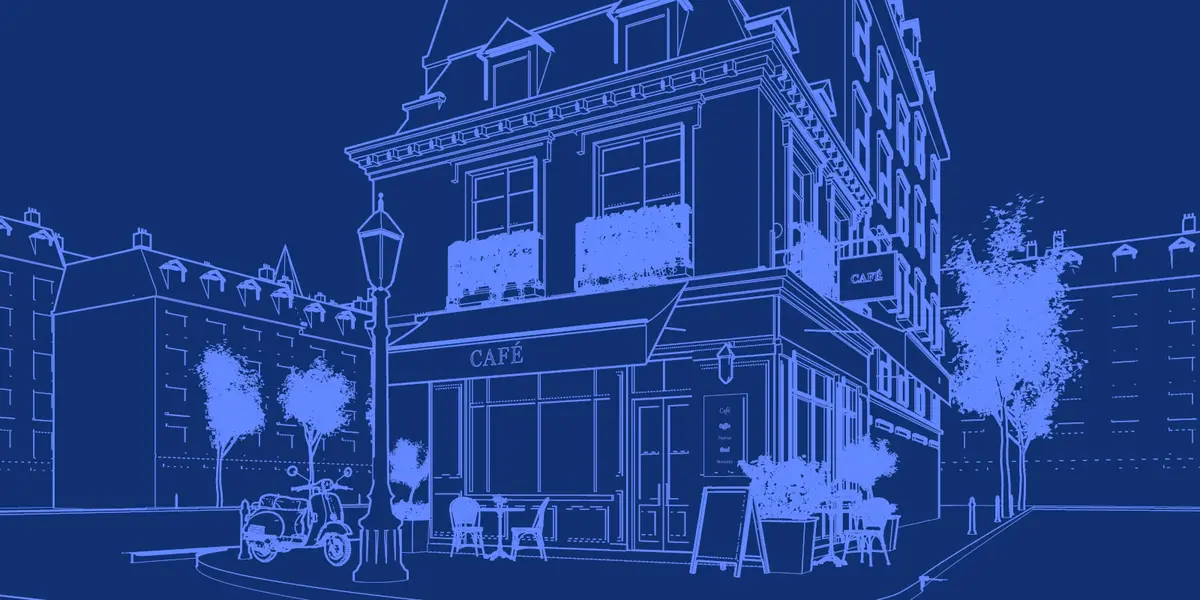
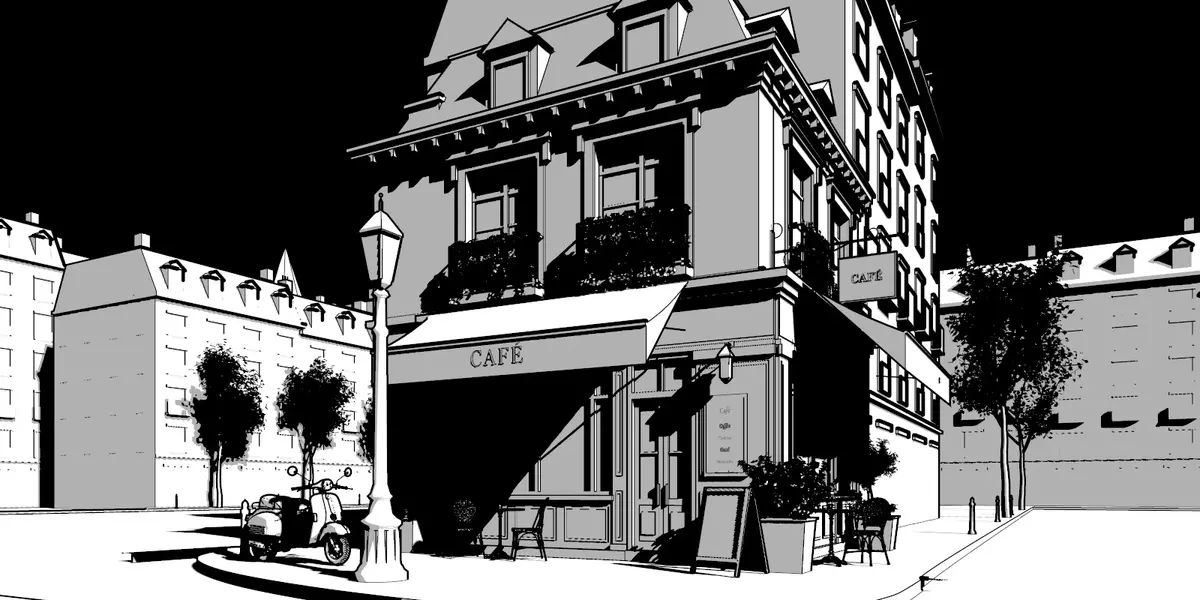
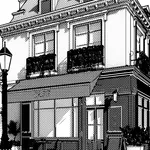
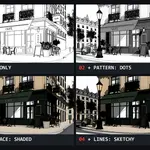
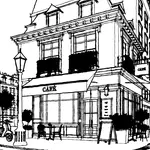
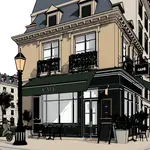
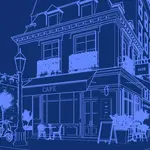
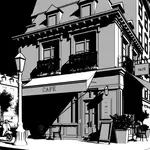
Both run the same engine with the same panels. Free renders Sketch Style — clean ink lines over pencil greys with cast shadows — and lets you set Thin and Thick Lines, Screen Space, Crease and Light Threshold. Pro adds the other fourteen styles, Sketchy lines, screentone and solid black, every surface and color set, light, shadow and ambient-occlusion controls, and transparent PNG output.
Install the Pro .zip the same way as Free. It replaces Free, and your settings and files are kept — scenes saved in a Pro style render in their own style again.
No. Textures and node trees aren't evaluated at render time; a textured material renders in one flat fallback color. Predominant and Set Colors from Materials pick each material's most common color in one click.
No. Illustration Station renders images, like EEVEE and Cycles. Use Transparent Paper to get the line work on its own layer.
No. It's a complete render engine with its own Lines panel — Line Art's material settings have no effect on it.
No. The render is one Combined image; you can still run it through the compositor.
It draws through Blender's own GPU drawing. It's tested on Windows with OpenGL and Vulkan; macOS (Metal) hasn't been tested yet.
Documentation: https://cw1.me/is-docs — support on Discord: http://cw1.me/discord
 Included
Includes 12 months of
- Support from Chipp Walters
- Product updates
Extend this product’s Support Period +12 months: 25% of product price
Have questions before purchasing?
Login to message
| Blender Extension Compatible | Yes |
| Downloads | 1 |
| Published | about 6 hours ago |
| Blender Version | 4.5 - 5.1 |
| Extension Type | Add-on |
| License | GPL |
Discover more products like this
screentone toon NPR line art render engine manga ArchViz illustration Non Photorealistic Rendering blueprint sketch comic