Image Blur Node
 Peakz
Which Blender versions does it work with?
Blender 3.0 and newer, on Windows, macOS 11+ (Apple Silicon) or 12+ (Intel), and Linux. For Blender 4.2+, use the blurnode-… zip. For 3.0 to 4.1, use the …-legacy-… zip. The Documentation has step-by-step install instructions.
Does it work with Cycles and Eevee?
Yes. The result is a normal Image Texture node with a normal image file, so it works with any render engine, in the viewport and in final renders.
Does it change my original image?
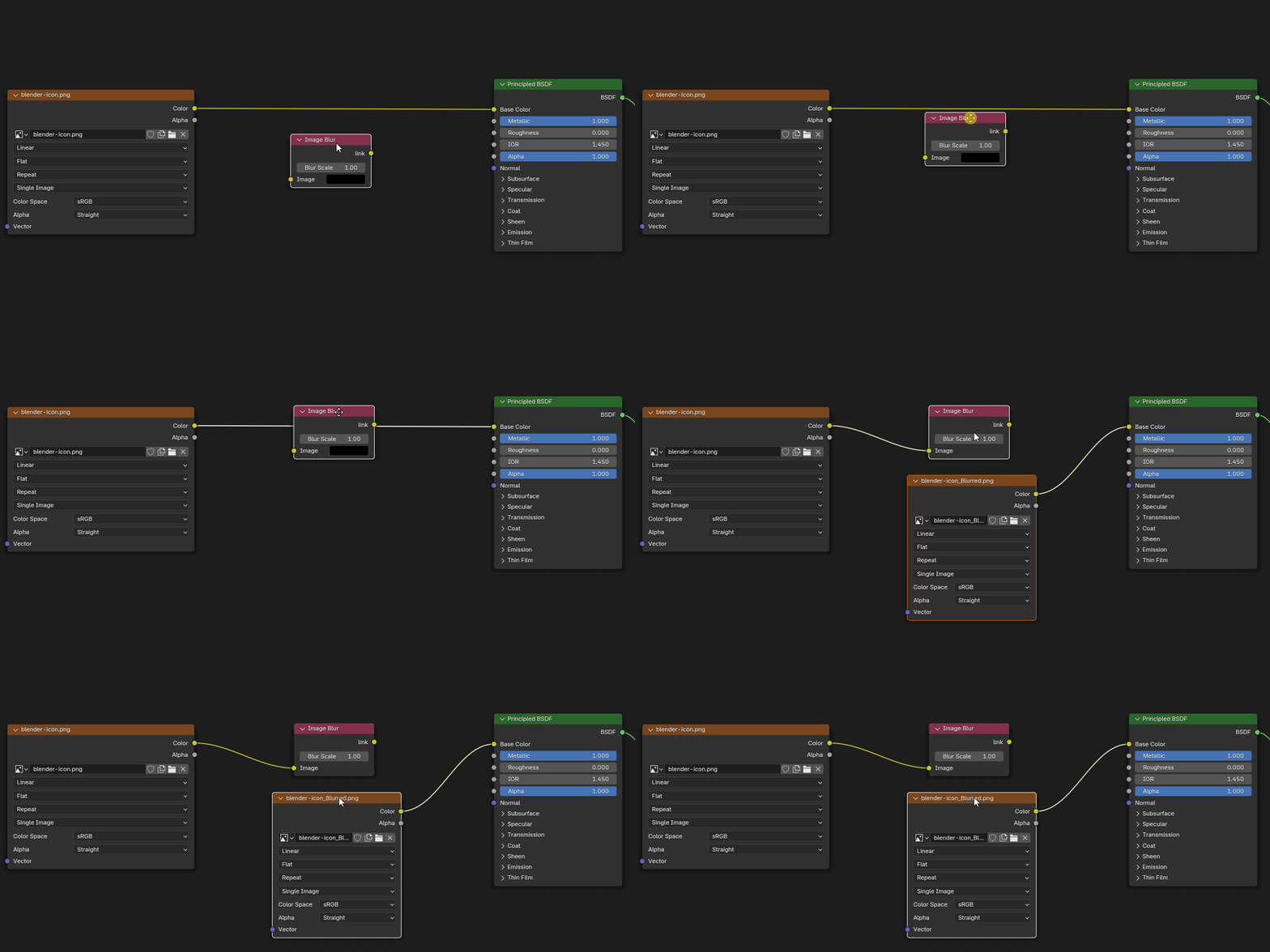
No. It saves a separate copy (rock.png becomes rock_Blurred.png) next to the original (or in your Export Path) and never touches the original file.
Dragging the slider is slow on my 4K/8K texture. What can I do?
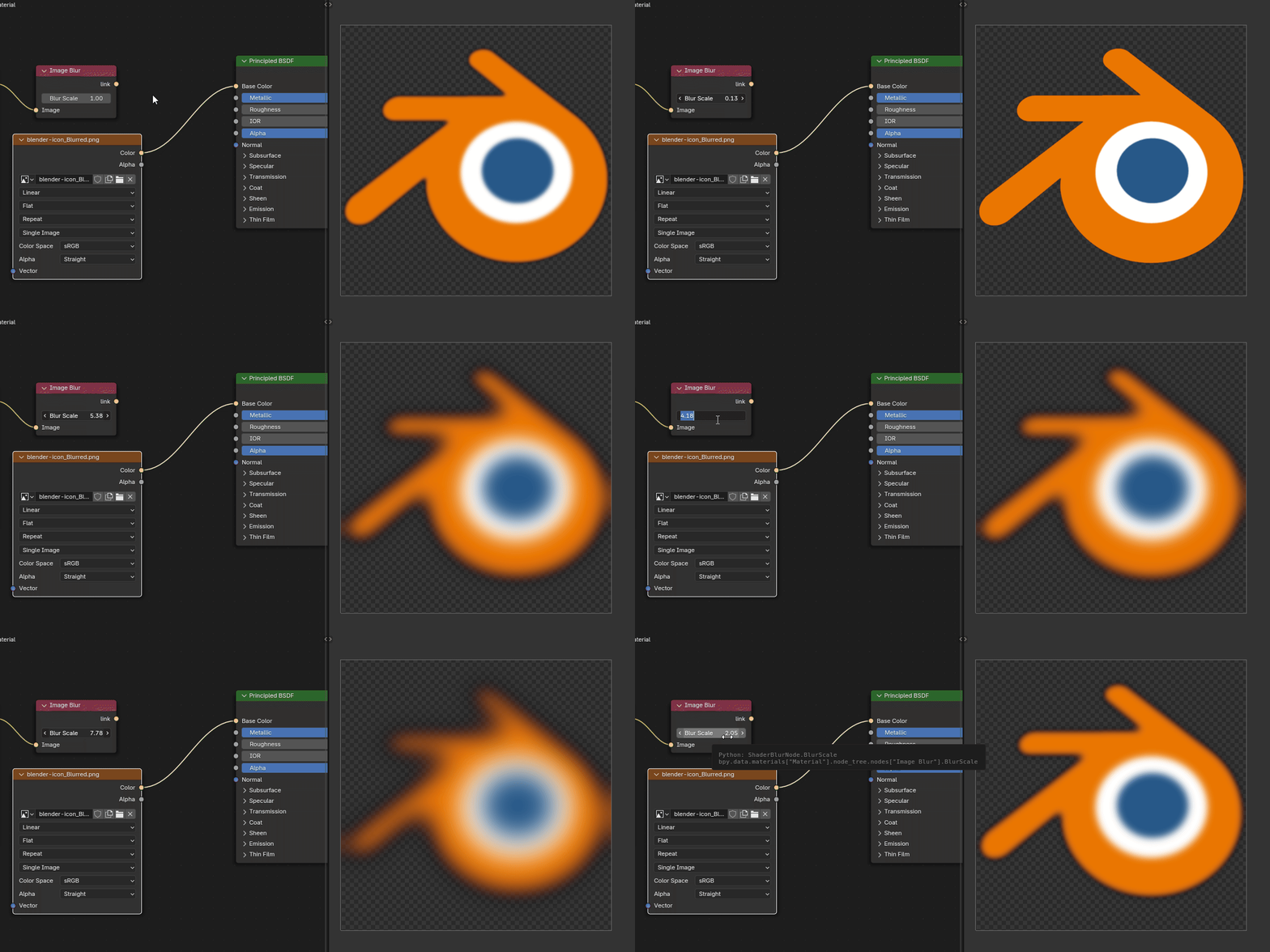
Untick Live Update on the node. The blur then runs once when you release the slider, instead of continuously while you drag. Live Update is smoothest on 1K and 2K textures.
Why does the same Blur Scale look different on different textures?
Blur Scale is measured in pixels, so a value of 1.0 blurs a 1K texture much more, relative to its size, than a 4K one. Set it by eye for each texture.
Can I blur the same image by two different amounts?
Not from the same file. Each source image has one blurred copy, so two Blur nodes on the same image overwrite each other. Duplicate the image file under another name and use that for the second blur.
Does it work with transparent PNGs?
Yes. Color and transparency are blurred together, with no dark fringe around transparent areas. You can also blur just the Alpha output by connecting it instead of Color.
Can I blur an HDRI for the World?
Yes. It works with Environment Texture nodes in the World shader, and with EXR and HDR files. Half-float EXRs stay half-float.
Which image formats are supported?
PNG, JPEG, TIFF, EXR, HDR, BMP and WebP, in 8, 16 or 32 bit. Convert TGA, PSD and DDS to PNG first. Packed or unsaved images need to be saved to disk first. Movies, image sequences and UDIM tiles aren't supported.
Can I send my .blend to someone who doesn't have the add-on?
Yes. The blurred texture is an ordinary image file, so the scene looks and renders the same without the add-on. Send the blurred image along with the .blend, or pack it (File > External Data > Pack Resources). They only need the add-on to change the blur. This also applies to render farms.
Can I animate the Blur Scale?
No. The blur is baked into an image file when you change the value, so keyframes on Blur Scale don't change the texture during playback or rendering.
Can I use it in Geometry Nodes or the Compositor?
No, it's made for the Shader Editor: object materials, the World and shader node groups. The Compositor already has Blender's own Blur node.
Do I need an internet connection or admin rights?
No. Everything the add-on needs is inside the zip. Nothing is downloaded when you install or use it.
How do I update to a new version?
Uninstall the old version, restart Blender, then install the new zip. Your Blur nodes and their settings in your .blend files are kept.
 Included
Includes 12 months of
- Support from Peakz
- Product updates
Extend this product’s Support Period +12 months: 25% of product price
Have questions before purchasing?
Login to message
Discover more products like this
basic-nodes blur Fast material nodes easy timesaver Blender time saver image node