 ZEG
See all my Blender addons on Superhive >
IMAGE
TO 3D
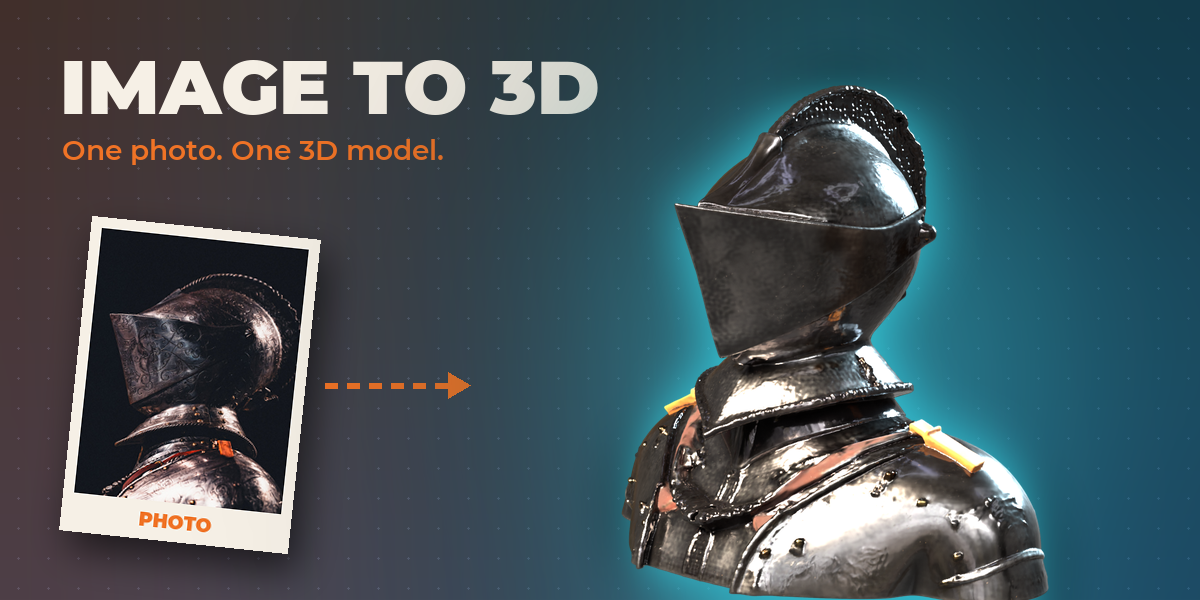
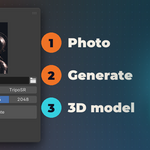
Turn a single picture into a textured 3D model without leaving Blender. Pick a photo, press Generate, and an engine on your own computer builds the mesh and its materials.
Every side, not just the one you shot.
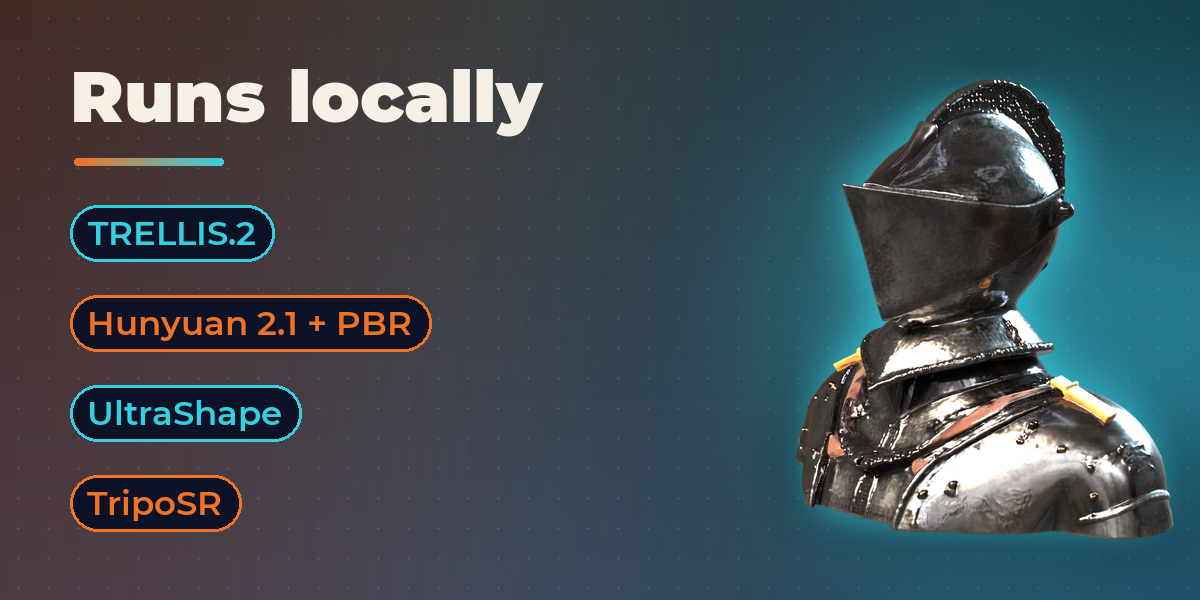
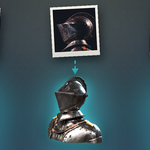
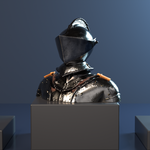
The engine builds the whole object from one view, including the back and the parts the camera never saw. This armor bust came from a single museum photograph.
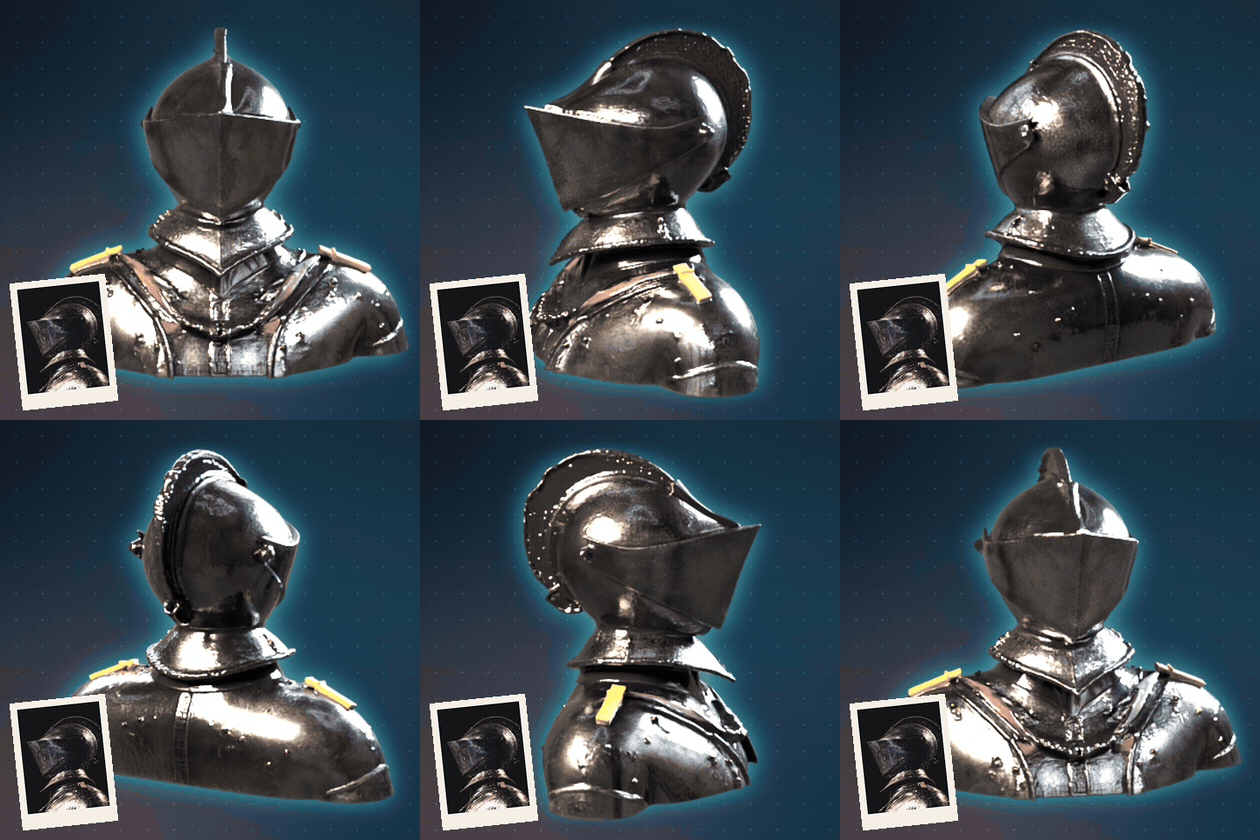
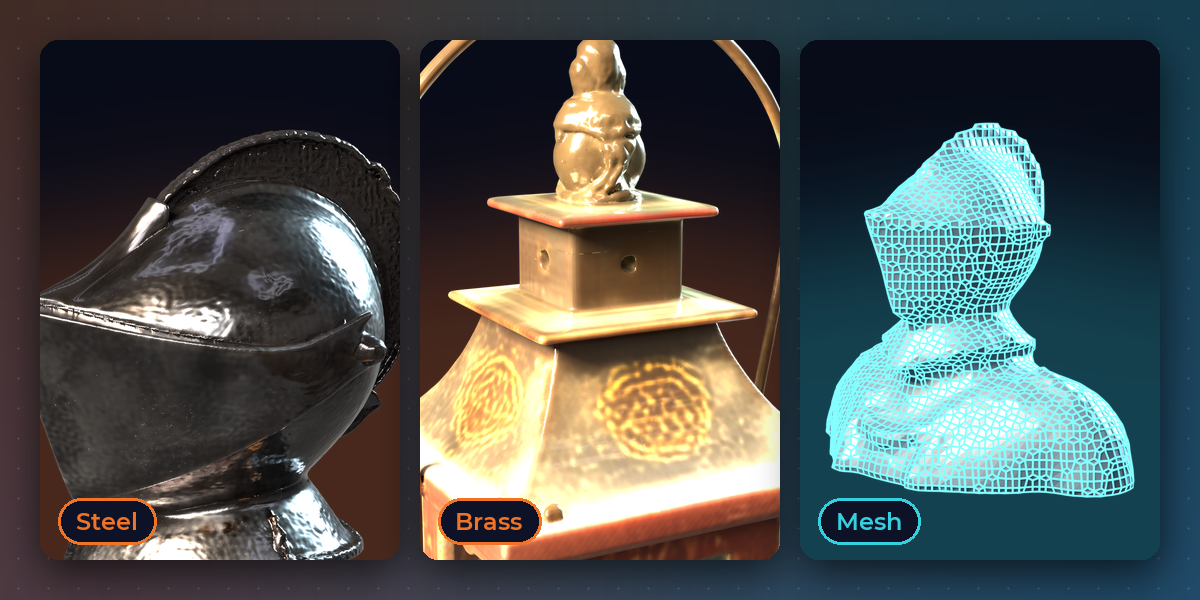
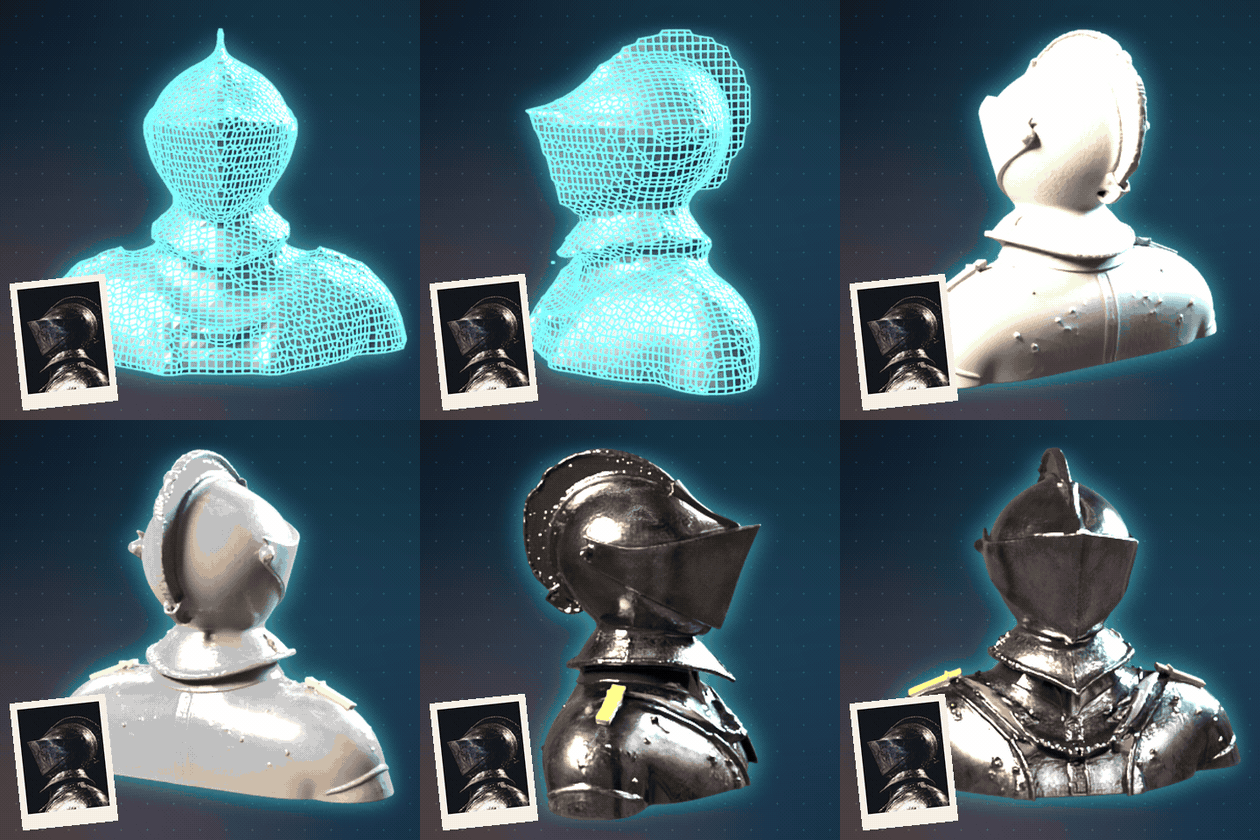
A real mesh, then real colour.
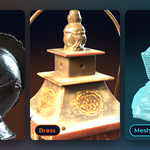
You get actual geometry with a PBR material, not a flat picture. Inspect the shape as a wireframe and as clay, then switch on the textures. All of it comes from one generation.
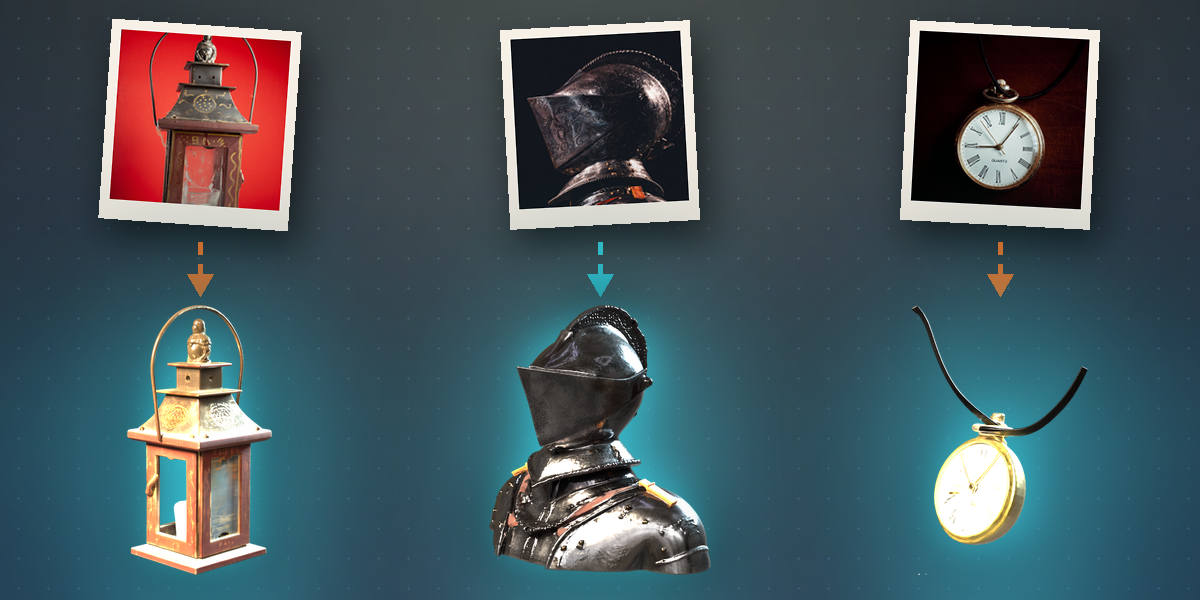
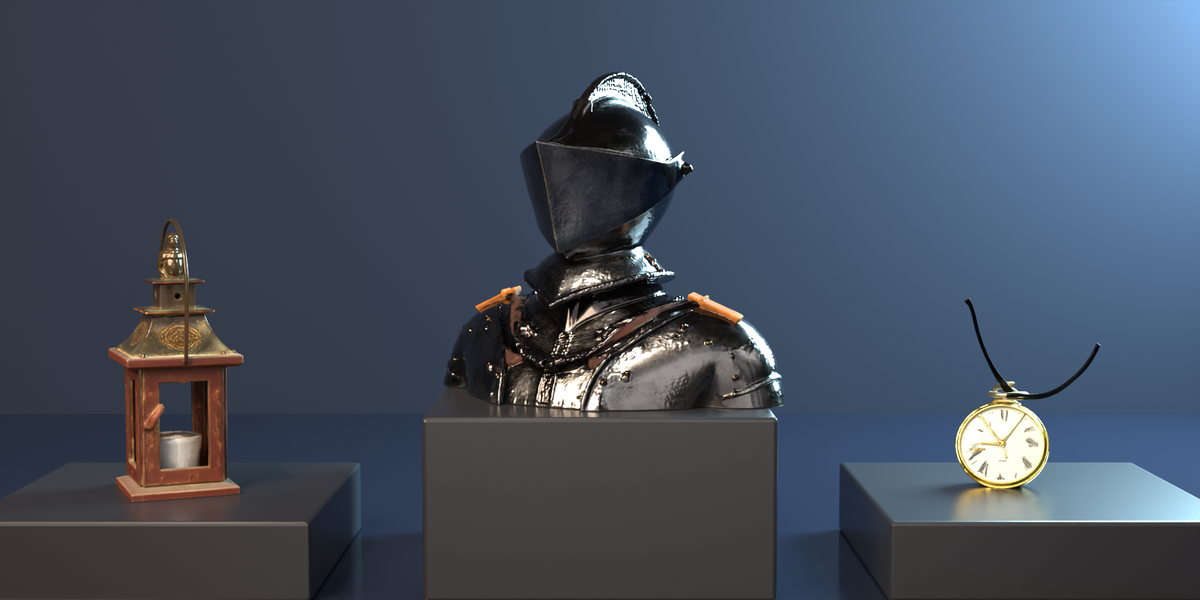
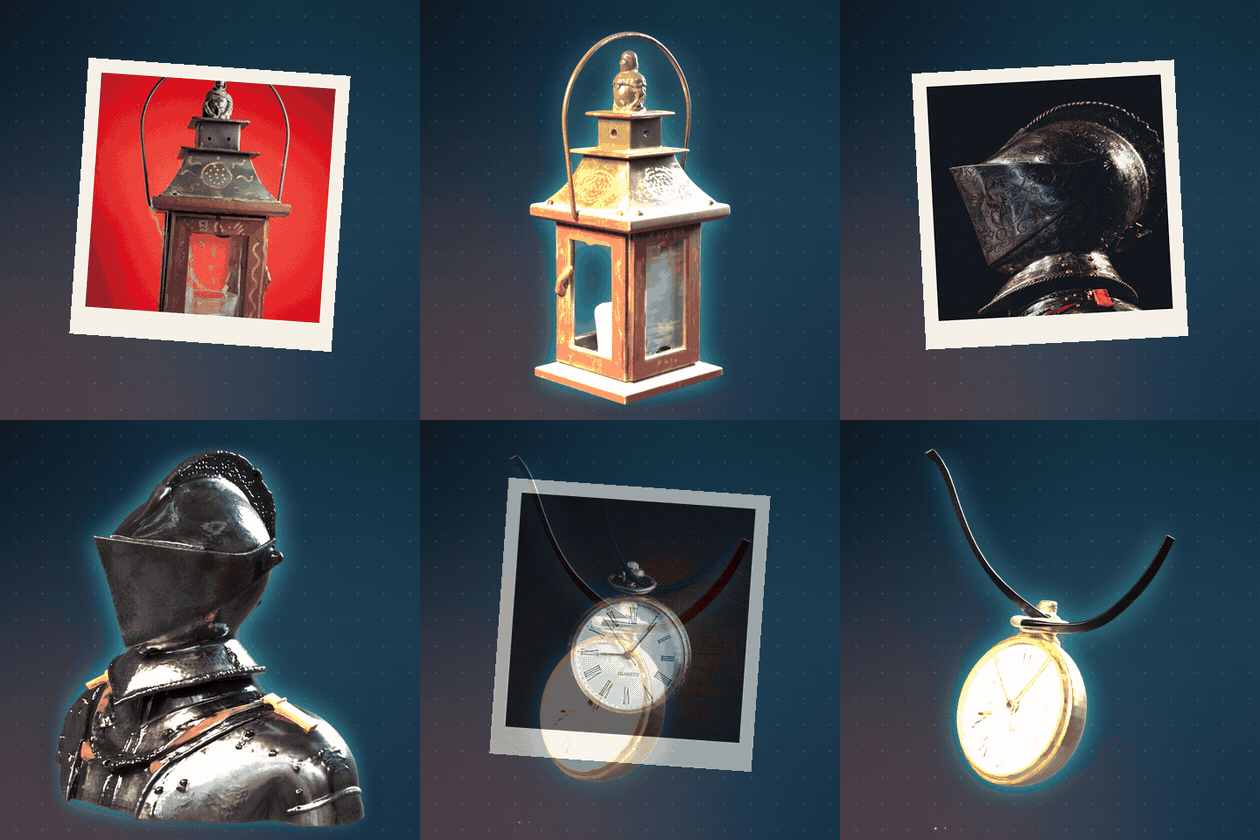
Lanterns, armor, watches and more.
Props, decor, tools and collectibles all work. Each model below was generated by the add-on from a single stock photograph.
Built to be easy.
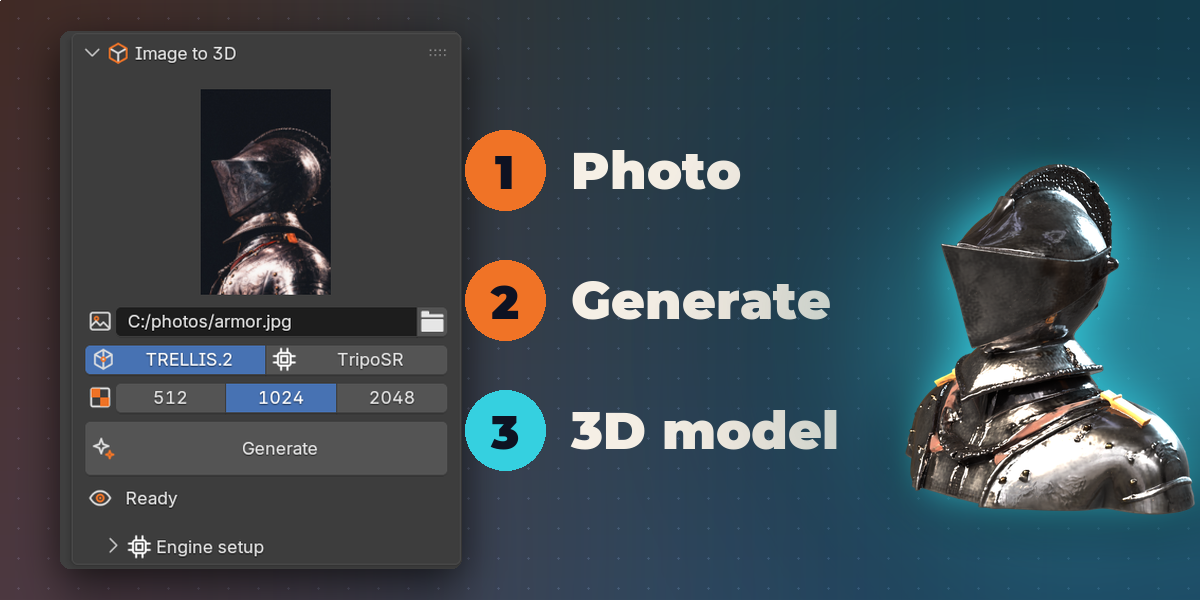
- One sidebar tab with a picture preview, engine buttons, texture size and a big Generate button
- Four local engines: TRELLIS.2, Hunyuan 2.1 (shape or PBR), UltraShape and TripoSR
- Imports an ordinary Blender mesh with its textures
- Refine an existing mesh with UltraShape and a reference image
- Installer, progress status, cancel button and a log for every engine
- Engines and weights install to a folder you choose, never inside the extension
Pick the engine that fits your machine.
TRELLIS.2
The default on Apple Silicon and Windows x64. Textured models from one image. The Windows Vulkan runtime is experimental; on an RTX 4080 laptop a 1024 pixel model took about three minutes.
Hunyuan 2.1
Shape only, or shape plus PBR textures, on Apple Silicon with macOS 15 or newer.
UltraShape
Refines a coarse mesh from your scene, or an OBJ or GLB file, using your reference image.
TripoSR
An experimental CPU engine with MIT code and weights, for machines that can run nothing else.
More details
Image to 3D turns a single reference picture into a 3D model without leaving Blender. Open the Image to 3D tab in the sidebar, pick a photo, choose an engine and press Generate. The model is created on your own computer by an open engine you install once, and the finished mesh is imported into your scene with its textures.
It is an engine manager rather than a single model. TRELLIS.2 is the default on Apple Silicon Macs and Windows x64 and makes textured models from one image. Hunyuan 2.1 MLX creates a shape or a shape with PBR textures on Apple Silicon running macOS 15 or newer. UltraShape refines a coarse mesh from your scene, or an OBJ or GLB file, using your reference image. TripoSR is an experimental CPU engine for machines that can run nothing else.
Engines and model weights install to a folder you choose, never inside the extension, and every step has a log button. Results depend on the picture: a single clear subject on a plain background works best, and fine lettering or small logos can come out soft. Check each result before you rely on it.
Features
- One sidebar tab with a picture preview, engine buttons, texture size and a big Generate button
- Four local engines: TRELLIS.2, Hunyuan 2.1 (shape or PBR), UltraShape and TripoSR
- Imports the result as an ordinary Blender mesh with its textures
- Refine an existing mesh with UltraShape using a reference image
- Texture size of 512, 1024 or 2048
- Installer, progress status, cancel button and log for every engine
- Engines list only what your platform can run
Good to know
- Experimental: first installation downloads many gigabytes and can take a long time
- Apple Silicon with 24 GB or more memory is recommended; the Windows Vulkan engine has not been tested on every GPU
- Every model has its own license. Hunyuan 2.1 excludes the EU, UK and South Korea from its licensed territory, and the DINOv3 weights used by TRELLIS.2 carry Meta's terms. Review the terms of each engine you install before using its output commercially
Requires Blender 4.2 or newer. Tested on Blender 4.2, 4.5 and 5.2 LTS.
