 ZEG
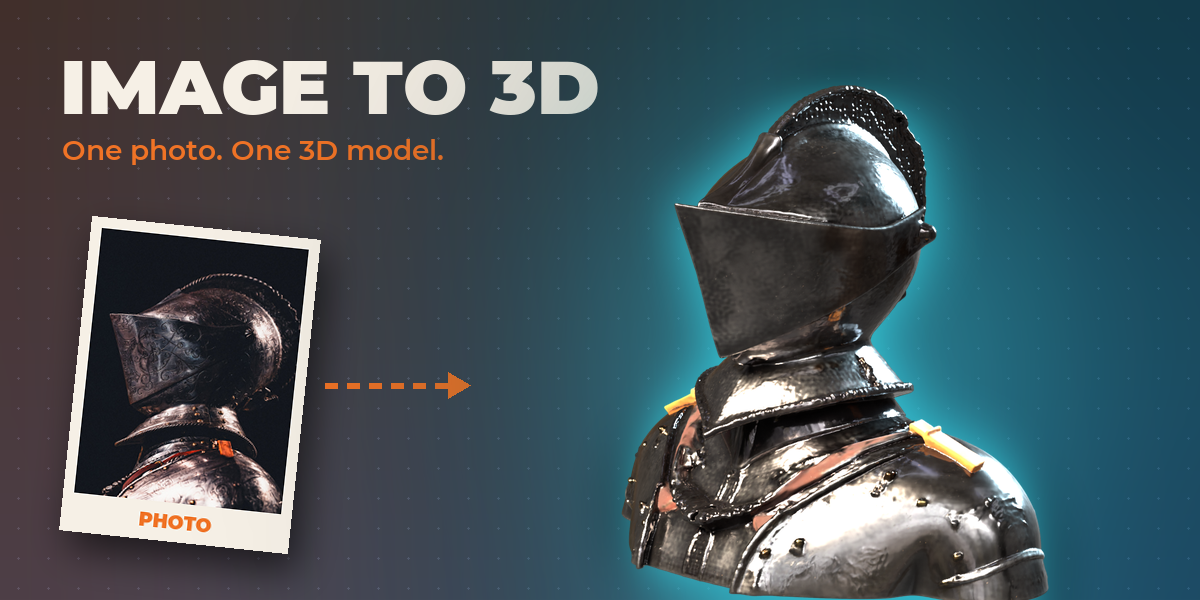
Installation
In Blender open Edit, Preferences, Get Extensions, then use Install from Disk and pick the image_to_3d zip.
Usage
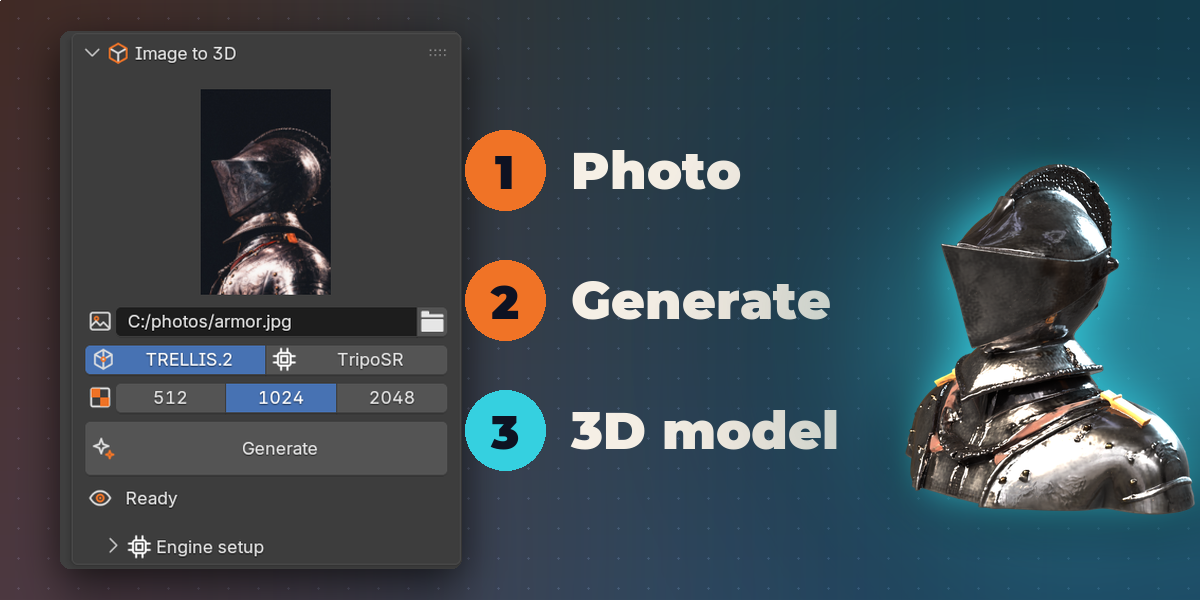
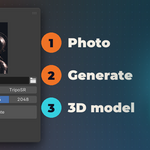
- Open the Image to 3D tab in the 3D viewport sidebar (N).
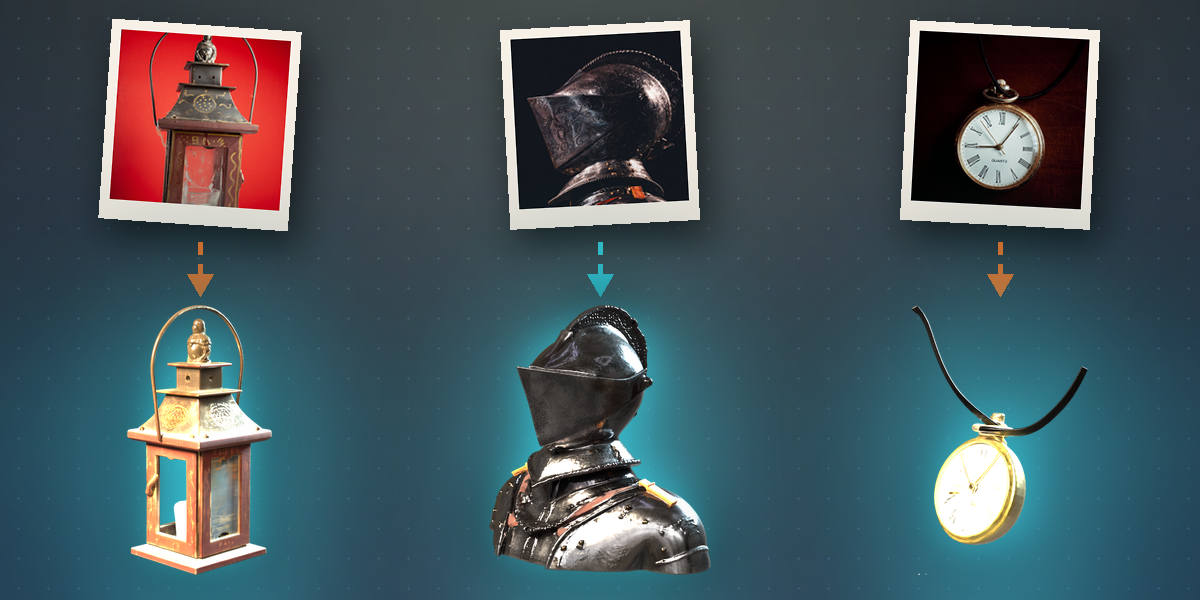
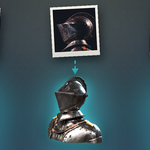
- Choose a reference image. A single clear subject on a plain background works best.
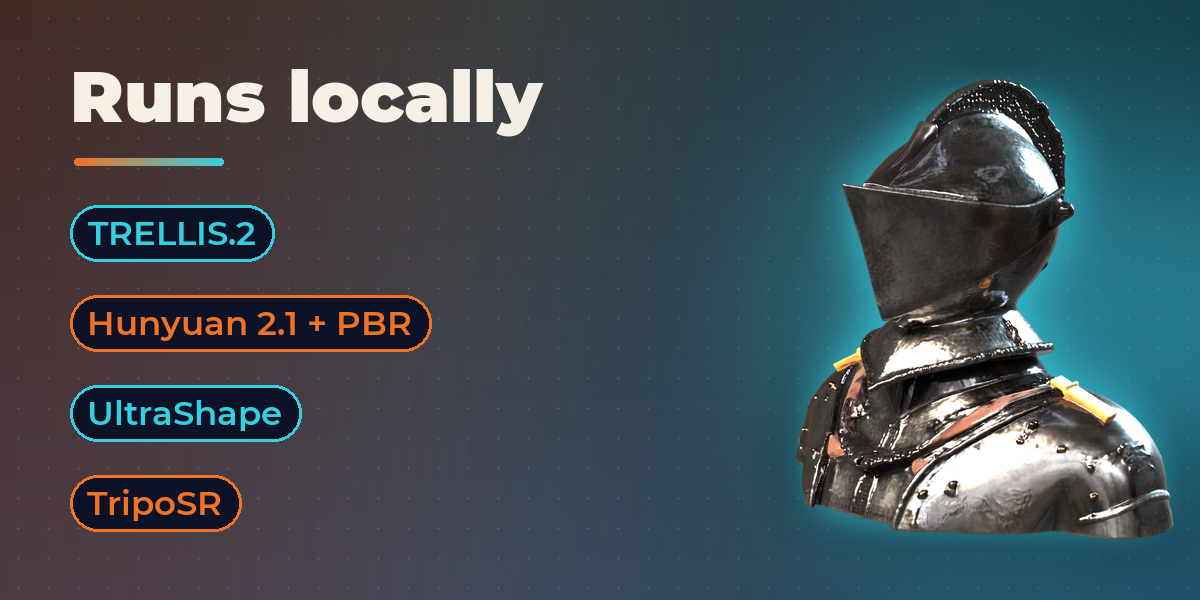
- Pick an engine and a texture size, open Engine setup and press Download & Install once. This downloads many gigabytes.
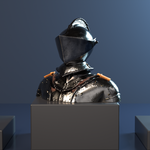
- Press Generate. The model is imported when it is finished; the log button shows details if something fails.
Licenses
Each engine and its weights have their own license. Hunyuan 2.1 excludes the EU, UK and South Korea, and DINOv3 weights carry Meta's terms. Review them before using the output commercially.
Have questions about this product?
Login to message
| Blender Extension Compatible | Yes |
| Published | about 8 hours ago |
| Blender Version | 4.2 - 5.2 |
| Extension Type | Add-on |
| Render Engine Used | Cycles, Eevee |
| License | GPL |

Discover more products like this
apple silicon trellis Photo to 3D ai Image-to-3D textured-mesh hunyuan reference image Mesh Generation single-image 3D Generator local ai