 akaneyu


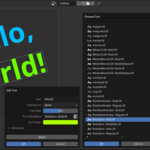
I can't find any fonts I installed.
Check your Blender Prefereces first: [Edit] > [Prefereces...] > [File Paths] > [Fonts]
The typical font path is as follows.
In Windows:
C:\Windows\Fonts\
In Ubuntu Linux:
/usr/share/fonts/
You can also set an additional font directory if needed (use v1.2.0 or later):
[Edit] > [Preferences...] > [Add-ons] > [Image Editor+ Text Tool] > [Additional Font Directory]
Does the add-on support multi-line text?
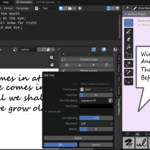
You can now use a multi-line text source (use v1.2.0 or later).
What types of font are supported?
TTF (TrueType Font) is supported. These font files typically use the ".ttf" extension.
However, some symbol fonts (wingdings, dingbats, etc.) may not work.
$4
Have questions about this product?
Login to message