Imperfect Aperture Maps for Perfect CGI Bokeh
 Add Your Light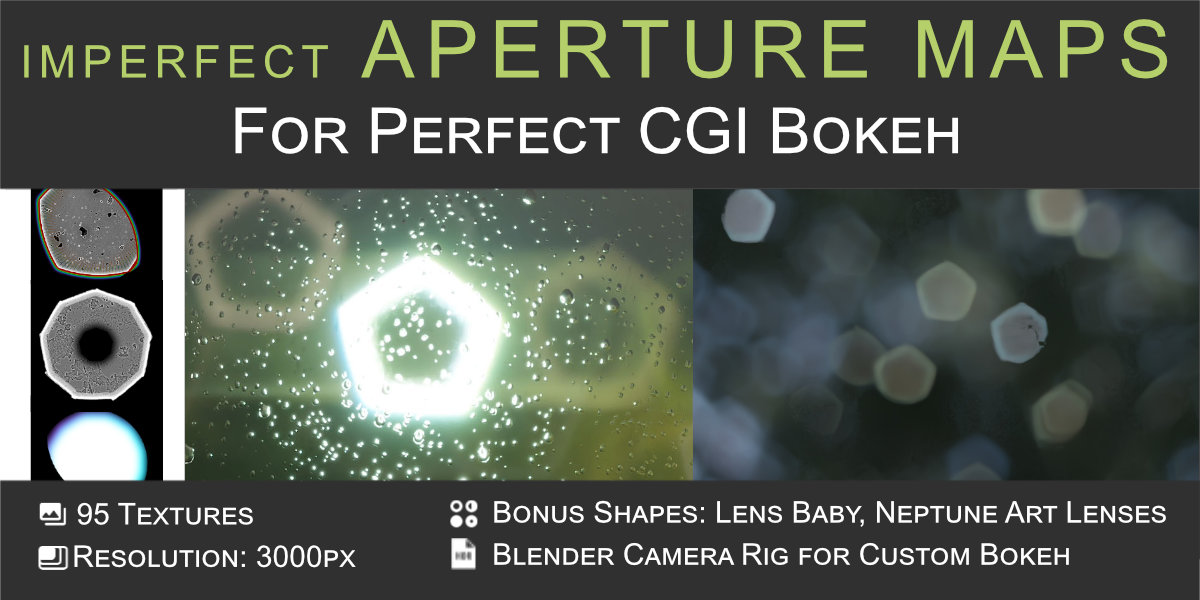
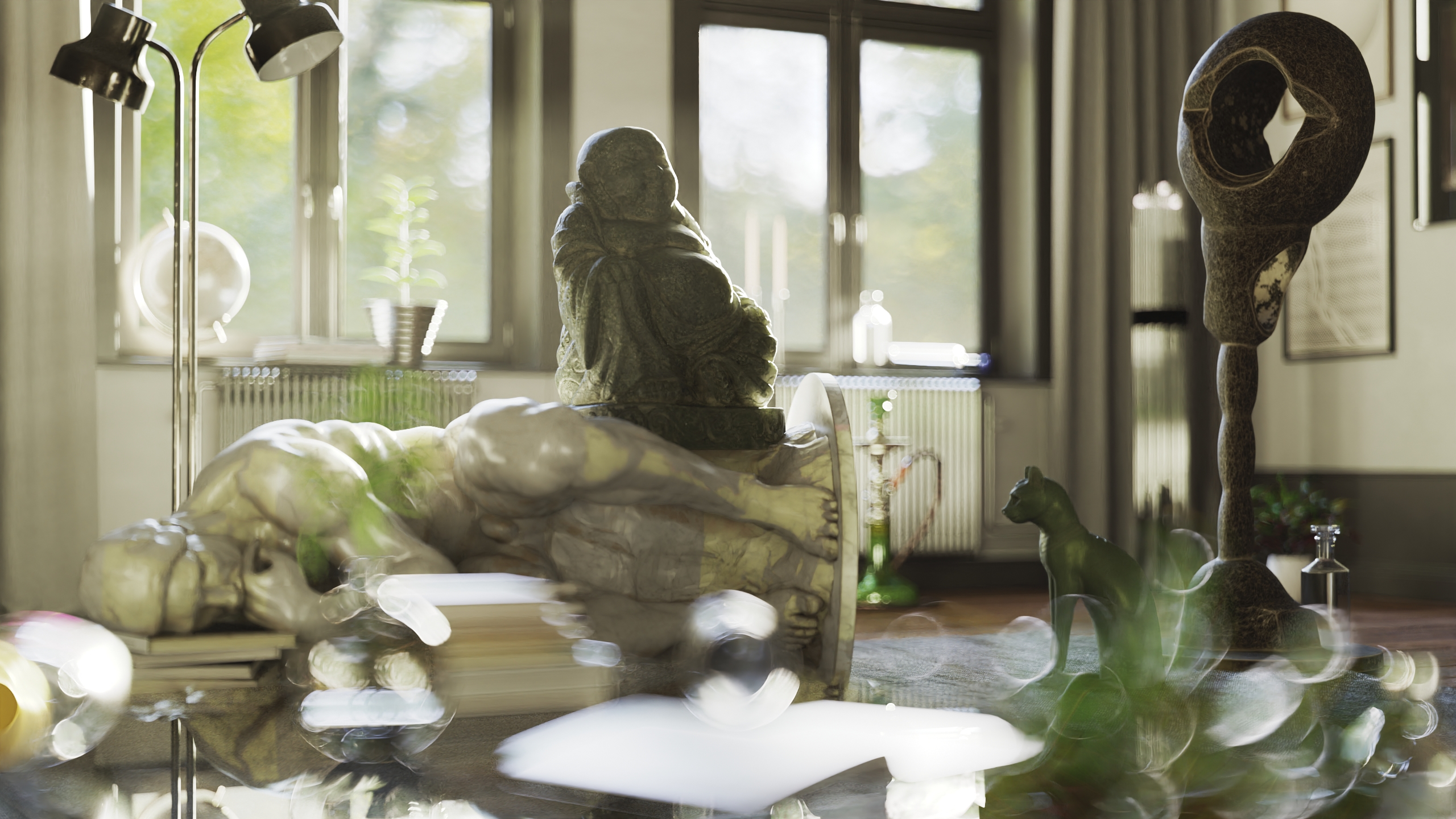
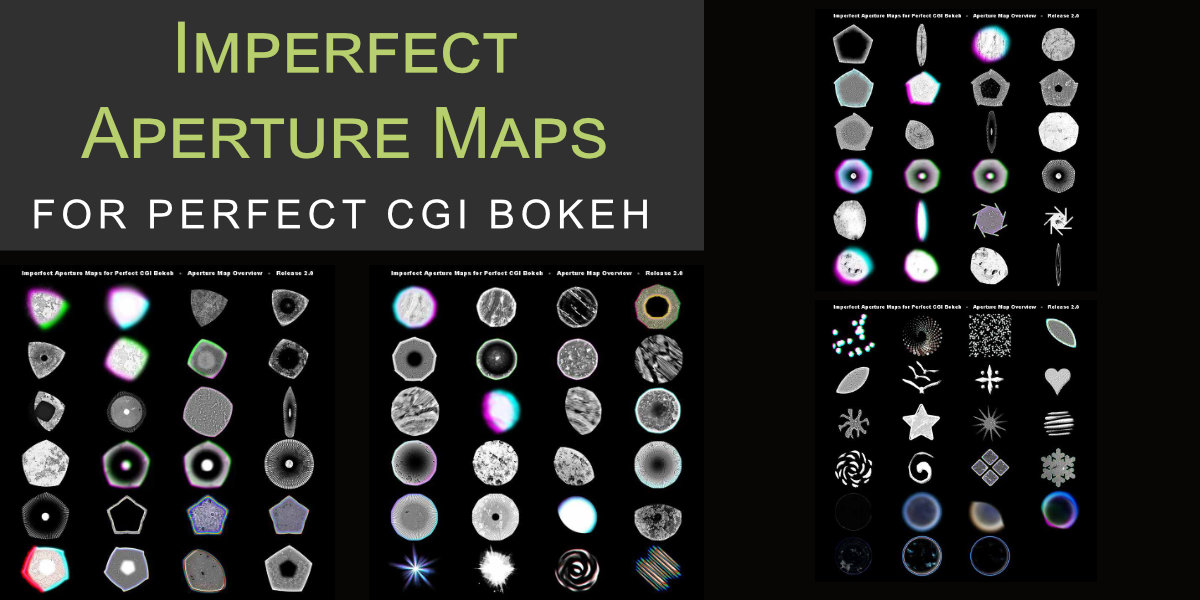
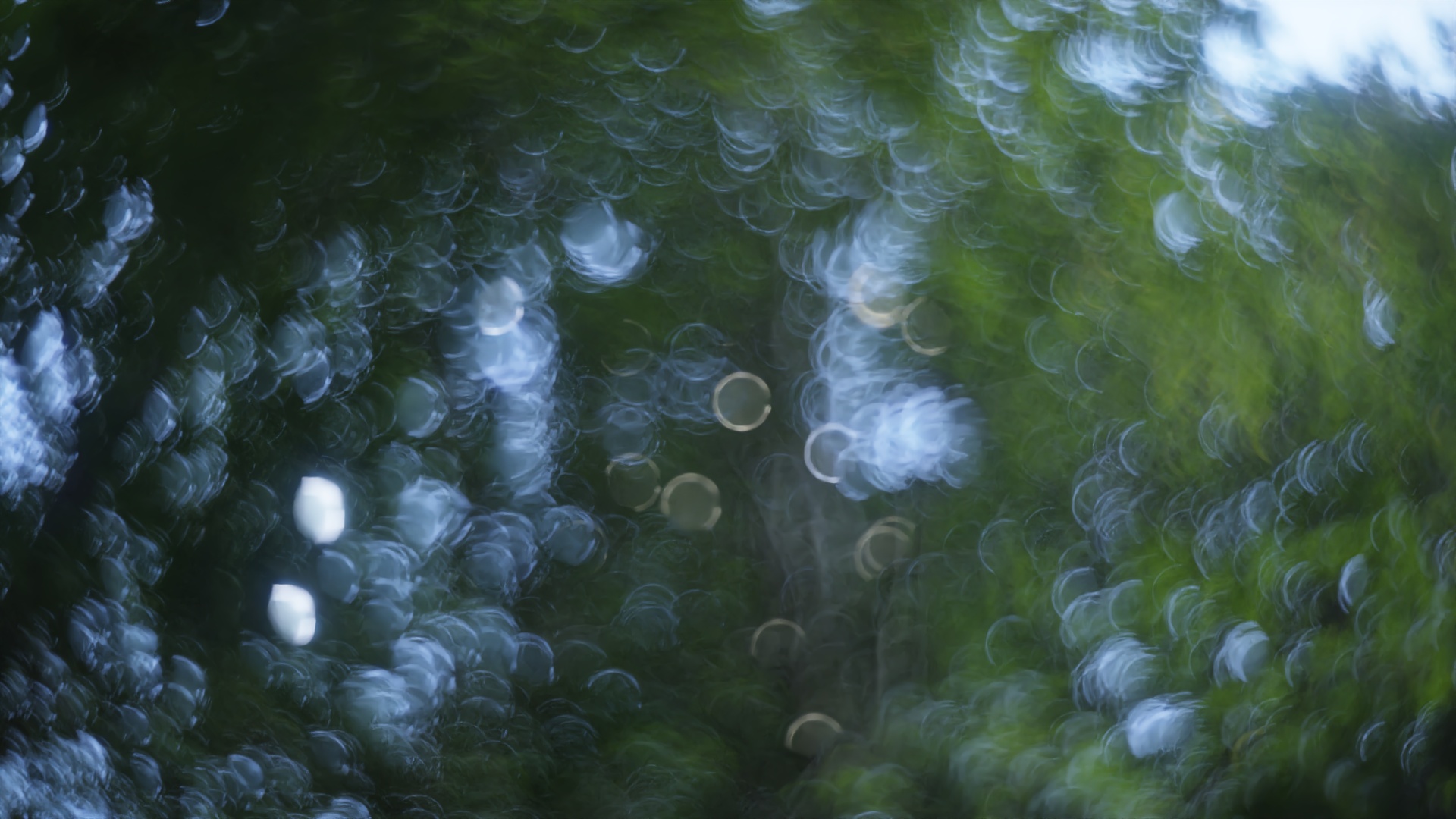
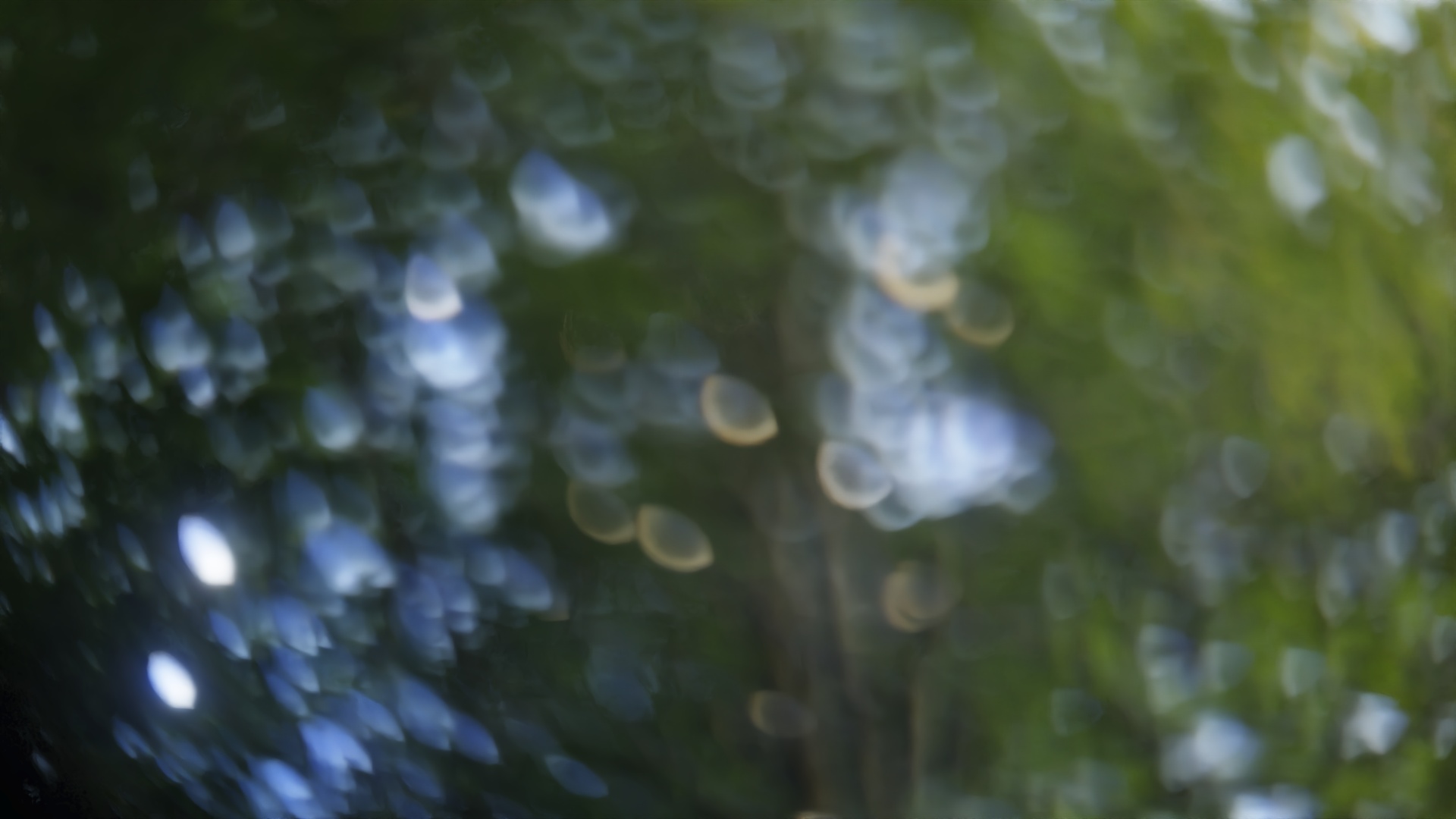
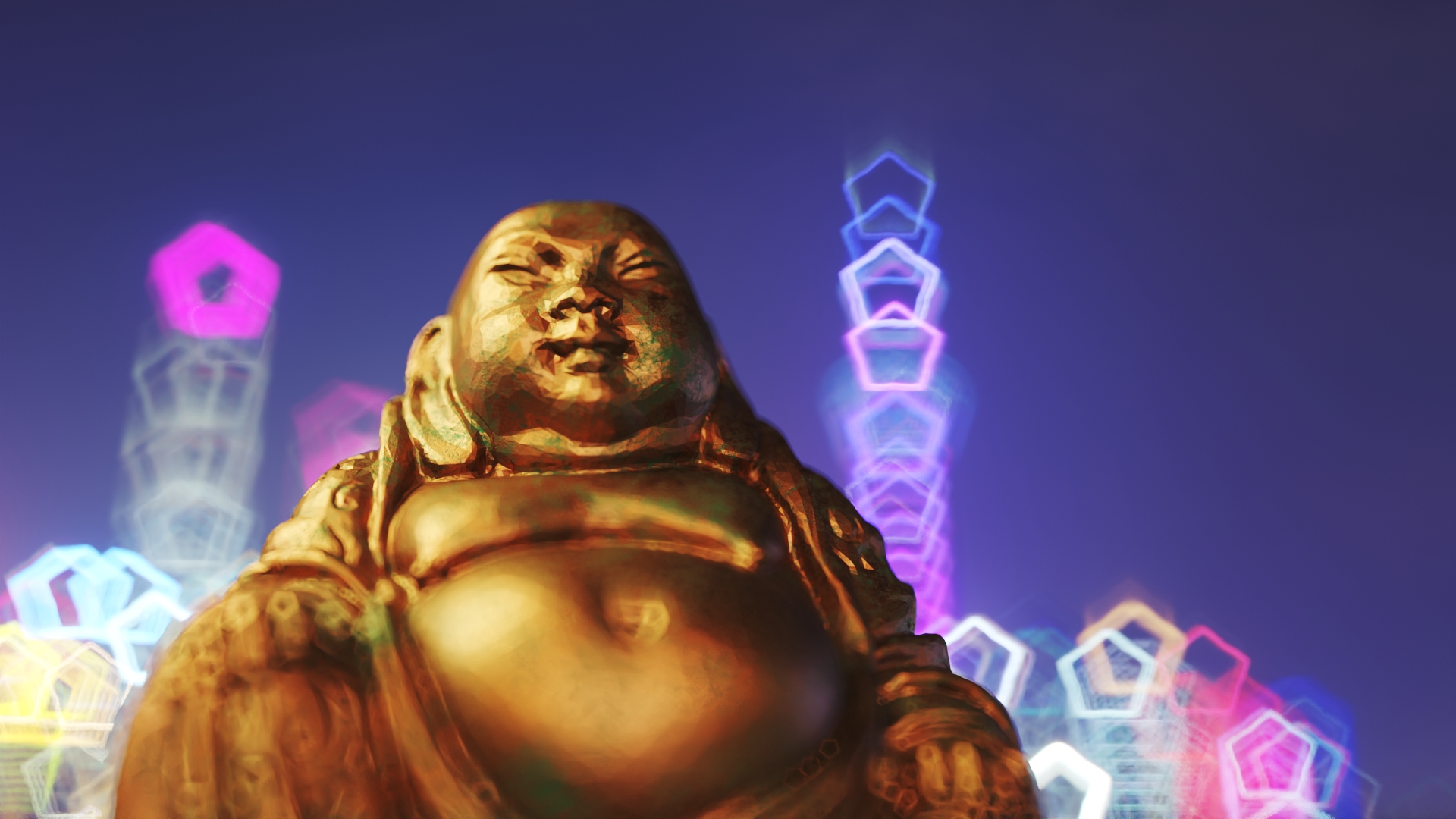
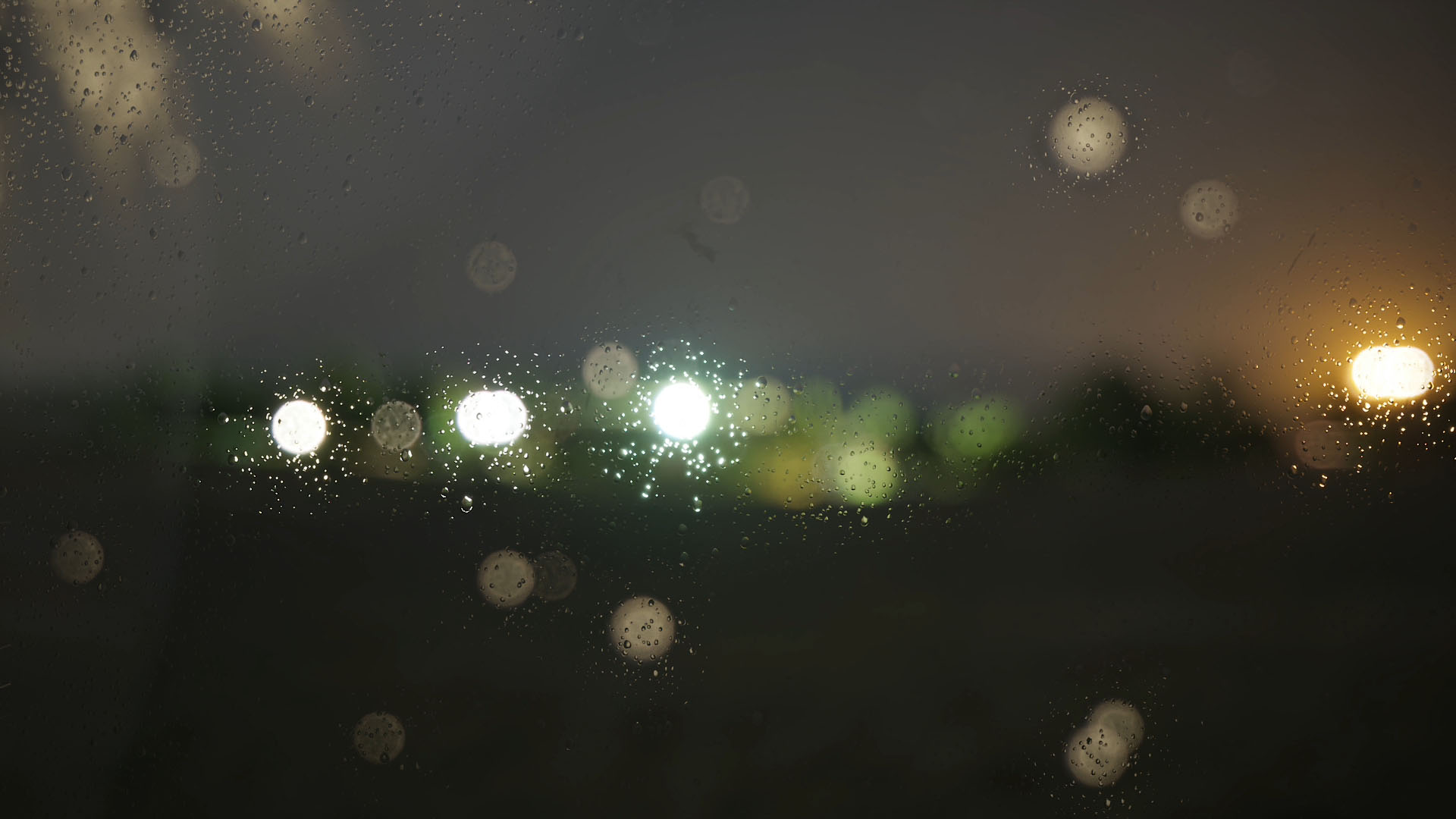
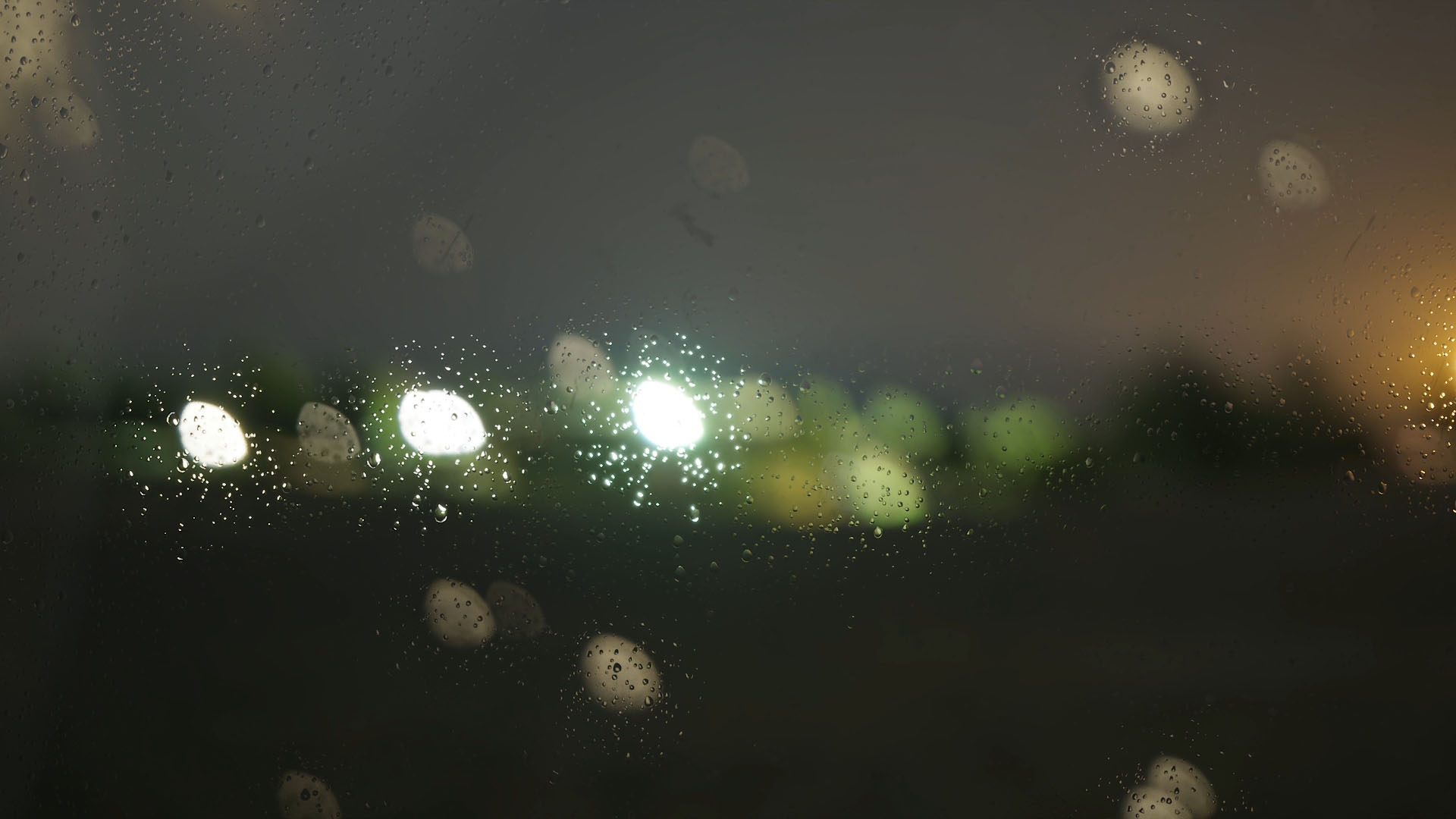
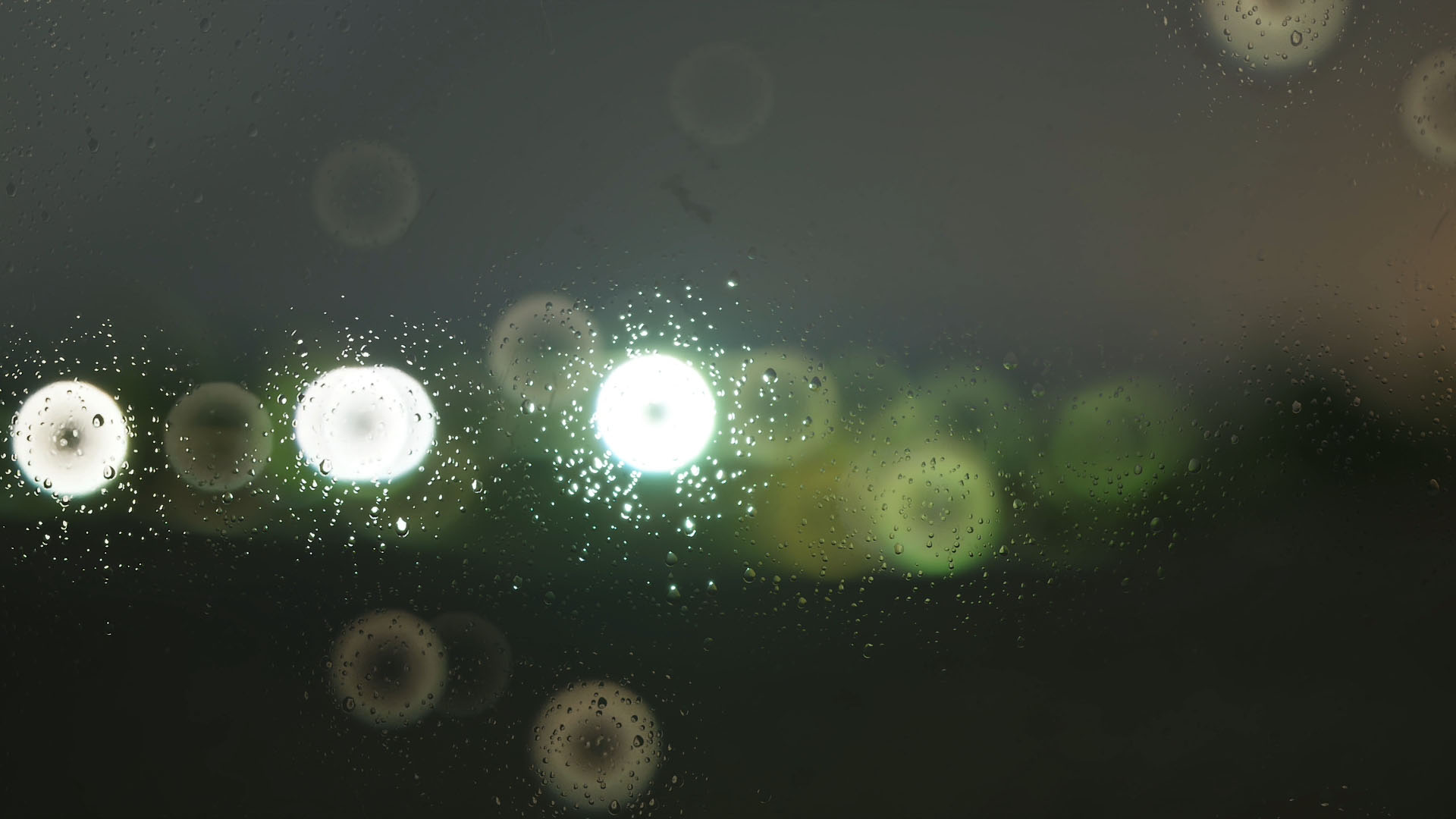
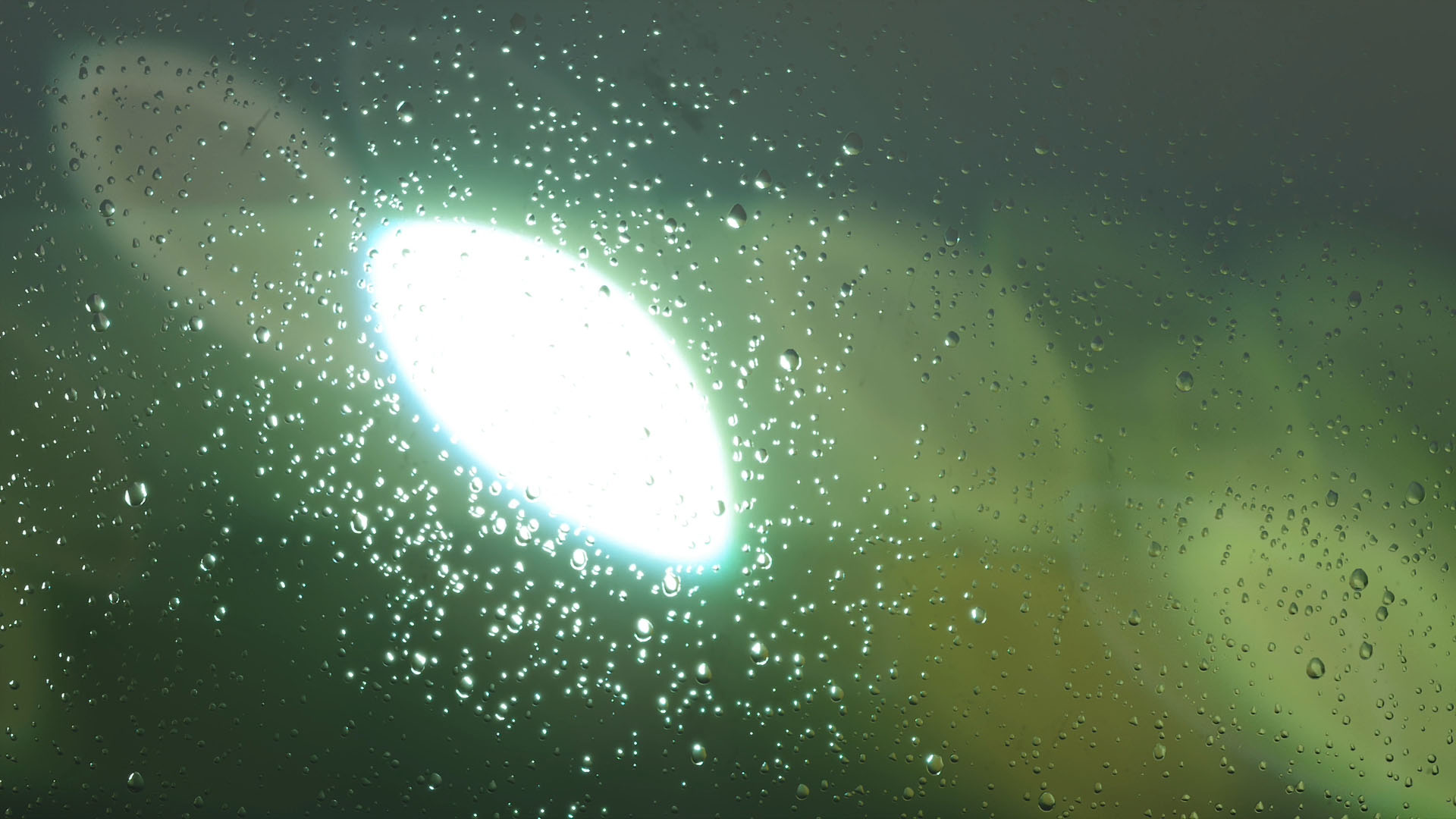
I included a custom camera rig, which you can append to your own scene.
Go into shading mode and select the object "Custom Aperture Map". In the shader editor, choose one of my aperture jpg files in the Image Texture node and you are ready to go.
You can emphasize or lessen the effect by choosing a different focal length or adjusting f-stop. Be aware that f-stop numbers lower than 0.6 will not look like the aperture anymore.
Either adjust the focal point by selecting the object "Focal Point" or delete the referenced object from the cameras Focus Object and adjust by distance.
If you have any questions or need further support, ping me anytime and I will reply as soon as possible – usually within a few hourse or a day.
Have questions about this product?
Login to message
| Sales | 20+ |
| Published | about 3 years ago |
| Blender Version | 4.0, 3.6, 3.5, 3.4, 3.3, 3.2, 3.1, 3.0, 2.93, 2.92, 2.91, 2.9, 2.83, 2.82, 2.81, 2.8, 2.7x, 2.79, 2.78, 2.77, 2.6x |
| License | GPL |

Discover more products like this
bfcm24 3D Photorealism photorealistic dof focal point summer24 imperfect out of focus photorealism aperture Cycles VFX camera photo bfcm23 focal winter24 bokeh spring24 rendering lens photographic depth of field dslr imperfection focus