Import Adobe Illustrator Ai Files Into Blender -- Vector Graphics Import

blenderVfxMaster in Modeling


Import Adobe Illustrator (.ai) Files
Import Adobe Illustrator .ai files directly into Blender with full support for images, gradients, colors, and layer organization. This powerful add-on uses a bundled Inkscape installation to convert .ai files to SVG format, ensuring seamless integration with Blender's native SVG importer.
What It Does
What It Does
This add-on bridges the gap between Adobe Illustrator and Blender, allowing you to seamlessly import your vector artwork into Blender's 3D environment. Whether you're creating logos, illustrations, technical drawings, or graphic designs in Illustrator, you can now bring them directly into Blender for 3D visualization, animation, texturing, or further creative work.

Key Features
Key Features


✓ Zero External Dependencies
Import .ai files without installing any additional software. The add-on includes a fully bundled Inkscape installation, so everything you need is included right out of the box.
✓ Comprehensive File Format Support
Handles both modern PDF-based .ai files (Adobe Illustrator CS and later) and legacy PostScript-based .ai files (older versions), ensuring compatibility with files from various versions of Adobe Illustrator.
✓ Full Visual Fidelity
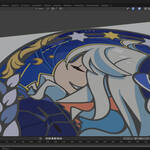
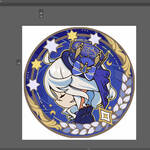
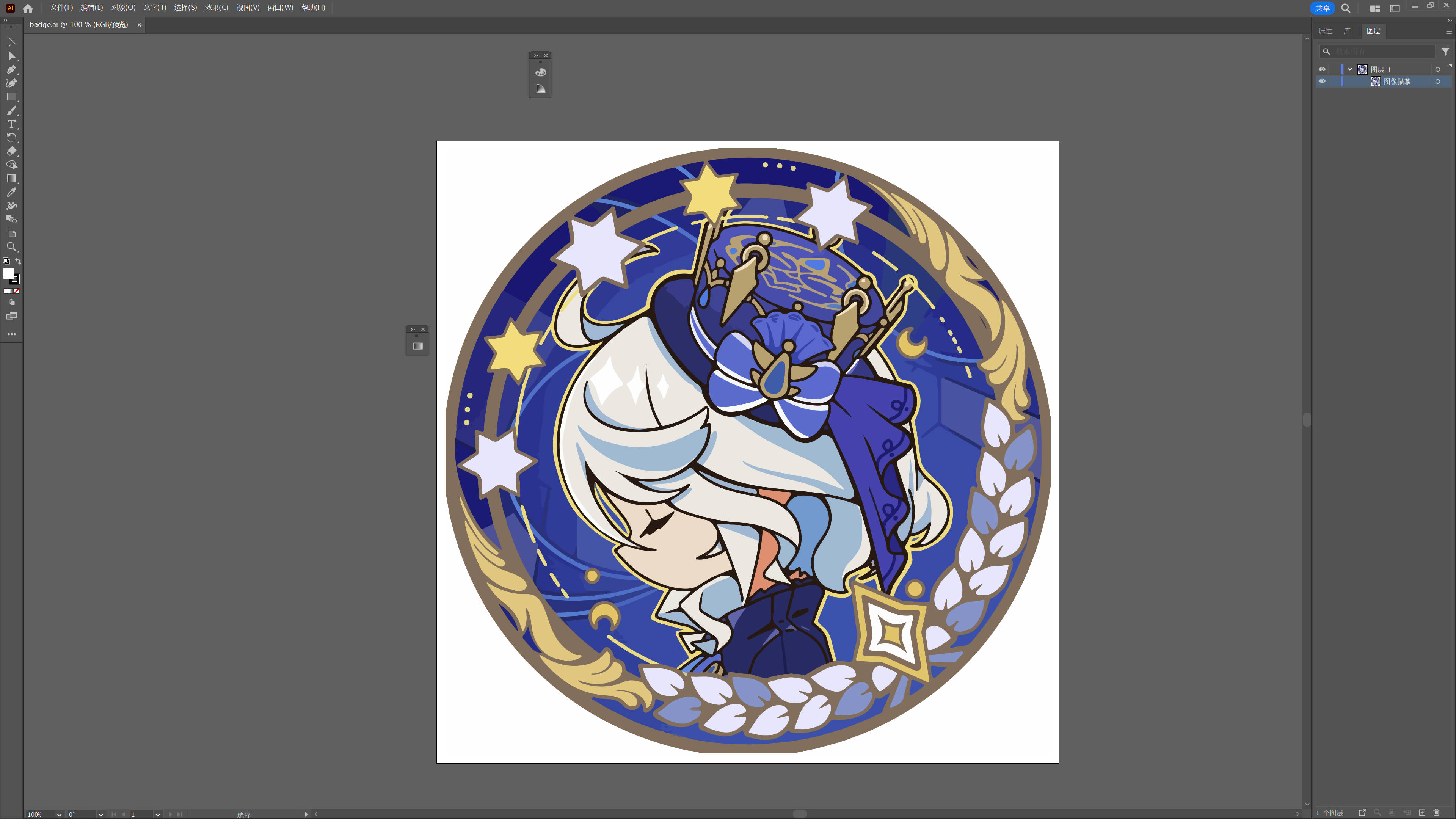
Preserves embedded images, gradients, colors, and vector paths exactly as they appear in Illustrator. Your artwork maintains its visual integrity throughout the import process.
✓ Smart Layer Management
Automatic layer offset feature prevents overlapping geometry by adding small Z-axis offsets based on layer order. This ensures each layer is properly separated in 3D space, making it easy to work with complex multi-layer designs.
✓ Enhanced Material Display
Automatically enhances materials to better display colors and gradients in Blender's viewport. The add-on intelligently processes imported materials to ensure optimal visibility and rendering quality.
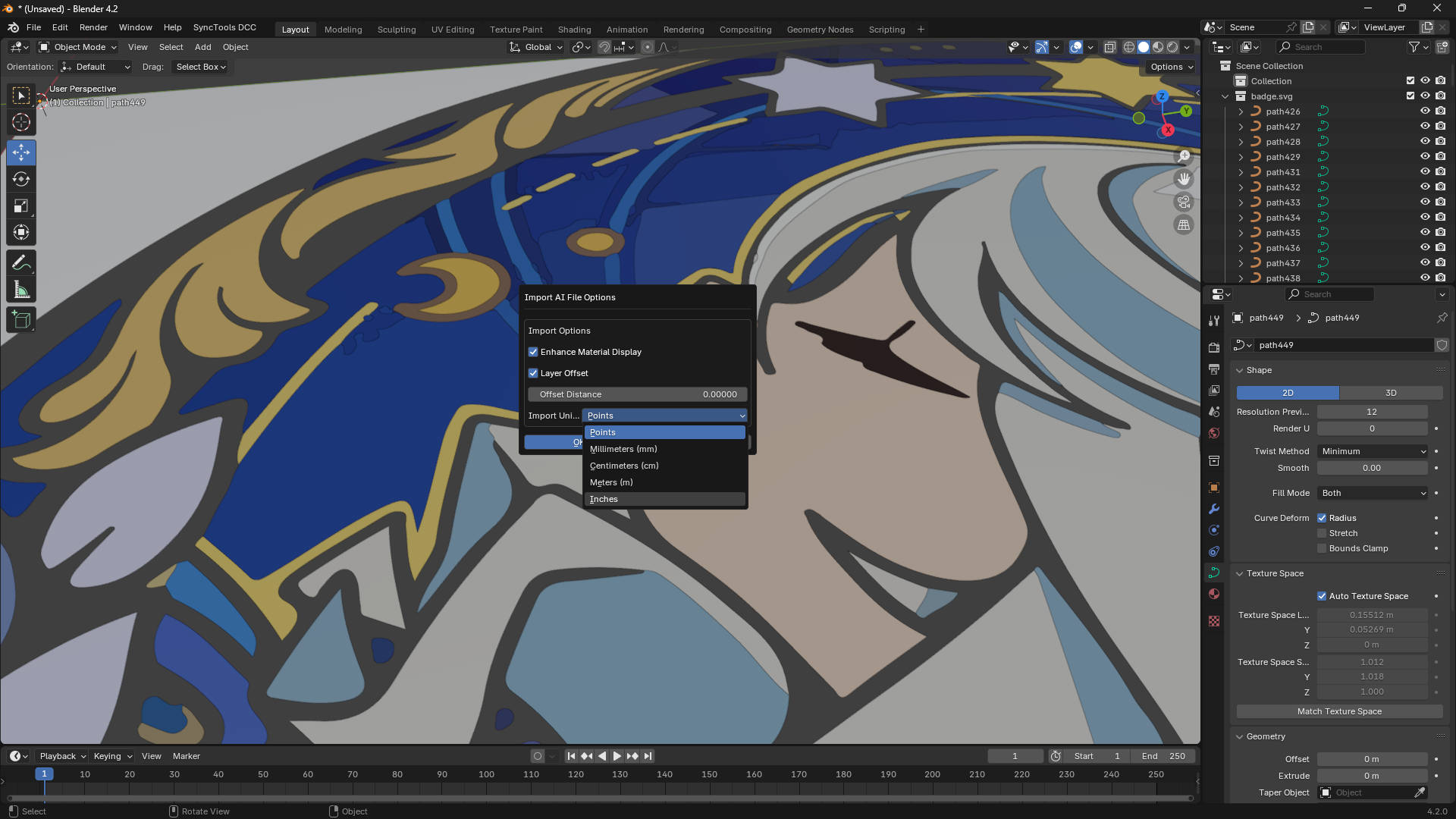
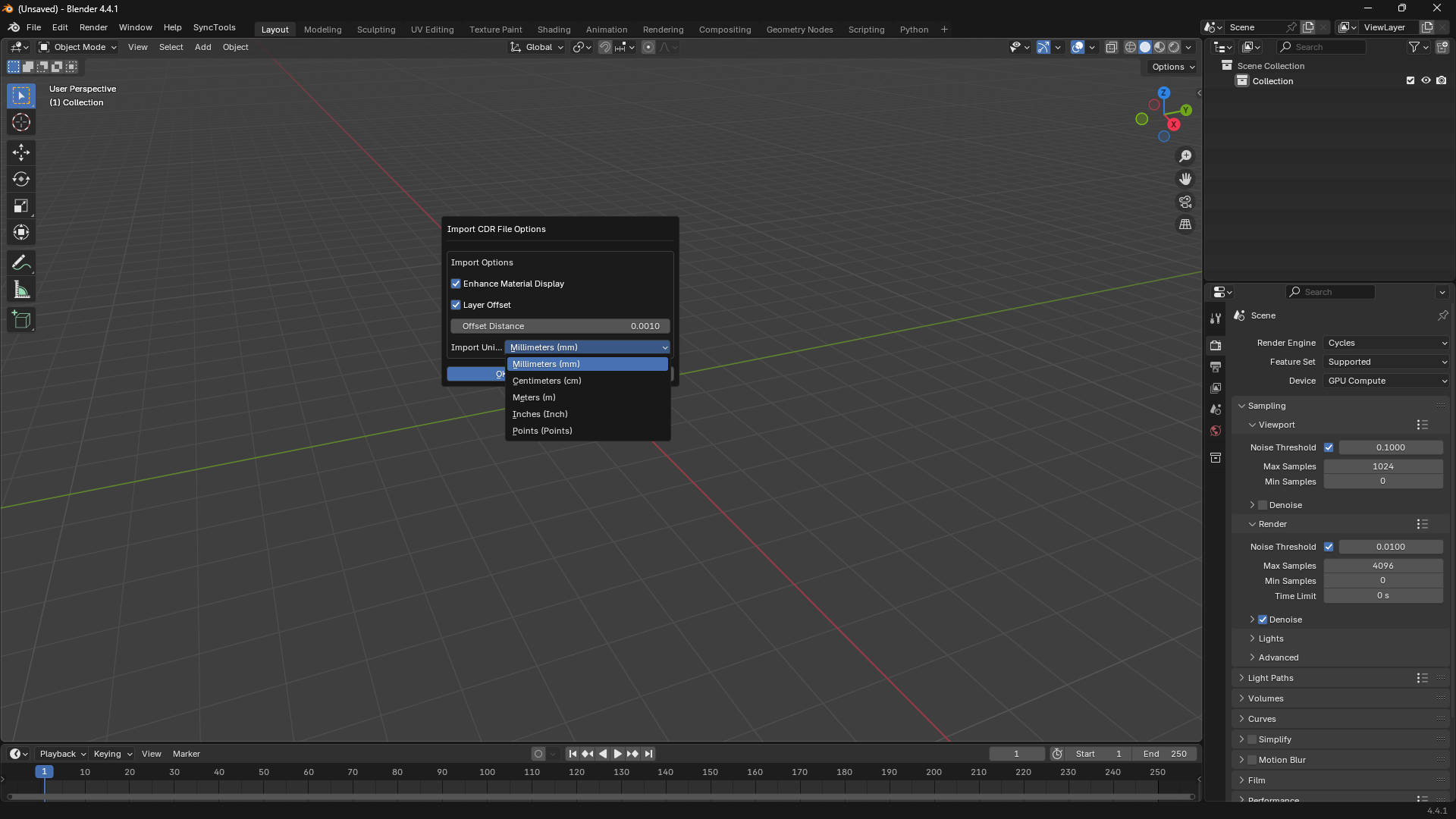
✓ Flexible Unit System
Supports multiple unit systems for accurate scaling:
• Points (default) - AI/PDF standard (72 points = 1 inch)
• Millimeters (mm)
• Centimeters (cm)
• Meters (m)
• Inches
• Custom scale factor for precise control
✓ Streamlined Workflow
Drag-and-drop support allows you to quickly import files by simply dragging them into Blender's 3D viewport. Batch import multiple files at once for efficient workflow.
✓ Advanced Image Processing
Automatically extracts embedded images from .ai files and converts base64-encoded images to separate image files, ensuring proper texture handling in Blender.
Use Cases
Use Cases

• Logo Design to 3D: Bring your 2D logos into Blender and create stunning 3D versions
• Technical Drawings: Import technical illustrations and architectural plans for 3D modeling reference
• Graphic Design: Convert print designs into 3D assets for motion graphics and animation
• Texturing: Use Illustrator artwork as texture sources or reference for UV mapping
• Motion Graphics: Animate vector graphics imported from Illustrator
• Product Visualization: Import product designs and create realistic 3D renderings
How It Works
How It Works
The add-on uses a sophisticated conversion pipeline:
1. Detects and validates the .ai file format (PDF-based or PostScript-based)
2. Uses bundled Inkscape to convert .ai to SVG format
3. Processes the SVG to extract embedded images and optimize structure
4. Imports the SVG using Blender's native SVG importer
5. Applies unit conversion and scaling based on your preferences
6. Enhances materials and applies layer offsets for optimal 3D organization
Technical Details
Technical Details
The plugin uses Inkscape's powerful conversion engine (bundled) to convert .ai files to SVG format, which is then imported into Blender using the built-in SVG importer. This ensures maximum compatibility and high-quality preservation.
• Compatible with Blender 3.0 and later
• Requires Blender's built-in SVG importer (enabled by default)
• Supports both single and batch file imports
• Handles complex vector paths, bezier curves, and shapes
• Preserves color information and gradient definitions
• Automatic cleanup of temporary files after import
Installation
Installation & Setup
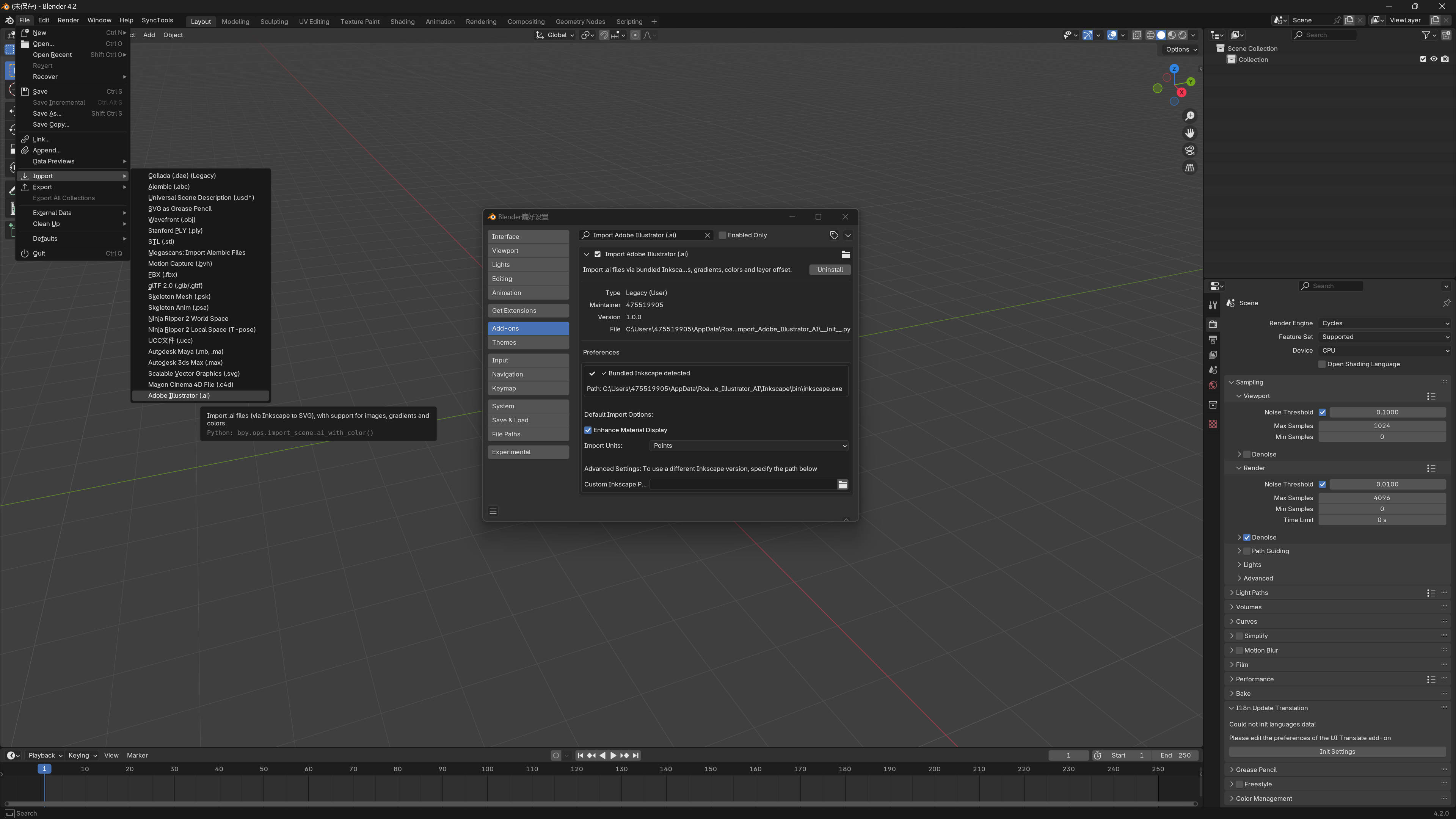
Installation is straightforward - simply install the add-on through Blender's preferences, and you're ready to go. No additional configuration required. The bundled Inkscape is automatically detected and used. Advanced users can optionally specify a custom Inkscape path if needed.
Requirements
Requirements
• Blender 3.0 or higher
• Built-in SVG importer io_curve_svg enabled
Perfect for designers, artists, and 3D professionals who want to seamlessly integrate their Adobe Illustrator workflow with Blender's powerful 3D capabilities. Whether you're working on branding projects, technical visualizations, or creative animations, this add-on provides the bridge you need between 2D vector graphics and 3D creation.
Community

Support Blender Foundation

We believe in giving back to the community that makes our work possible. Every month, we dedicate a portion of our plugin's revenue to support the Blender Foundation. Thank you for helping us contribute to the future of open-source creativity.

  • 1 seat. For individual creators or small commercial projects.

    $12
  • Up to 3 seats / single studio team. Use across all internal projects within one company.

    $24
  • 15+ seats / company-wide / unlimited internal use across subsidiaries.

    $96
$12

Have questions about this product?
Login to message

Details
Sales 10+
Rating
3 ratings
Published 12 months ago
Blender Version 3.6 - 5.2
Extension Type N/A
License