| Import Adobe Illustrator (.ai) Documentation Complete guide to importing Adobe Illustrator files into Blender with full color, gradient, and layer preservation. |
|
Overview Overview This addon enables Blender to import CorelDRAW (.cdr) files while preserving colors, gradients, images, and layer structures. It converts CDR files to SVG format using Inkscape (bundled) and then imports them into Blender using the built-in SVG importer. |
| Installation Installation
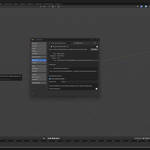
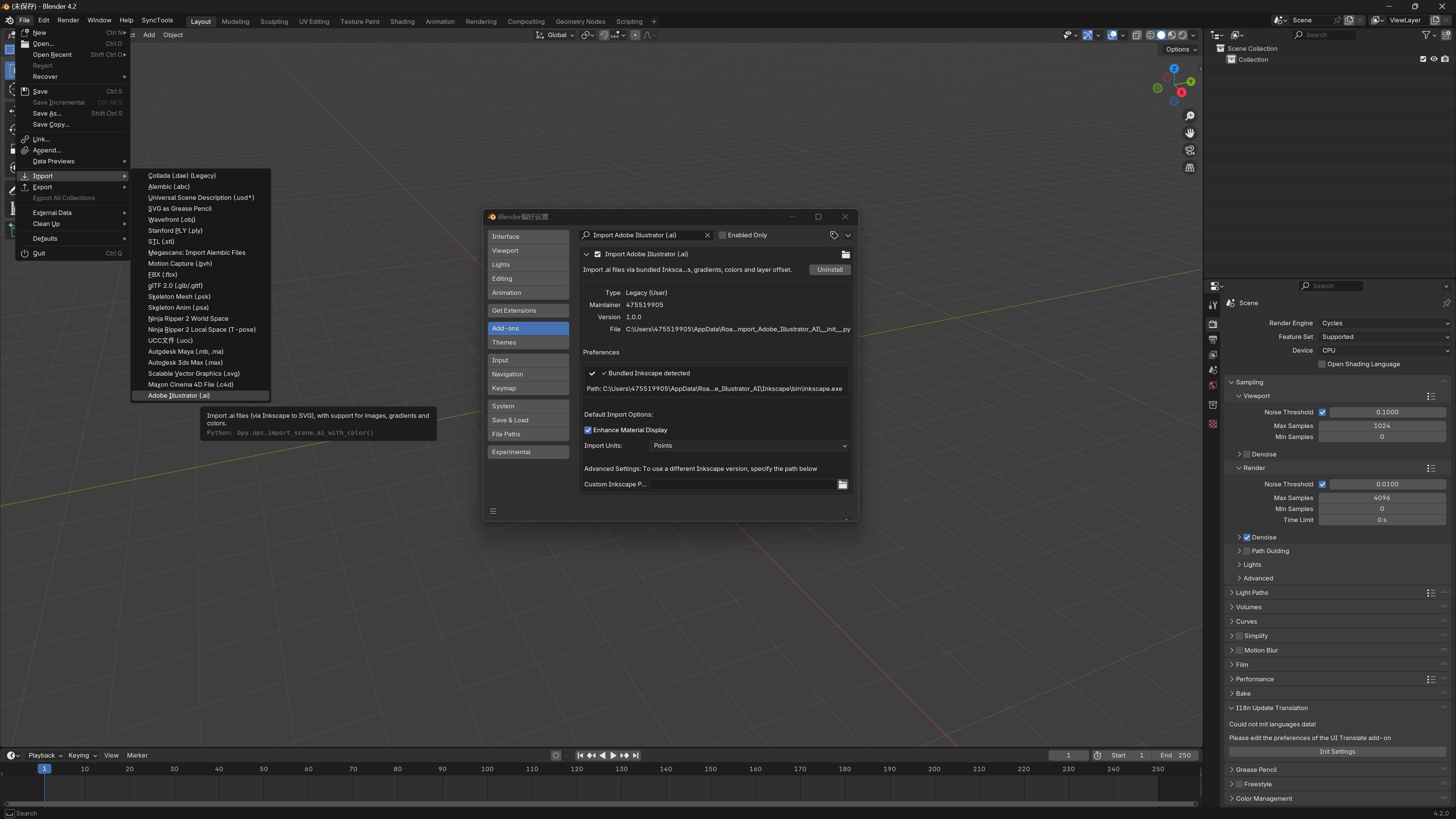
| 1. Download the addon zip file | | 2. Open Blender | 3. Go to Edit > Preferences > Add-ons | | 4. Click "Install..." and select the zip file | | 5. Enable the addon by checking the checkbox next to "Import CorelDRAW (.cdr) with Colors" | | 6. Ensure the built-in "Import-Export: Scalable Vector Graphics (SVG)" addon is enabled |
|
| Requirements Requirements
| • Blender 3.0 or higher | • Built-in SVG importer io_curve_svg must be enabled | | • The addon includes a bundled Inkscape converter (no additional installation needed) |
|
| Usage Usage Importing Files Method 1: File Menu
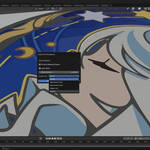
1. Go to File > Import > CorelDRAW Graphics (.cdr) | | 2. Select one or more CDR files | | 3. Configure import options in the dialog | | 4. Click "Import CDR File" |
Method 2: Drag and Drop
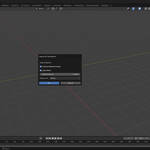
| 1. Drag a CDR file into Blender's 3D Viewport | | 2. Configure import options in the dialog that appears | | 3. Click "OK" to import |
Import Options
| Enhance Material Display: Automatically enhances materials to better display colors and gradients in the viewport | | Layer Offset: Adds small Z-axis offsets based on layer order to prevent overlapping | | Offset Distance: Sets the Z-axis offset distance between layers (default: 0.001) | | Import Units: Choose the unit system for imported files: | | • Millimeters (mm) - Default, commonly used in CDR files | | • Centimeters (cm) | | • Meters (m) | | • Inches | | • Points (72 points = 1 inch) | | Custom Scale: Custom scale factor (when custom unit is selected) |
|
| Preferences Preferences Access via Edit > Preferences > Add-ons > Import CorelDRAW (.cdr) with Colors Default Import Options:
| • Enhance Material Display: Enable/disable automatic material enhancement | | • Import Units: Set default unit system for imports |
|
| Features Features Color Preservation Colors from CDR files are preserved and automatically enhanced for optimal display in Blender. The addon creates emission shaders to ensure colors are visible in both viewport and render. Gradient Support Gradients are preserved during import and displayed correctly in Blender. The addon enhances gradient materials for better visibility. Image Import Embedded images in CDR files are automatically extracted from base64 encoding and imported as separate image assets. Images are stored in a temporary directory during conversion and properly referenced in the imported SVG. Layer Offset To prevent layers from overlapping, the addon can automatically apply small Z-axis offsets based on layer order. This ensures each layer is slightly separated in 3D space. Batch Import Import multiple CDR files at once. All files will use the same import settings, and you'll receive a summary of imported objects and images. Unit Conversion The addon supports multiple unit systems and automatically converts CDR units to Blender units (meters). This ensures accurate scaling of imported graphics. |
| Troubleshooting Troubleshooting ISSUE: "Parser not found" error SOLUTION: Ensure the addon is properly installed. The bundled Inkscape converter should be included in the Inkscape folder. ISSUE: "Please enable SVG importer" error SOLUTION: Go to Edit > Preferences > Add-ons and enable "Import-Export: Scalable Vector Graphics (SVG)". ISSUE: Colors not displaying correctly SOLUTION: Enable "Enhance Material Display" in import options or preferences. This ensures colors are visible in the viewport. ISSUE: Layers overlapping SOLUTION: Enable "Layer Offset" in import options to automatically separate layers on the Z-axis. ISSUE: Imported objects are too large/small SOLUTION: Adjust the "Import Units" setting to match the unit system used in your CDR file. CDR files typically use millimeters. |
| Technical Details Technical Details
| • The addon uses Inkscape's command-line interface to convert CDR to SVG | | • SVG files are temporarily created during import and cleaned up afterward | | • Base64-encoded images are extracted and saved as separate files | | • Material nodes are automatically created and enhanced for better display | | • The addon supports Blender 3.0+ and uses modern Python features |
|
| Limitations Limitations
| • Complex CDR features may not be fully supported | | • Some CDR-specific effects may be simplified during conversion | | • Very large files may take longer to process |
|
| Support Support For issues, questions, or feature requests, please refer to the addon's support channels. |
| Version History Version History v0.2.0 - Current version
| • Full English localization | | • Enhanced material display | | • Layer offset support | | • Multiple unit systems | | • Batch import support | | • Drag and drop import |
|
| License License GPL-3.0-or-later |
 blenderVfxMaster