 blenderVfxMaster


Import CorelDRAW Graphics File (.cdr) for BlenderBring CorelDRAW designs into Blender with colors, gradients, embedded images, and layers preserved.
Import CorelDRAW .cdr files directly into Blender - colors, gradients, layer structures, and embedded images all preserved.
Full-fidelity CDR
|
||||||||||||||||
|
Overview
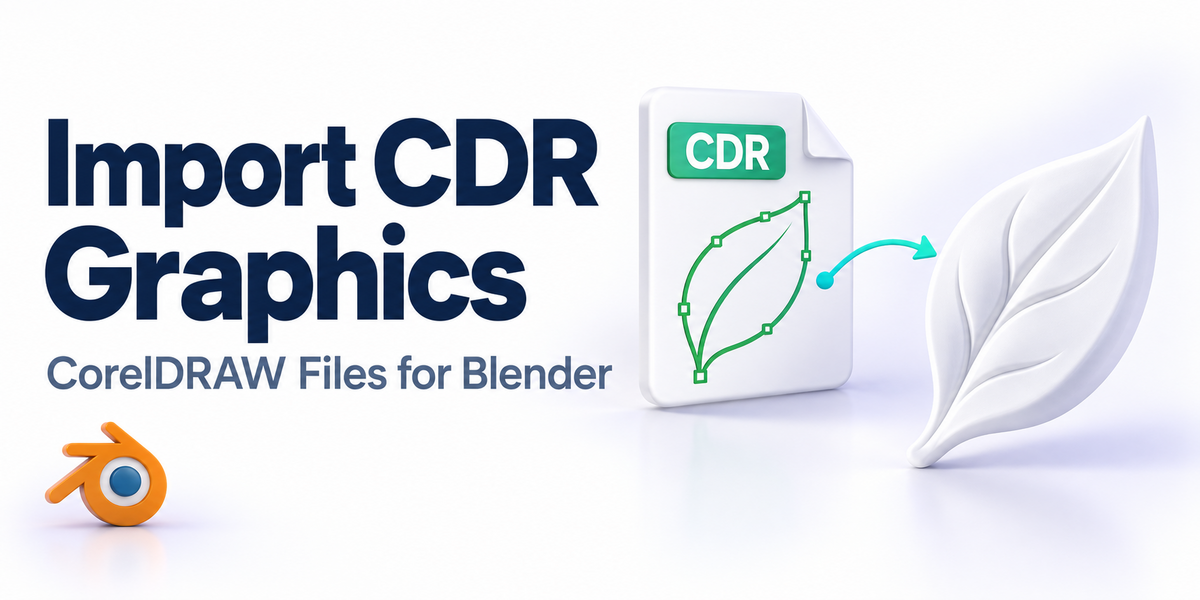
CorelDRAW into BlenderThis addon lets you import .cdr files into Blender while keeping the visual fidelity of the original design - colors, gradients, embedded images, and layer ordering all carry over. Perfect for product designers, packaging artists, and visualizers receiving CDR deliverables.
Internally, the addon uses Inkscape's conversion engine (bundled) to translate CDR to SVG, then imports via Blender's built-in SVG importer.

   |
||||||||||||||||
|
Features
What you get
|
||||||||||||||||
|
Benefits
Why this addon?- No Format Conversion - Skip the manual CDR-to-SVG-to-Blender chain.
- Designs Stay Editable - Colors and layers remain Blender-native.
- Perfect for Precision - Real-world unit support for product/packaging work.
- Lifetime Updates - Free updates within the current major version.
|
||||||||||||||||
|
Compatibility
Compatibility- Blender: 3.0+
- Bundled Inkscape engine - no separate install
- OS: Windows 10/11, macOS 13+
|
||||||||||||||||
|
Installation
Quick Start1. Install via Blender Add-ons - Edit > Preferences > Add-ons > Install the .zip.
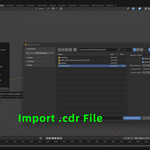
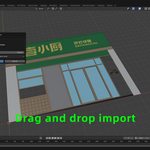
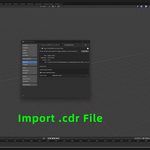
2. Use File > Import > CorelDRAW - Or drag a .cdr into the 3D viewport.
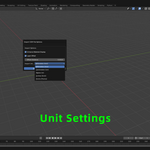
3. Configure unit system - Pick mm/cm/m/inches/points to match your project.
4. Optionally batch import - Select multiple .cdr files at once.
|
||||||||||||||||
|
Support
Support & Updates- Email and ticket support via Superhive inbox (typically 48 h response)
- Community chat for real-time help
- Free lifetime updates within the current major version
|
||||||||||||||||
|
Tags
coreldraw, cdr, blender, import, vector, graphics, design, addon
|
||||||||||||||||
|
2026 Import CorelDRAW Graphics File
|
|
Community
Support Blender FoundationWe believe in giving back to the community that makes our work possible. Every month, we dedicate a portion of our plugin's revenue to support the Blender Foundation. Thank you for helping us contribute to the future of open-source creativity.
|