 blenderVfxMaster


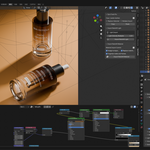
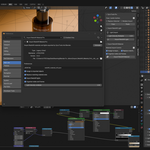
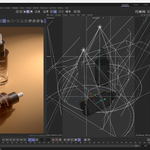
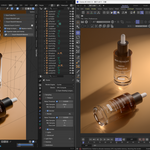

Import Redshift Material Pro
Cinema 4D Redshift to Blender Material, Light & Camera Importer
Move C4D Redshift product scenes into Blender with rebuilt materials, textures, lights, cameras and FBX scene data.
Import Redshift Material Pro is built for artists who need to move Cinema 4D Redshift projects into Blender without rebuilding every material, light, and scene setup by hand.
If you often receive C4D Redshift product scenes, advertising renders, studio lighting setups, or material-heavy asset files, this tool gives you a focused Redshift import workflow for Blender.
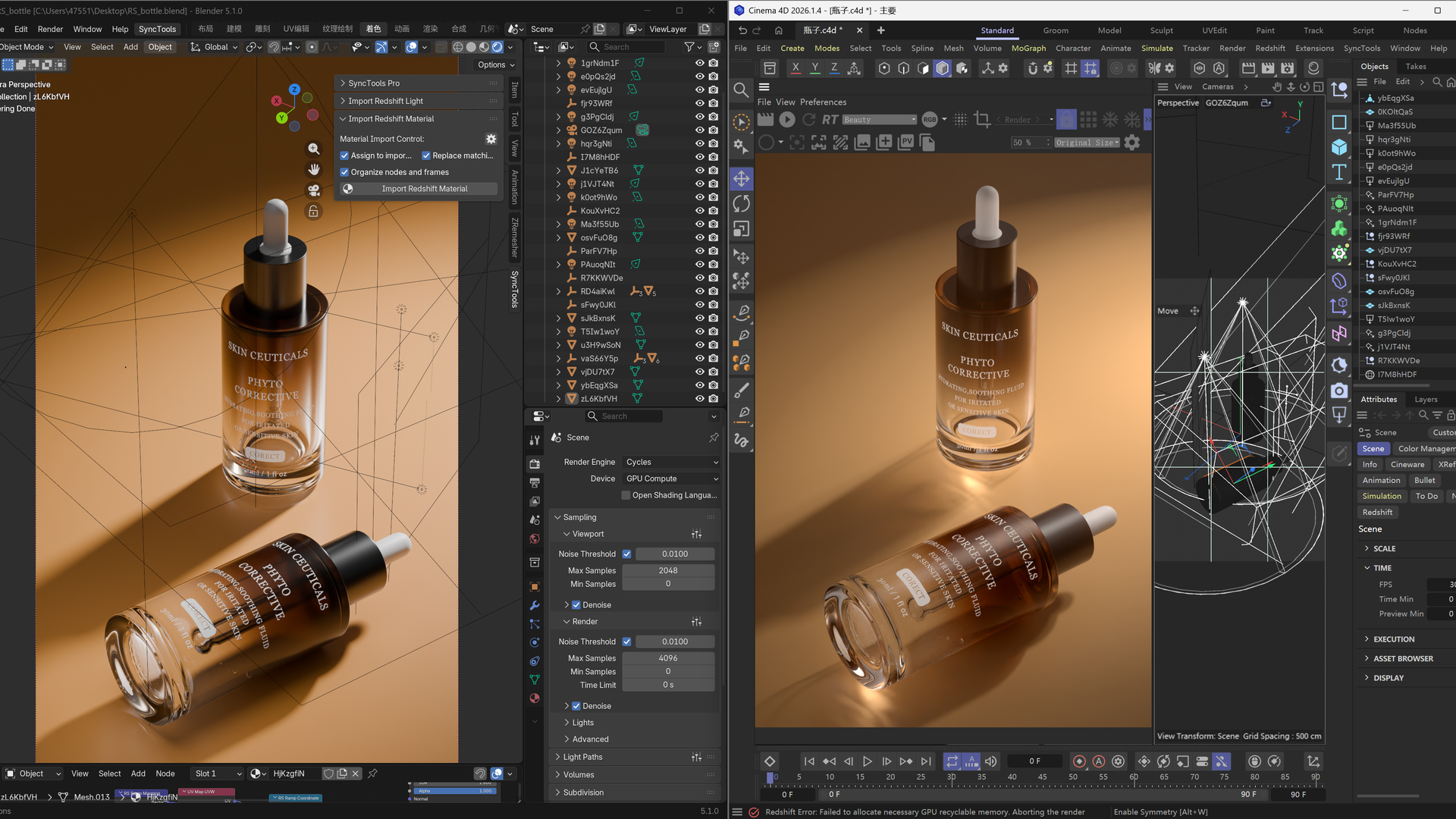
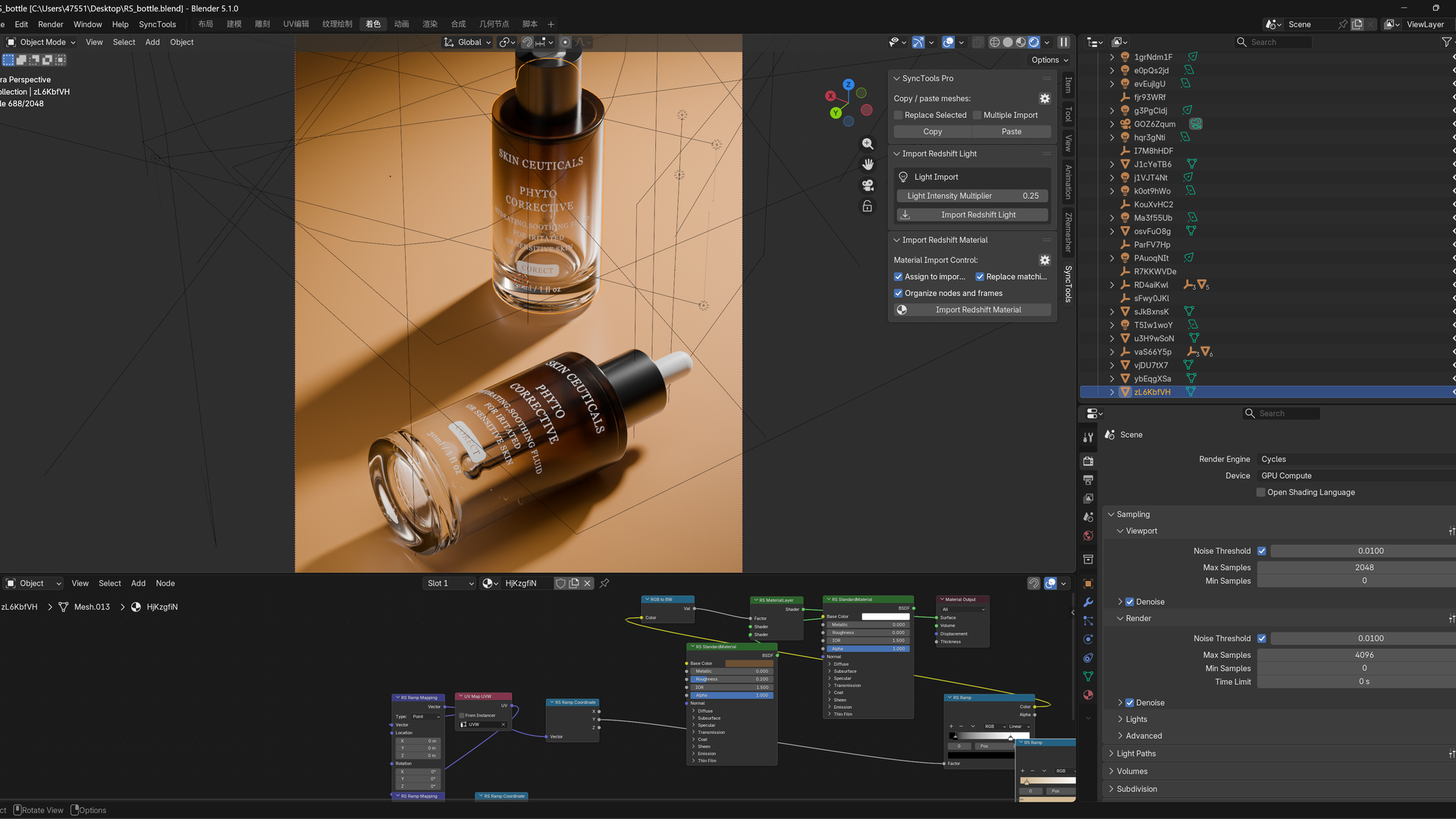
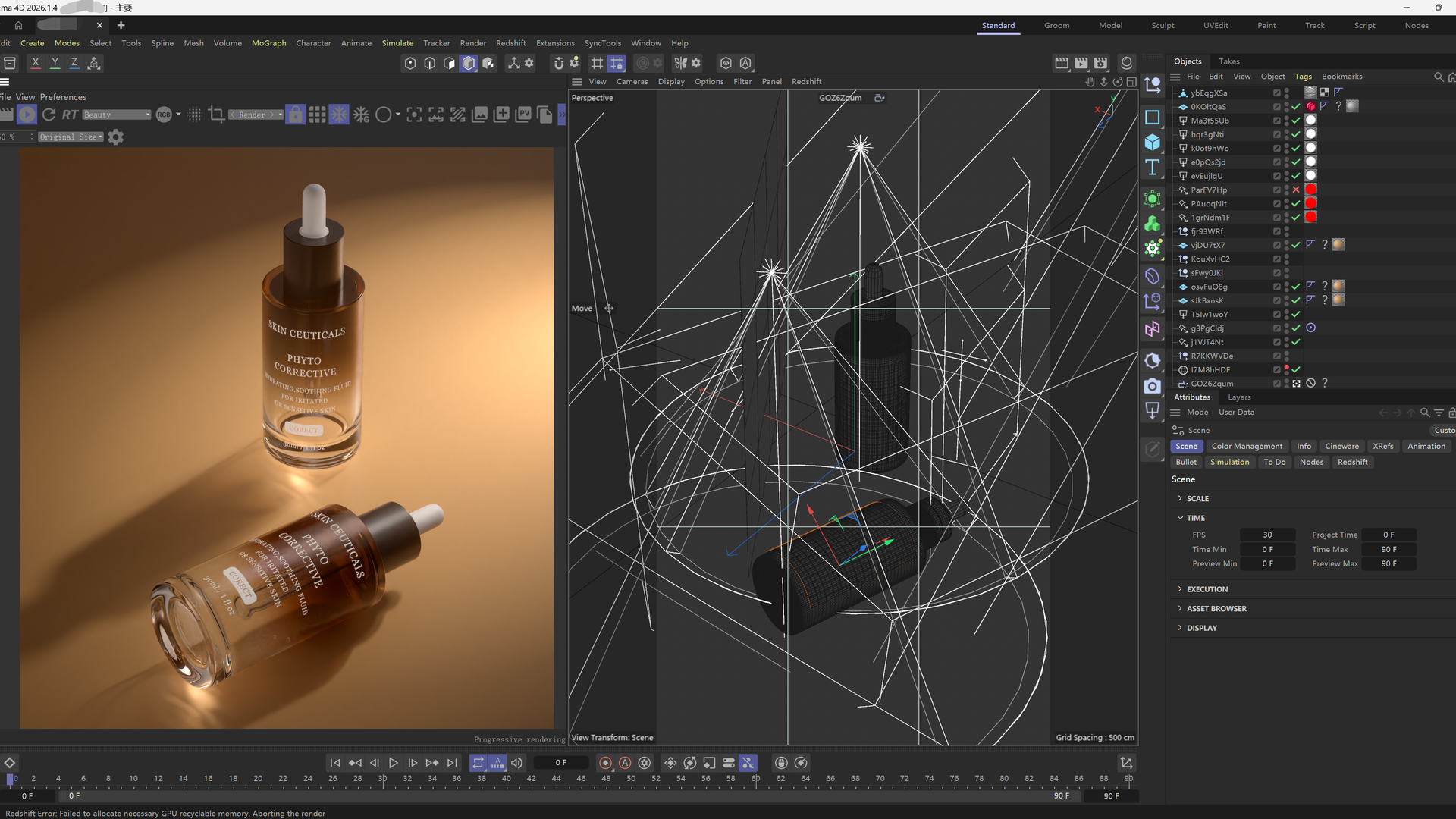
What It Helps With
- Bring Cinema 4D Redshift scenes into Blender with fewer manual rebuild steps.
- Preserve material assignments across imported FBX models.
- Rebuild Redshift-style materials in Blender with organized node groups.
- Keep image textures, opacity decals, labels, logos, UV usage, and projection-based mapping as close as possible to the Cinema 4D source.
- Import Redshift lights and camera data for faster scene matching.
- Use bake fallback for complex procedural shader channels where direct editable conversion is not reliable.
Material Support
- Redshift Standard Material - supports common product material channels such as base color, roughness, reflection/specular, metalness, transparency/opacity, normal and bump.
- Image Texture Materials - supports base color textures, roughness maps, opacity/alpha maps, normal/bump maps, labels, logos, decals and texture-driven product details.
- Material Assignment - keeps object material slots and material assignment from the exported Cinema 4D scene.
- Layered and Mixed Materials - supports common layered materials and practical mix/add/multiply style combinations where they can be represented in Blender.
- Glass, Metal and Plastic Looks - converts common Redshift product-surface materials into Blender shader setups for practical visual matching.
- UV and Projection Workflows - supports UV-based textures and Cinema 4D prepared projection/UVW workflows for labels, logos and decals.
- Procedural Shader Fallback - complex procedural channels such as noise, ramps, gradients and non-equivalent shader networks can be converted through baked texture results when direct editable conversion is not reliable.
Light and Camera Support
- Redshift Physical Lights - imports common physical light data including color, intensity, exposure, decay/falloff, size and spread where applicable.
- Area Light Shapes - supports common area light geometry such as rectangle, circle/disk, sphere and cylinder style lights when exported from Cinema 4D.
- Spot and Scene Lights - transfers scene light transforms and direction data for Blender/Cycles lighting setup.
- Dome and HDR Lighting - supports Redshift dome light HDR texture workflows and environment-style setup in Blender World.
- Camera Transfer - imports camera placement and lens-related data to help match the original Cinema 4D scene composition.
Main Features
- Redshift Material Import - converts common Redshift materials into Blender shader setups with clear Redshift-style node organization.
- Texture and Label Support - handles image textures, alpha decals, product labels, logos, and texture-driven material channels.
- UV and Projection Workflow - works with UV-based materials and Cinema 4D projection workflows prepared by the companion C4D exporter.
- Lighting Transfer - imports Redshift light data including common physical light setups and dome/HDR environment workflows.
- Camera Transfer - brings camera setup data into Blender to help match the original C4D scene composition.
- Procedural Shader Fallback - complex procedural or non-equivalent shader channels can be converted through baked texture results to preserve the visual look.
- One Redshift-Focused Package - includes the Cinema 4D side and Blender side needed for the workflow.
Typical Use Cases
- Importing product visualization scenes from Cinema 4D Redshift into Blender.
- Recovering material-heavy client scenes for Blender-based editing or rendering.
- Transferring Redshift studio lighting and camera setups into a Blender workflow.
- Moving labeled packaging, bottles, cosmetics, electronics, keyboard/mouse scenes, and other texture-heavy assets into Blender.
Included In The Package
- Cinema 4D Redshift export plugin.
- Blender Import Redshift Material Pro add-on.
- RS-only installer package for the focused Redshift workflow.
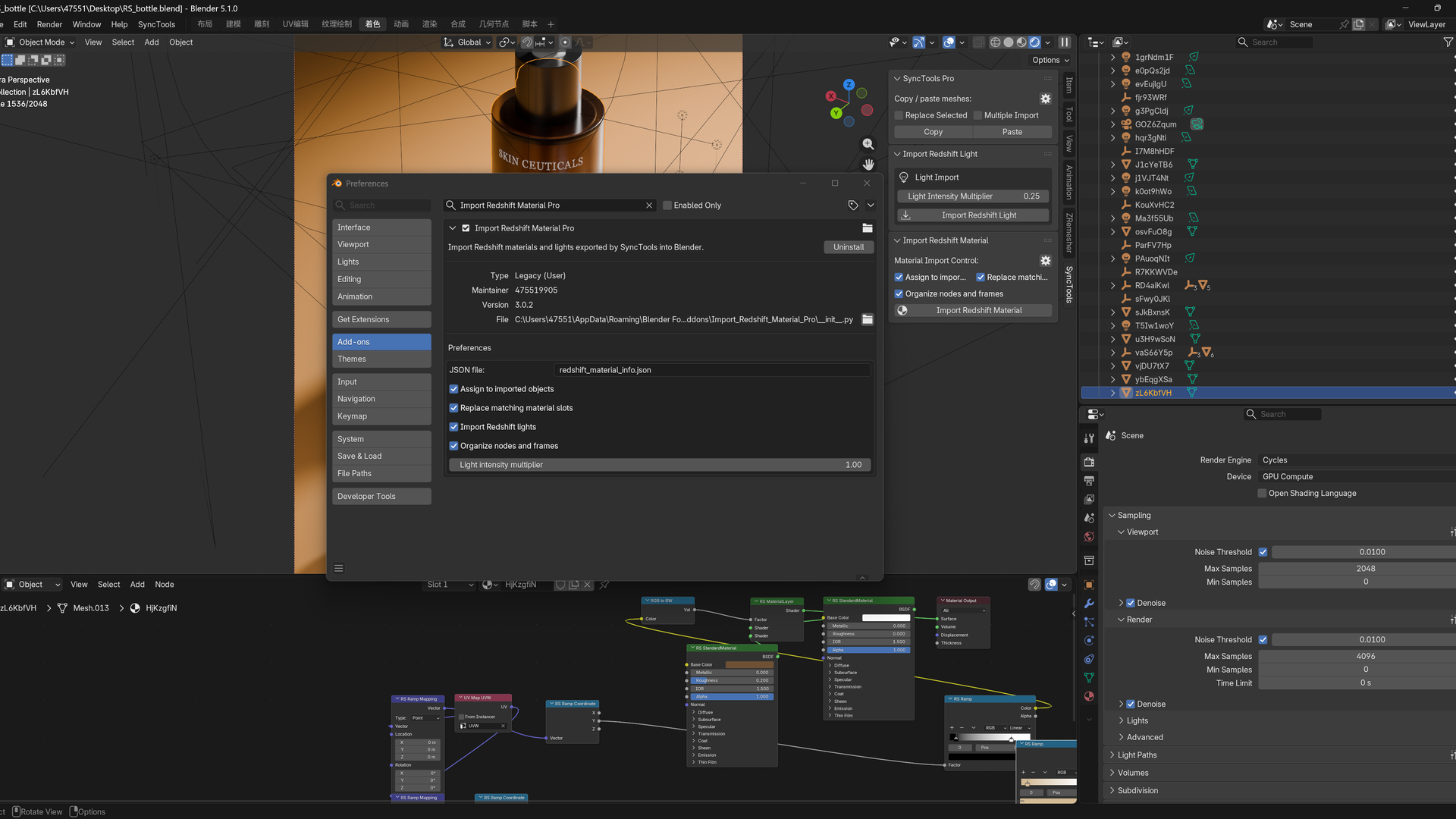
Basic Workflow
- Open the Cinema 4D Redshift project.
- Run the Redshift export tool from the Cinema 4D side.
- Open Blender and run Import Redshift Material Pro.
- Import the generated scene data and review the rebuilt materials, lights, and cameras.
Important Notes
This tool is designed for Redshift-to-Blender transfer. It focuses on preserving the practical look and editability of real production scenes as much as possible. Some renderer-specific effects may be converted approximately or baked when Blender does not have a direct equivalent.
For best results, keep the exported texture files and generated cache files together during import.
