Industrial Environment Game‑Ready Modular Asset
 Interior-Mind


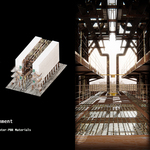
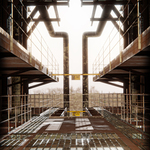
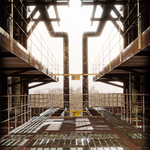
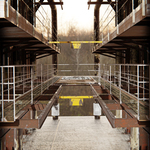
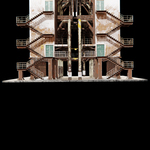
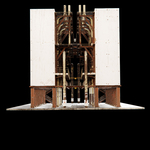
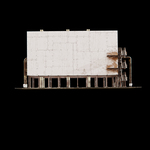
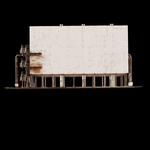
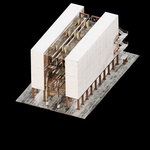
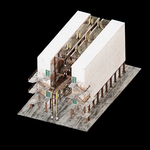
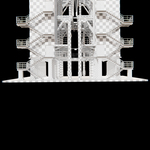
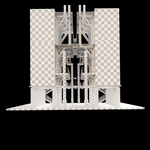
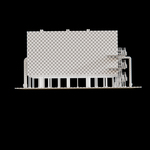
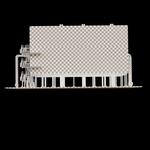
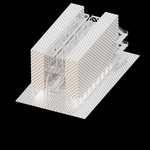
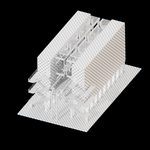
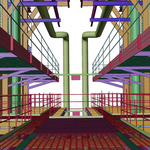
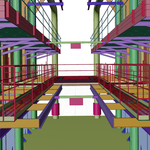
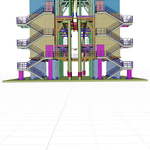
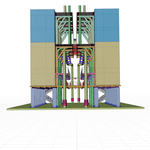
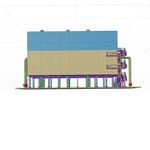
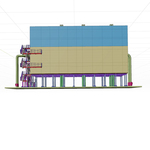
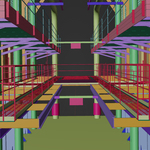
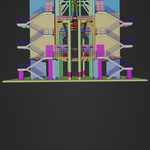
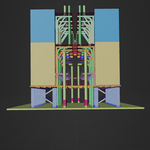
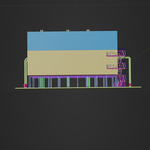
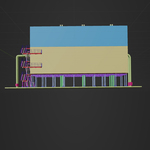
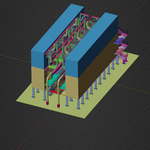
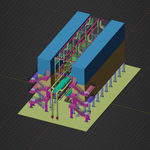
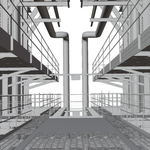
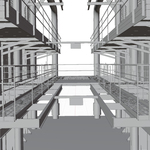
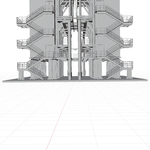
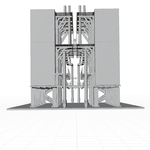
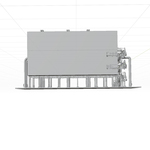
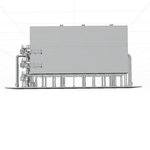
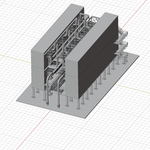
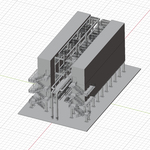
📘 Industrial Environment (Blender + PBR Textures)
1. Overview
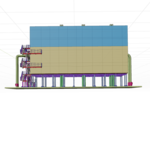
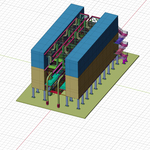
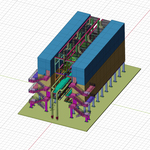
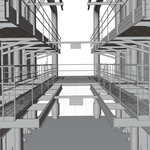
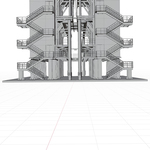
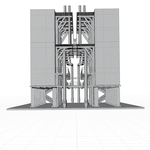
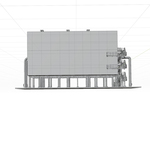
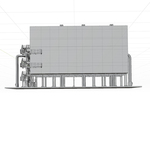
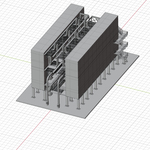
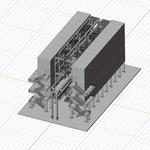
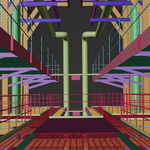
This package contains a game‑ready industrial environment modeled in Blender and textured in Substance 3D Painter using optimized 1K PBR materials. The asset is modular, lightweight, and suitable for real‑time engines such as Unity, Unreal, Godot, and Blender’s Eevee/Cycles.
2. Package Contents
3D Model Formats
.blend (native Blender file)
FBX
OBJ
GLTF
3ds Max
Textures (PBR – 1K Resolution)
Base Color
Roughness
Metallic
Normal (OpenGL)
Textures are organized in clearly labeled folders for easy import into any engine.
3. Model Information
Clean, optimized low‑poly mesh
Fully unwrapped UVs
Consistent texel density
Modular structure for flexible scene building
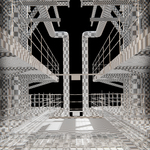
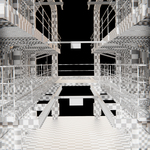
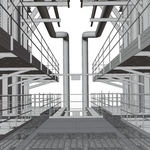
Realistic industrial details (pipes, walkways, railings, structural frames)
Real‑time ready shading and materials
4. How to Use in Blender
Open the .blend file or import the FBX/OBJ/GLTF version.
Ensure textures are placed in the same directory as the model.
Materials are already set up using Principled BSDF.
If textures appear missing, relink them via: File → External Data → Find Missing Files
Adjust lighting or HDRI to match your scene.
5. How to Use in Game Engines
Unreal Engine
Drag the FBX file into the Content Browser.
-
Import textures and assign them to a new Material using:
Base Color → Base Color
Roughness → Roughness
Metallic → Metallic
Normal → Normal Map (set to Normal input)
Enable Use MikkTSpace for correct normal shading.
Unity
Import the FBX file into your project.
Drag textures into the same folder.
Create a new HDRP/Lit or URP/Lit material.
Assign textures to their corresponding channels.
Set Normal Map to Normal Map (Tangent Space).
6. Licensing
This asset is licensed for use in:
Commercial and non‑commercial projects
Games, films, VR/AR, and visualizations
Have questions about this product?
Login to message
| Published | 8 months ago |
| Blender Version | 3.1 - 4.5 |
| Render Engine Used | Cycles |
| Misc Data | Uvs-Unwrapped, Normal-Mapped, Textured |
| License | Royalty Free |
