Industrial Light Fixtures - 8 Models
 Super3D IO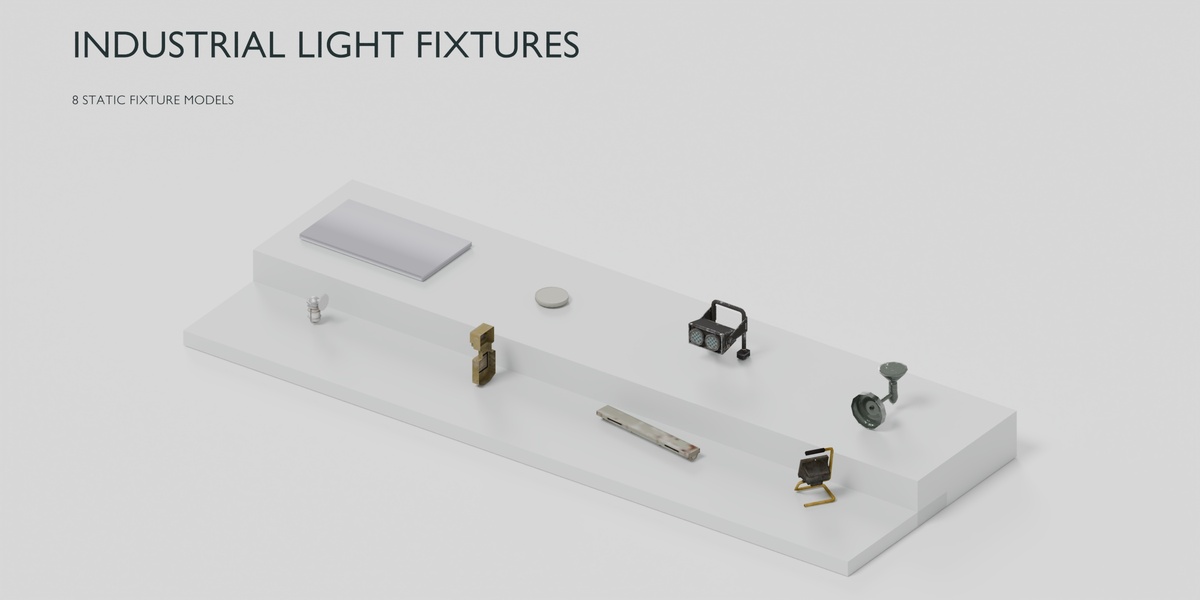
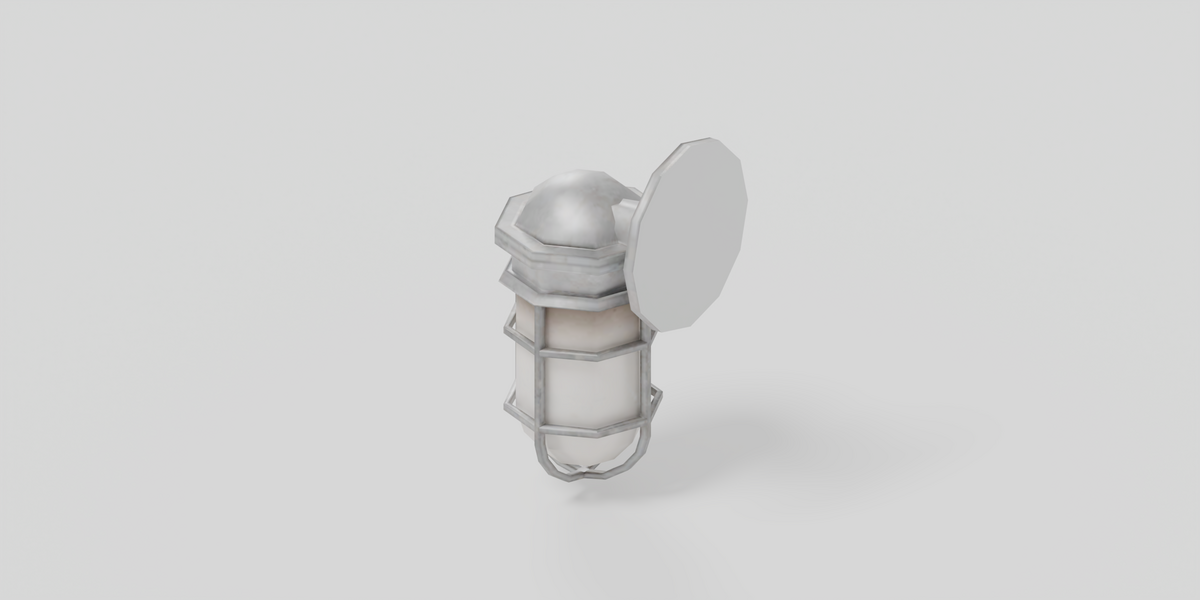
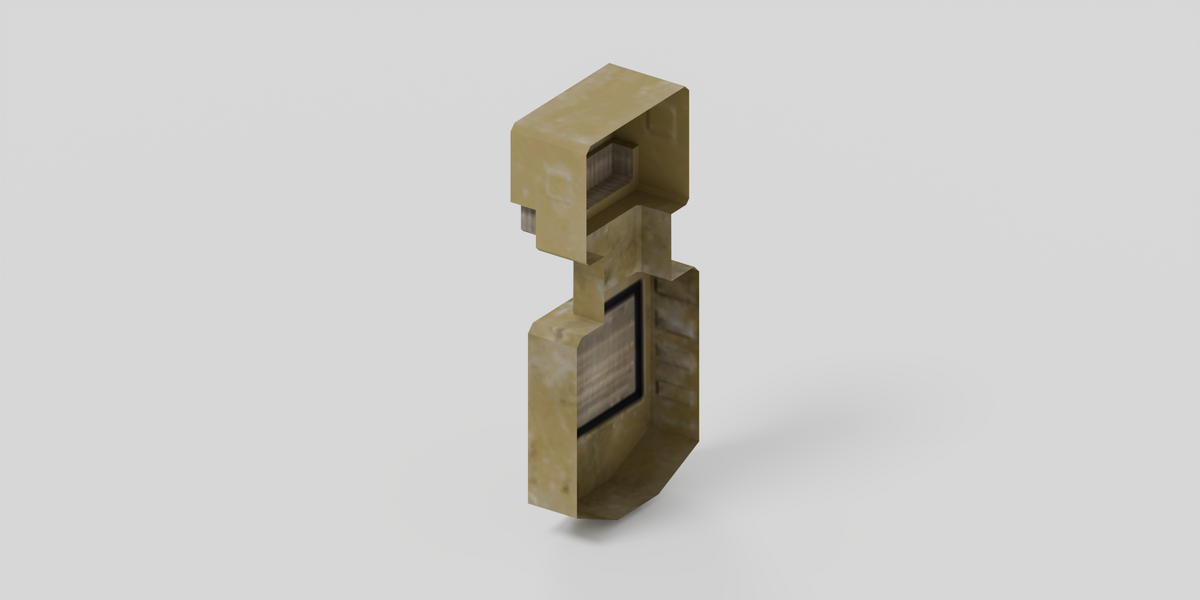
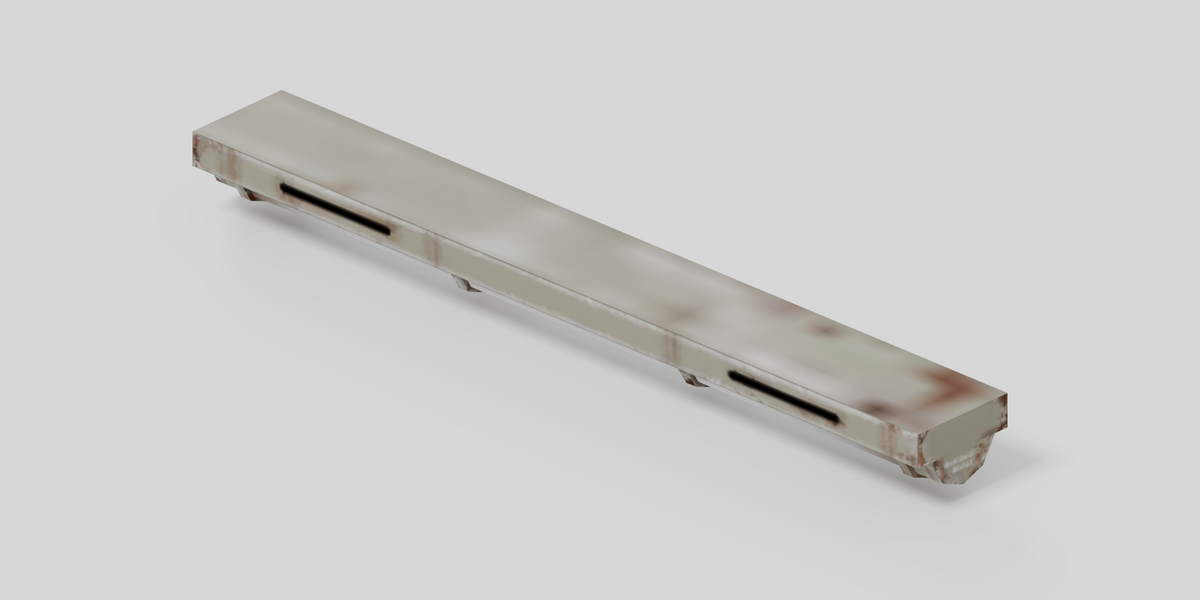
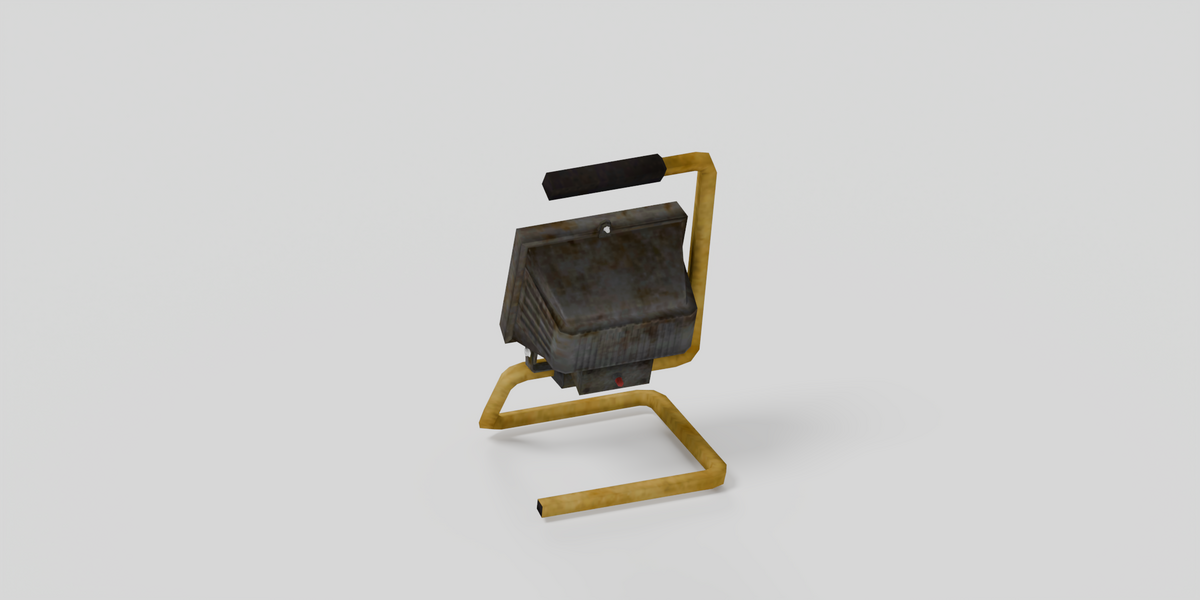
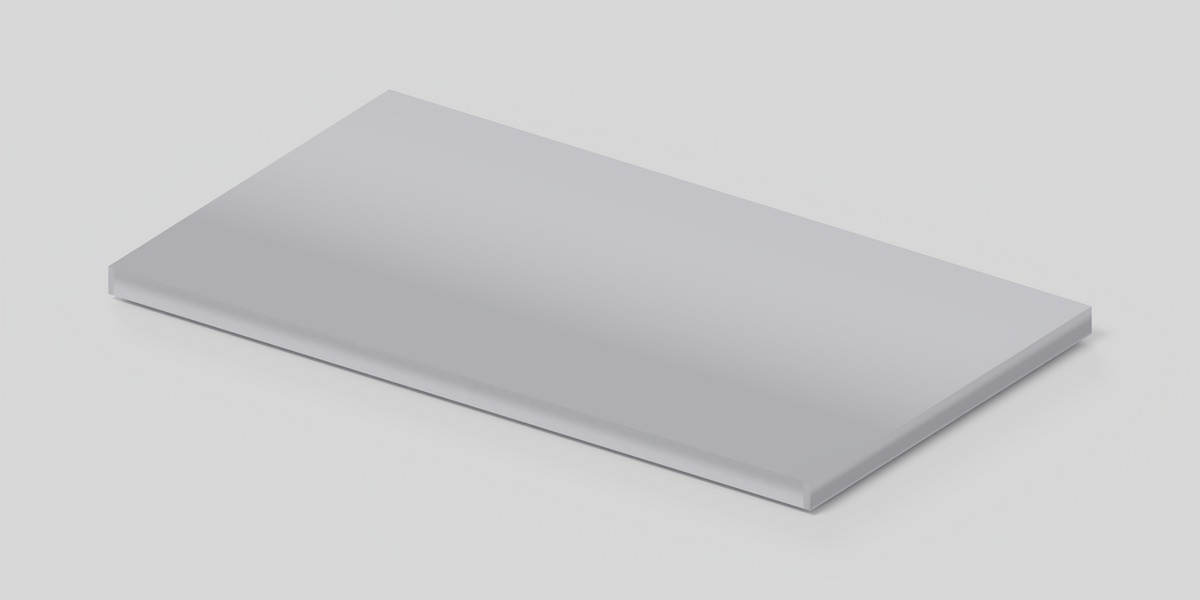
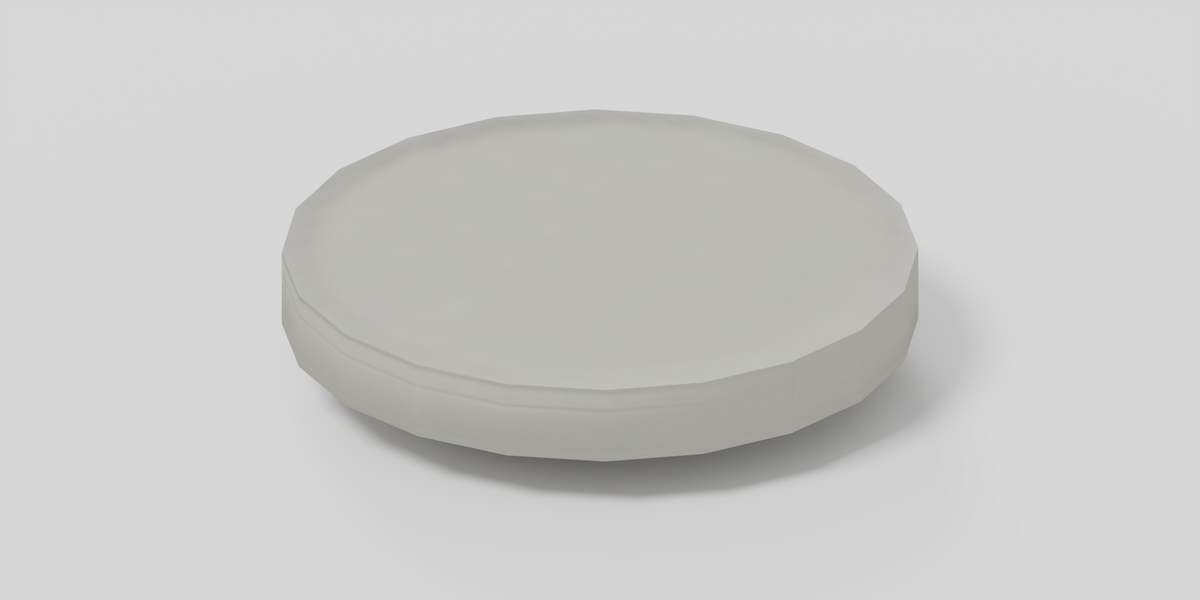
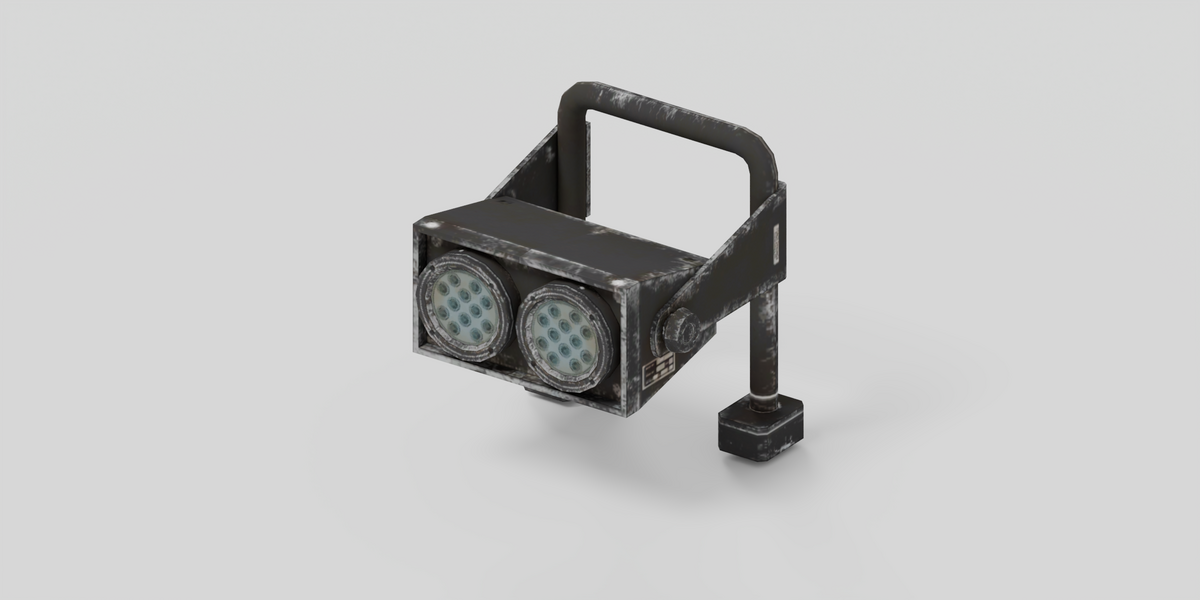
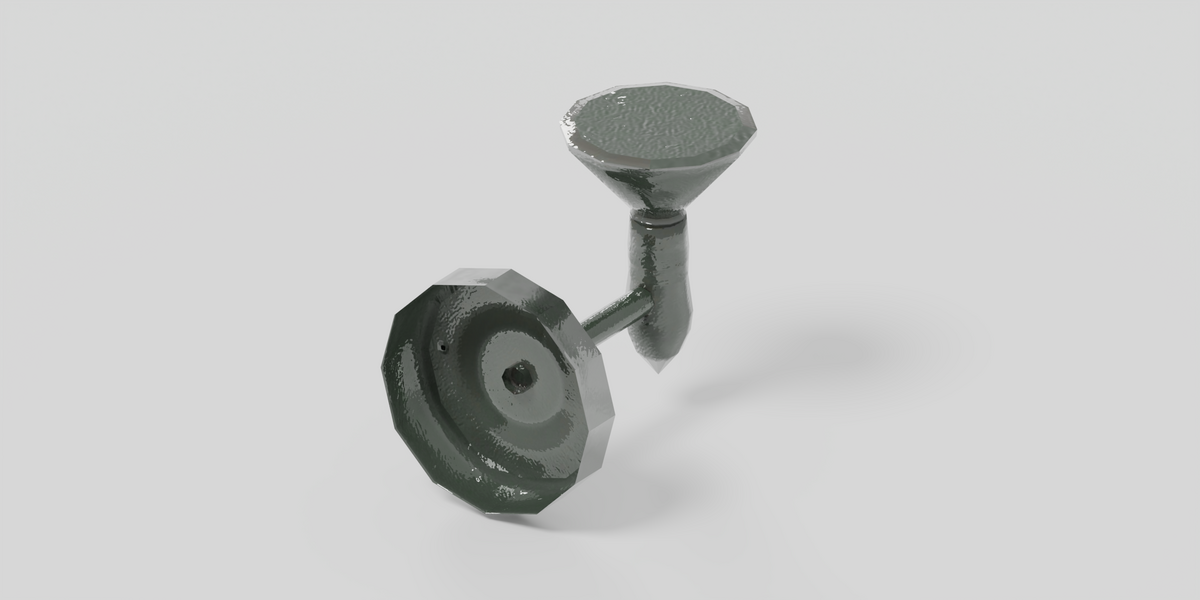
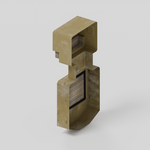
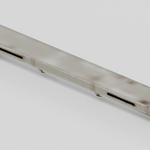
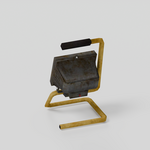
Opening the download
Unzip the package and open industrial_light_fixtures.blend in Blender 5.2.2 LTS. Use Cycles. CPU is selected by default; you can choose your compatible GPU.
Scenes and assets
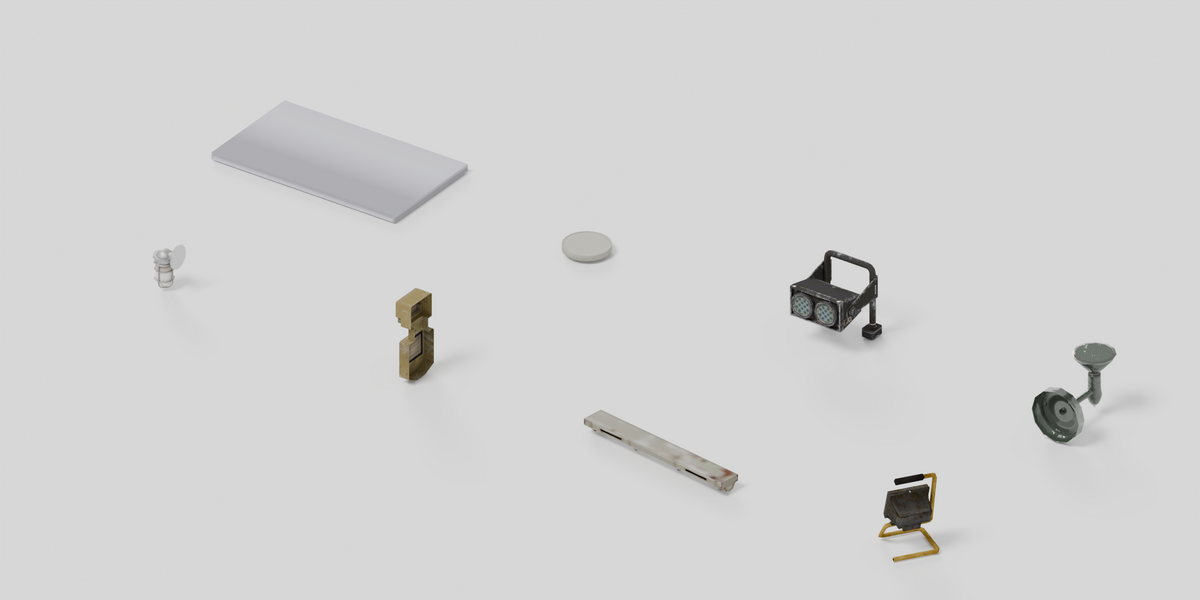
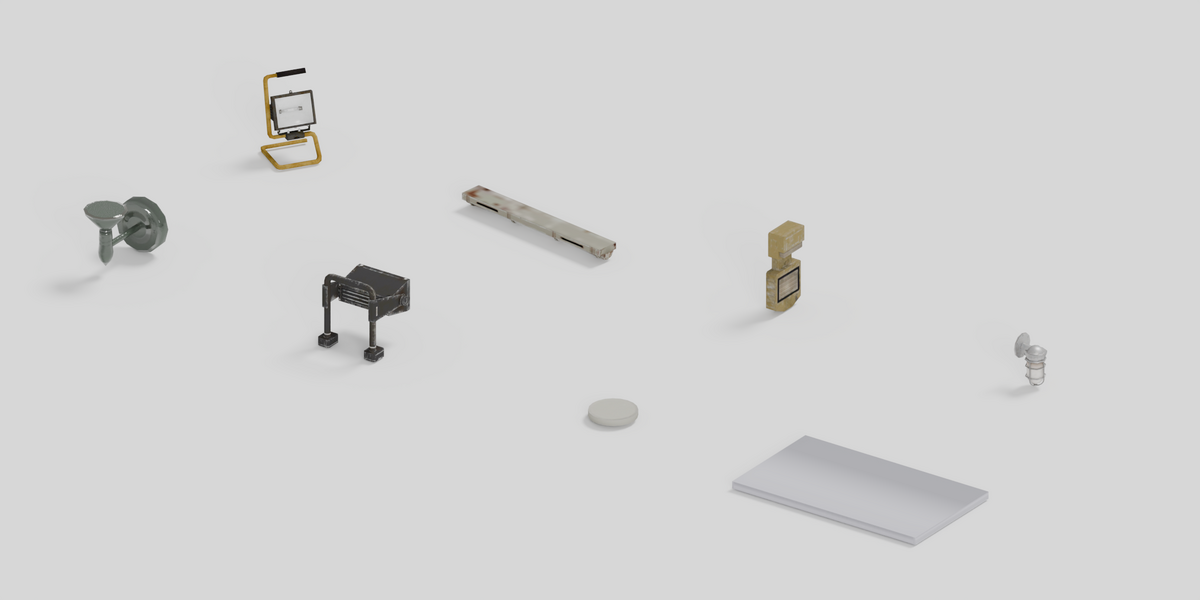
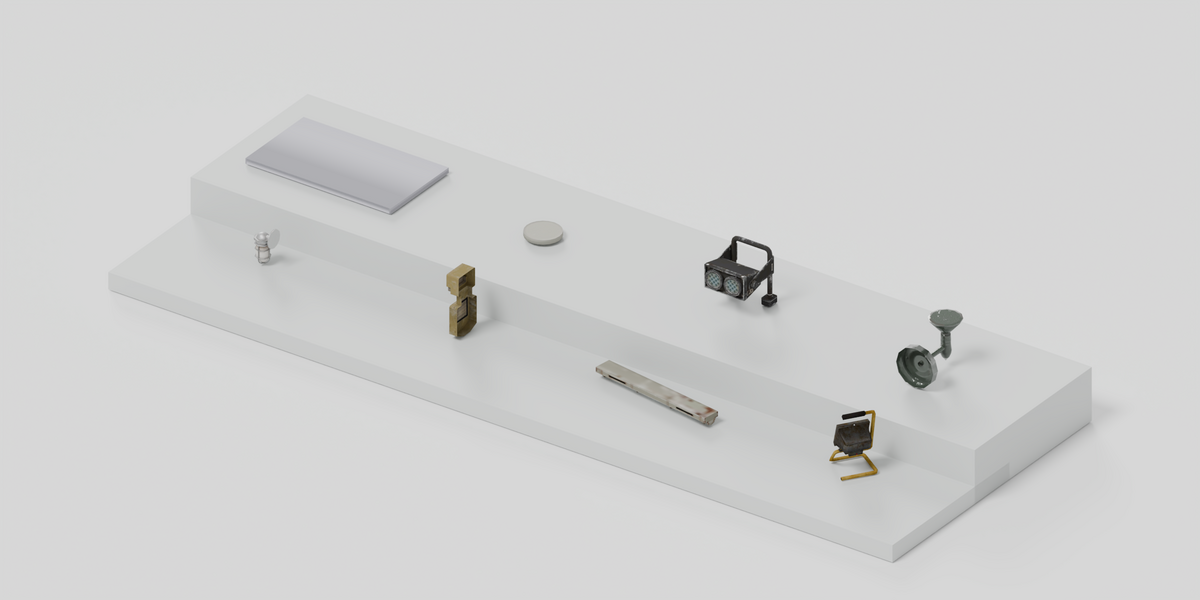
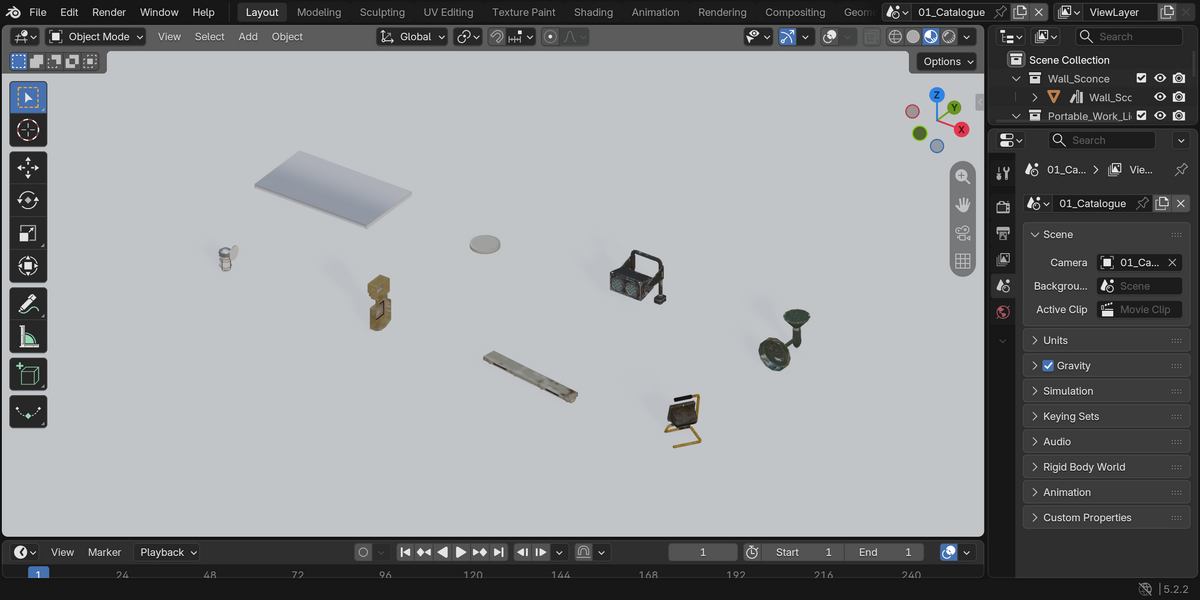
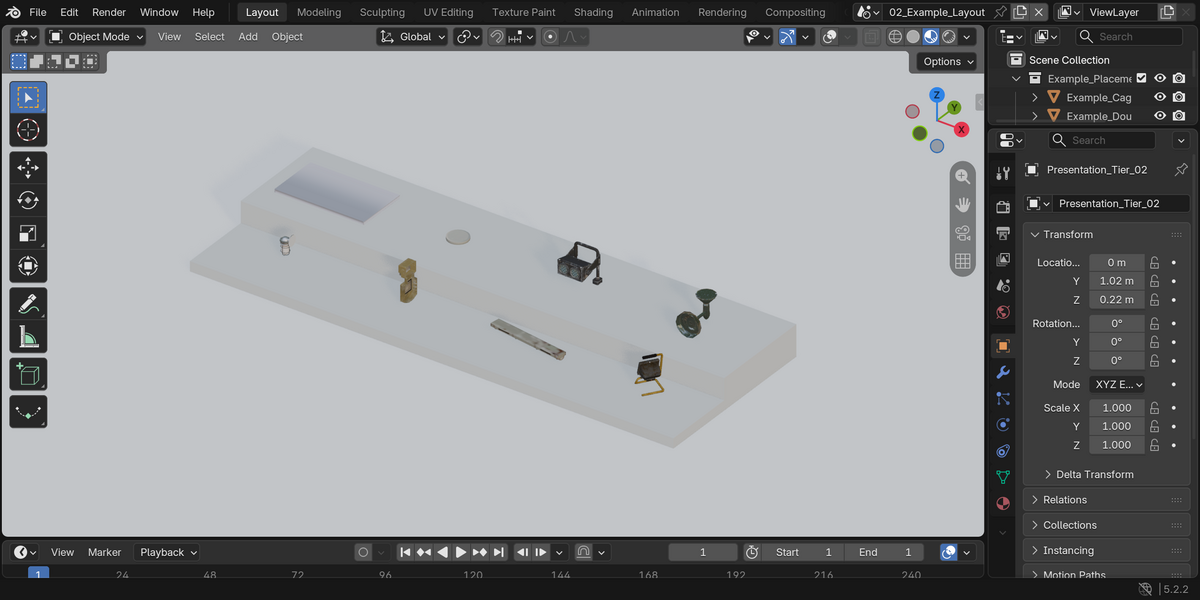
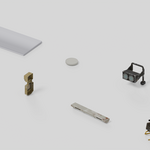
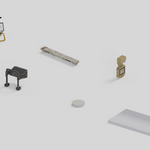
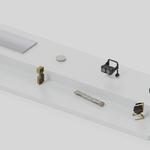
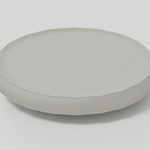
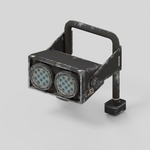
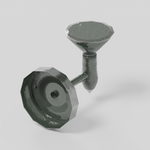
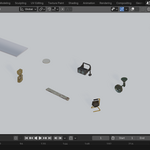
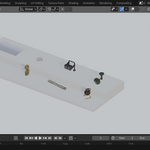
The display scene presents the same 8 fixtures on two simple tiers, with a camera and studio lights. The tiers are presentation geometry and are not counted as extra assets. Fixtures were scaled for convenient scene placement, not to exact manufacturer dimensions.
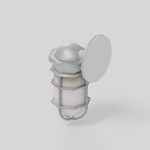
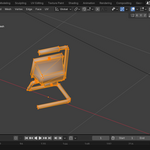
Use 01_Catalogue to inspect individual pieces, or 02_Example_Layout to see the arrangement. Add the extracted folder as an Asset Library and keep blender_assets.cats.txt beside the blend. The asset-marked objects have embedded previews. Appended objects may retain their catalogue positions; use Alt+G to reset their location.
Limitations
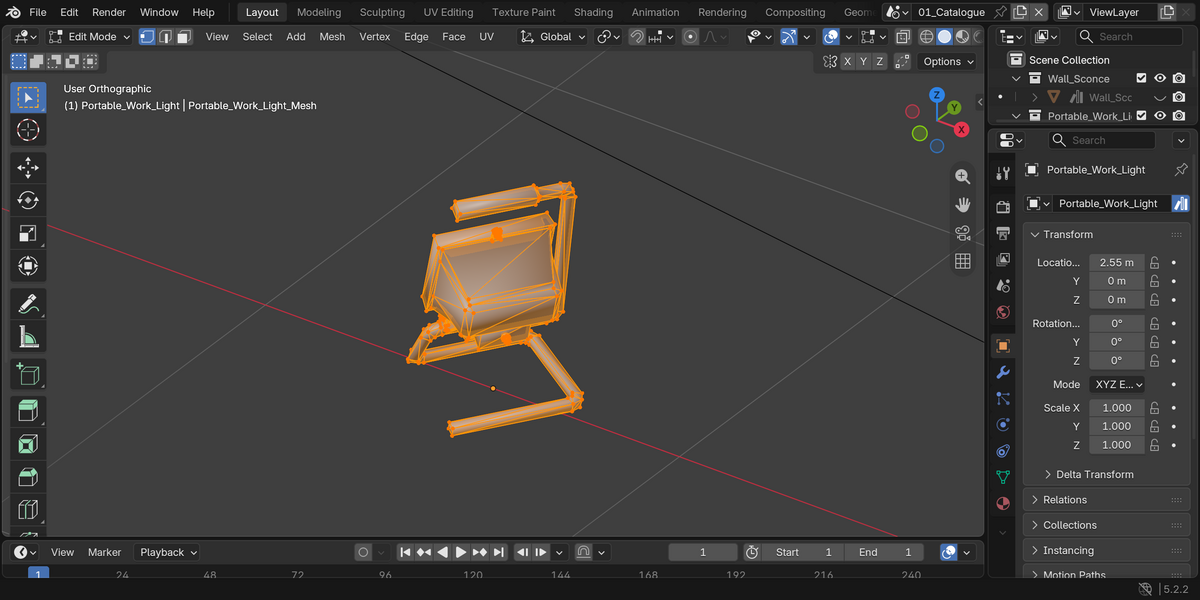
These are fixture meshes, not a lighting add-on or a photometric light library. No IES profiles, calibrated brightness, electrical controls, rigging or animation are included. Add your own Blender lights for illumination. The included studio lights are only for presenting the models. Textures are deliberately low resolution and work best at background or mid-distance scale, not in extreme close-ups. No LODs, collision setup or engine project is included.
Support
Send me a message through Superhive with your Blender version and a screenshot of the issue.
Have questions about this product?
Login to message
| Published | about 15 hours ago |
| Blender Version | 5.2 |
| Render Engine Used | Cycles |
| Misc Data | Textured |
| License | Royalty Free |