Industrial Procedual Walkway
 Henrik Uhrmann











GETTING STARTED
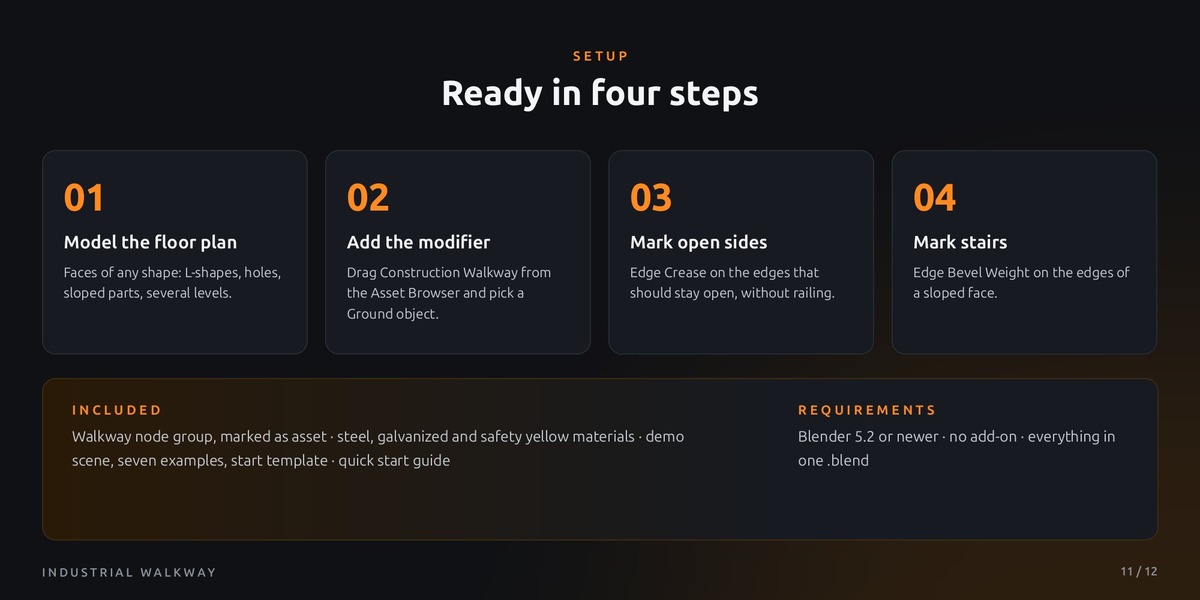
Ready in four steps
No add-on, no setup. Everything is driven by one mesh and two built-in edge attributes.
01
Model the floor plan
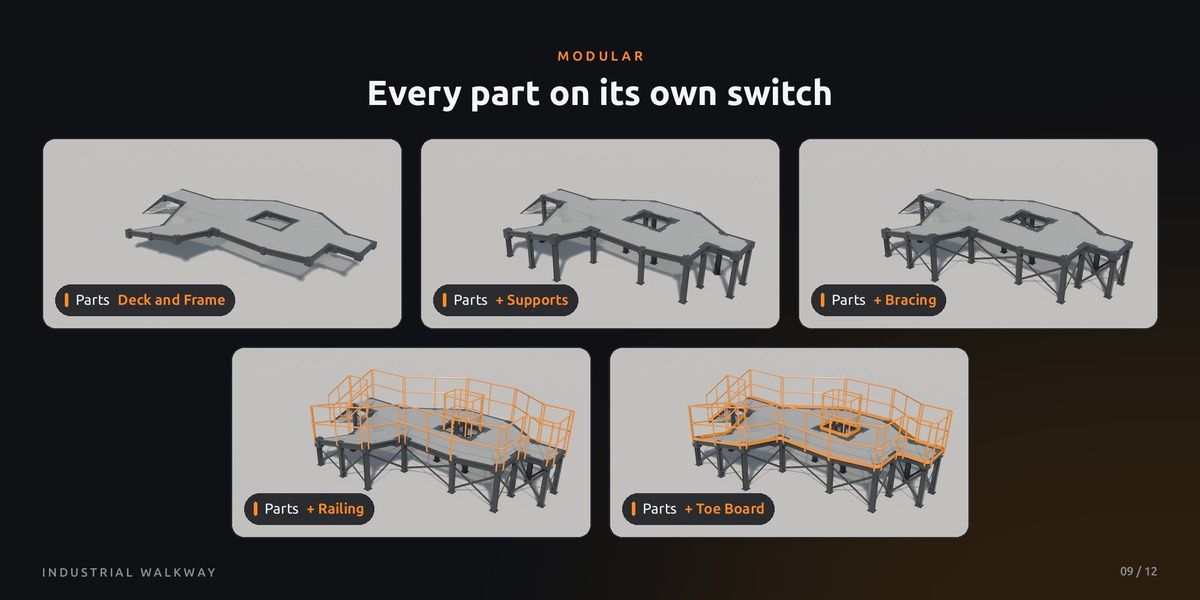
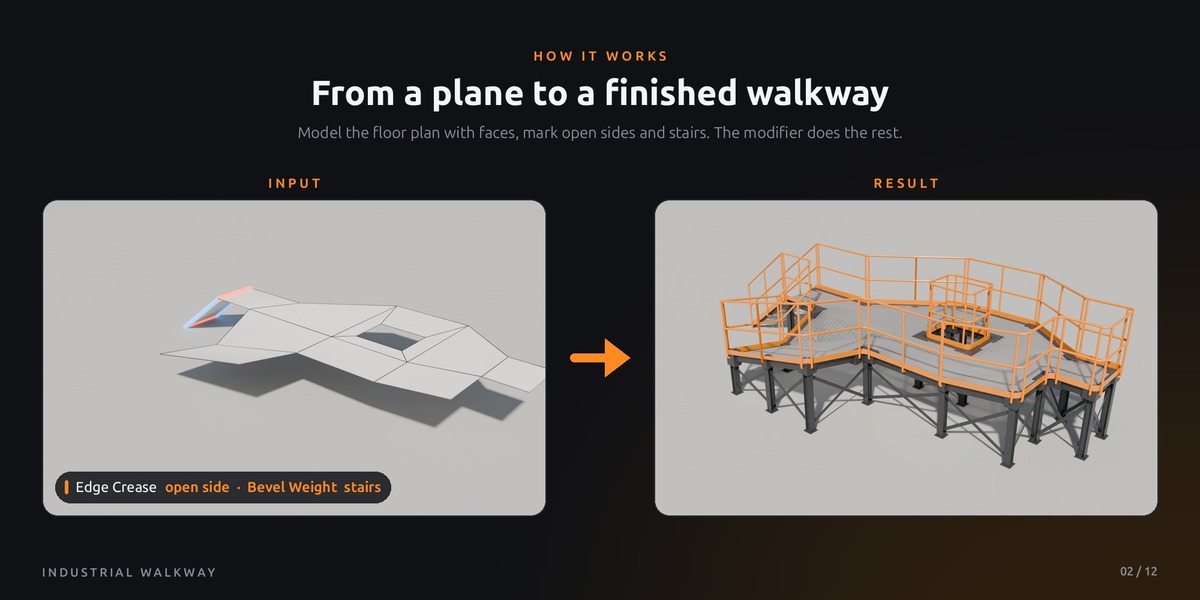
Create a mesh made of faces at the height of the walkway deck. Any shape works: L-shapes, openings, several separate decks and different levels. Sloped faces become ramps or, when marked, stairs.
02
Add the modifier
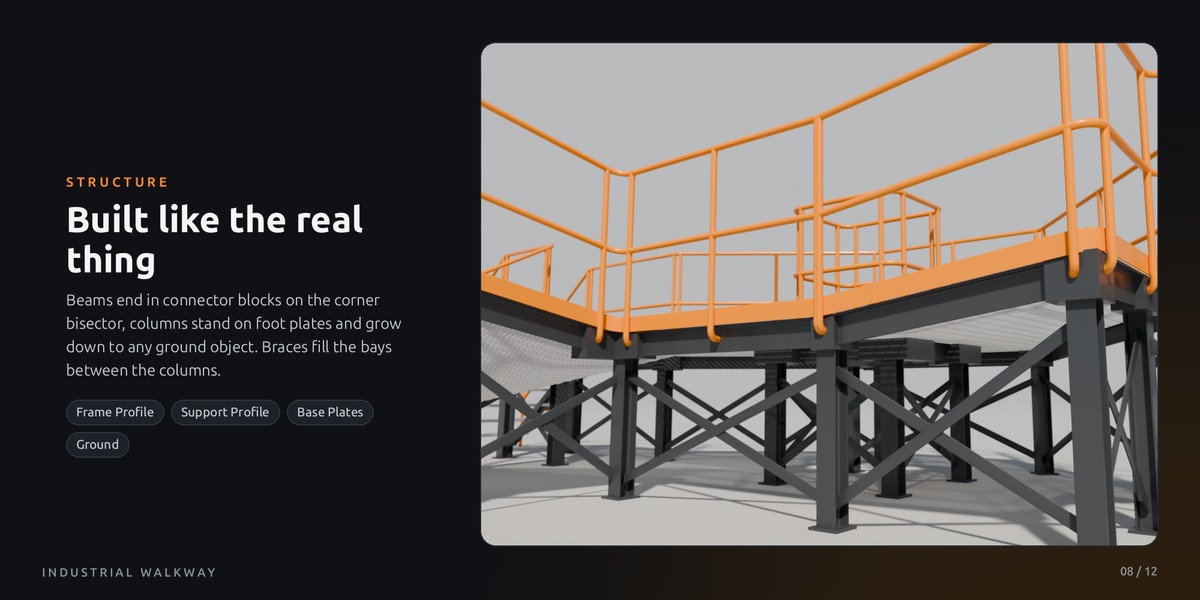
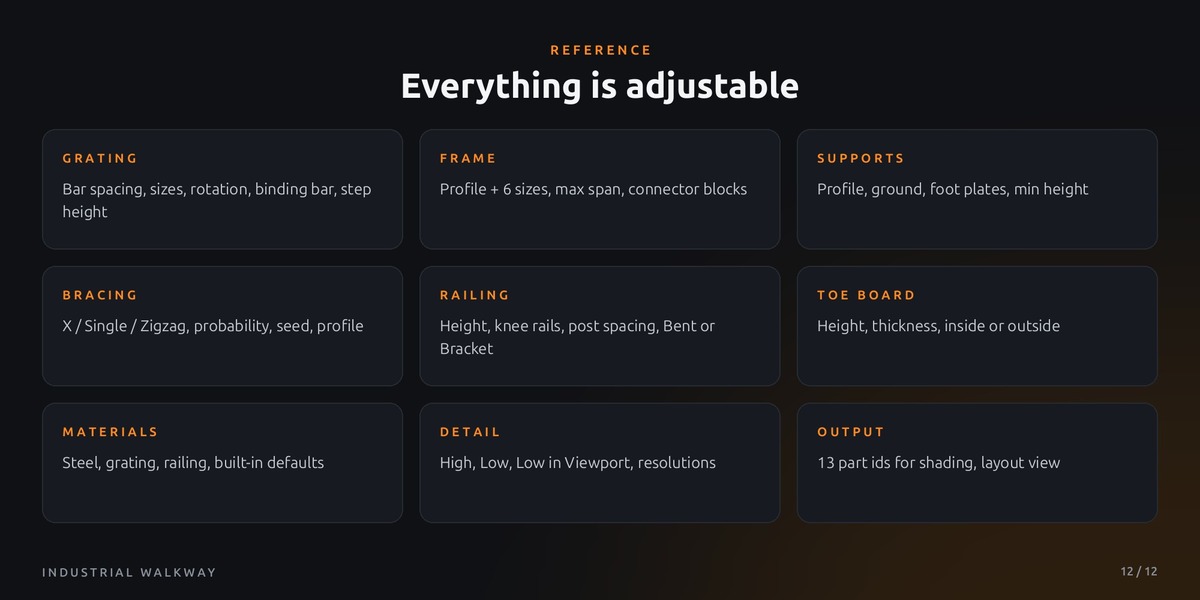
Drag Construction Walkway from the Asset Browser onto your mesh, or add a Geometry Nodes modifier and pick it. In the Supports panel choose a Ground object: the columns grow down until they hit it. Without one they stop at world height 0.
03
Mark open sides
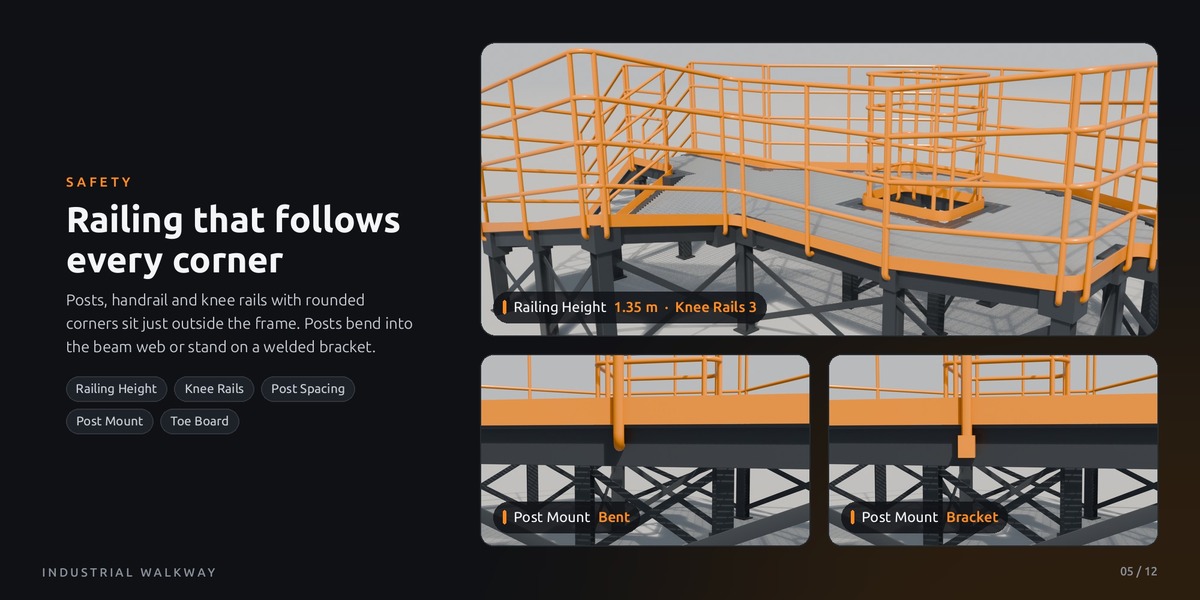
In Edit Mode, select the edges that should stay open, like entrances or connections, and set Edge Crease to 1 (Shift + E). These edges get no railing, and the rails end cleanly before them.
04
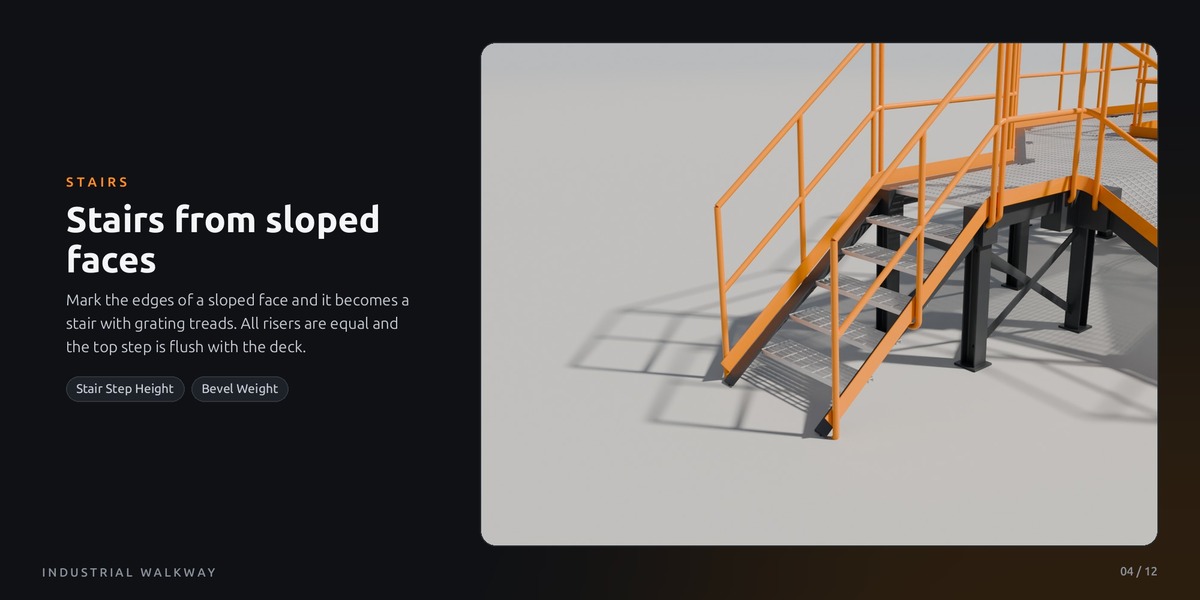
Mark stairs
Select the edges of a sloped face and set Edge Bevel Weight to 1 (Edge menu or sidebar, Item tab). The face becomes a stair with grating treads. Stair Step Height sets the riser height; all steps come out equal.
Tip: the file contains a Start Here scene with a ready deck and an Examples scene with seven layouts to learn from.
$12$6
Have questions about this product?
Login to message
| Published | 1 day ago |
| Blender Version | 5.2 |
| Render Engine Used | Cycles, Eevee |
| License | Royalty Free |
Discover more products like this
steel structure walkway geometry nodes procedural kitbash factory platform industrial