Industrial Procedual Walkway
 Henrik Uhrmann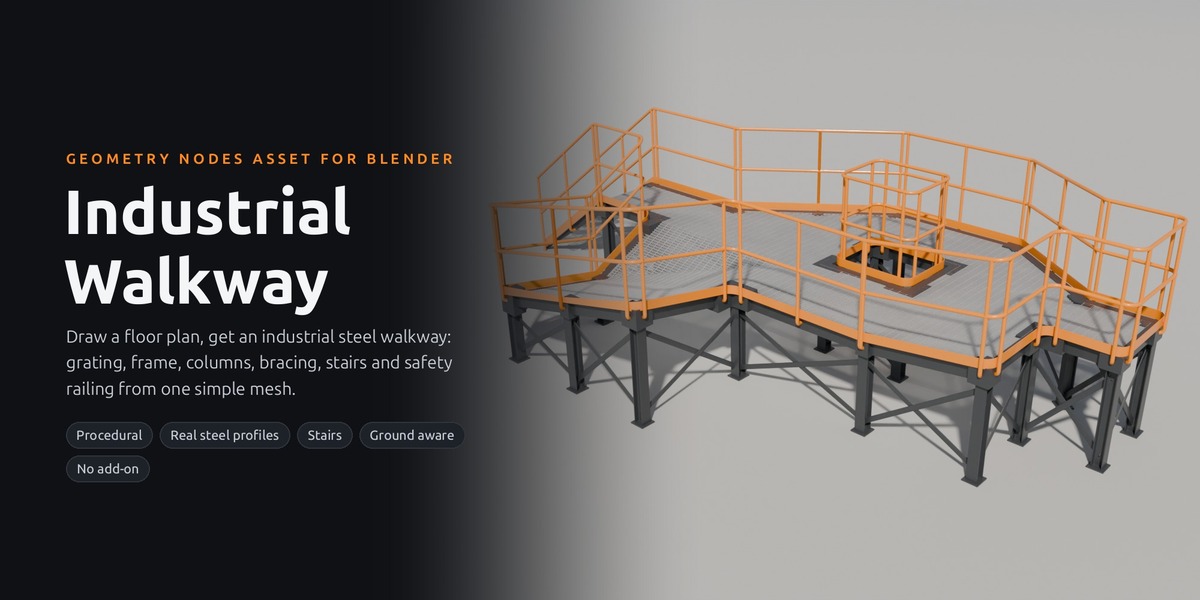
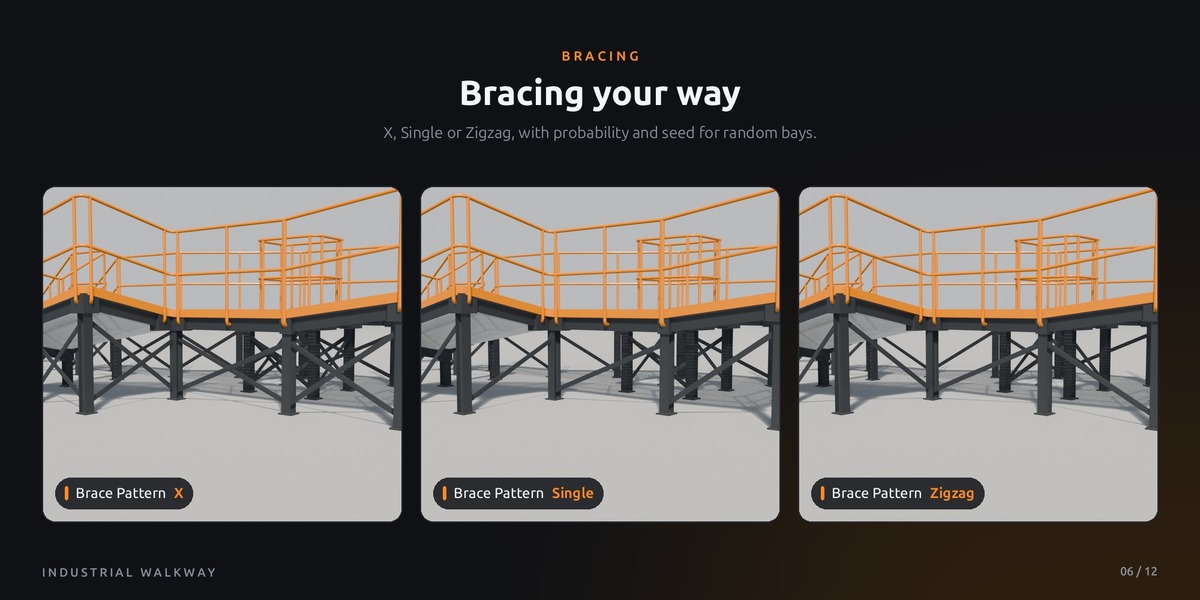
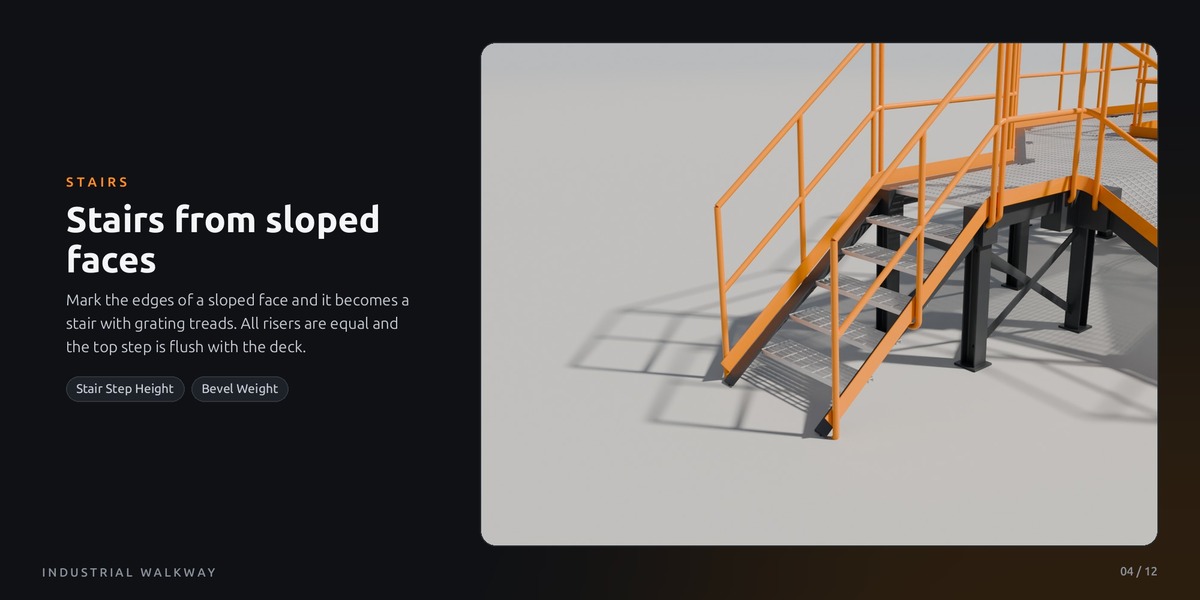
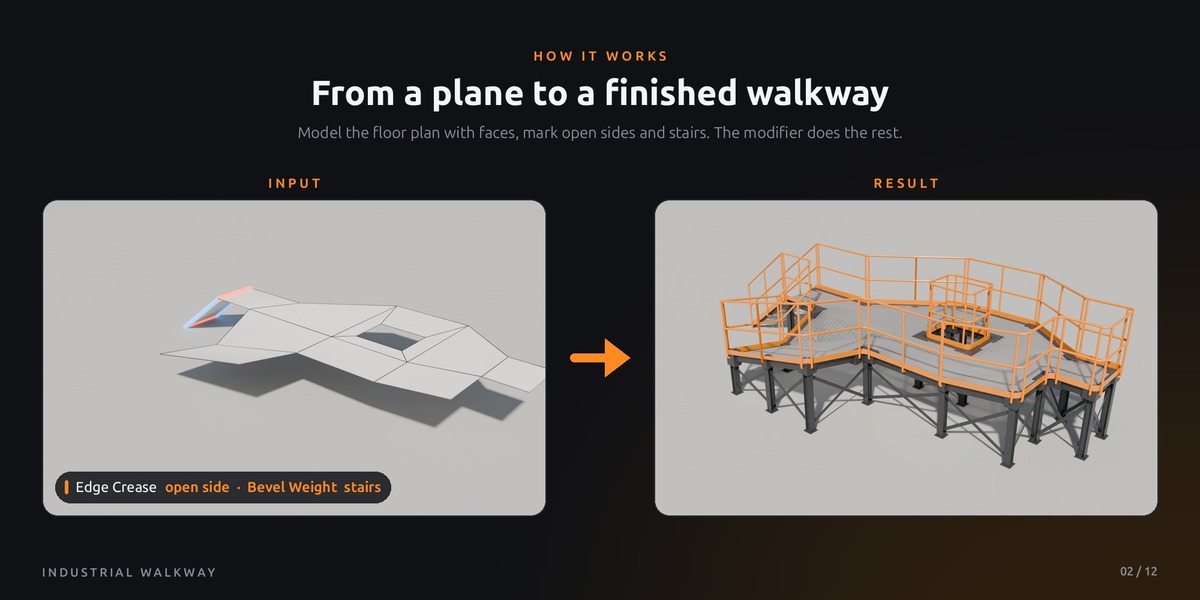
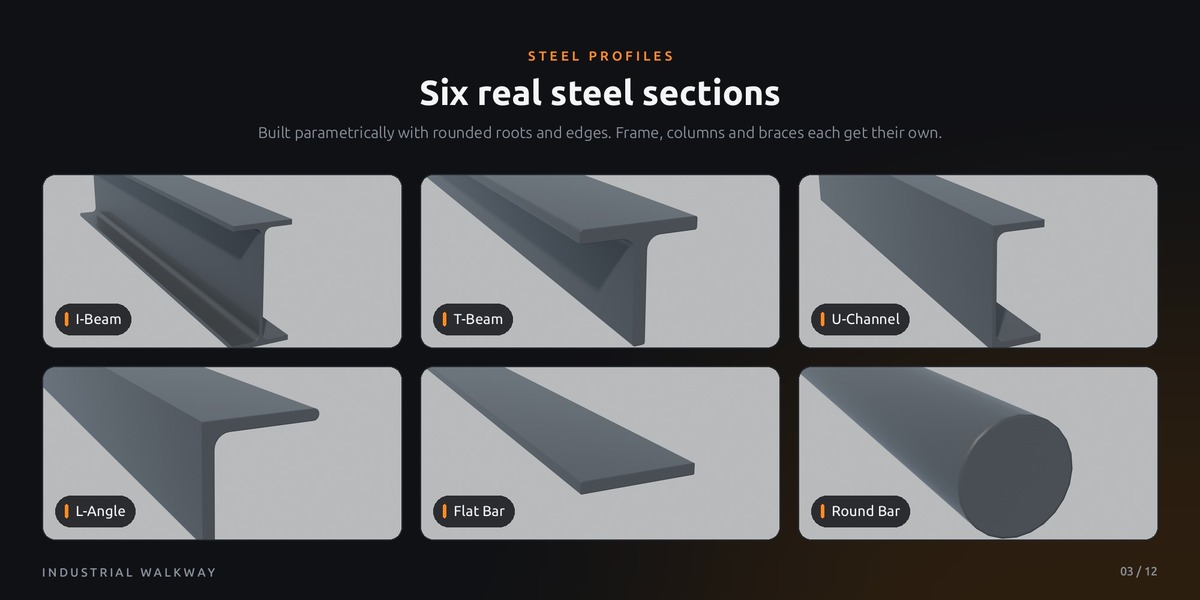



Who is this asset for?
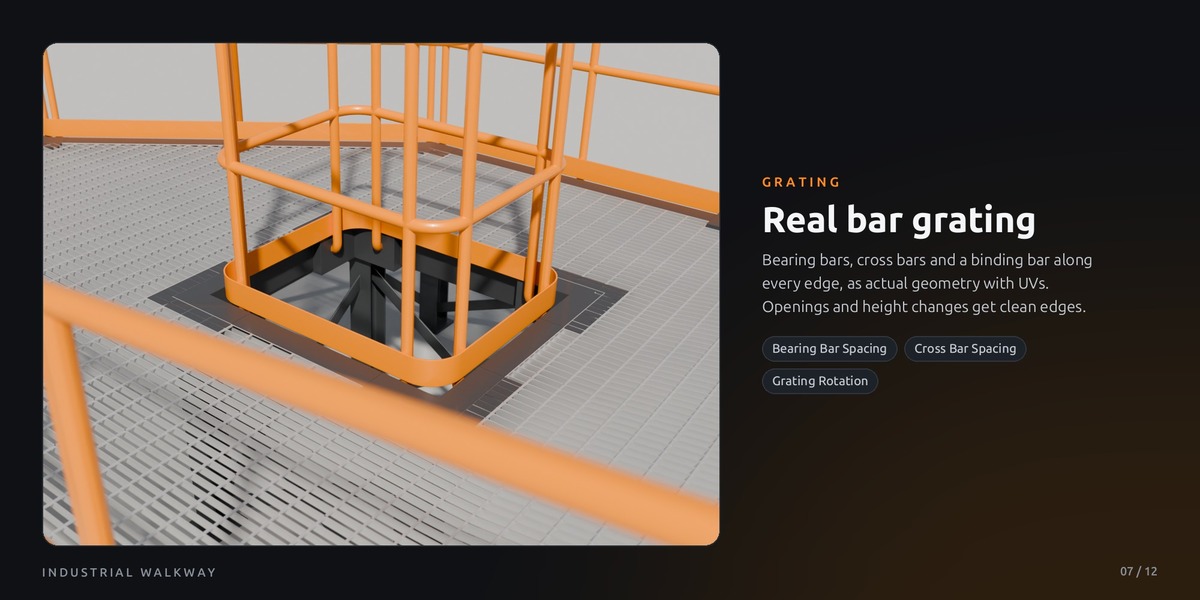
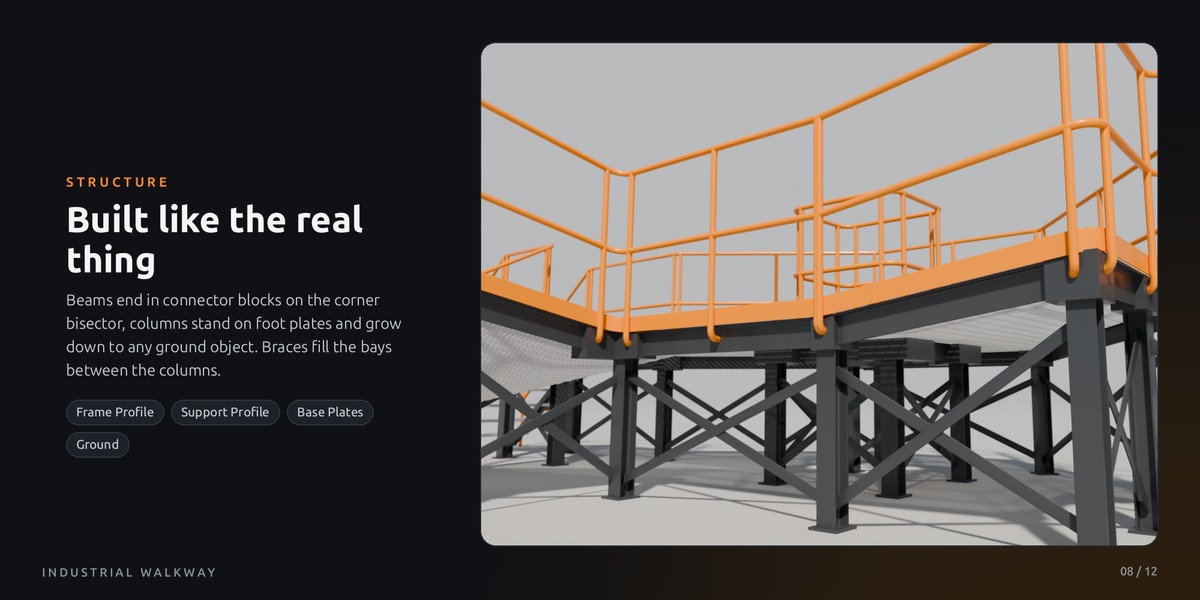
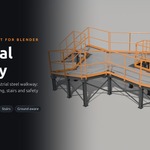
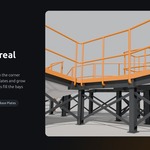
Construction Walkway is made for visualization: architectural and industrial renders, factory and plant scenes, stills and animations, and kitbashing. Every bar, beam and bolt-ready plate is real geometry, which looks great up close, but a larger walkway quickly reaches several thousand polygons.
How do I use my own materials?
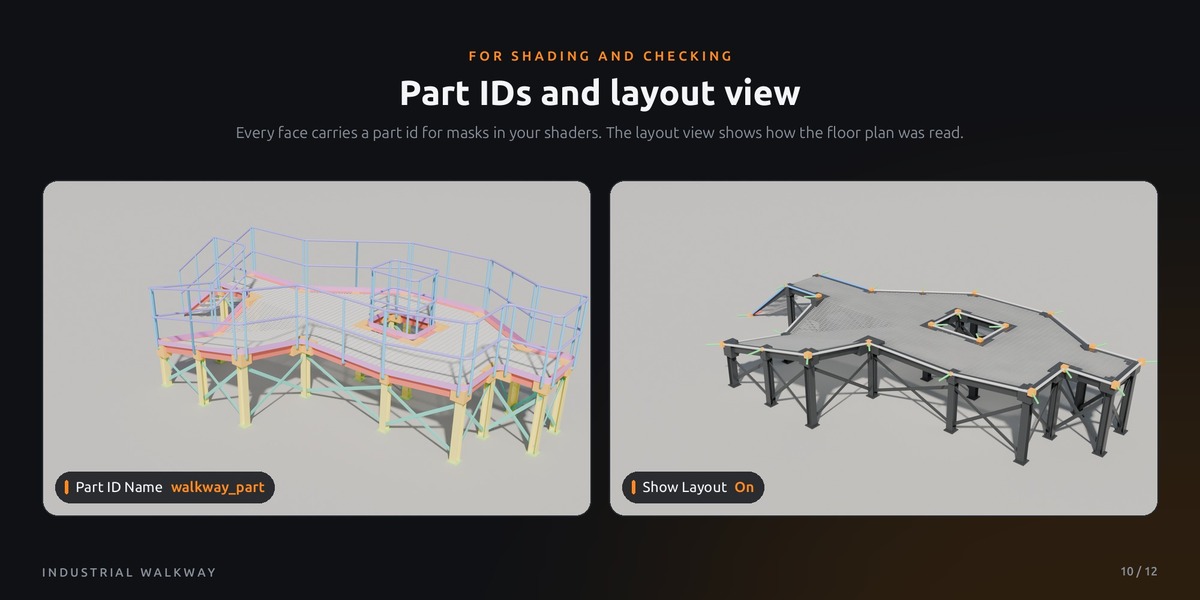
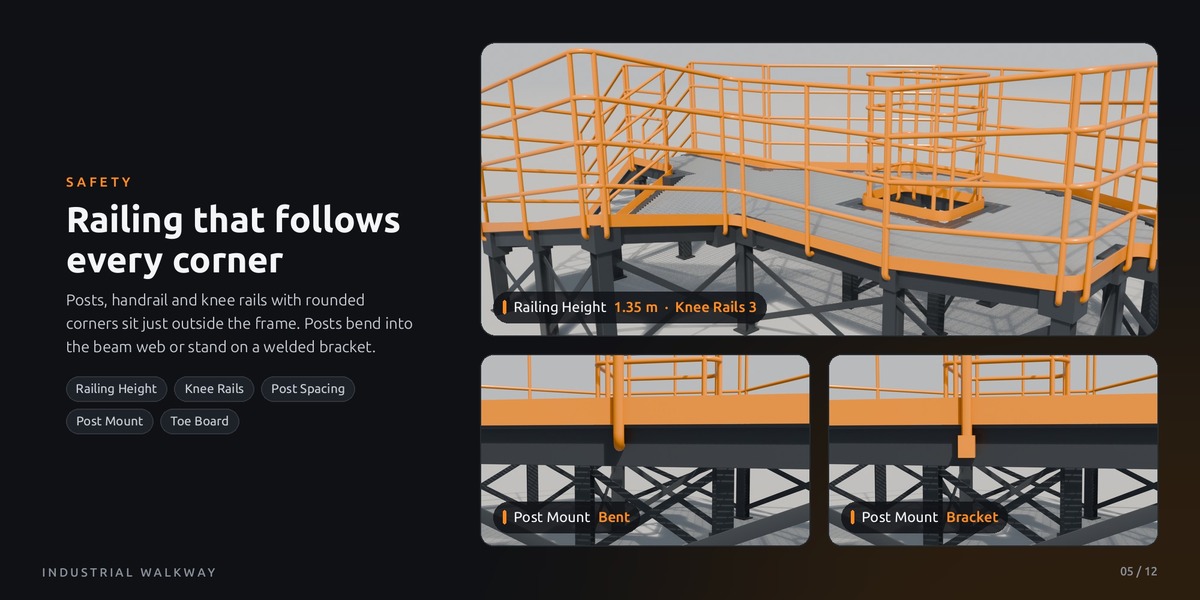
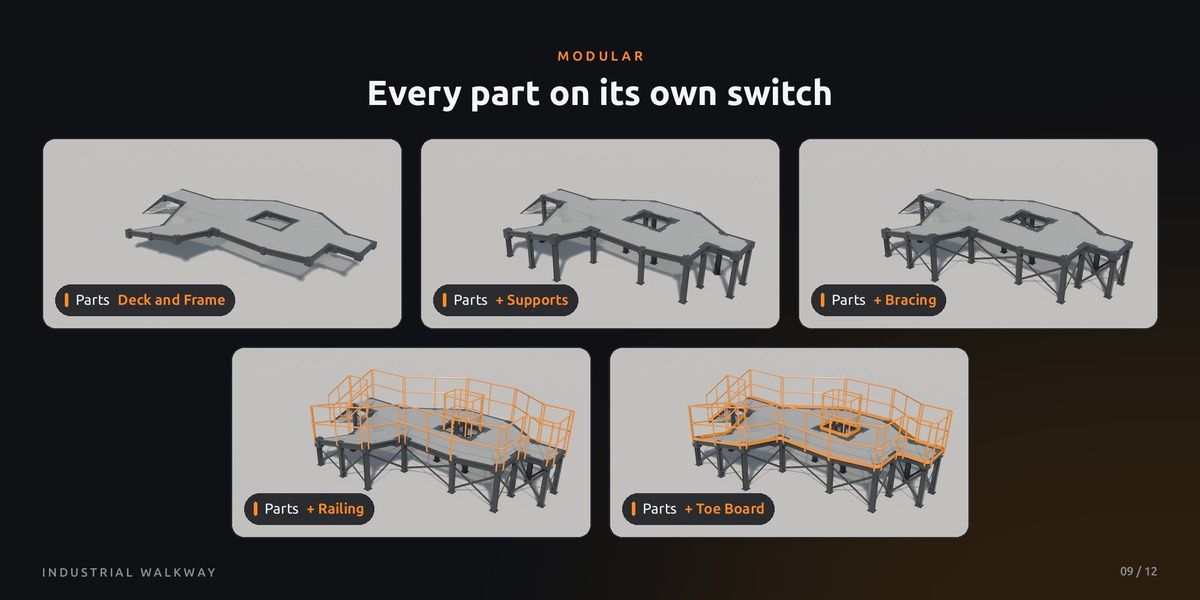
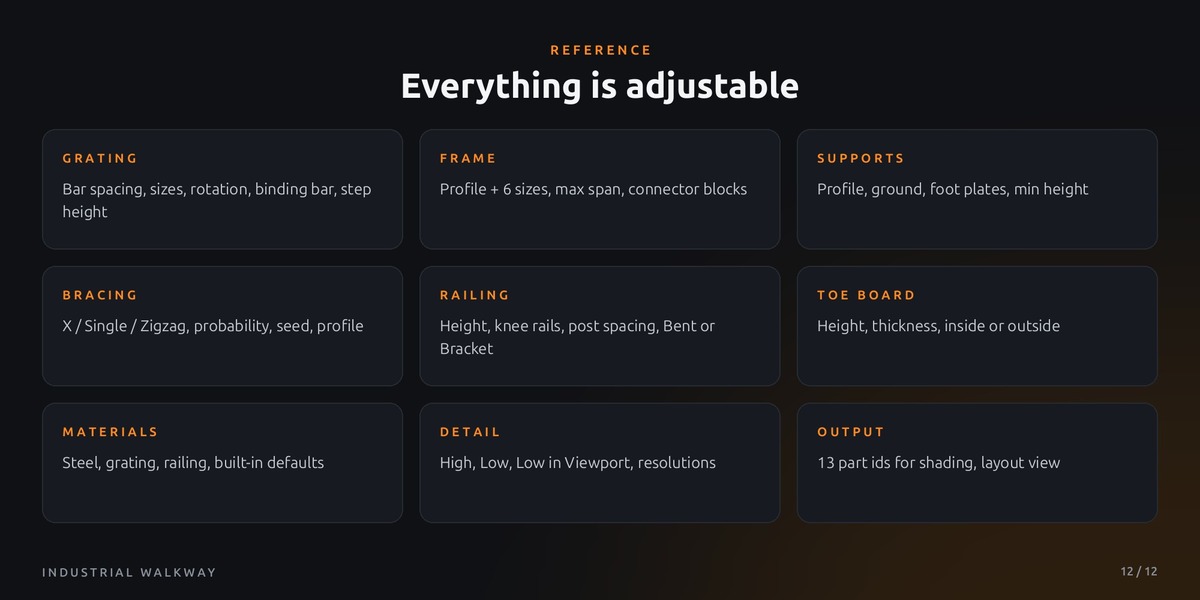
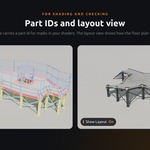
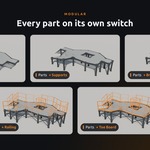
Put your materials into the Materials panel (Steel, Grating, Railing). Empty slots use the built-in materials. Every face also stores a part ID in the attribute walkway_part (1 beam, 2 connector, 3 column, 4 base plate, 5 brace, 6 post, 7 rail, 8 toe board, 9 bracket, 10 bearing bar, 11 cross bar, 12 binding bar, 13 stair tread). Read it with an Attribute node in your shader to give single parts their own look.
The viewport gets slow on large walkways. What can I do?
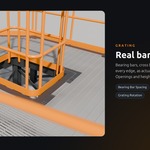
Set Detail → Detail Level to Low in Viewport. While you edit, the profiles and tubes use fewer segments, and the render still uses full detail. Most of the geometry is the grating, so larger Bearing / Cross Bar Spacing values also help a lot on very large decks.
$10$8
Have questions about this product?
Login to message
| Published | 10 days ago |
| Blender Version | 5.2 |
| Render Engine Used | Cycles, Eevee |
| License | Royalty Free |
Discover more products like this
kitbash procedural walkway steel structure industrial platform factory geometry nodes