Industrial Utility Props - 6 Props
 Super3D IO
in Urban
Super3D IO
in Urban
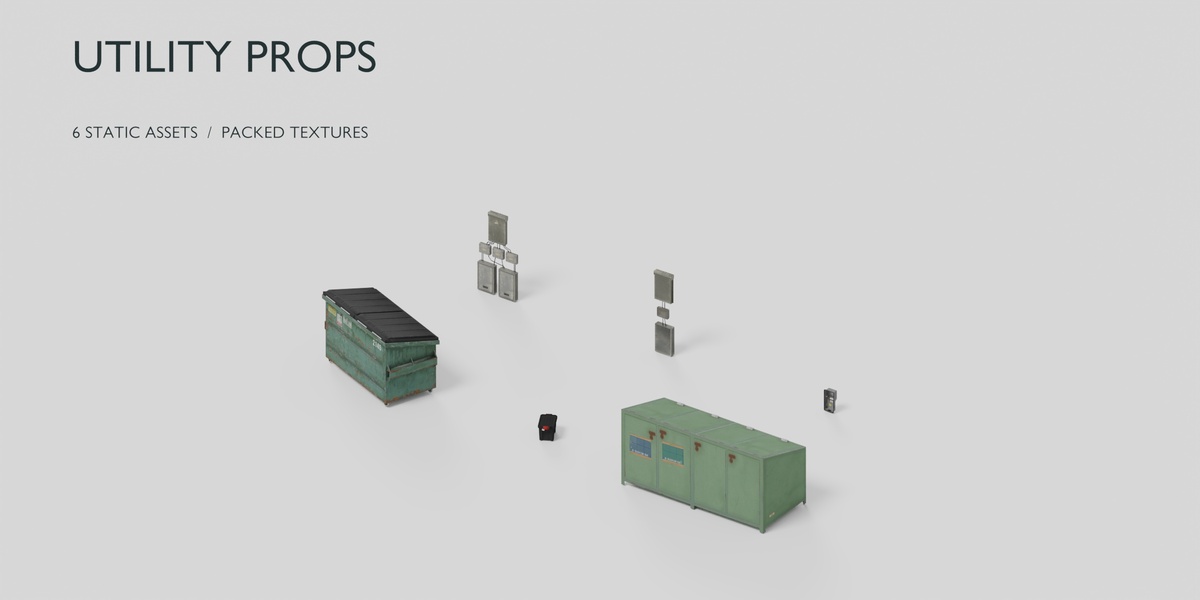
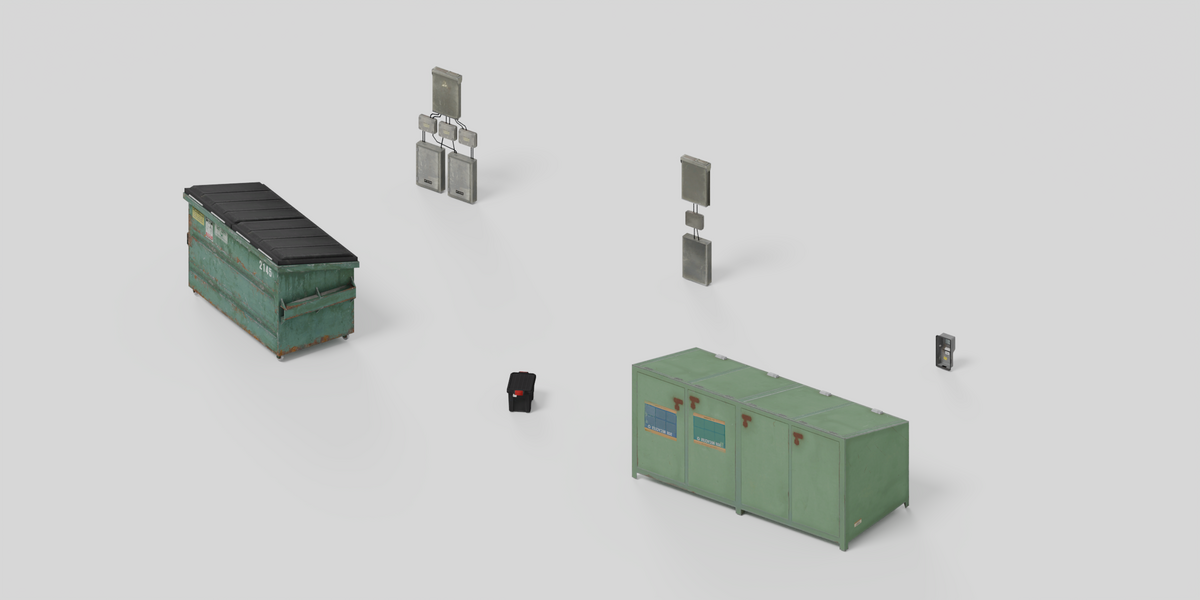
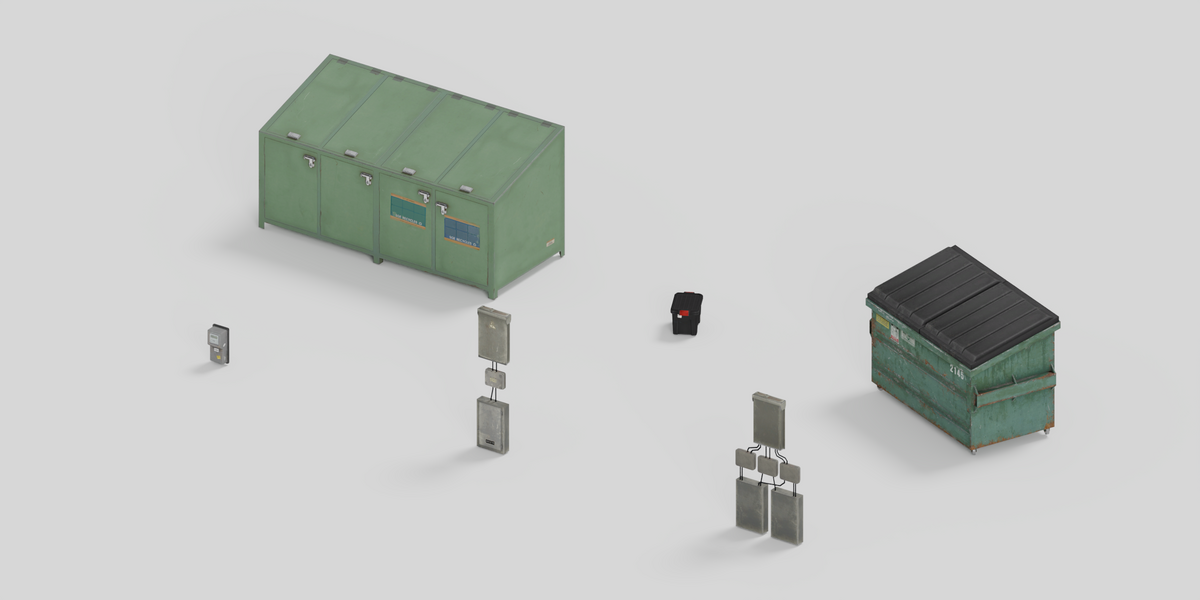
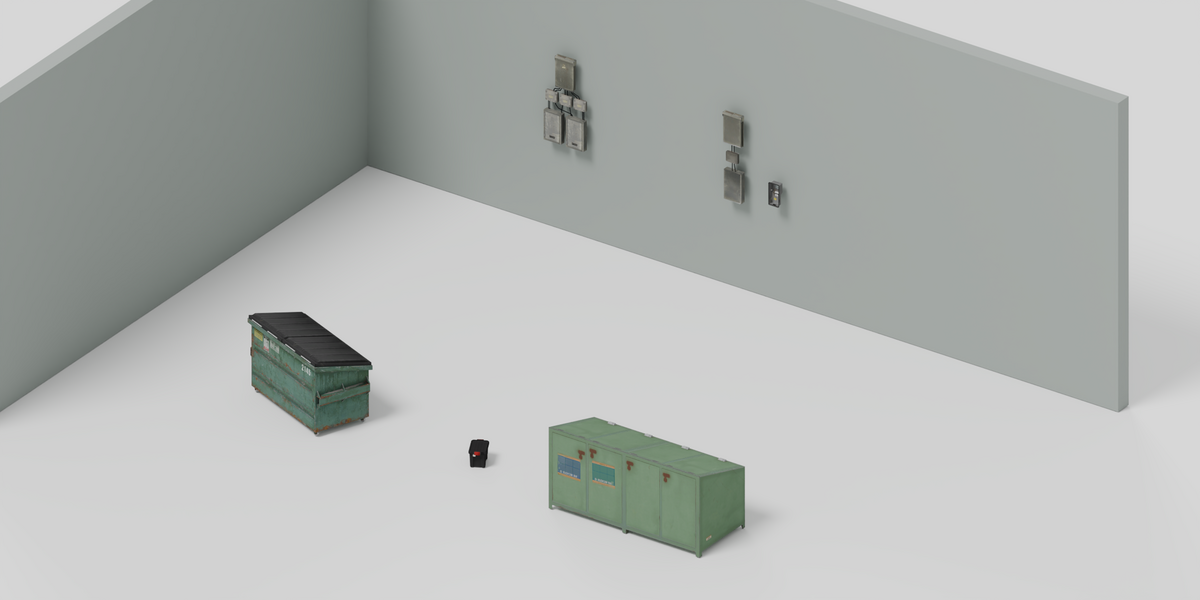
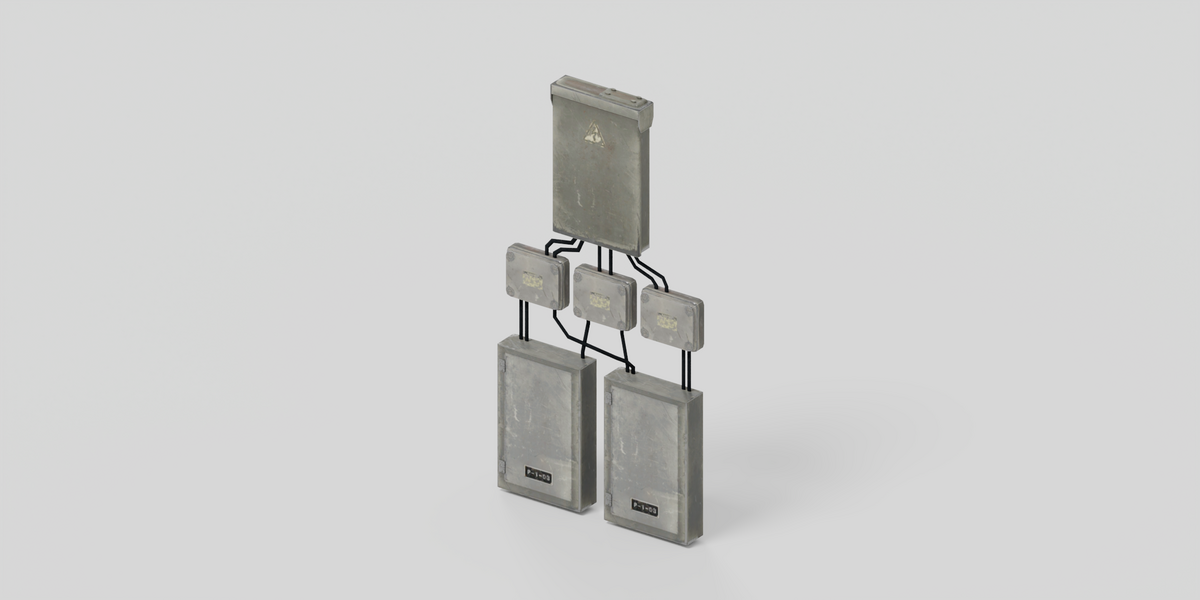
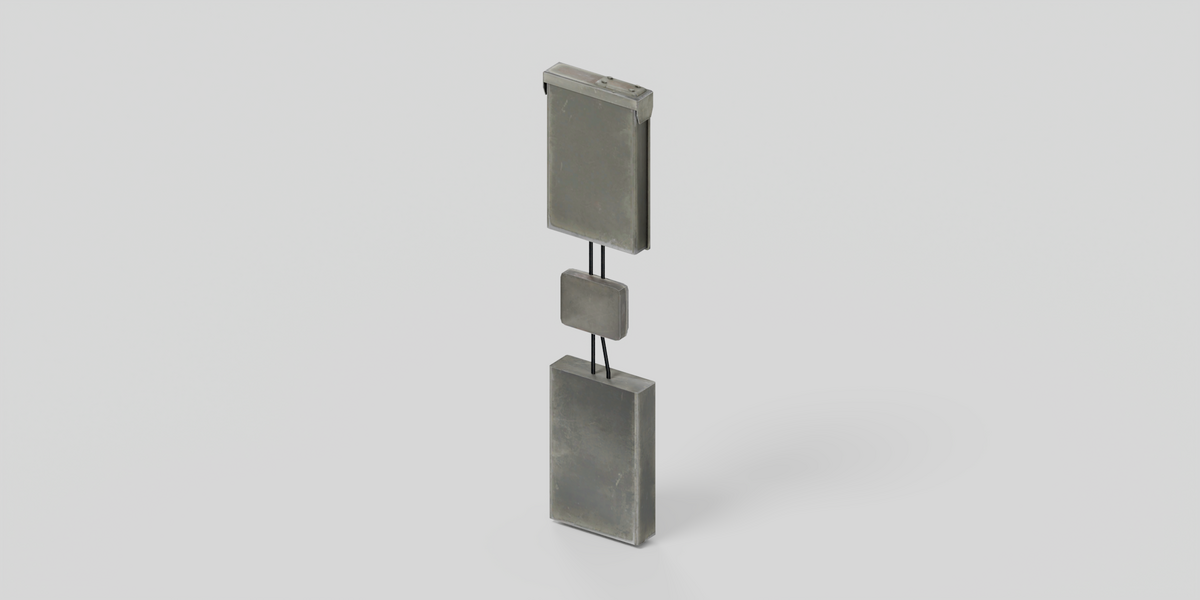
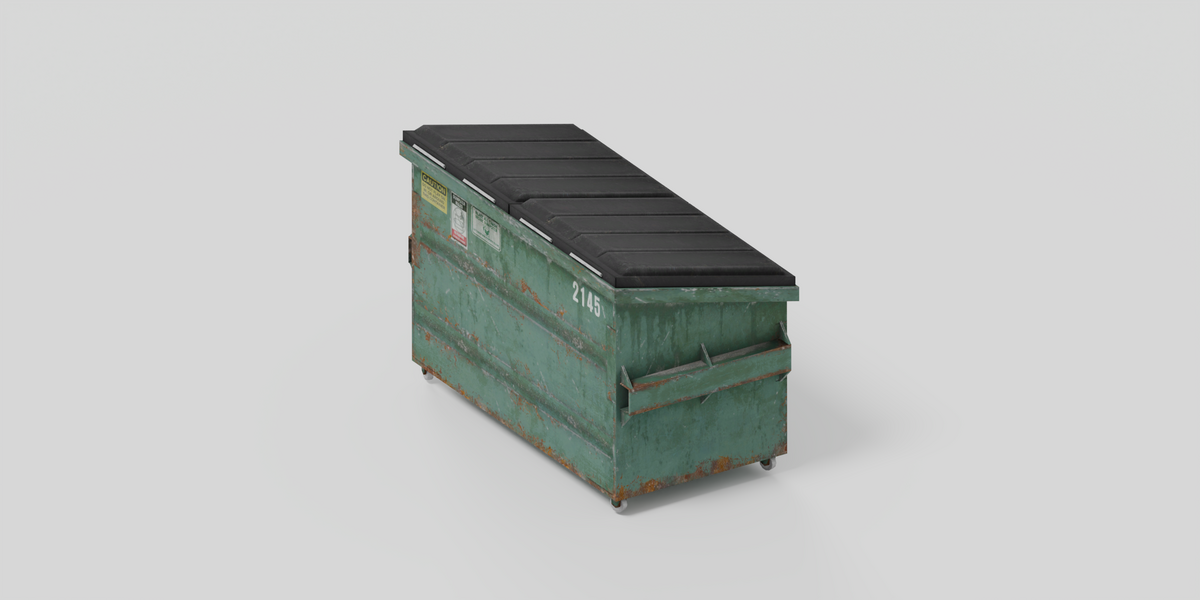
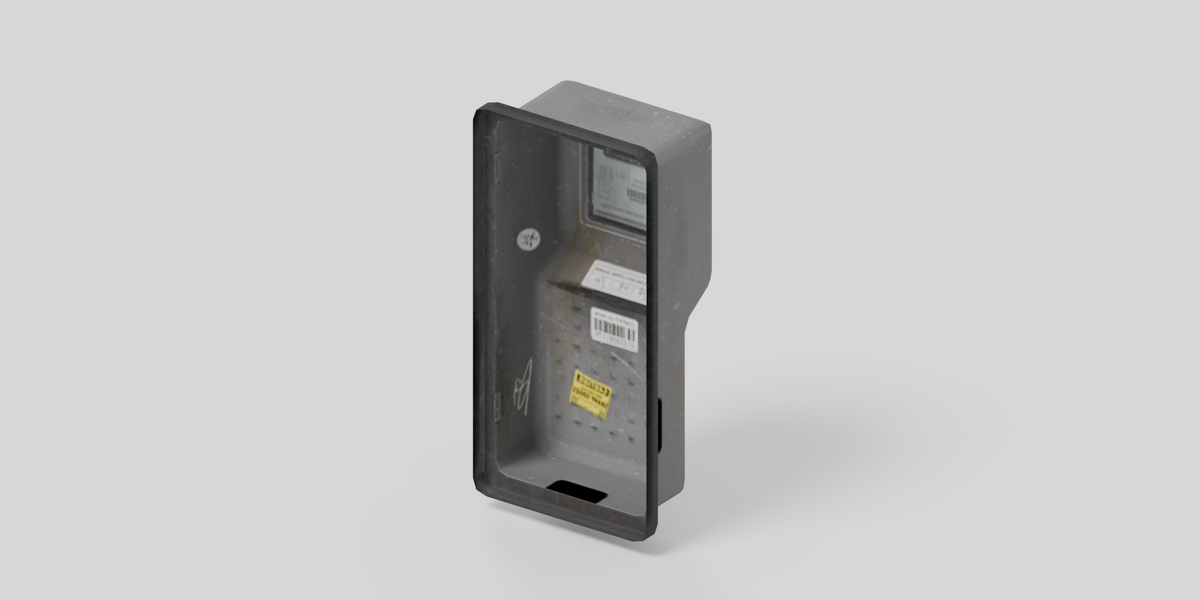
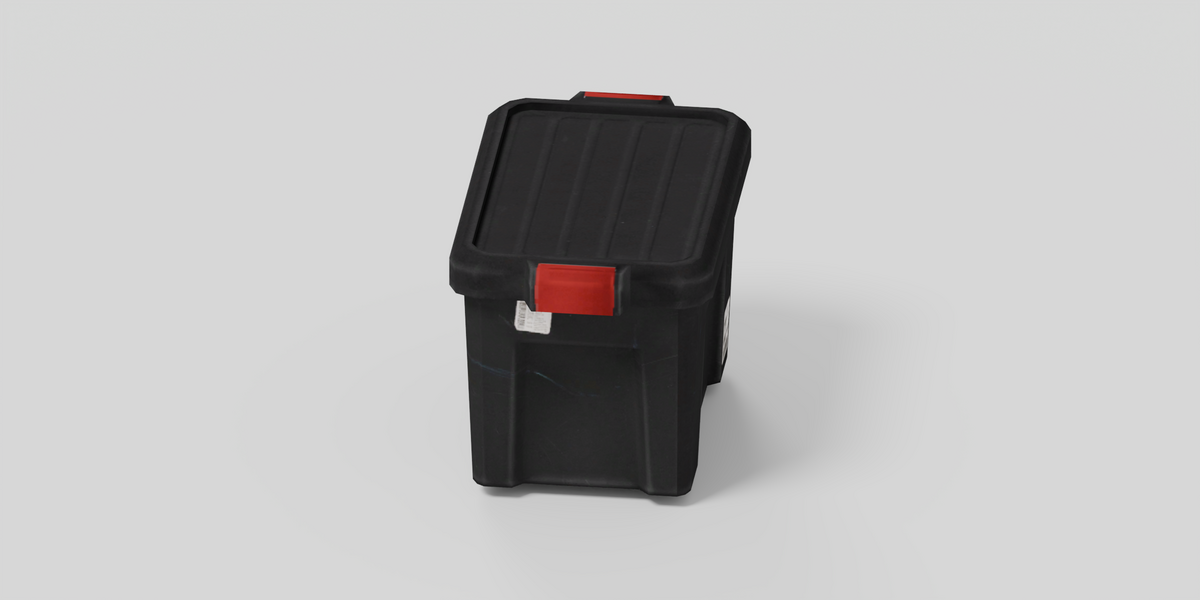
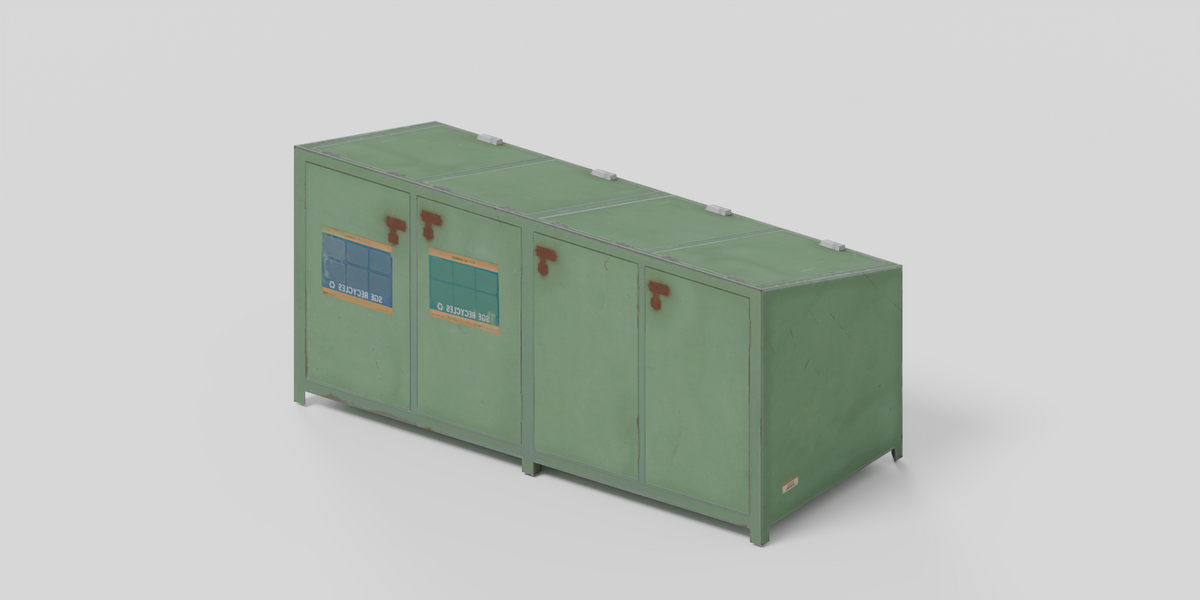
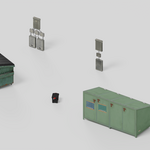
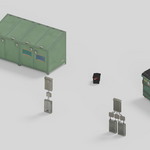
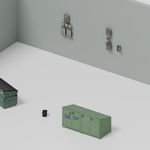
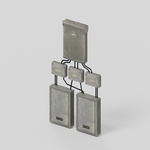
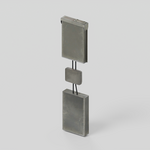
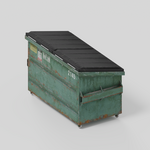
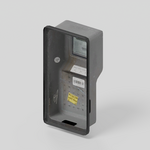
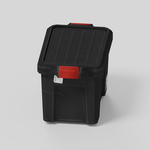
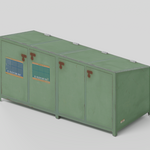
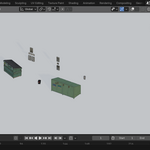
Opening the file
- Unzip industrial_props_1.0.0.zip.
- Open industrial_props.blend in Blender 5.2.2 LTS.
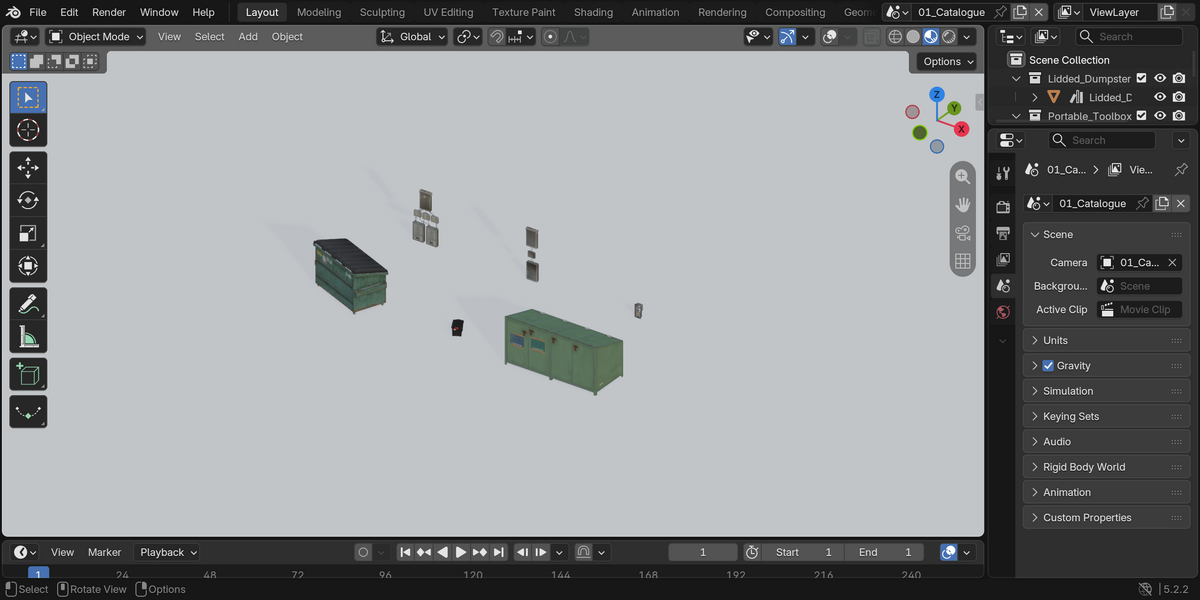
- Use 01_Catalogue to inspect the props, or 02_Example_Layout to see a simple arrangement.
- Render with Cycles. CPU is selected by default; choose your supported GPU if you prefer.
Adding a prop to your own scene
Append an object from the .blend, or add the extracted folder as a Blender Asset Library. Keep blender_assets.cats.txt beside the .blend. The objects are asset-marked and have preview thumbnails. Appended objects may keep the catalogue grid position; Alt+G resets their location.
Textures and scale
All 18 texture images are packed in the file. Dimensions use meters. The asset list in the download gives triangle counts and dimensions for each object.
Limitations
These are static props with 256–1024 pixel textures, aimed at background and mid-distance use. There is no animation, LOD system, collision setup or full engine project. Some surfaces are open or rely on texture detail. The materials are Blender adaptations, not a guarantee of exact original-engine appearance.
Need help?
Send me a message through Superhive with your Blender version and a screenshot of the problem.
Have questions about this product?
Login to message
| Published | about 15 hours ago |
| Blender Version | 5.2 |
| Render Engine Used | Cycles |
| Misc Data | Textured |
| License | Royalty Free |
Discover more products like this
props textured warehouse utility static models scene dressing industrial