Blender Easy


Infinite Scene Generator
Instantly expand small scenes into massive environments, without sacrificing performance

Overview
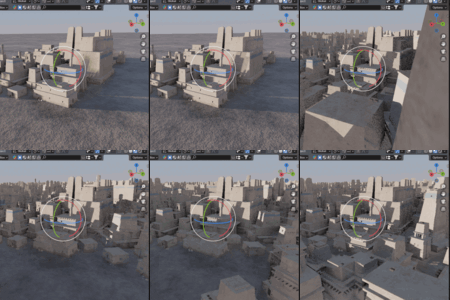
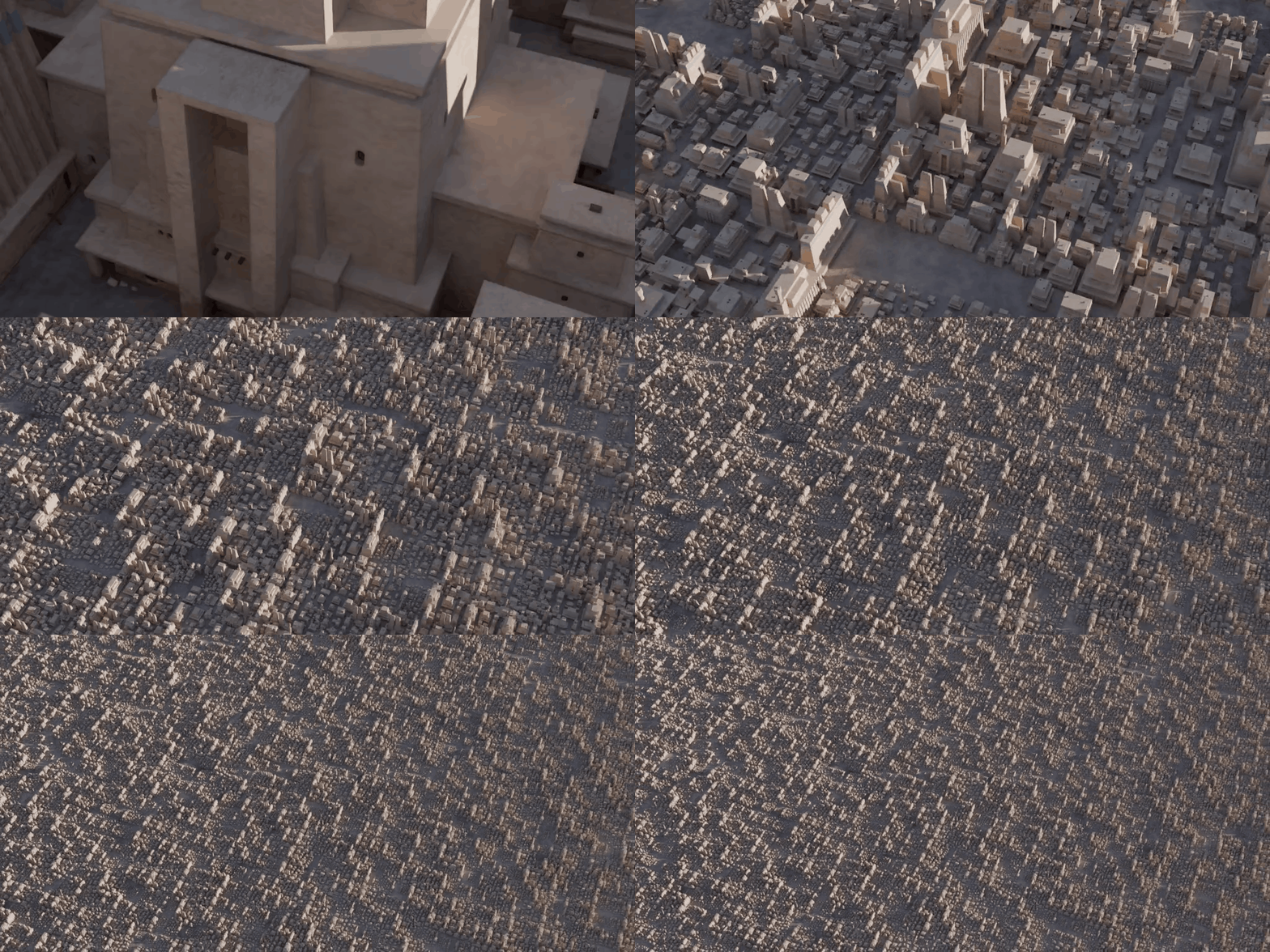
The Infinite Scene Generator is now a professional Blender Add-on designed to expand your scenes infinitely using efficient instancing. Transform small environments into large-scale worlds in seconds, ideal for cities, terrains, and procedural landscapes.
Why Use It?
Built with performance in mind, this tool utilizes advanced instancing logic, allowing you to scale your scenes dramatically without increasing memory usage or slowing down your viewport.
- One-Click Setup: Dedicated Sidebar (N-Panel) interface for instant results.
- Optimized Performance: Instance thousands of objects with zero lag.
- Procedural Freedom: Break repetition with powerful randomization tools.
- Blender Easy Standard: Professional, clean, and intuitive UI.
Key Features
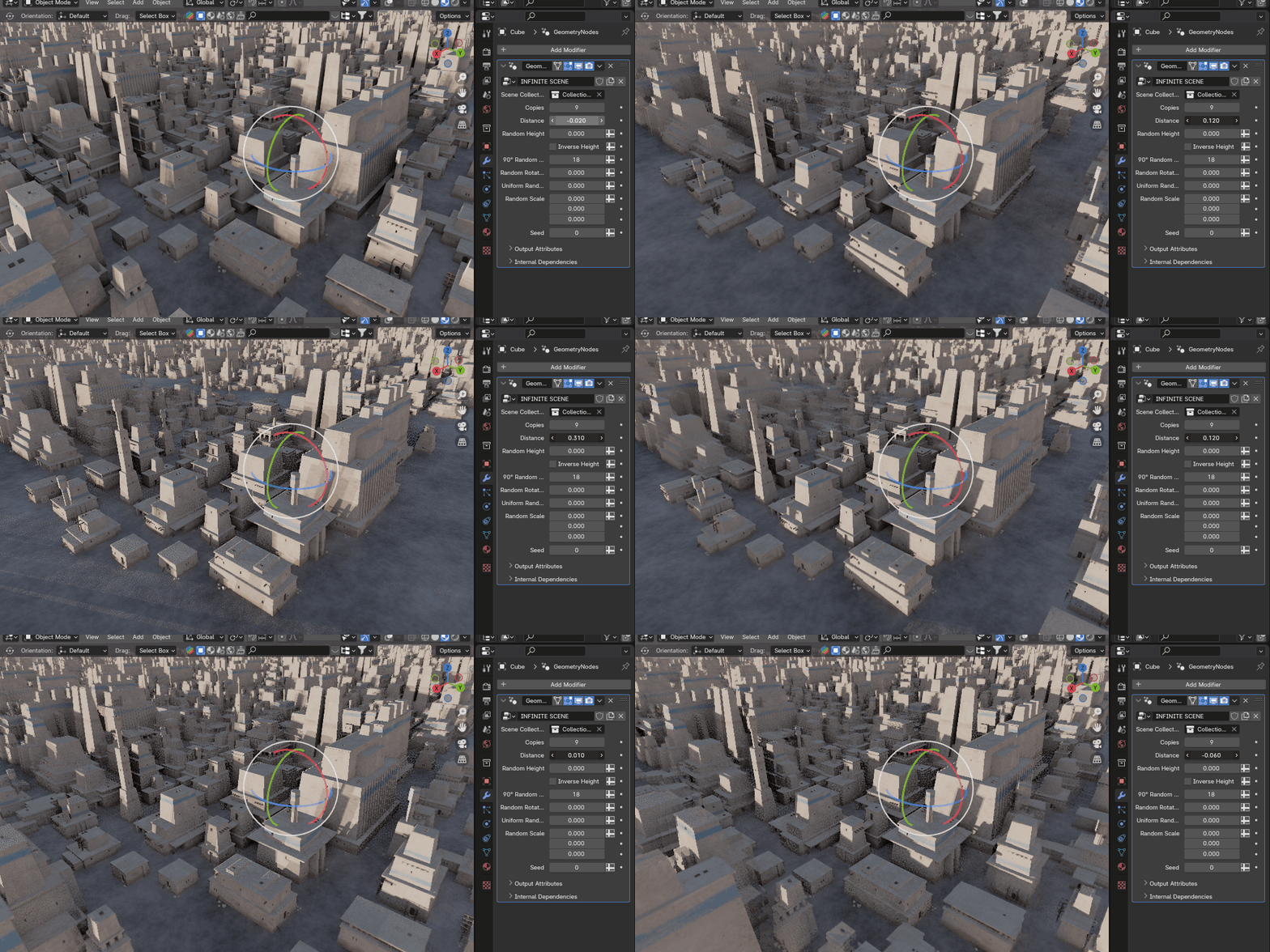
- Random Rotation: Snap to 90° intervals or use fully free rotation.
- Scale Variation: Control per-axis or uniform random scaling.
- Height Control: Add verticality with random and inverse height sliders.
- Grid Systems: Toggle between custom spacing and perfect squared grids.
How to Use
- Install the infinite_scene.zip via Blender Preferences.
- Select any mesh object in your scene to act as the base.
- In the Sidebar (N-Panel), open the Infinite Scene tab and click "Initialize Scene".
- Choose your target Collection from the picker.
- Adjust the randomization and spacing sliders for your custom result.
Watch the updated tutorial below:
3D Model Credit: