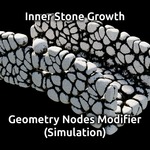
Inner Stone Growth (Simulation, Geometry Nodes Modifier)
 Dennis Hafemann




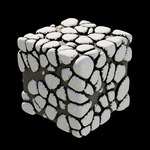

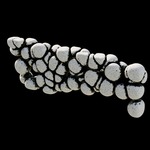
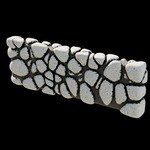
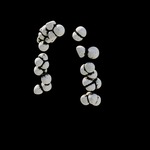
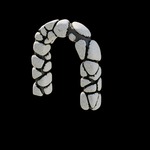

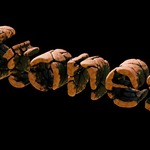
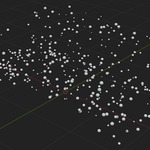
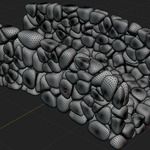
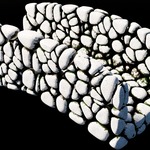
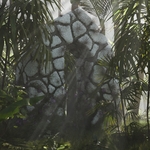
There are weird "bubbles" popping out.
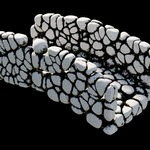
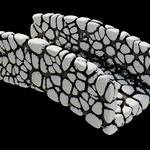
The inner stones are placed randomly within your mesh. Because of the math and simulation and other constellations to detect the border of your mesh in relation to the single inner stone there might be some miscalulations. If you noticed any "bubble" popping out when using "Stop At Geometry Border", please try to change the seed. This helps in most cases.
Added the modifier to my object, but nothing happens.
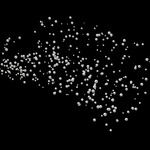
The "Inner Stone Growth"-modifier is a geometry nodes modifier which uses a simulation to let the inner stones grow within your mesh. That means, once added the modifier to you mesh object you have to hit "Play" on the timeline to watch the stones grow. If you are happy with the result they grew, you are free to "Apply" the modifier to your object to make the growth permanent.
$3
Have questions about this product?
Login to message
| Dev Fund Contributor | |
| Published | about 2 months ago |
| Blender Version | 4.5 - 5.2 |
| License | Royalty Free |
Discover more products like this
geometry nodes rocks stone simulation effect fill growth Generator