Inspectops
 GPolygon Design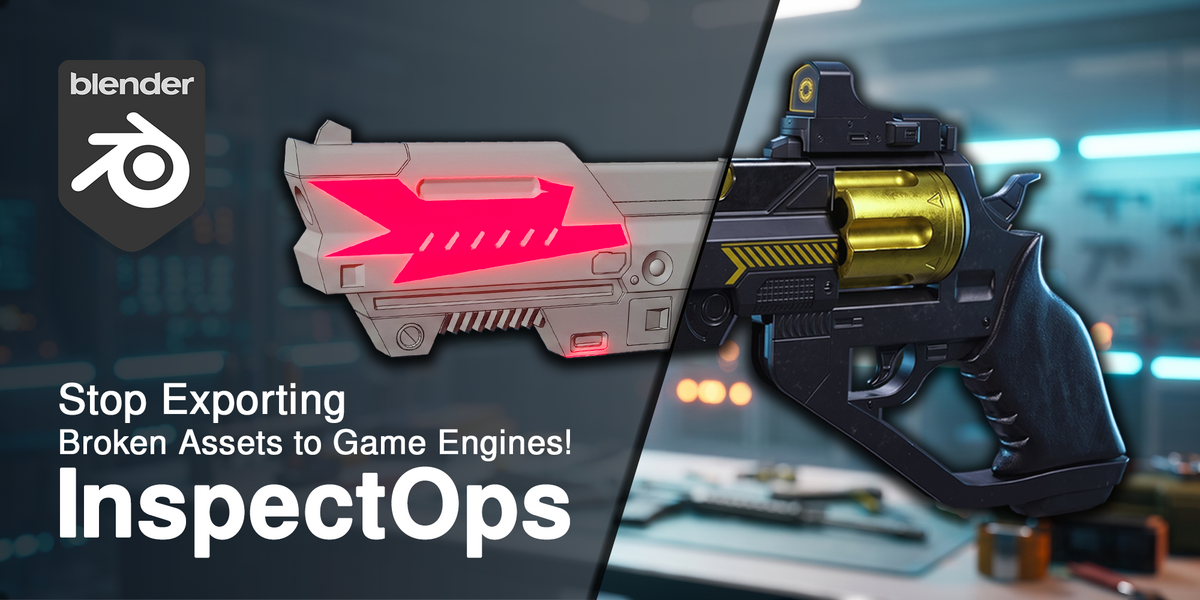



InspectOps — User Guide & Documentation
Installation
1. Download the `InspectOps.py` (or zip) file after purchase.
2. Open Blender, go to *Edit > Preferences > Add-ons*.
3. Click *Install...* in the top right corner and select the file.
4. Enable the checkbox for *InspectOps*.
---
Quick Start
Default Hotkey: Press `Alt + C` in any 3D Viewport area to call the InspectOps Pie Menu.
---
Diagnostic Tools Breakdown

1. Scale Check (North):
Applies a 0.5m Object-Space checker material to selected meshes. Allows you to check if your model matches human or architectural scale regardless of UV unwrapping.
2. UV / Texel Check (West):
Applies a high-density UV checker grid. Use this to verify that UV seams are clean and texel density is uniform.
3. Topology Check (South):
Assigns vertex color attributes to face corners based on polygon type:
- *Grey:* Quads (4-sided)
- *Yellow:* Triangles (3-sided)
- *Red:* N-Gons (5+ sides)
Automatically switches viewport shading to Vertex Color mode.

4. Face Orientation Check (East):
Forces Solid mode and turns on Face Orientation overlays. Blue faces indicate correct orientation; red faces indicate inverted normals.
5. Reset / Return (North-West):
Safely restores original materials, removes temporary color attributes, and returns the viewport shading to its previous state.
Have questions about this product?
Login to message
| Dev Fund Contributor | |
| Published | about 2 months ago |
| Blender Version | 4.2 - 5.2 |
| Extension Type | Add-on |
| Render Engine Used | Cycles, Eevee |
| License | GPL |
Discover more products like this
gpolygon face orientation topology qa tool UV Checker pie menu game ready scale check mesh inspection ArchViz blender addon inspectops