 CBaileyFilm



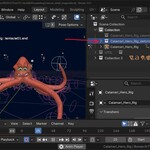
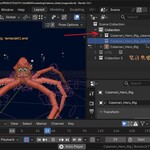
Instant Calamari
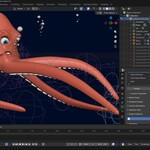
Get fast viewport playback for any rig - with one click.
Skinned meshes with Armature modifiers are flexible, but they come at a cost. For every frame, Blender has to evaluate the deformation for every vertex on every skinned object. In complex scenes with high-poly characters or many rigged props, this can make viewport playback slow and choppy, making it difficult to judge timing and motion feel during animation.
A calamari rig sidesteps this issue entirely. Because each mesh piece is a rigid object parented directly to a bone, there is no deformation to compute. The result is dramatically faster viewport playback, often approaching or hitting real-time even on dense meshes.
How It Works
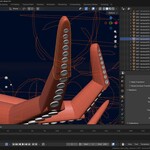
Instant Calamari splits an Armature's child mesh objects into smaller mesh 'slices' based on vertex group weights. It then parents those mesh slices to the bones of the armature for faster interactions and improved viewport playback speeds. The calamari version of your mesh is then placed in a separate collection to your original deform meshes, allowing for quick and easy activation and deactivation.
Workflow
First select your completed armature.
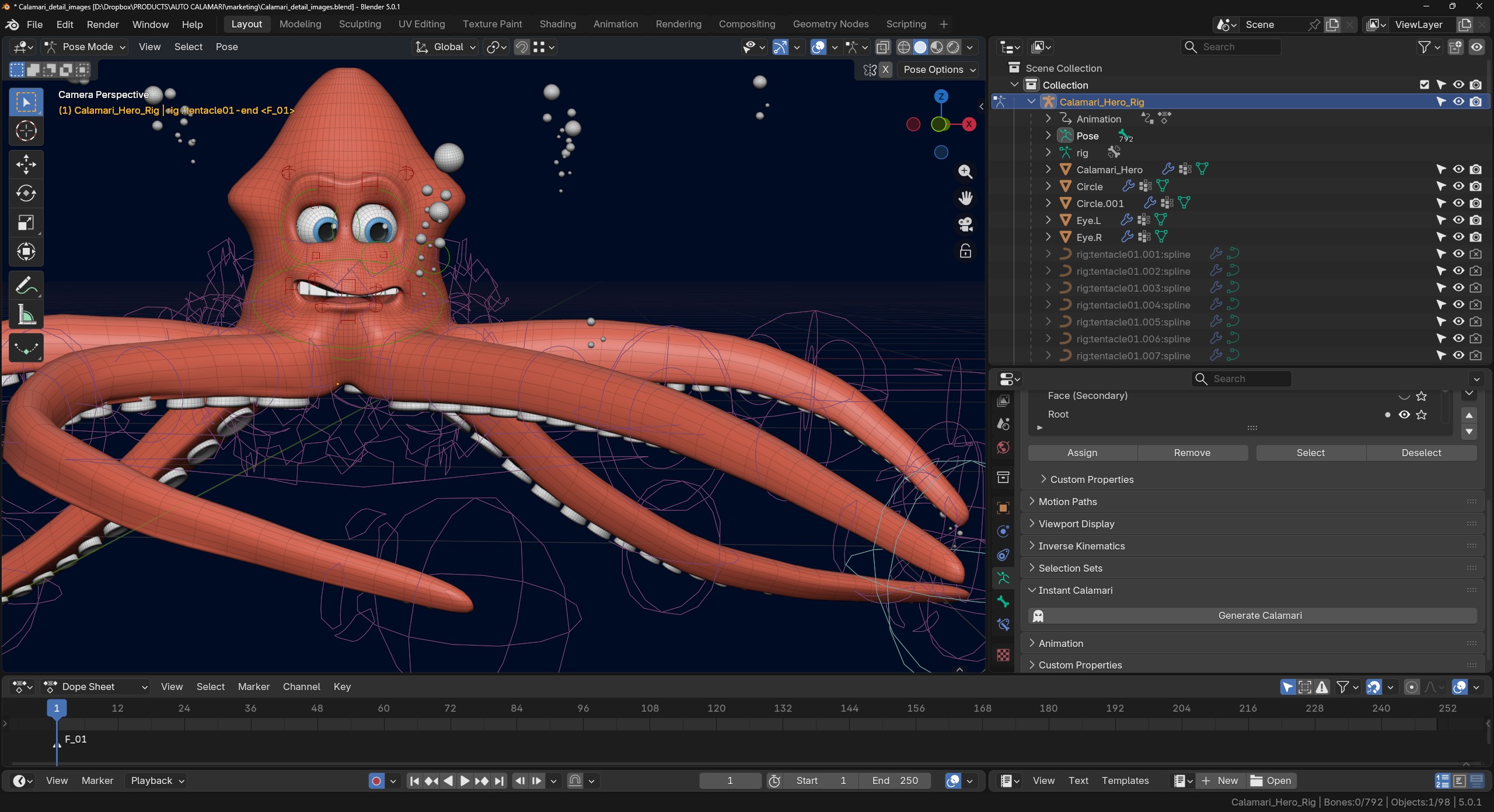
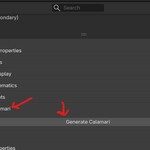
Go to the data tab on the armature and look for the "Instant Calamari" section.
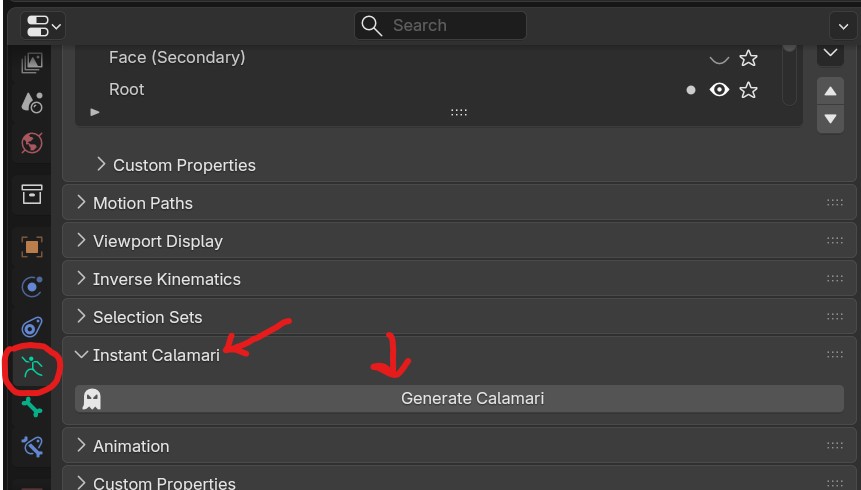
Click "Generate Calamari"
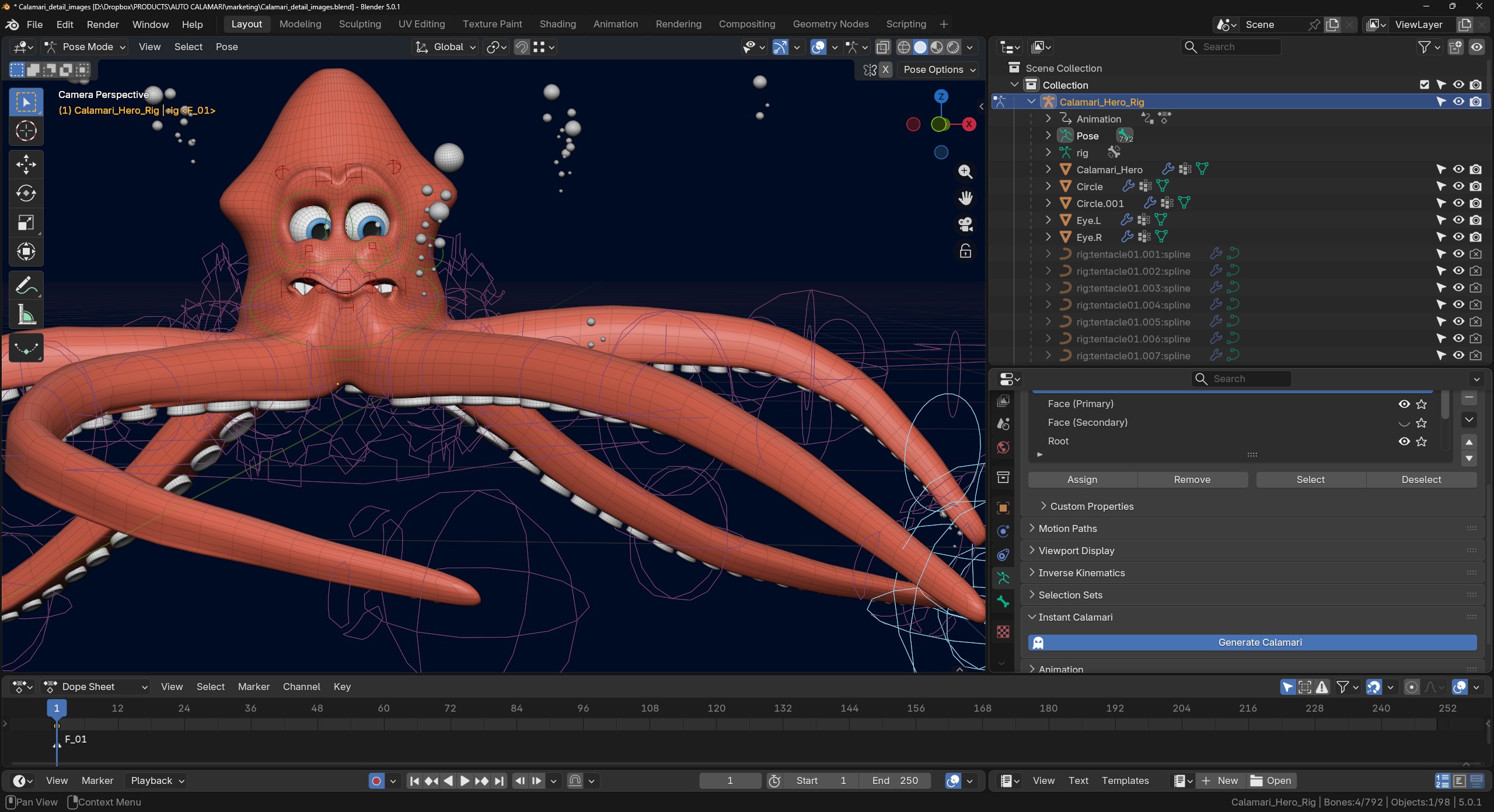
Wait for 2-3 seconds.
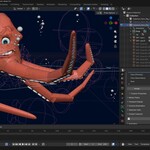
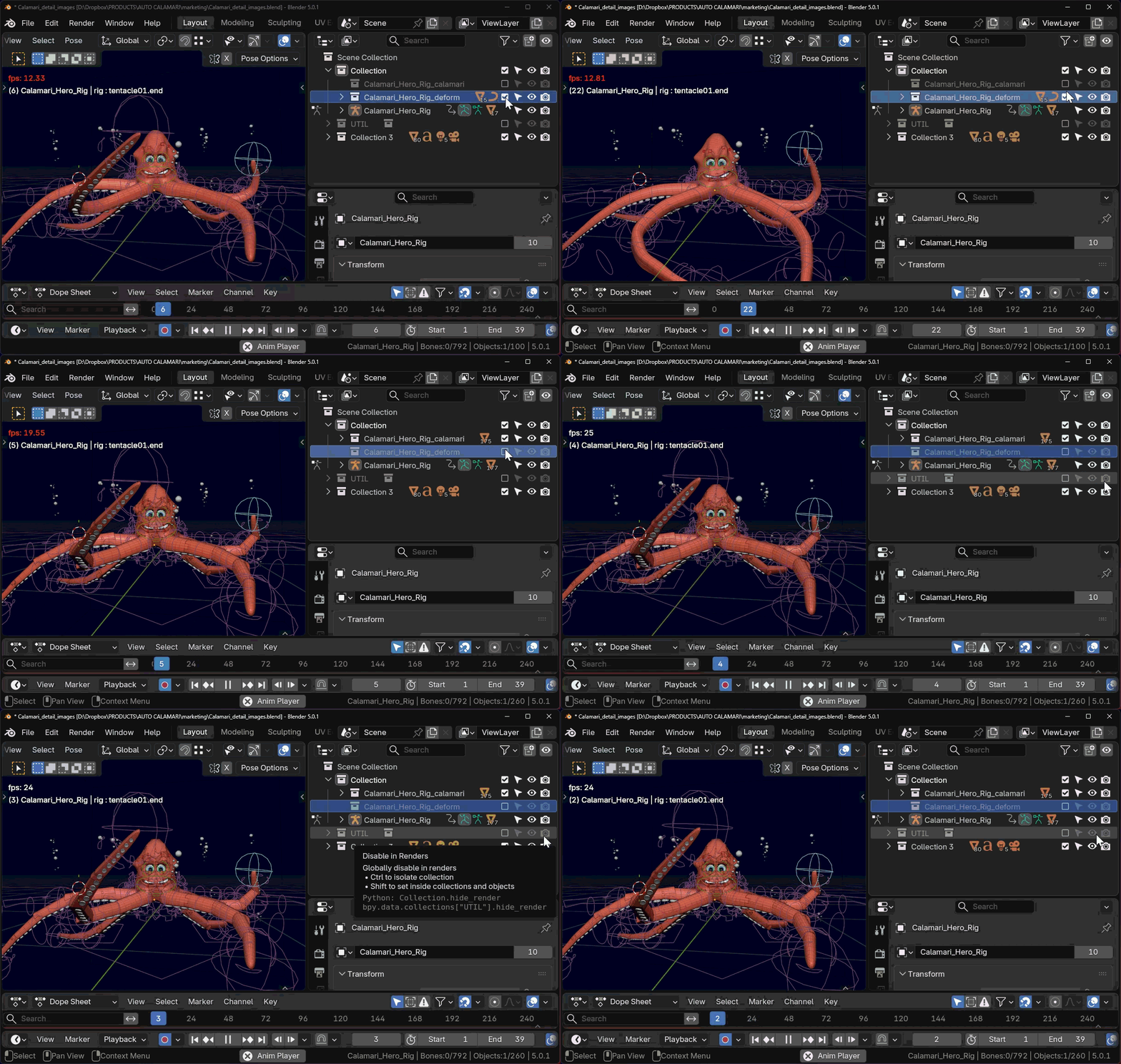
When the tool finishes running, you'll notice two new collections. One collection will be named with the suffix "_deform" and contain your original child objects that are deformed by the armature in pose mode. Everything is intact, and none of your vertex weights, keyframes or actions will be changed.
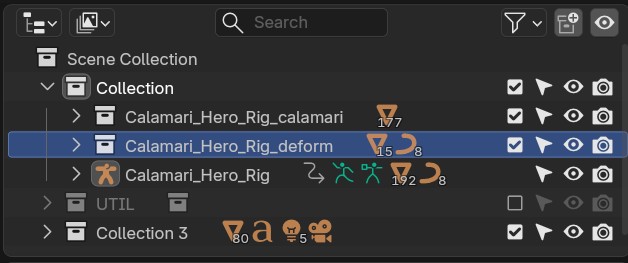
You will also see a second collection with the suffix "_calamari" containing the new calamari meshes.
Each mesh piece is a sliced copy of your original deform mesh, but instead of being deformed by an armature modifier the mesh is parented to the bone that drives the original source geo at the same place on the mesh.
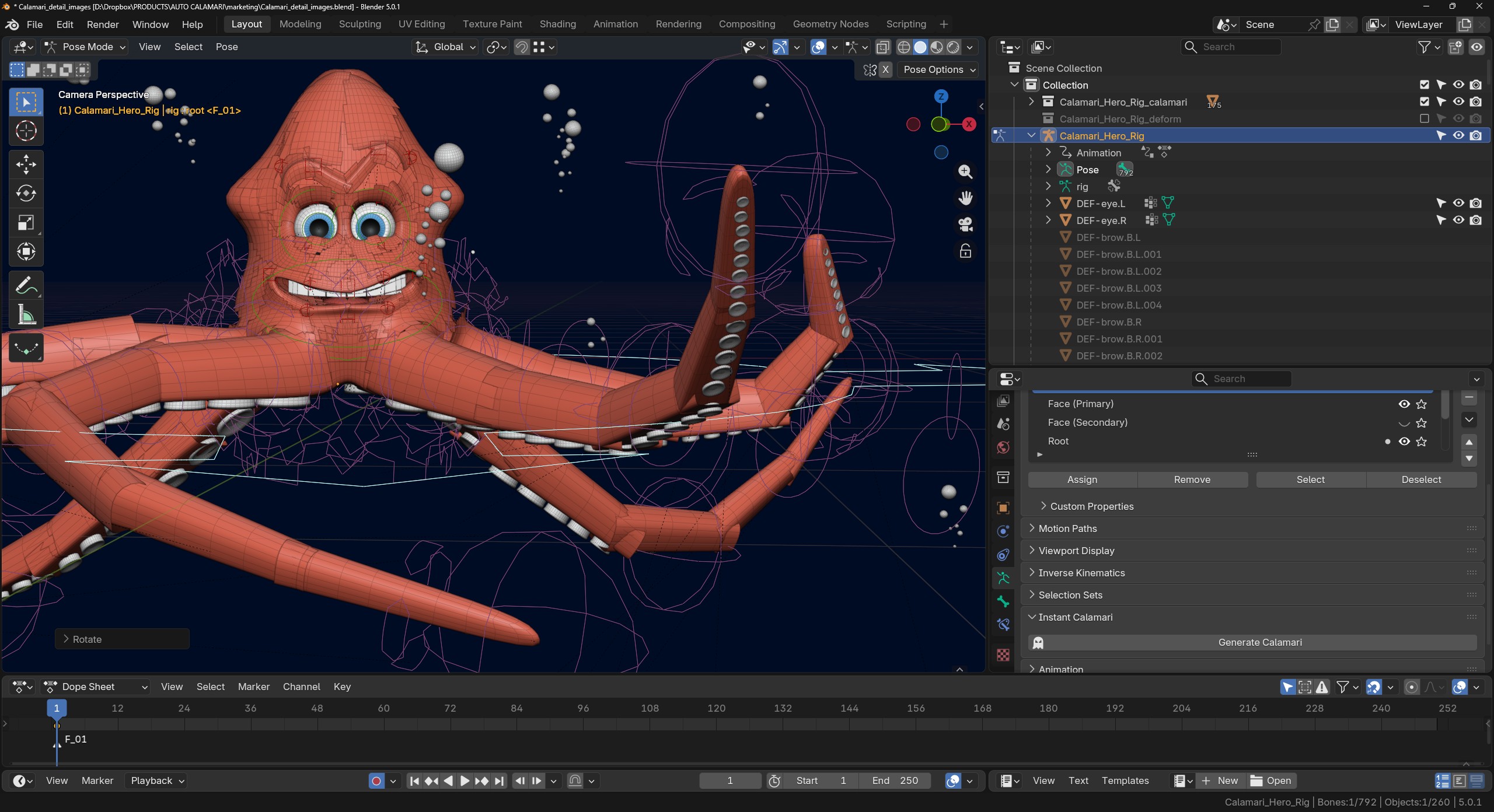
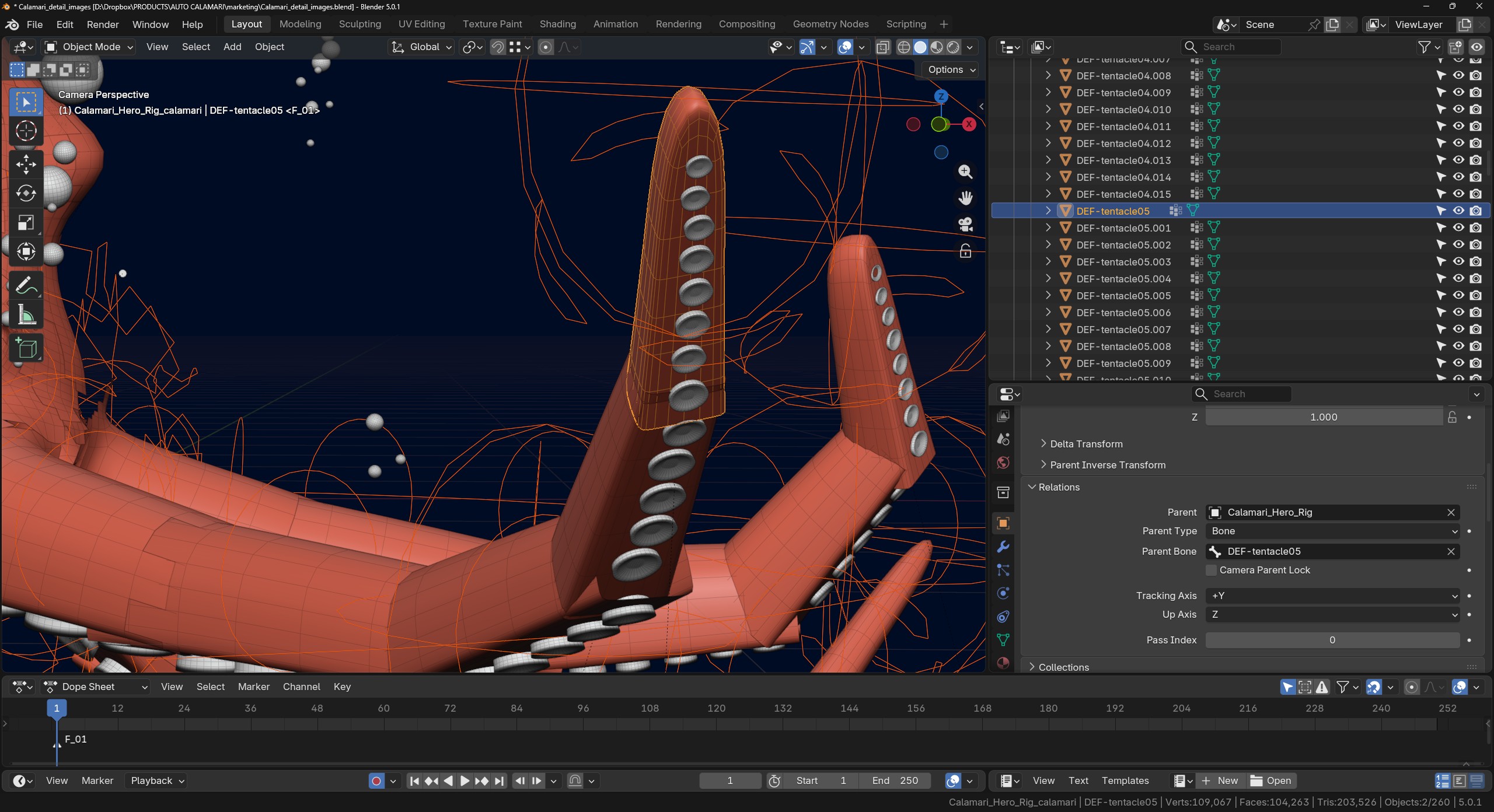
You can hide either the deform mesh or the calamari mesh easily with the collection visibility toggles or check box beside the collection name.
Now, for improved performance, hide your deform mesh and animate using the calamari mesh. When you're ready to render, turn off the calamari mesh collection and unhide your deform mesh collection.
If you make any changes to your rig later, you can always regenerate the calamari mesh by simply clicking the button again.
