 INSTANTLIFE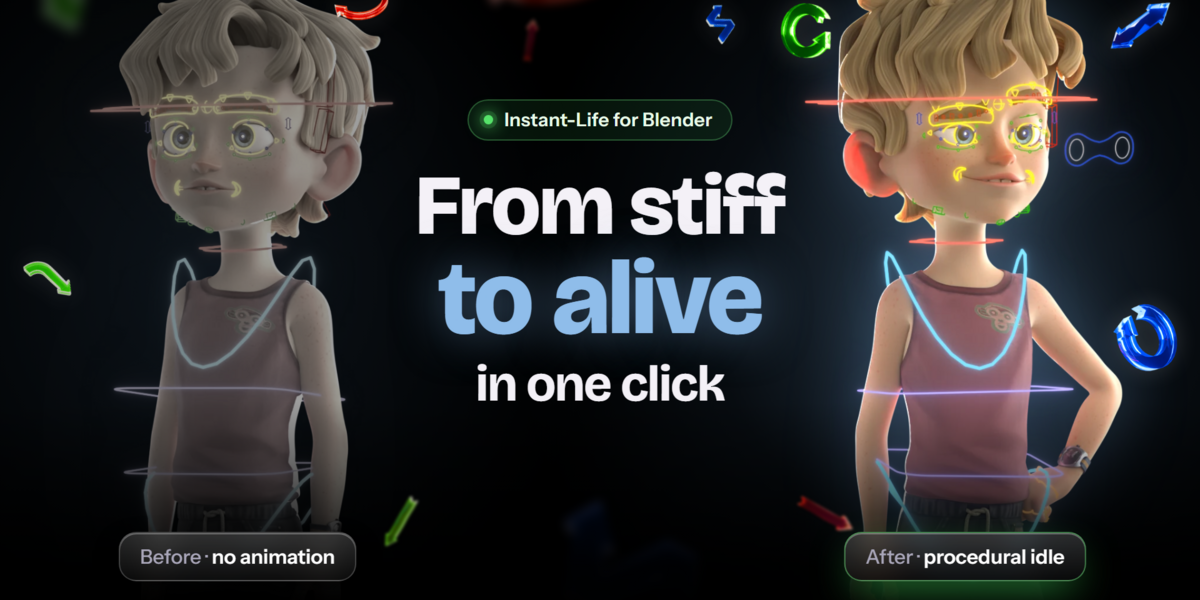

Idle animation for any Blender rig, in one click
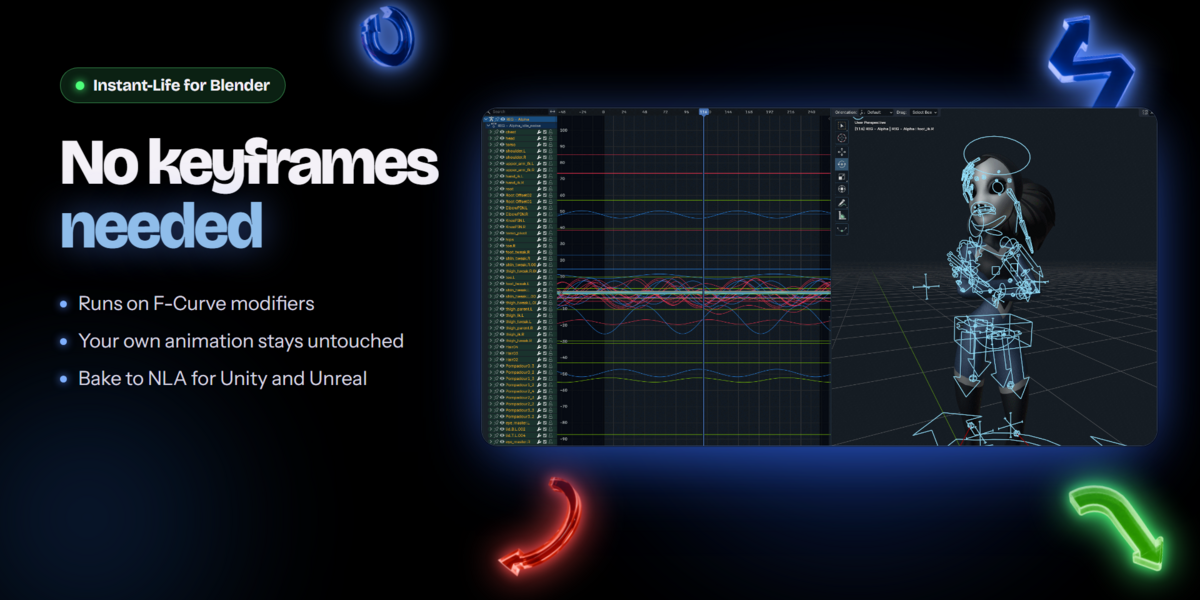
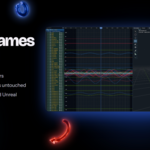
Instant-Life generates breathing and idle motion procedurally through F-Curve modifiers. No keyframing, no manual curve work, and your original pose stays untouched.
Body motion
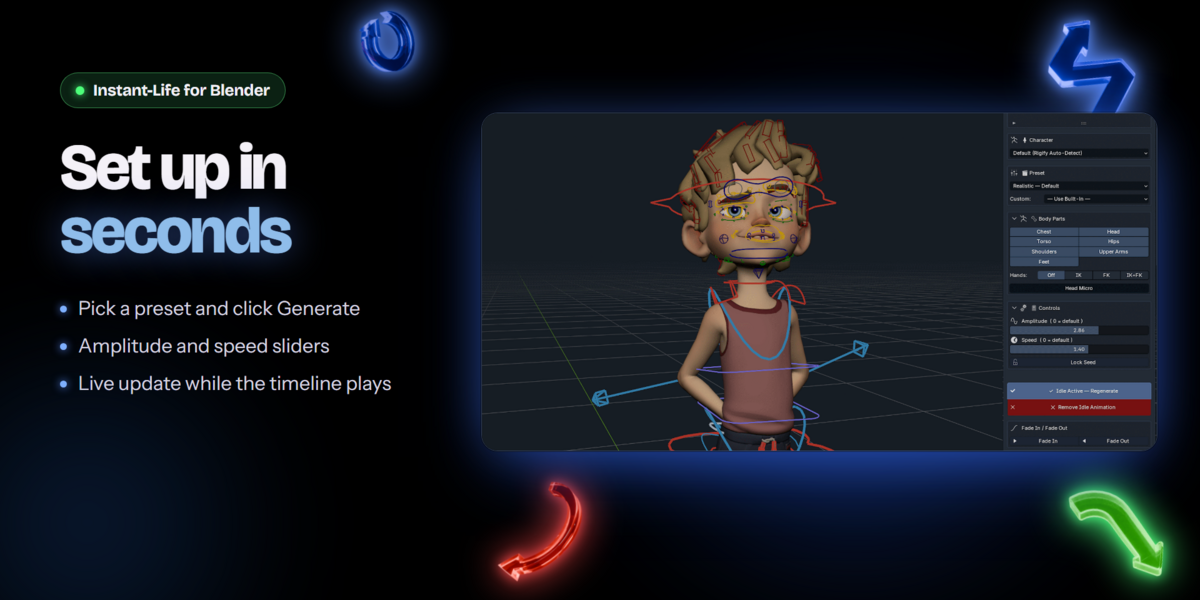
- Ready-made presets, from calm breathing to panic
- Amplitude and speed sliders for every body part
- Optional random hand and head movement
- Live update: tune it while the timeline plays
- Preset creator: save your own motion styles as presets
Face animation
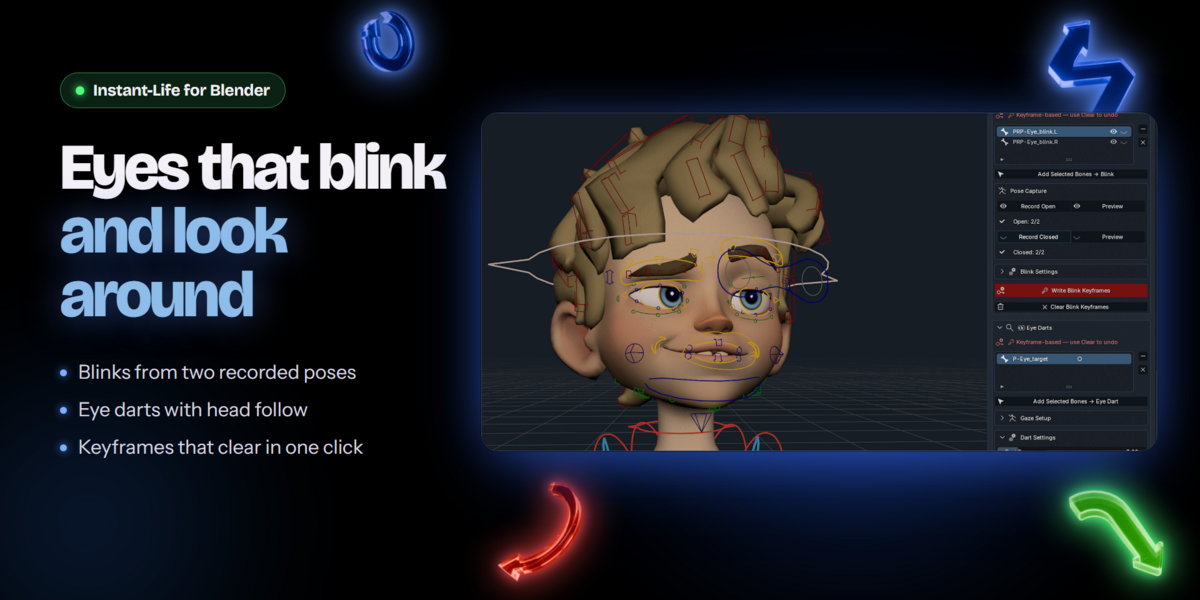
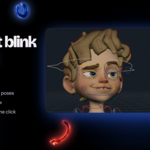
- Eye blinks from two recorded poses
- Eye darts between gaze poses you record
- Head that follows the eyes
- Adjustable overshoot
- Clears only the keyframes it wrote
Pipeline
- Non-destructive: your pose and keyframes stay untouched
- Remove all generated motion in one click
- Works on top of keyframed and mocap animation
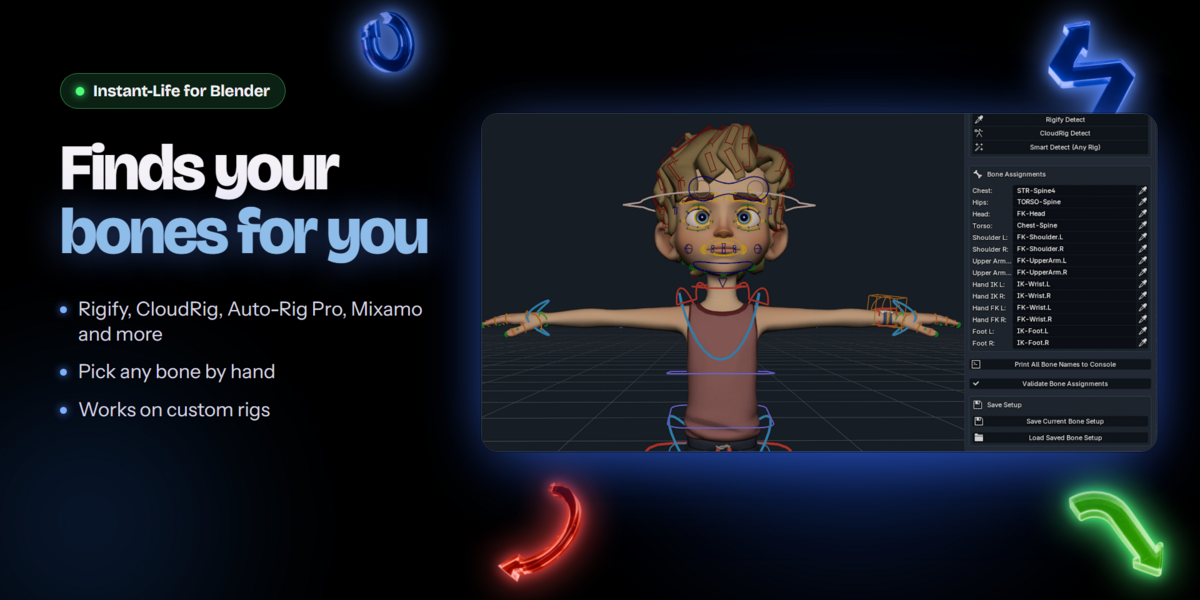
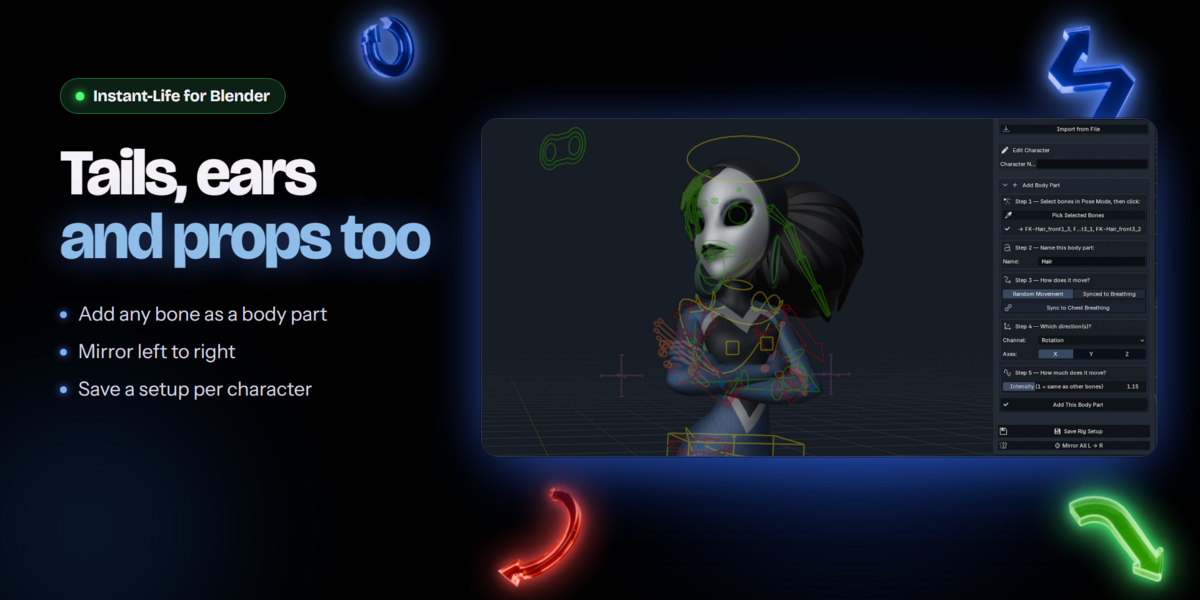
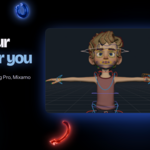
- Automatic bone detection on Rigify, CloudRig, Auto-Rig Pro, Mixamo, and most other humanoid rigs, with manual assignment for anything else
- Save and export bone setups per character
- Bake to an NLA strip for Unity, Unreal, or any game engine
- Seamless loop option for game idles
From rig to idle in four steps
- Install and select. Enable the addon in Blender Preferences and select your character.
- Check the bones. The bones are found automatically on most humanoid rigs. If one is missing, pick it by hand in Bone Setup.
- Generate. Choose a preset and click Generate. Play the timeline and adjust Amplitude and Speed while it runs.
- Fine-tune and export. Balance individual body parts, then bake to an NLA strip when you are ready for your engine.
Compatibility
Blender 4.4 and newer, including 5.2. Works with Rigify, CloudRig, Auto-Rig Pro, Mixamo, and custom rigs. The panel lives in the 3D Viewport sidebar, under the Instant-Life tab.