 XML 4D


INSTANT LIGHTS 2
New Version - Releasing 20th June 2026
Lighting, environment, and studio render setups in seconds.
Instant Lights 2 is a Blender add-on designed to help artists create polished lighting and studio render setups quickly, without manually building every light rig, world setup, backdrop, or product stage from scratch.
Build Render-Ready Scenes Faster
Whether you are creating product renders, portfolio shots, character presentations, stylised assets, jewellery renders, or quick visual tests, Instant Lights 2 gives you a faster way to get scenes looking presentable in seconds.
Instead of manually placing lights, adjusting world settings, building studio backdrops, creating plinths, and testing endless colour combinations, you can start from ready-made presets and then fine-tune everything directly inside Blender.
Three Main Workflows
Instant Lights 2 is built around three focused workflows: lighting your subject, lighting the world, and presenting the final render.
Subject Lighting
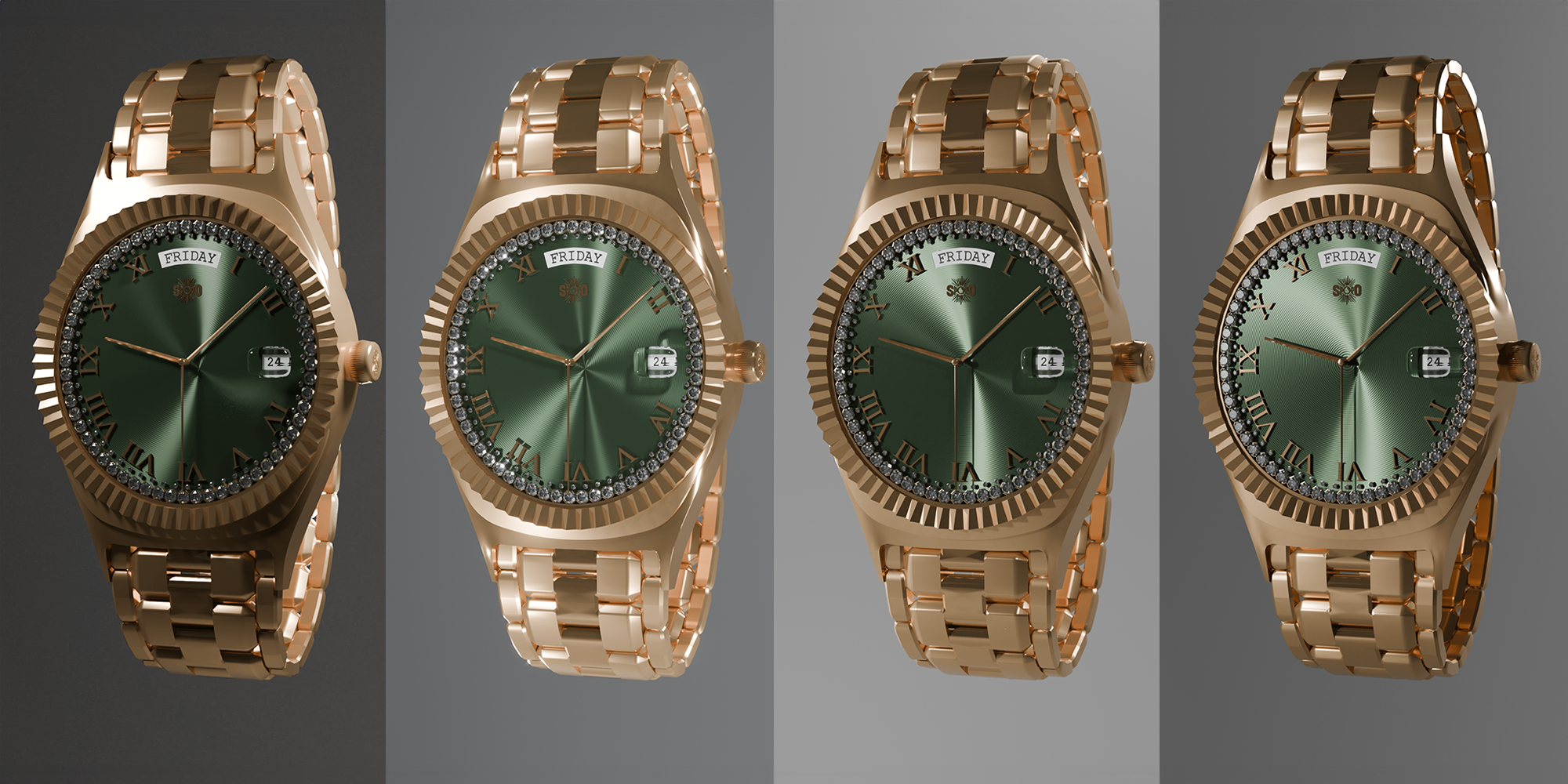
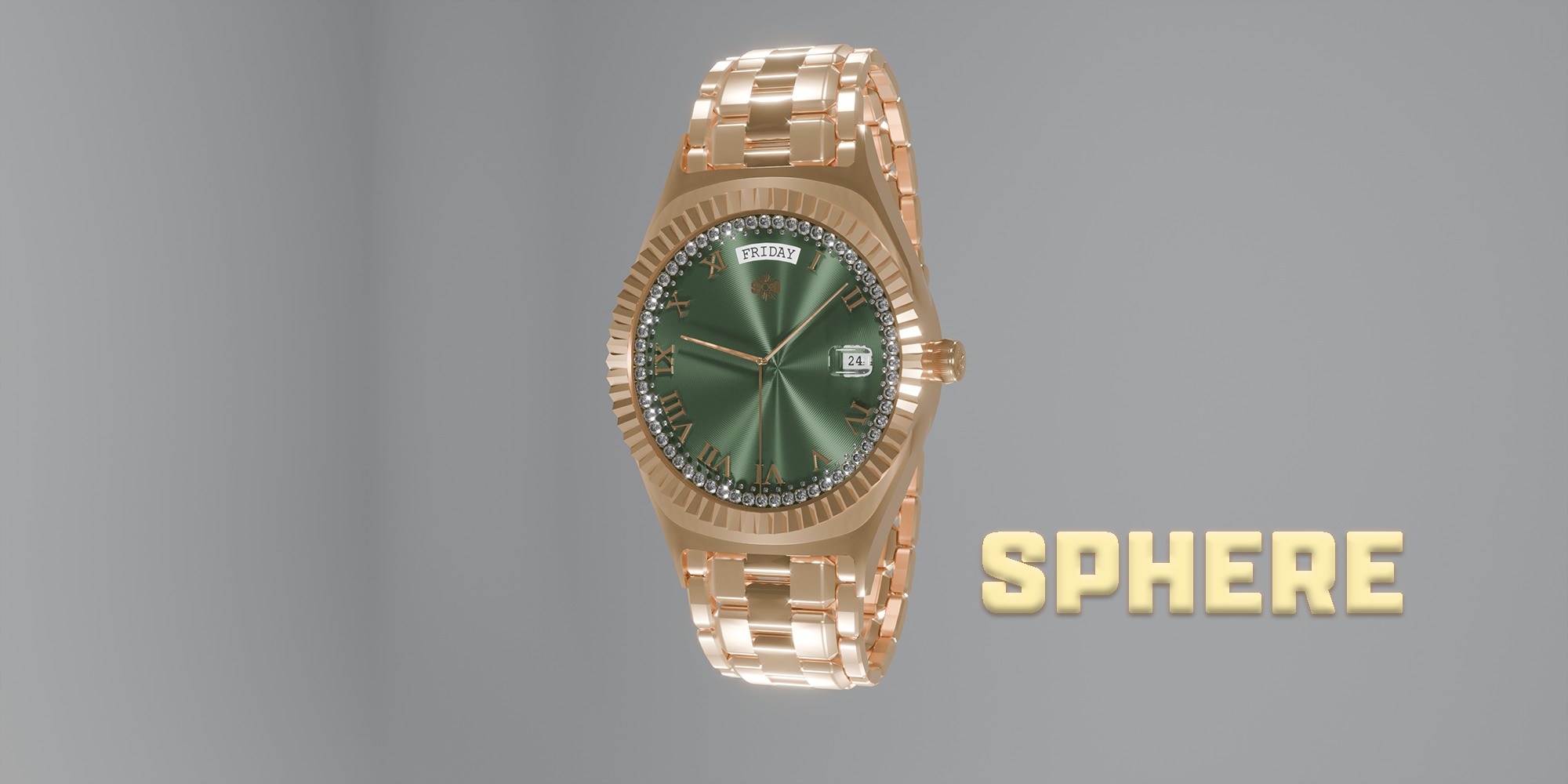
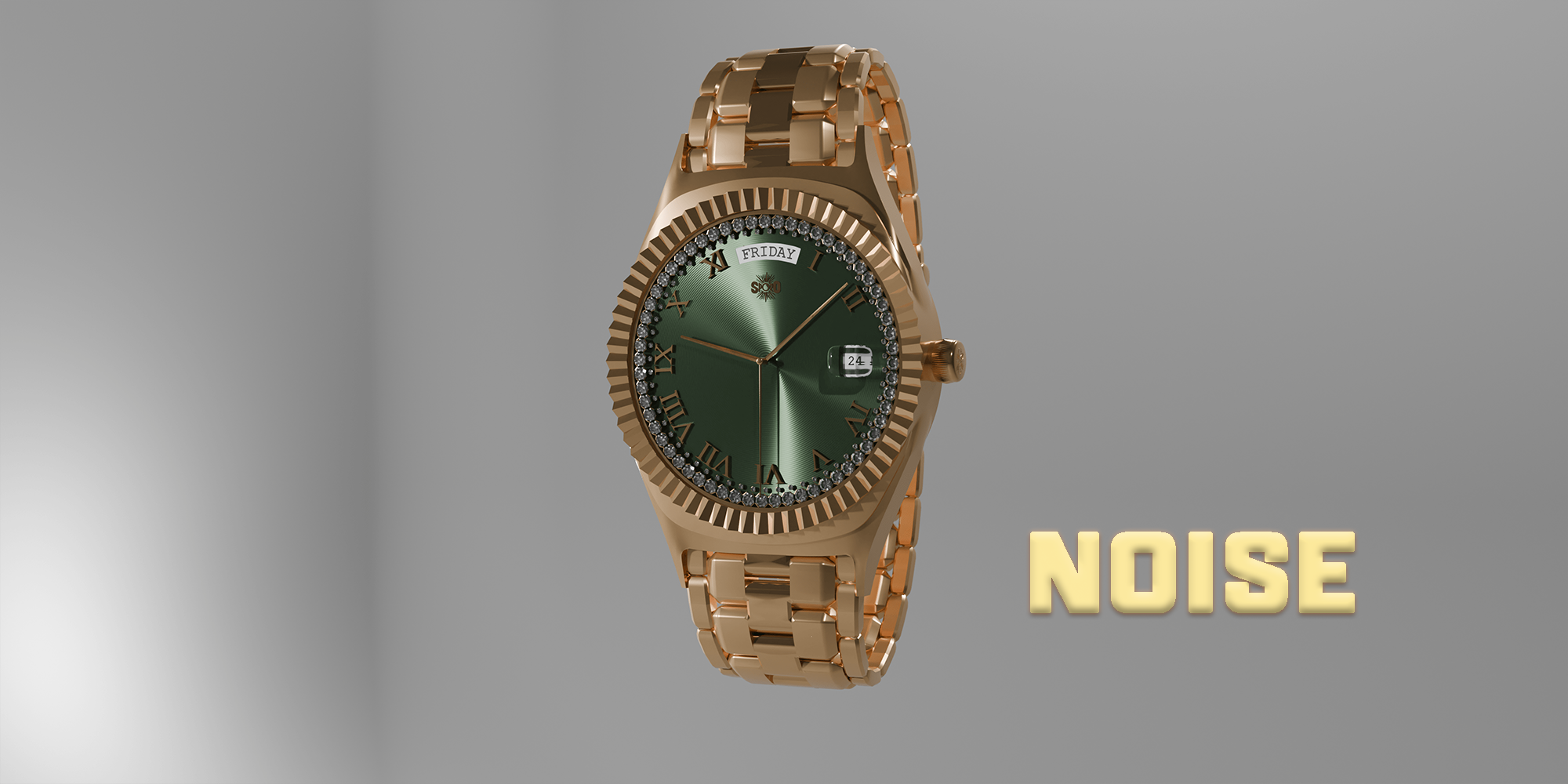
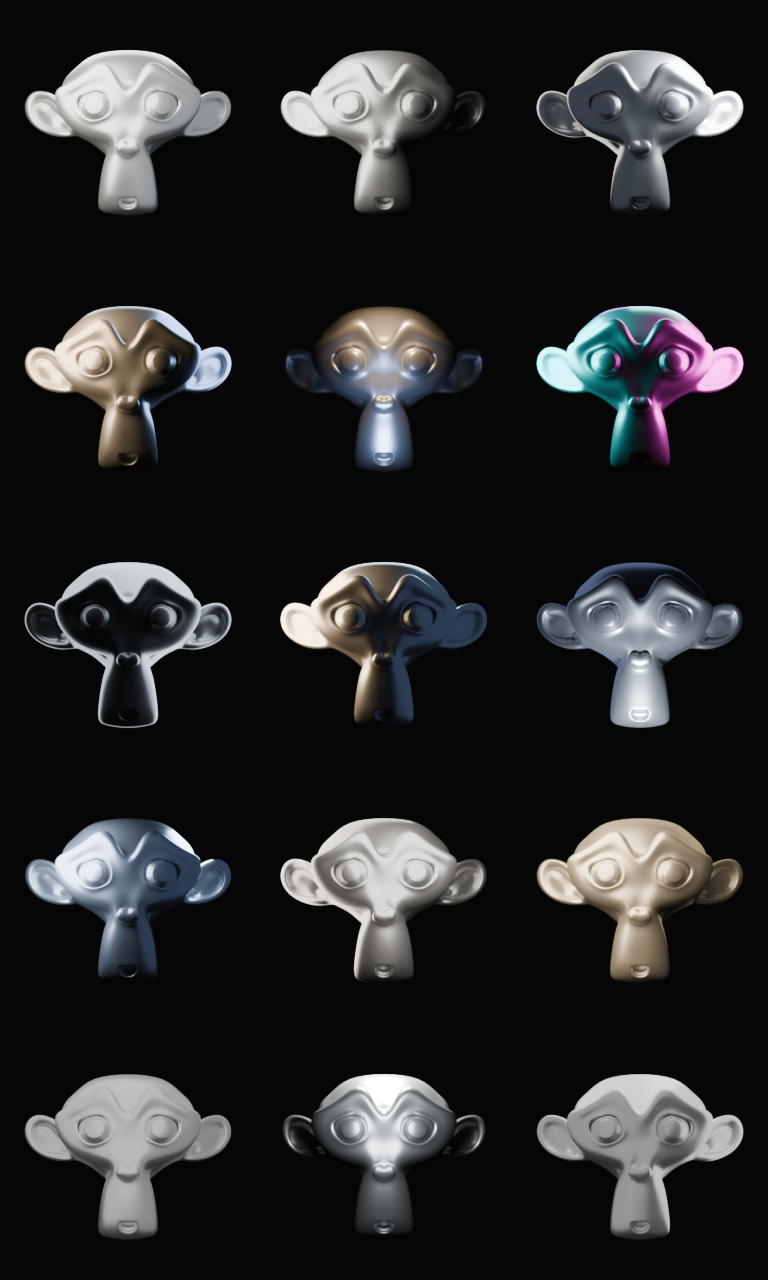
Create lighting rigs around your selected object using a range of preset lighting setups. Choose from classic and stylised lighting styles such as three-point lighting, split lighting, Rembrandt lighting, butterfly lighting, product softbox, hero rim lighting, neon split lighting, silhouette lighting, clay studio lighting, beauty lighting, and more.
Environment Lighting
Quickly apply mood-based environment lighting setups using procedural sky and world controls. Presets include daylight, dawn, dusk, golden hour, moonlight, foggy morning, storm incoming, desert sun, overcast, twilight, and night lighting. Each setup can be adjusted with controls for sky behaviour, sun elevation, sun size, exposure, contrast, environment lights, colour, and intensity. 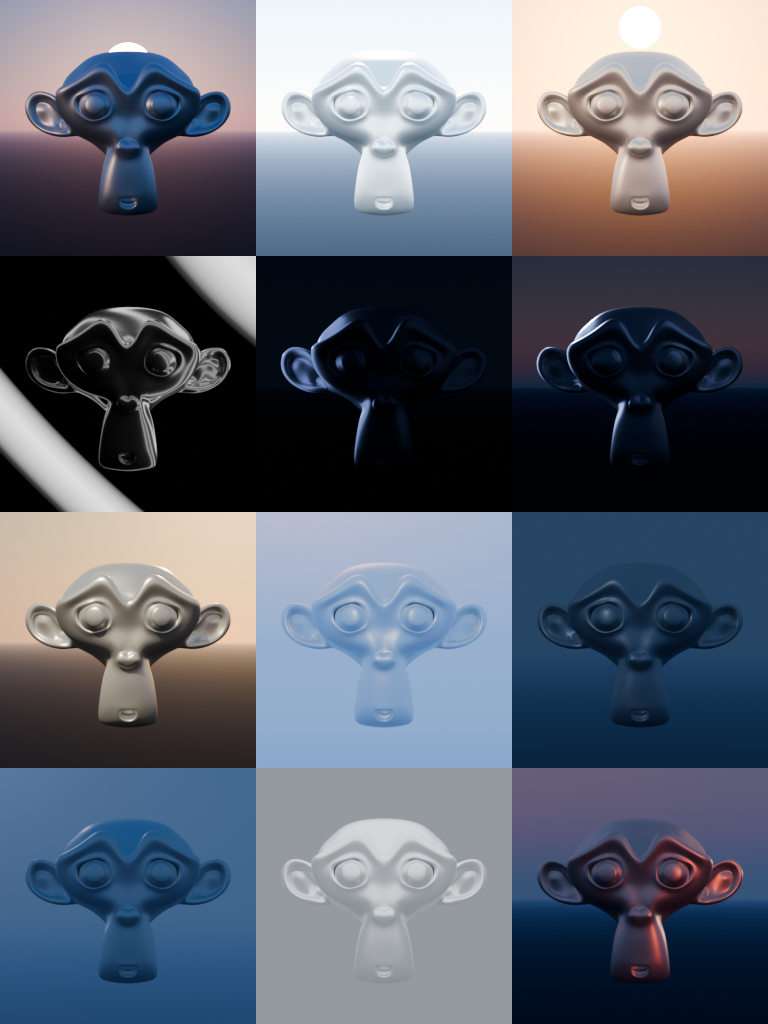
Studio Tools
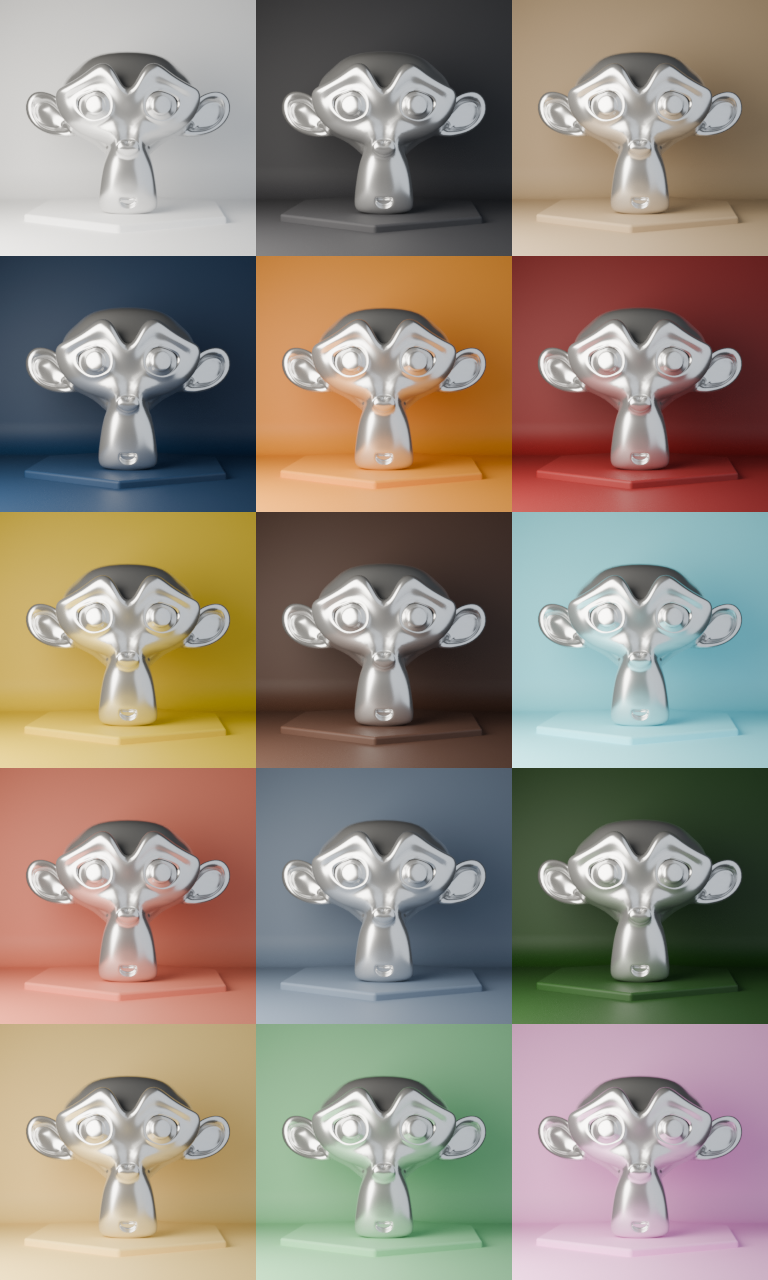
Instant Lights 2 also includes studio presentation tools for creating clean render setups. Generate cyclorama backdrops, floor planes, and product plinths directly from the add-on. Plinth options include cylinder, rounded box, triangle, and hexagon shapes. Studio objects can be moved, rotated, scaled, updated, removed, and customised without breaking their placement.
Material Presets
Use thumbnail-based material presets to quickly style your generated backdrops and plinths. Choose from clean studio colours, dark luxury setups, warm tones, cool tones, bold colours, and presentation-ready material options. You can also manually control backdrop and plinth colours, roughness, metallic values, and whether the plinth should match the backdrop.
More Than a Light Generator
Instant Lights 2 is designed as a fast render setup assistant for Blender artists who want to spend less time preparing scenes and more time creating finished images.
Key Features
Designed for Faster Blender Renders
Instant Lights 2 is ideal for Blender users who want a faster starting point for lighting and presentation, while still keeping control over the final look.