Instant Lights 2
 XML 4D
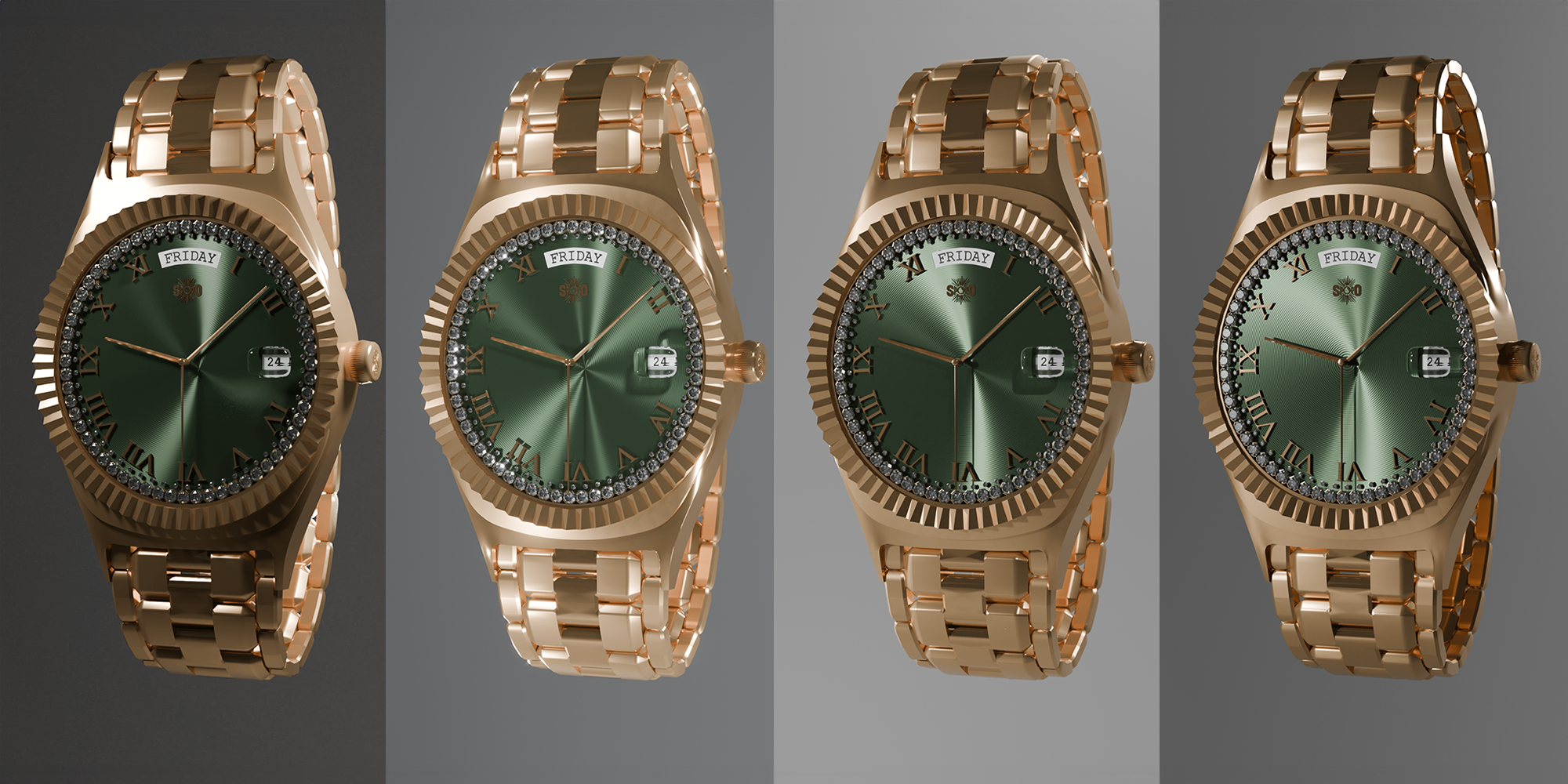
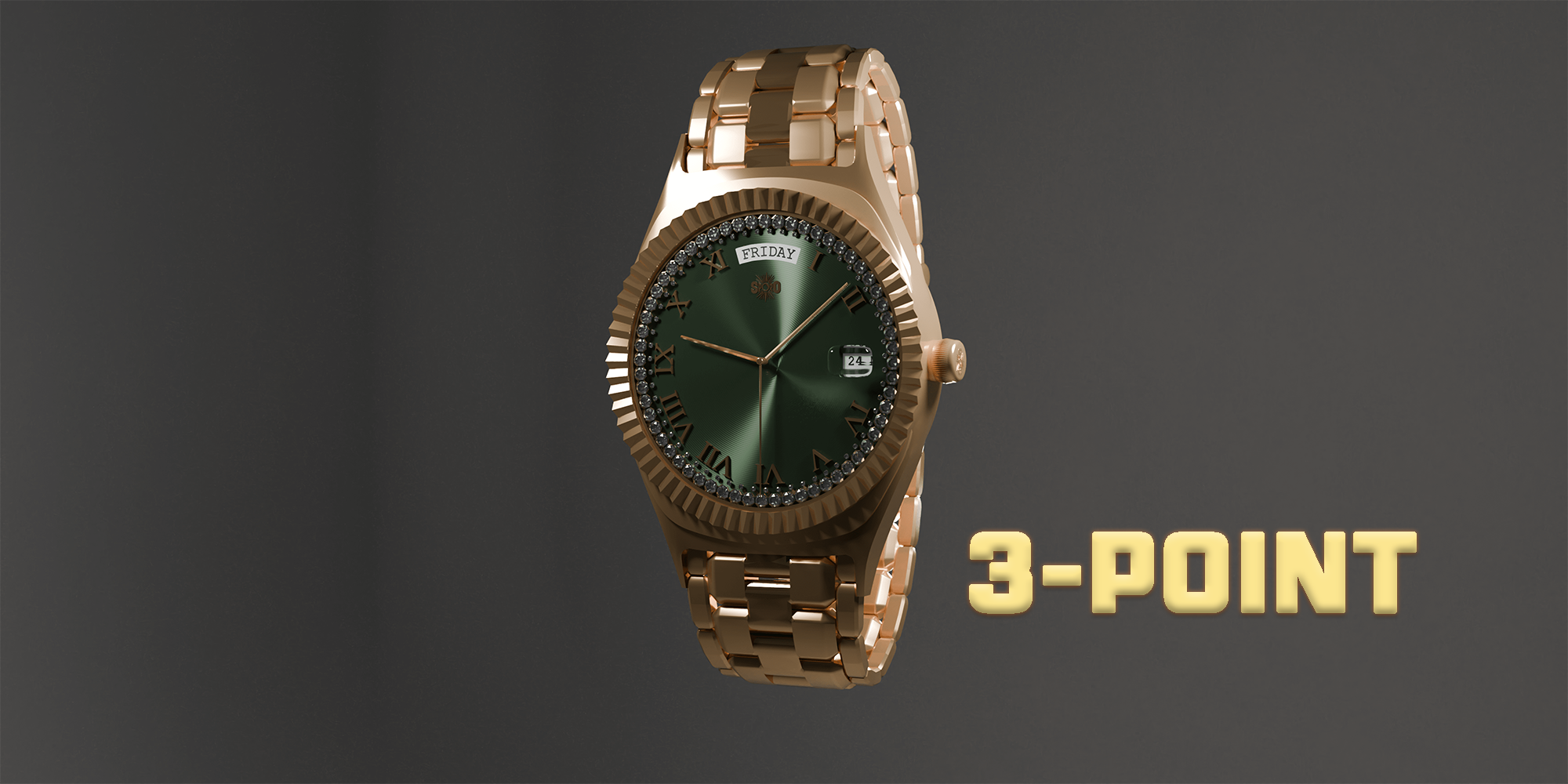
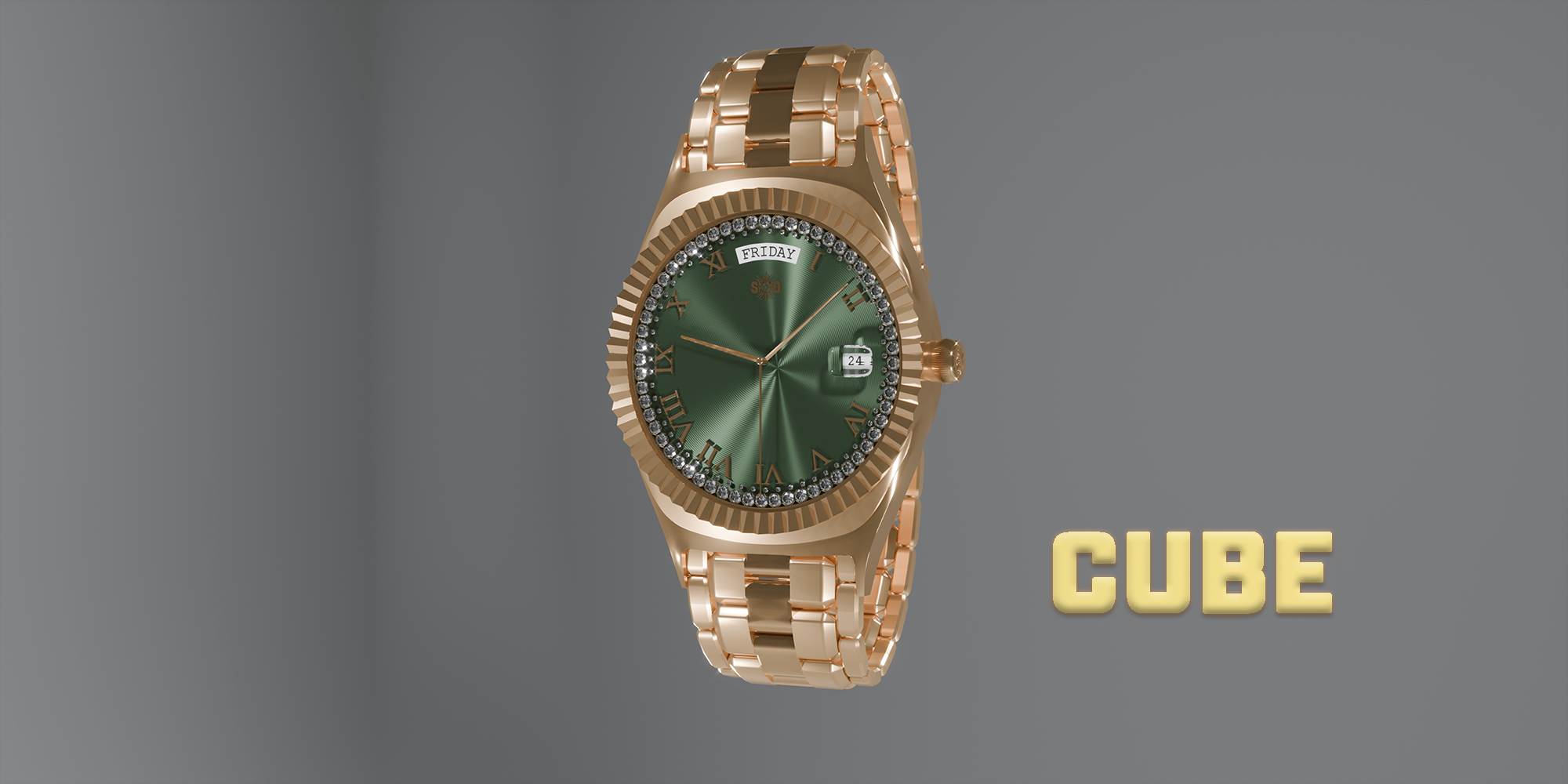
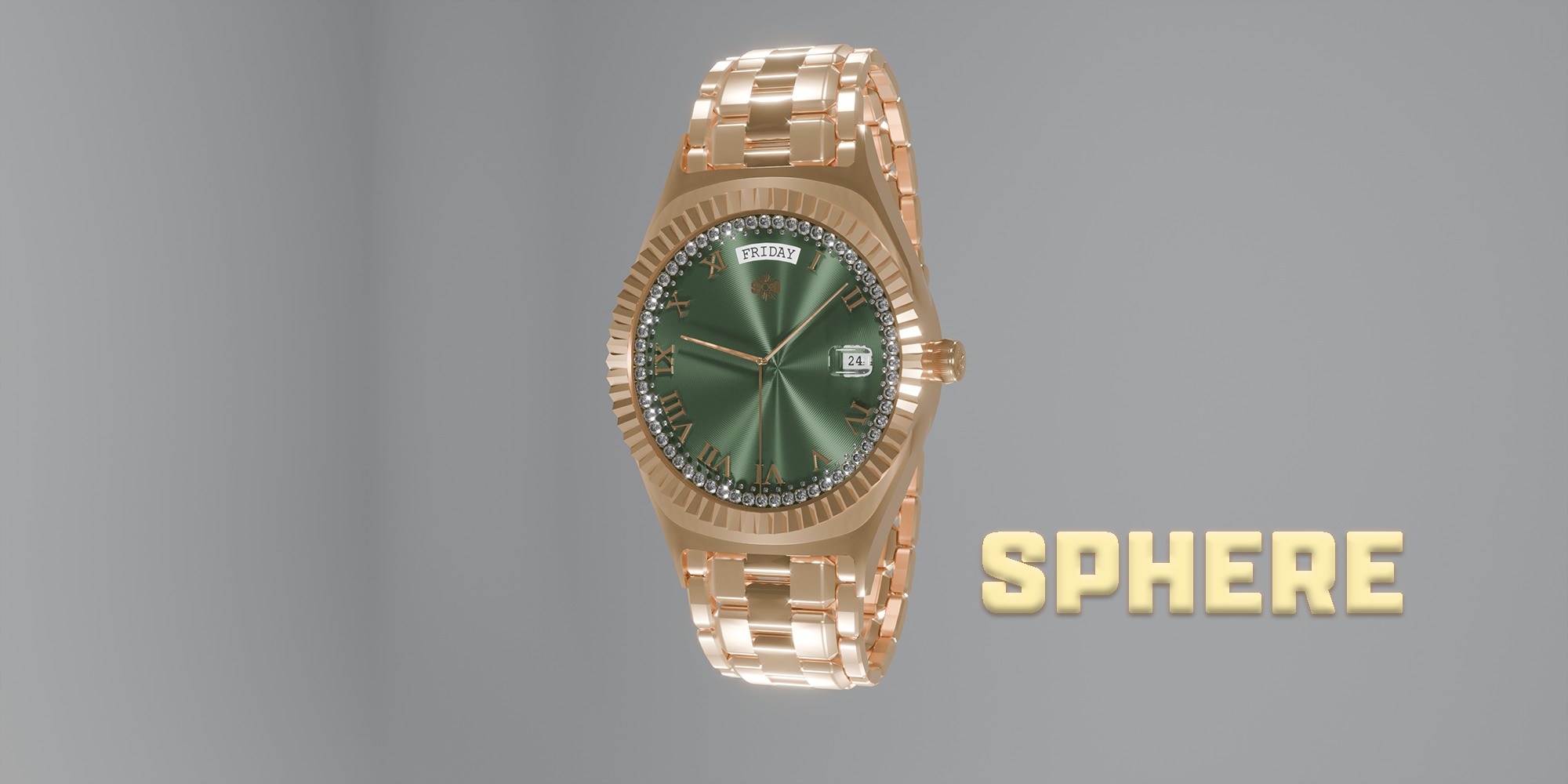
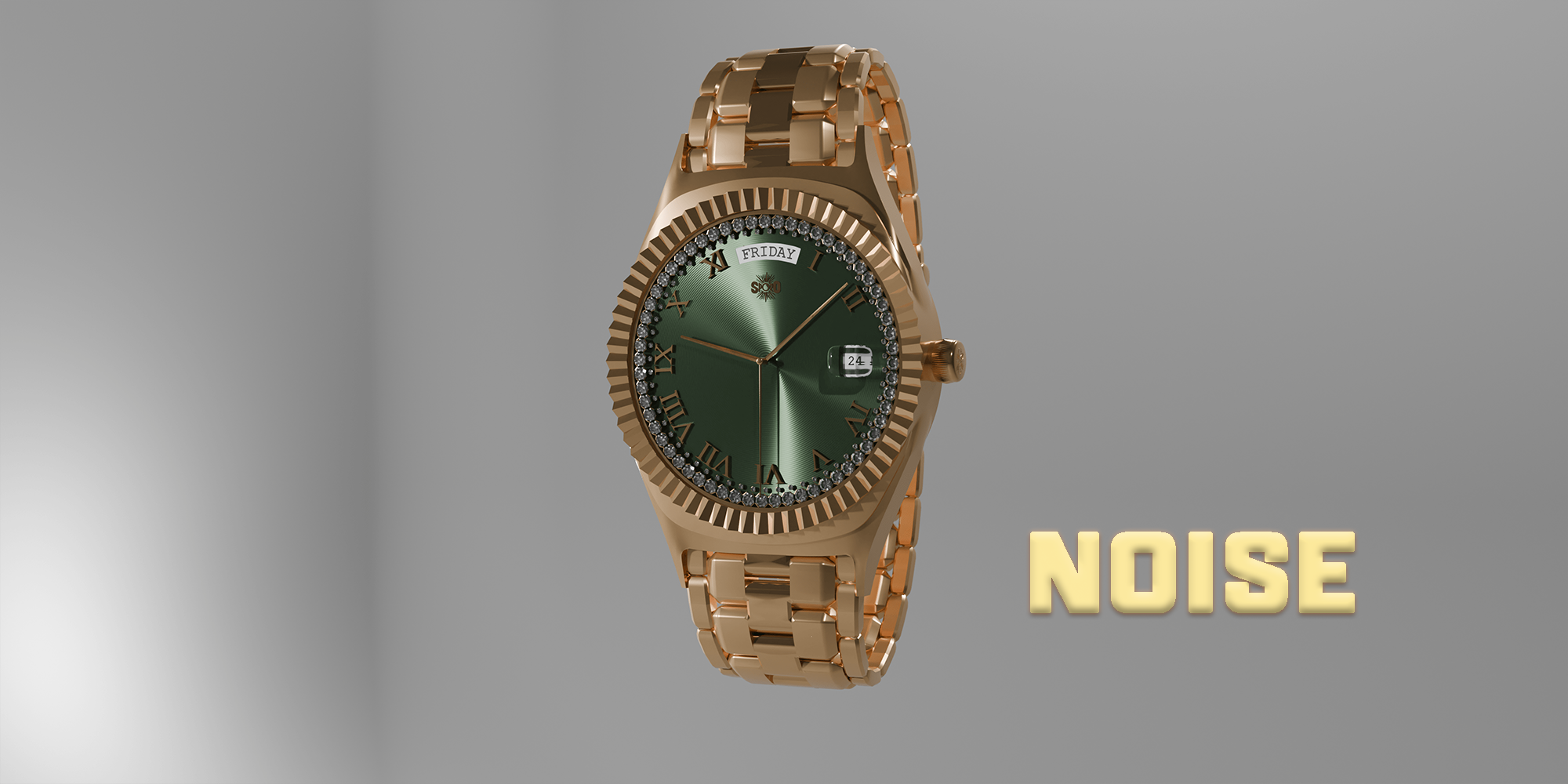
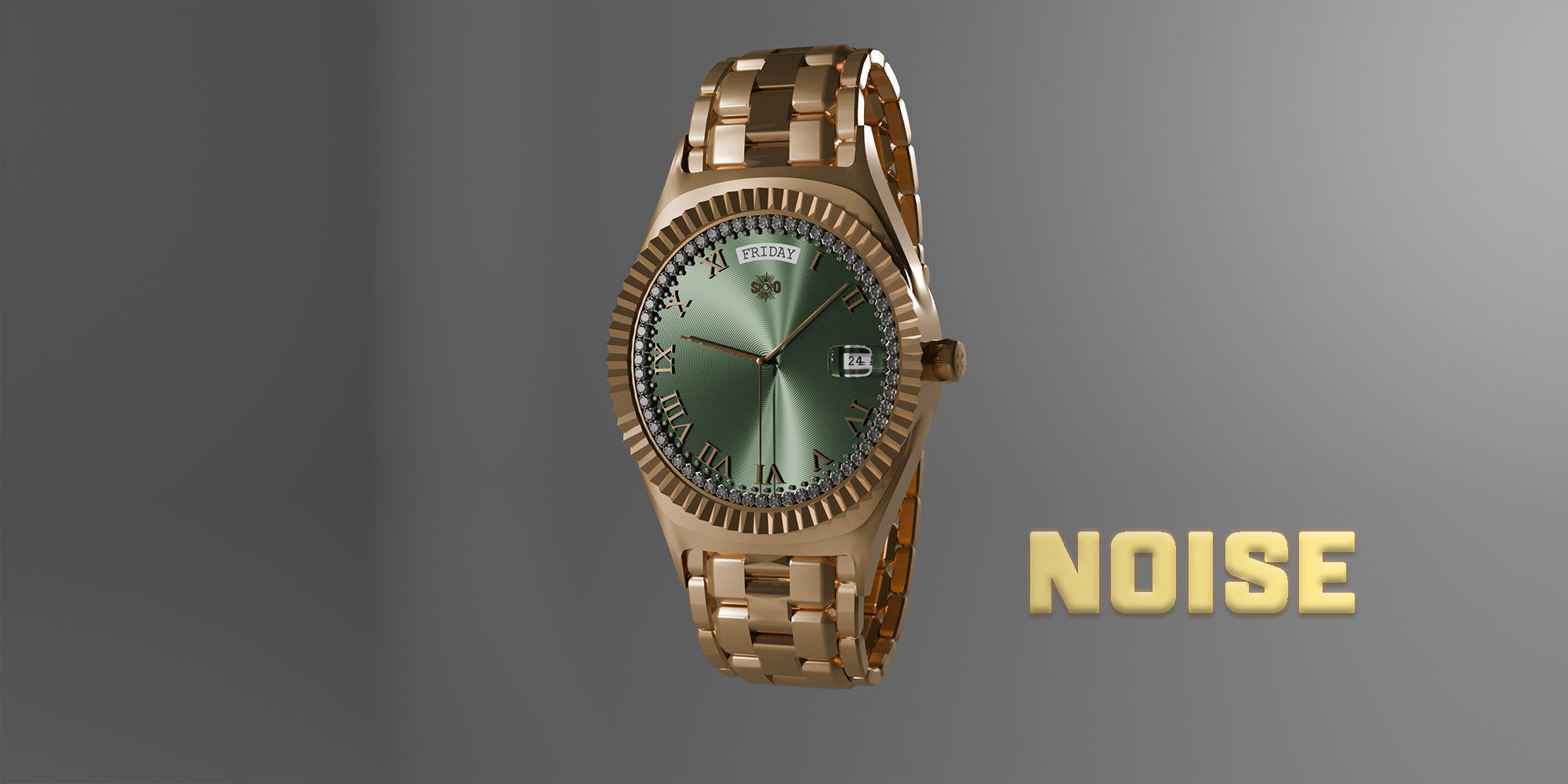
Instant Lights 2 is designed for modern versions of Blender and is intended to be used through the 3D Viewport N-panel.
How to install Instant Lights 2
Download the Instant Lights 2 ZIP file.
Open Blender.
Go to Edit > Preferences.
Open the Add-ons section.
Click Install.
Select the Instant Lights 2 ZIP file.
Enable the add-on.
You do not need to unzip the file manually.
How to use Instant Lights 2
After installation, open the 3D Viewport and press N to open the sidebar. You will find Instant Lights 2 in the side panel.
The add-on is organised into three main tabs:
Subject
Use this tab to create lighting rigs around a selected object. Select a model, choose a lighting preset, and adjust the live controls to refine the setup.
Environment
Use this tab to apply mood-based world and sky lighting presets. You can adjust sun elevation, sun rotation, sun size, exposure, contrast, world strength, environment light strength, colour, and other sky controls.
Studio
Use this tab to create studio presentation geometry such as cyclorama backdrops, floor planes, and product plinths. You can also apply material presets or manually control backdrop and plinth material settings.
Basic workflow
Select the object you want to light.
Open the Instant Lights 2 panel.
Choose a Subject lighting preset.
Choose an Environment lighting preset.
Add a Studio backdrop or product plinth if needed.
Apply a Material preset or customise the colours manually.
Adjust the controls until the render setup fits your scene.
Generated objects
Instant Lights 2 creates clearly named generated objects such as lighting controllers, environment lights, cyclorama backdrops, floors, and product plinths. These can be selected, adjusted, updated, or removed through the add-on.
Studio object behaviour
Studio objects preserve their manual position, rotation, and scale when their settings or materials are updated. This means you can move or rotate a backdrop or plinth, then continue adjusting bevels, materials, dimensions, or presets without losing your placement.
Support
If you experience an issue, please include your Blender version, operating system, and a short description of what happened. Screenshots or console errors are also helpful when reporting bugs.
Have questions about this product?
Login to message
| Sales | 10+ |
| Dev Fund Contributor | |
| Published | over 2 years ago |
| Blender Version | 5.0 - 5.2 |
| Render Engine Used | Cycles, Eevee |
| License | Creative Commons |
Discover more products like this
spring24 lights 3D lighting asset light-system jewelery 3d-light 3d-lighting noise lights three points custom lights instant product visualisation cool-lights archviz lights split area lights quick SPAWN Fast lazy lazy lights