Instant Render
 BS Creative


Is this meant for final production renders?
It is primarily built for fast previews, iteration, and quick approvals.
Why did my render not start?
Most commonly, the output path is invalid or not writable. Set a valid output directory in Blender and try again.
Which output formats are supported?
- Snapshot: JPEG, PNG, OpenEXR
- Image Sequence: JPEG, PNG, OpenEXR
- Animation can also be rendered as Video File mode.
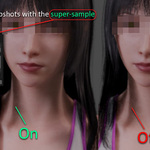
What does Super-sample do in Snapshot mode?
It renders at 2x and downscales for a cleaner still image.
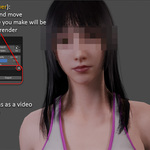
What is Interactive Render (Image Sequence mode)?
It allows a more interactive/cancel-friendly sequence render path, but is slower. Be careful moving the viewport during this mode because changes can affect captured output.
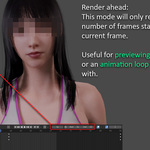
What does Render N Frames Ahead do?
It renders only a set number of frames starting from the current timeline frame.
What does Step do?
Step skips frames during animation render. Higher Step values render faster but reduce motion smoothness.
Where are files saved?
Inside your current Blender output directory, under:
- `Instant Render/Snapshots`
- `Instant Render/Video-Sequence`
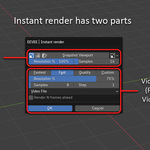
What is the difference between Snapshot and Video/Sequence sections?
- **Snapshot** is for still images.
- **Video/Sequence** is for animation output.
They are separated intentionally for faster, cleaner workflow.
Does this work with Cycles?
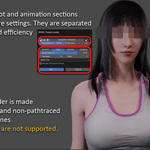
Instant Render is designed for EEVEE viewport workflows and non-path-traced preview rendering.
Do I need a camera to use this addon?
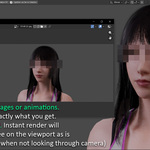
No. Instant Render can render directly from the active viewport. If you are looking through a camera, it will render that camera view.
Where do I find Instant Render after installing?
Go to Top Bar -> Render -> EEVEE | Instant render
Discover more products like this
animation preview Render eevee render viewport 3D Character Animation screenshot Blender playblast image-render animation animation render playblast crop