 blenderustad
Rig and animate a character without leaving Blender
You have a finished character. Now you need it to walk, wave or fight. The usual path is slow: export to a web rigger, wait, re-import, fix the scale, set up retargeting, then repaint the weights the auto-rig got wrong.
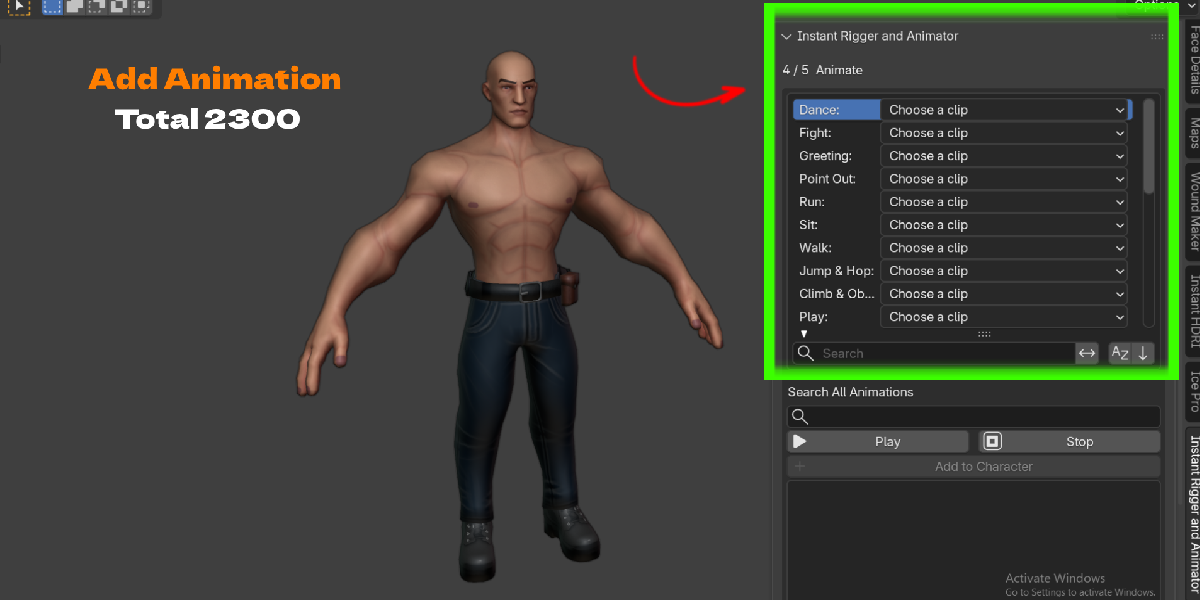
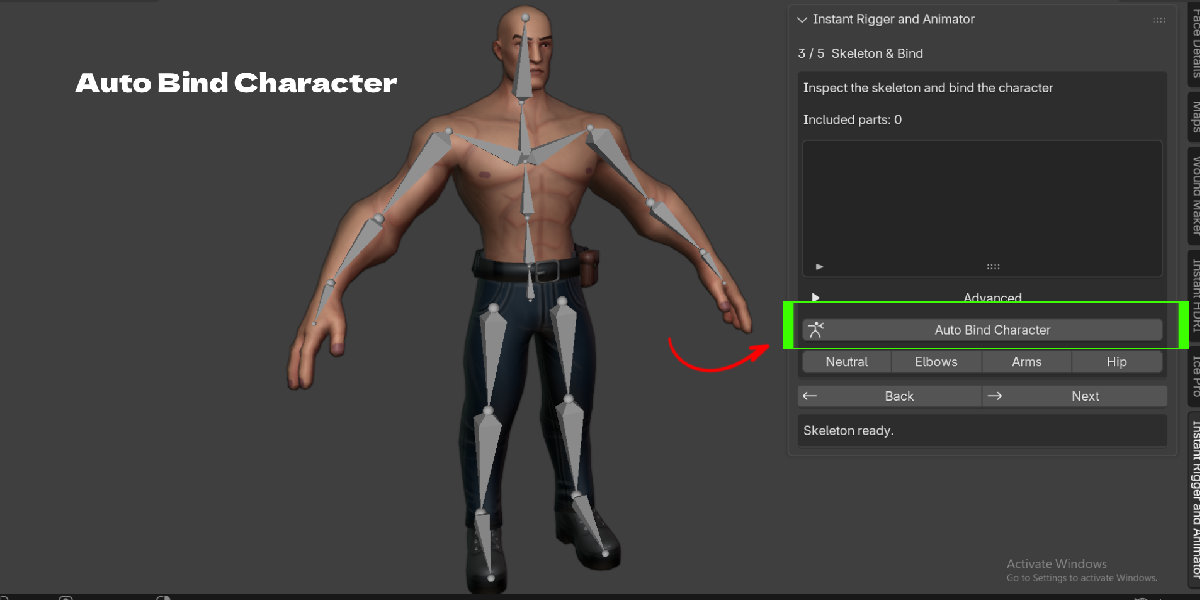
Instant Rigger and Animator replaces that round trip with one panel in the 3D Viewport sidebar. You place a few body guides, click Auto Bind Character, choose a clip from a library of 2300+ animations, and export. Your mesh never leaves your Blender file.
Built for real characters, not only clean base meshes
Most auto-riggers expect one watertight body mesh. Real characters are rarely like that. They come as a body plus jacket, boots, belt and hair. Some have no body under the clothes. Some are robots made of separate armor pieces.
This addon looks at the geometry when you bind and picks the right method for you:
- A full body with clothing: it skins the body, then transfers weights to the clothes and details.
- Clothing with no body underneath: it seals seams and openings on temporary copies, skins them, and keeps your original open edges and UVs.
- Robots and armor: it detects rigid pieces and gives each one a single bone, so metal parts stay rigid instead of bending like rubber.
- Hair, eyes, teeth and small parts: they follow the nearest solved surface, or the head when the names make that clear.
There is no character-type dropdown to guess. You click one button.
A guided wizard that tells you what to do next
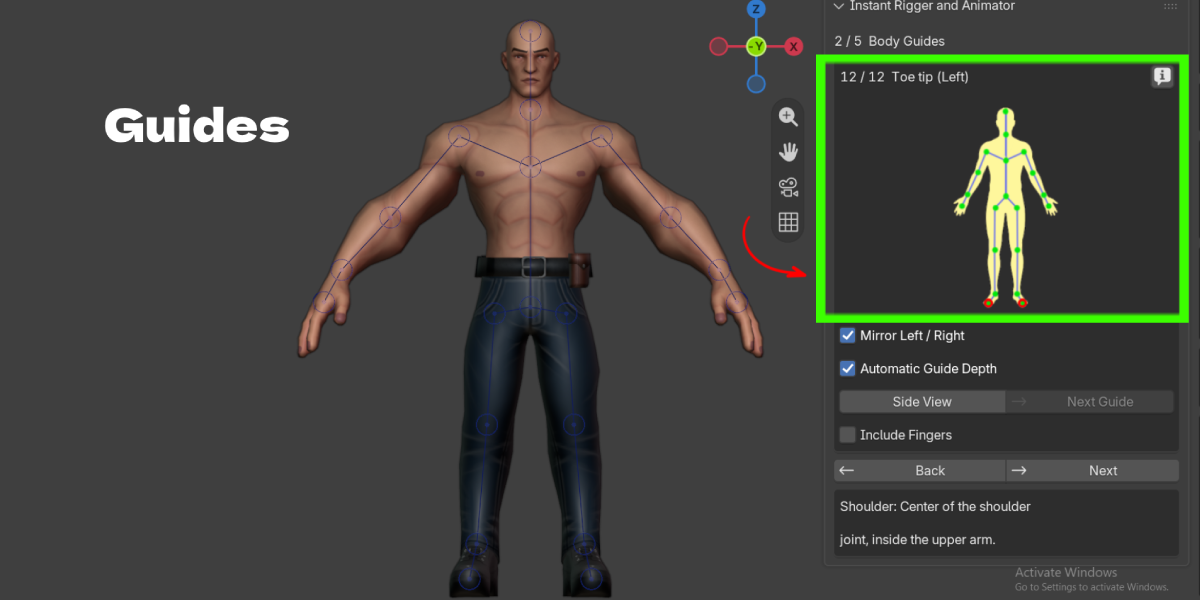
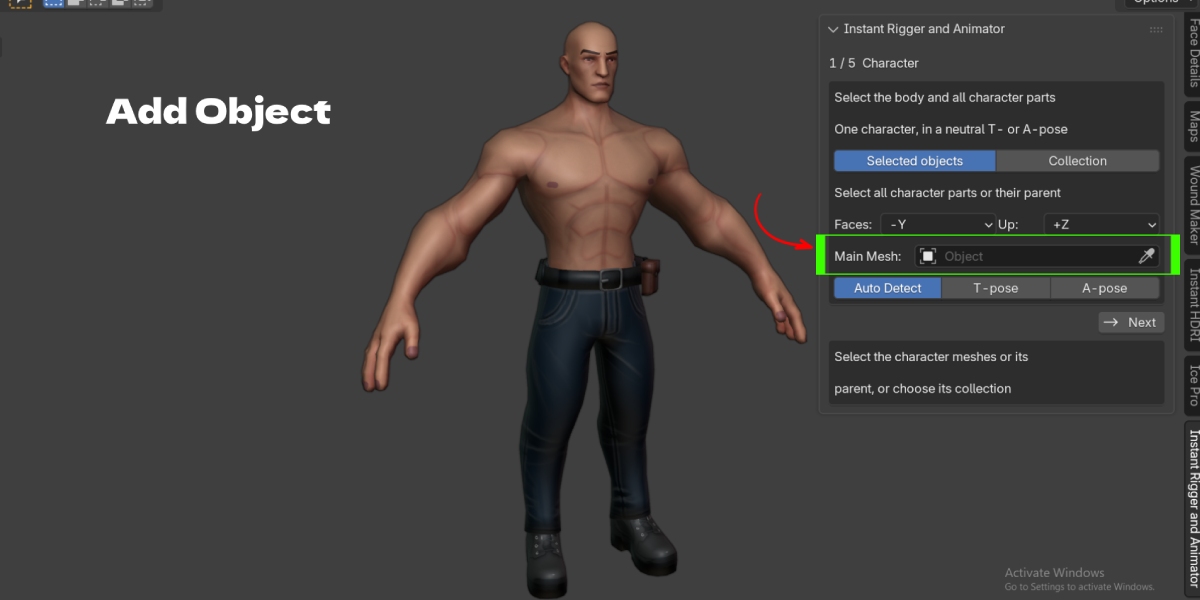
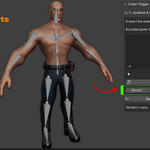
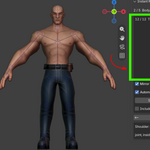
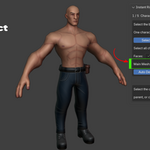
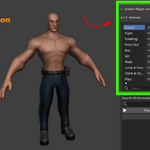

The panel walks you through five pages: Character, Body Guides, Skeleton & Bind, Animate, Edit & Keyframe. Each guide step shows a reference image and a suggested position, so you only nudge circles that look off. Mirroring is on by default, and a Side View button lets you check depth in one click.
Animation that is ready the moment you bind
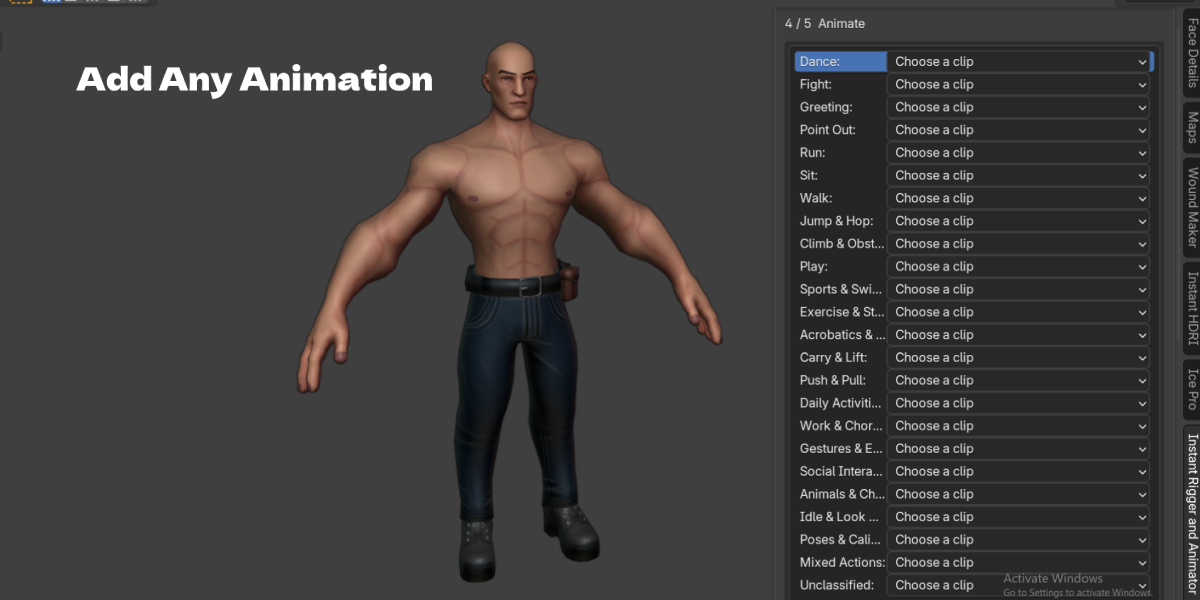


The built-in library holds 2300+ clips in 24 categories, including Walk, Run, Dance, Fight, Sit, Jump, Climb, Sports, Gestures and Daily Activities. Click a clip and it plays on your character right away. Like it? Click Add to Character. Stack as many clips as you need, each as its own named action.
Fix animations instead of re-recording them
Stock motion rarely fits perfectly. A hand goes through a hip, or a foot slides. The Animation Corrections tool lets you move the regular IK and FK controls once, and the change becomes an offset across the whole clip or a frame range, with blend in and blend out. The original motion stays underneath, so you can always reset.
Export straight to your game engine or another app
Export to FBX or GLB as Character + Animation, Animation Only, or Mesh + Rig in rest pose. The export bakes your edits onto a clean, deform-only skeleton with no helper bones or guides, which keeps it light for Unity, Unreal Engine, Godot, and web viewers.
Key Features with Benefits
| Feature | What it means for you |
|---|---|
| Guided 5-step wizard | You always know the next step. No rigging theory needed to get a working result. |
| Auto-suggested body guides | 12 landmarks from pelvis to toe tip are estimated for you. You adjust, you don't start from zero. |
| Live mirroring and side view | Fix one side and the other follows. Check depth with one button. |
| Automatic depth placement | Guides center inside the body from the side, so joints sit inside limbs, not on the skin. |
| Optional finger rigging | Click each fingertip and joints are generated for you. Supports extra digits beyond five per hand. |
| One-click Auto Bind | The addon picks body skinning, multipart skinning or rigid binding from the geometry. |
| Works with clothing and separate parts | Jackets, boots, armor, hair and accessories all get weighted, with or without a body underneath. |
| Non-destructive binding | Your original meshes, UVs and materials stay untouched. The rig drives copies. |
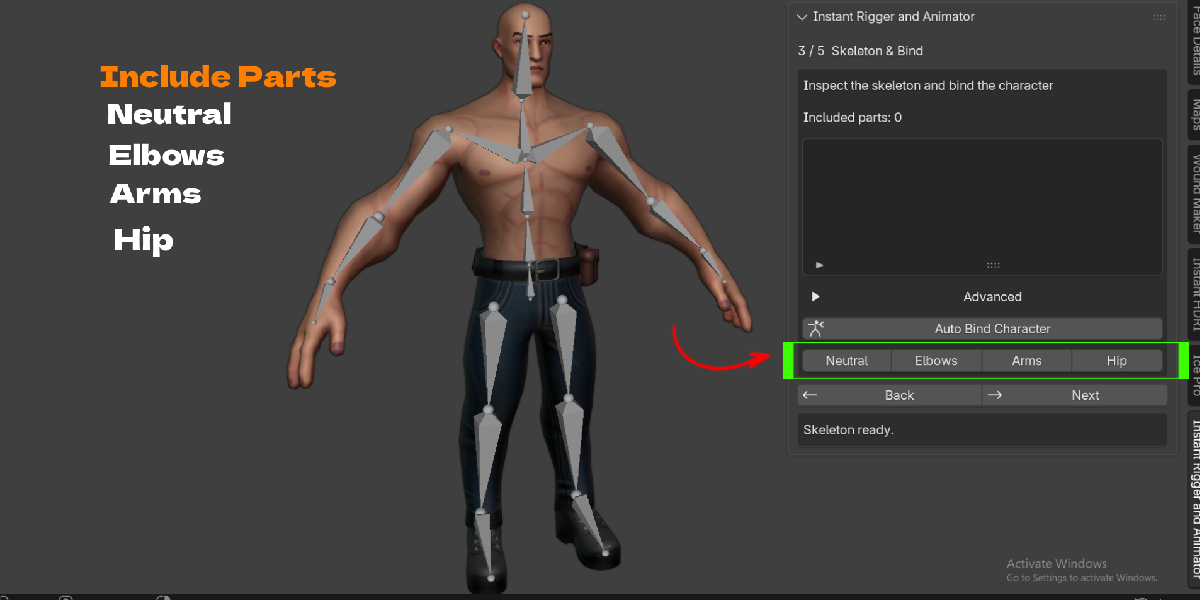
| Built-in test poses | Neutral, Elbows, Arms and Hip buttons show deformation problems before you animate. |
| 2300+ animation clips in 24 categories | Preview with one click, add with a second. Search all clips by name or description. |
| Simple IK controls | Hands, feet, pelvis, chest, neck and head. Elbow and knee handles set the bend direction. |
| Finger Grip and Individual modes | Curl all fingers with one control, then refine single fingertips on top. |
| Animation Corrections | Offset a whole clip or a blended frame range with the same viewport controls. Reset anytime. |
| Multiple animations per character | New, duplicate, rename and switch actions from one dropdown. |
| Save and load poses | Store poses as JSON and reuse them on other shots. |
| FBX and GLB export | Bakes motion, IK edits and finger motion onto a clean deform-only skeleton. |
Workflow Benefits
From modeled to moving in one sitting. Select your character, place guides, bind, pick a clip. On a typical T-pose or A-pose character this is a short session, not a day of setup.
No round trip to a web service. You do not upload your character, re-import it, or rescale it. Your file, your materials and your scene stay as they are.
No retargeting setup. The animations are mapped to the rig the addon builds, so there are no bone lists to match and no rest-pose mismatch to solve. The library previews also compensate for A-pose versus T-pose differences.
Less weight painting. The automatic method choice handles clothing, separate pieces and rigid parts. You spend your time checking test poses, not painting from a blank vertex group.
Edits stay safe. Original meshes are kept. Original animation clips are kept as backups when you edit with IK. Corrections can be reset. A failed bind keeps your previous result.
One rig, many takes. Keep a walk, a run and an idle on the same character and export each one when you need it.
Use Cases
- Indie game developers: Rig a player or NPC, add idle, walk, run and jump, and export FBX for Unity, Unreal Engine or Godot. Export each take separately for your state machine.
- Previz and storyboards: Drop a posed or walking character into a blocking scene in minutes, without waiting on a rigger.
- Product and architectural renders: Add people who sit, walk, talk on the phone or wave, to bring life to a scene.
- YouTube, social and short-form content: Make a character dance or react, then render straight from Blender.
- Kitbashed robots and mechs: Bind armor plates and rigid parts so they move as solid pieces.
- Stylized and clothed characters: Rig characters that are only clothing on the outside, with no body mesh inside.
- Web 3D and AR: Export GLB with animation for three.js, Babylon.js or model viewers.
- Students and beginners: Learn how a rig and a keyframe work by editing real motion with simple controls.
