 KING ZEN STUDIOS



AUTO SPAWN KING
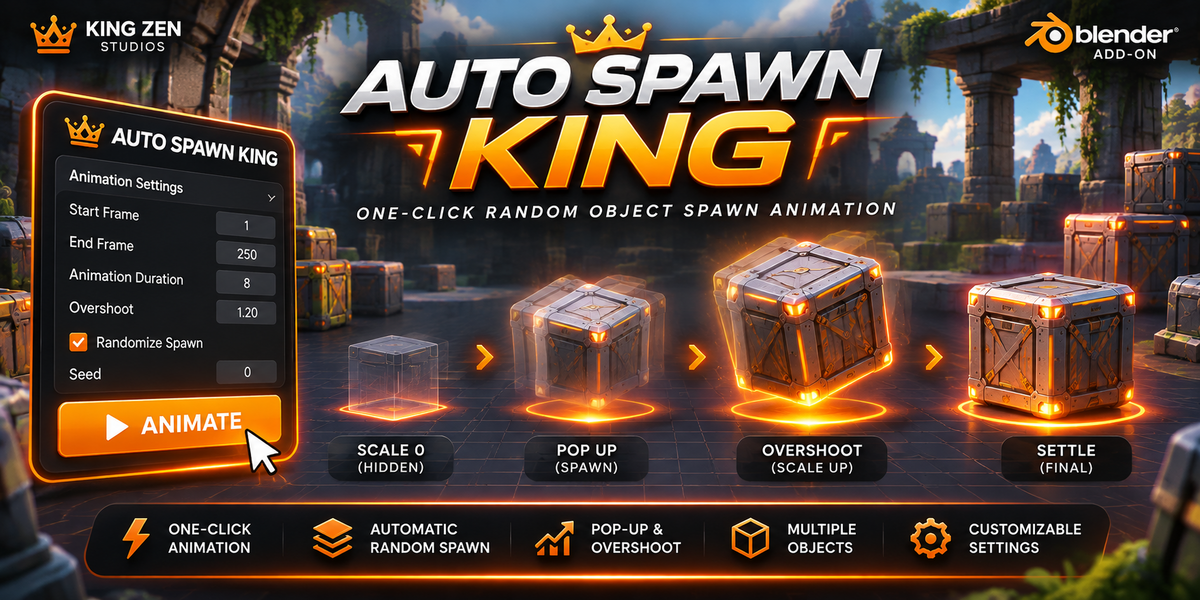
ONE-CLICK RANDOM OBJECT SPAWN ANIMATION FOR BLENDER
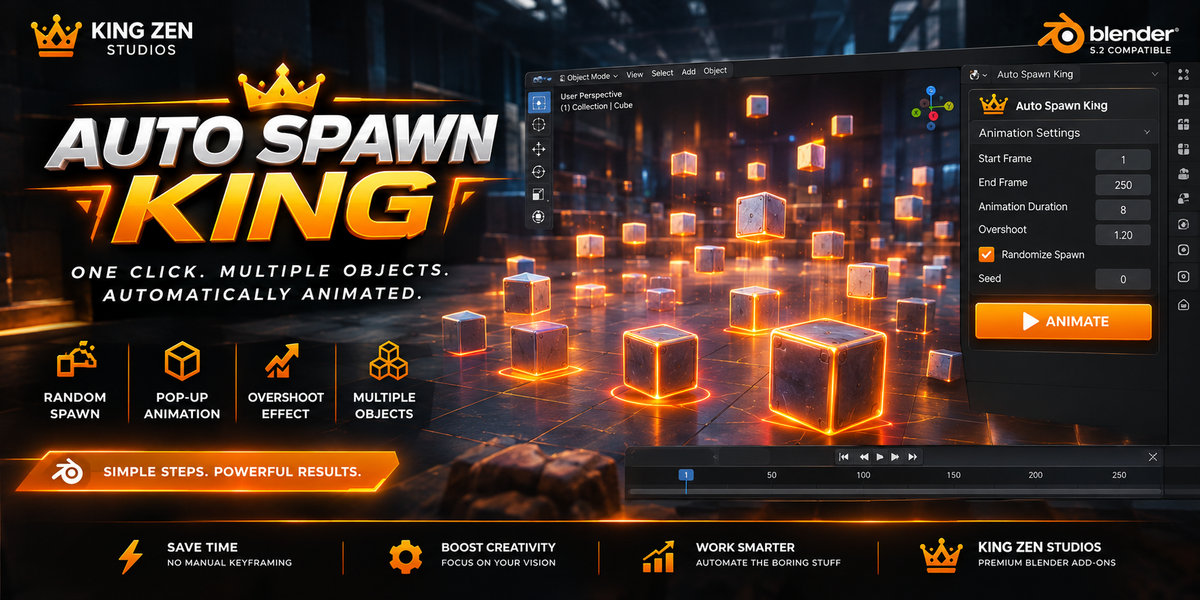
NO MORE LONG SETUPS. NO MORE MANUAL KEYFRAMING. JUST SELECT, SET, AND ANIMATE!
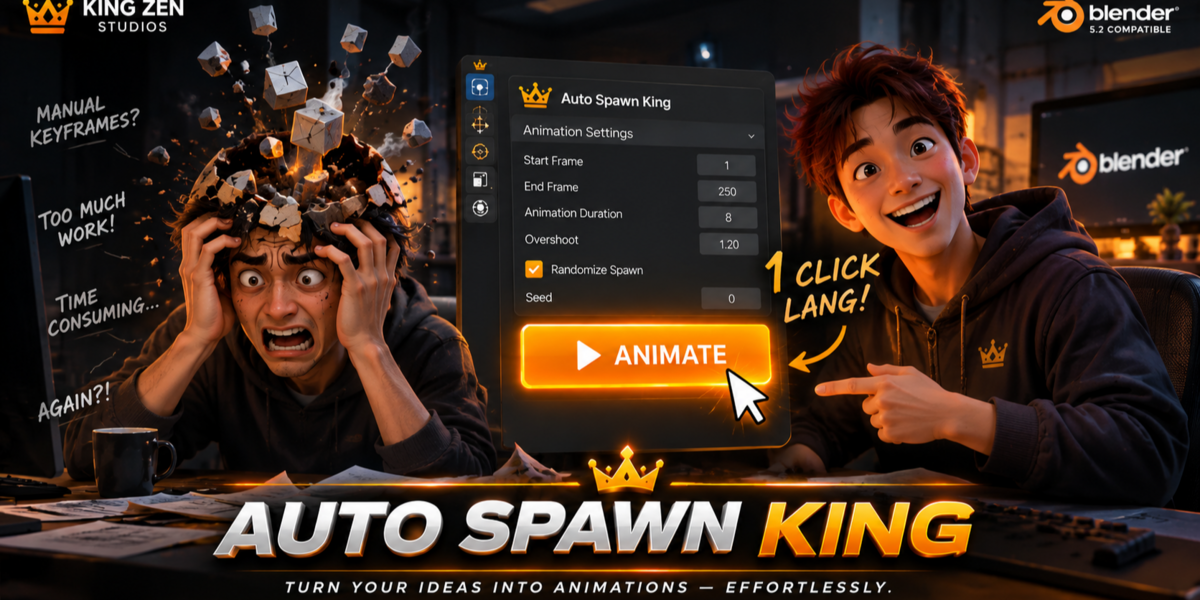
Tired of manually animating hundreds of objects one by one?
AUTO SPAWN KING makes object spawning incredibly simple.
Just install the add-on, select all the mesh objects you want to animate, set your frame range, and click ANIMATE.
That's it!
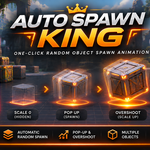
AUTO SPAWN KING automatically generates randomized spawn timing and pop-up scale animations for all your selected objects.
Let the add-on handle the animation setup while you focus on creating your scene.
HOW IT WORKS
STEP 1 – SELECT YOUR MESHES
Select all the mesh objects you want to animate in your Blender scene.
STEP 2 – SET YOUR FRAME RANGE
Choose the beginning and ending frames where objects can randomly spawn.
STEP 3 – CLICK ANIMATE
Press the ANIMATE button.
STEP 4 – DONE!
Every selected object automatically receives its own randomized spawn timing and pop-up animation.
KEY FEATURES
One-Click Animation Generation
Automatic Random Spawn Timing
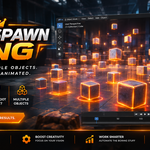
Multiple Object Animation
Pop-Up Scale Animation
Overshoot Animation
Automatic Original Scale Preservation
Adjustable Frame Range
Adjustable Animation Duration
Customizable Overshoot Strength
PERFECT FOR
Procedural Environment Creation
Motion Graphics
Product Presentations
Object Reveals
Scattered Object Animations
Game Environment Showcases
Large-Scale Scene Animation
WHY AUTO SPAWN KING?
Imagine having hundreds of objects in your scene.
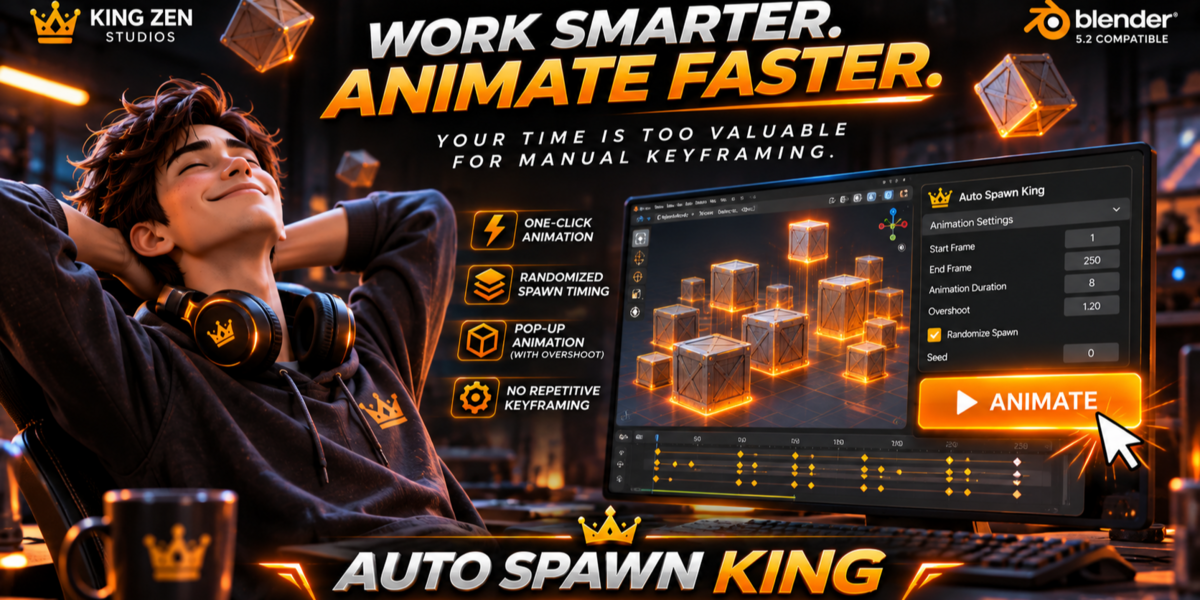
Instead of manually creating keyframes for every object, AUTO SPAWN KING automatically distributes their spawn timing across your chosen frame range.
One click handles the animation generation for all selected meshes.
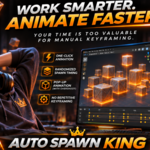
Less repetitive work. Faster animation workflow.
AUTO SPAWN KING
SELECT. SET. ANIMATE.
Developed by KING ZEN STUDIOS.
Blender 5.2 Compatible.
