Instant Terrain Importer
 Voyde Procedural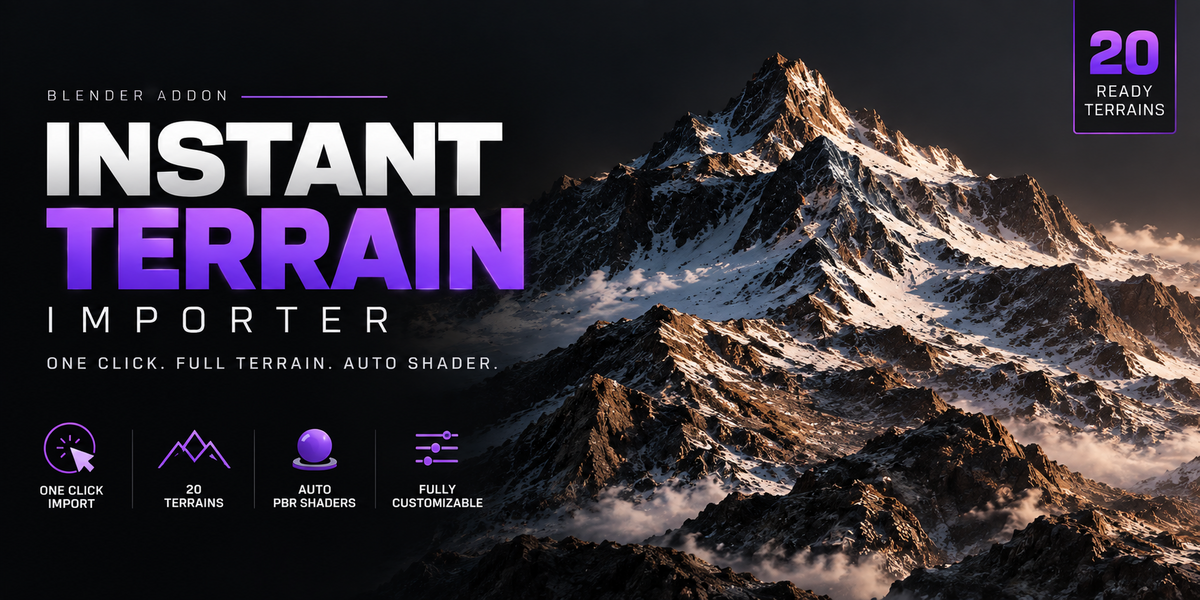


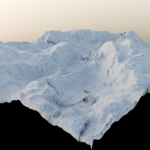
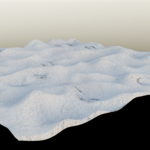
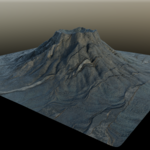
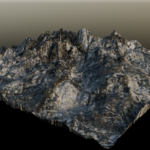
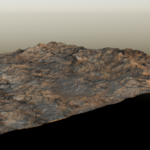
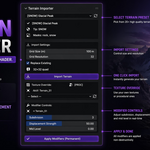
Instant Terrain Importer is a Blender addon that lets you import and set up fully procedural terrains in seconds. Select a terrain, click Import — the mesh, displacement, and PBR shader are all built automatically.
INSTALLATION
- Go to Edit > Preferences > Add-ons
- Click Install and select the .zip file
- Enable the addon — the terrain folder is detected automatically
- Open the Terrain Importer tab in the 3D Viewport sidebar (N panel)
HOW TO USE
- Select a terrain from the dropdown
- Adjust Grid Size, Resolution, and Subdivision if needed
- Click Import Terrain
- Fine-tune displacement in real time using the Modifier Controls
- Optionally load a PBR texture set from the Texture Override section
TERRAIN TYPES
- Snow — Glacial Peak, Frozen Tundra, Ice Shelf, Blizzard Carved, Avalanche Scar
- Rock — Canyon Walls, Cracked Badlands, Boulder Field, Coastal Cliffs, Shattered Peaks
- Desert — Dune Sea, Sandstorm Ripple, Eroded Mesa, Desert Cracked, Wadi Carved
- Volcano — Caldera, Lava Flow Field, Cinder Cone, Eruption Peak, Pyroclastic Surge
TEXTURE OVERRIDE
Place PBR textures in the Terrains/textures/ folder. The addon auto-detects and groups them. Supported maps: Color, Normal (GL), Roughness, Displacement, Emissive. Click Apply Textures to switch from procedural to texture mode. Click Reset to Procedural to go back.
NOTES
- Blender 3.6 or newer required
- Works with Cycles and EEVEE
- AgX color management recommended
- Normal maps must be OpenGL (GL) format
Have questions about this product?
Login to message
| Sales | 10+ |
| Published | 5 months ago |
| Blender Version | 3.6 - 5.1 |
| Extension Type | N/A |
| Render Engine Used | Cycles, Eevee |
| License | GPL |
Discover more products like this
Heightmap terrain generator environment gaea procedural Shader blender addon landscape displacement world-builder terrain