Ivy Generator For Blender — Geometry Nodes Surface Foliage
 3D Tudor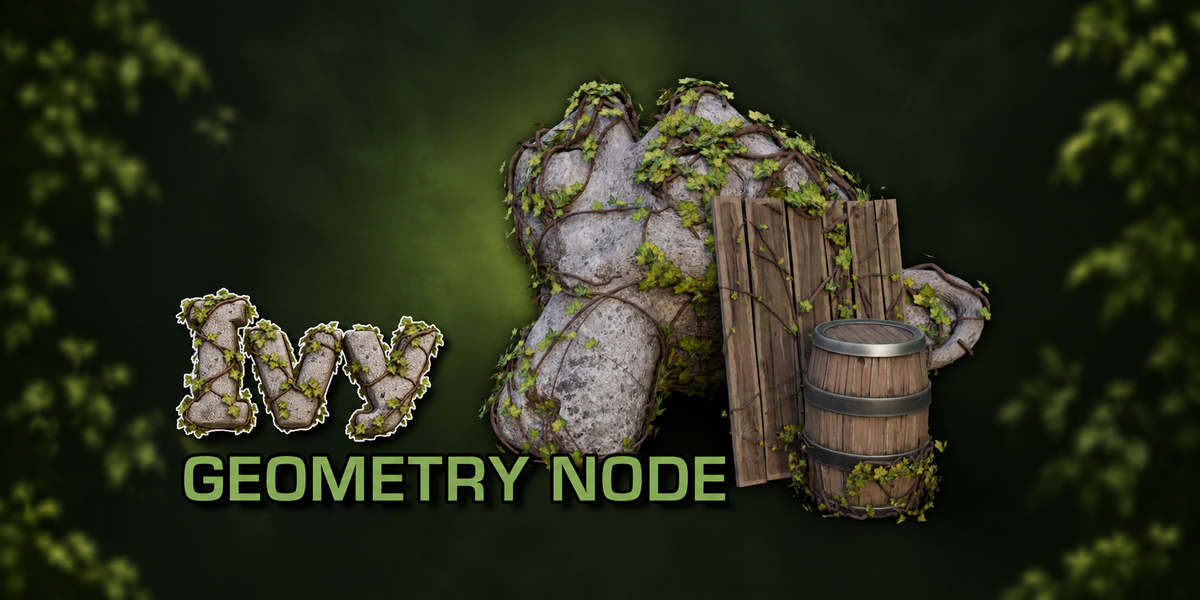
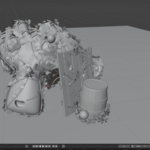
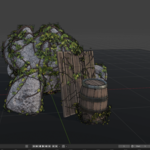
3D Tudor Ivy Generator — Getting Started
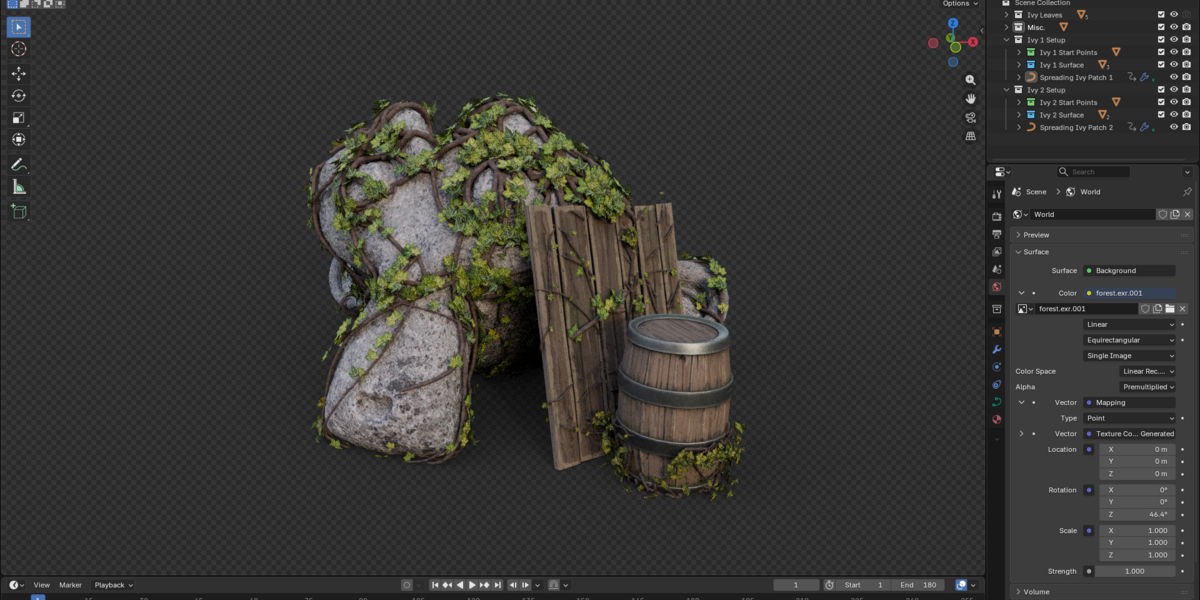
Use Blender 5.1.2. The supplied scene uses Cycles.
- Unzip the generator download. Open 3D Tudor Ivy Generator.blend.
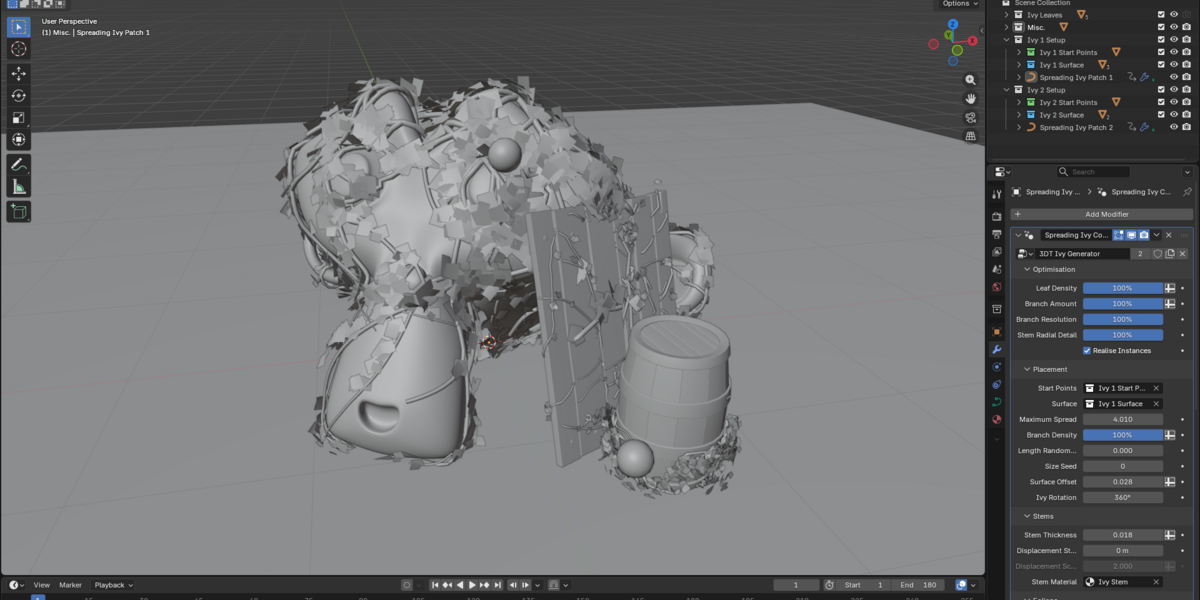
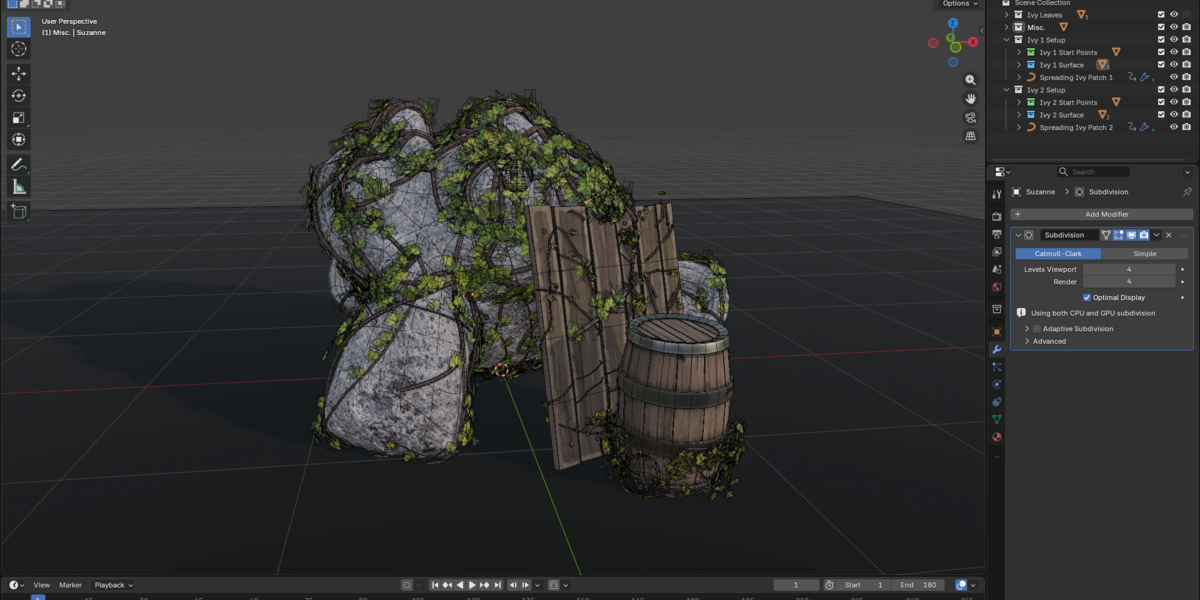
- In the Outliner, select Spreading Ivy Patch 1 or Spreading Ivy Patch 2. Open the Spreading Ivy Controls Geometry Nodes modifier.
- Inspect Start Points and Surface in Placement. Each prepared setup references its matching collections. Move the object named MOVE ME - Ivy Start Point belonging to that setup to choose its origin; use the Surface collection to define target objects.
- Establish coverage using Maximum Spread, Branch Density, Ivy Rotation and Surface Offset. Inspect close contacts from more than one angle.
- Adjust Stem Thickness before refining displacement. In Foliage, balance Centre Density and Outer Density, then Leaf Size and Outer Leaf Size.
- Use Leaf Appearance for tint, variation, roughness, translucency and normal strength. Seed controls offer repeatable variations.
- Inspect Growth Animation controls for Growth Time, leaf unfurling, stem maturity and timing variation. Test a short frame range before planning a longer animation; this is a procedural growth presentation, not a botanical simulation.
- Use Optimisation to reduce leaf density, branch amount, branch resolution or stem radial detail while working. Realise Instances changes instance handling; check your output before exporting.
Bringing the system into another Blender file
Use File > Append and bring in the setup collection together with its start-point/surface collections and Ivy Leaves dependencies. Retain the internal branch template and referenced data. Test the appended setup before deleting any supporting objects. Replace the demonstration surfaces with your own only after confirming the collection references.
What is included
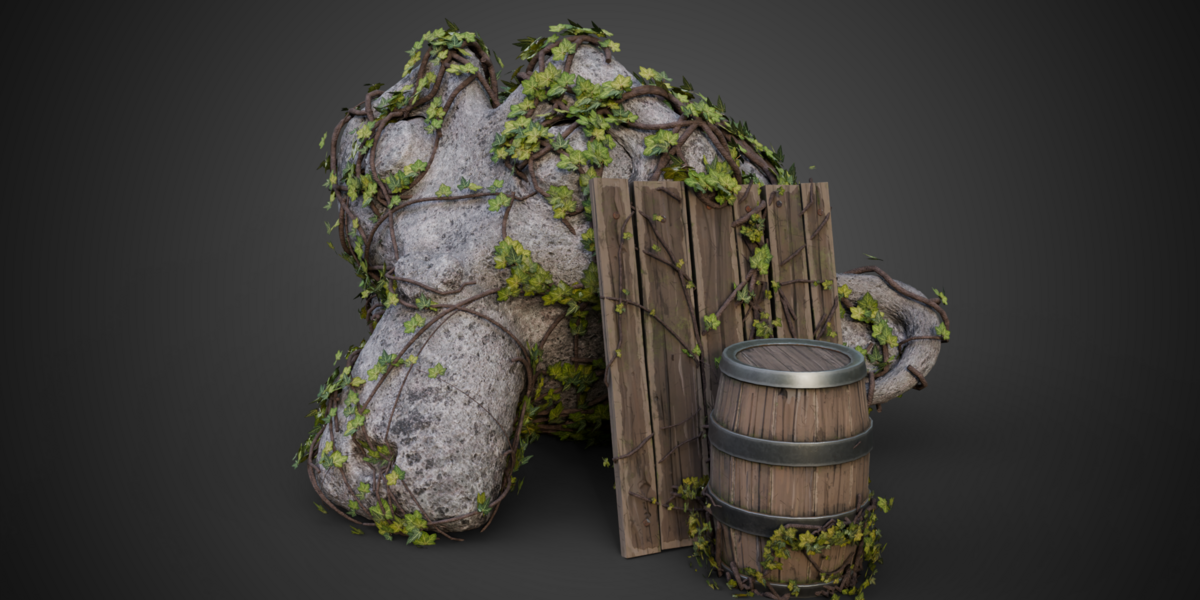
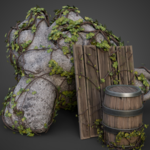
One editable generator with 39 controls, two prepared ivy patches, five supporting leaf meshes, packed textures and the supplied demonstration scene. A separate ZIP contains two full silent controls demonstrations and a 12-second arcshot. The helper smoothing group is local in this customer copy; no external Blender library is required.
Earlier Blender compatibility and equivalent Eevee results have not been established. Game-engine projects, LODs and collision assets are not supplied. Optimisation controls do not guarantee a particular frame rate. No installable addon is required to use the Geometry Nodes file.
Happy modelling! Neil — 3D Tudor
Have questions about this product?
Login to message
| Dev Fund Contributor | |
| Published | 1 day ago |
| Blender Version | 5.1 |
| Render Engine Used | Cycles |
| License | Royalty Free |
Discover more products like this
plants procedural environment growth animation surface placement foliage geometry nodes ivy