 LitFor20



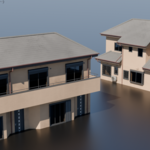
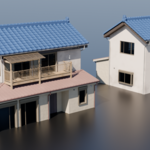
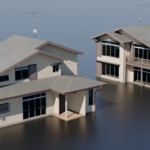
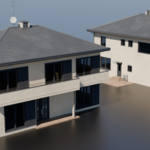
How to add the .blend file to your Blender library
1. First, unzip the downloaded ZIP file.
2. In Blender, go to:
Edit > Preferences > File Paths > Asset Libraries
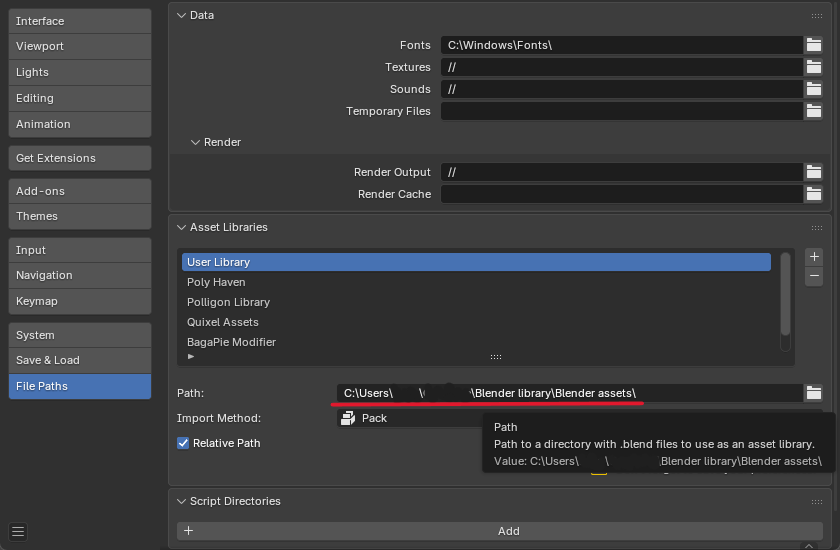
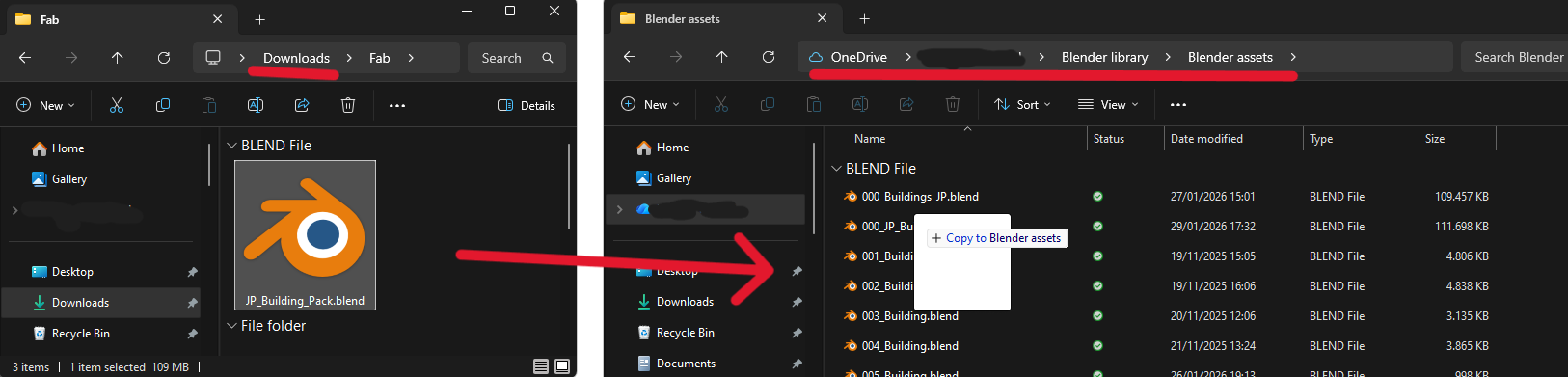
3. Drag the .blend file into the User Library (or any library you want it saved in)
-
$6.99 $9.99
Personal, Educational, and or Commercial Use for Individuals - Single Seat
-
$27.99 $39.99
Commercial Use for Small Teams - Up to 5 Seats
-
$48.99 $69.99
Commercial Use for Large Teams - More than 5 Seats
Have questions about this product?
Login to message
Includes an Asset Library
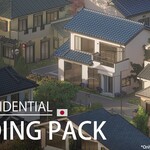
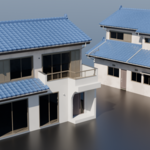
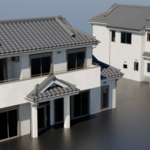
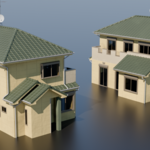
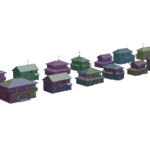
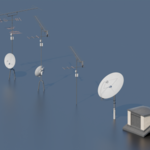
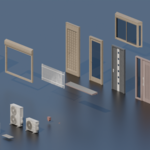
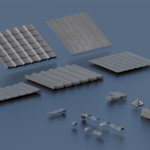
42 drag-and-drop assets for Blender’s Asset Browser.
Browse included assets| Sales | 20+ |
| Dev Fund Contributor | |
| Published | 5 months ago |
| Blender Version | 4.0 - 5.2 |
| Render Engine Used | Cycles, Eevee |
| Misc Data | Textured |
| License | Royalty Free |
Discover more products like this
3darchitect 3d building tokyo residential 3d building pack 3d buildings 3d building asset pack tokyocity building 3d japan