 NORELL
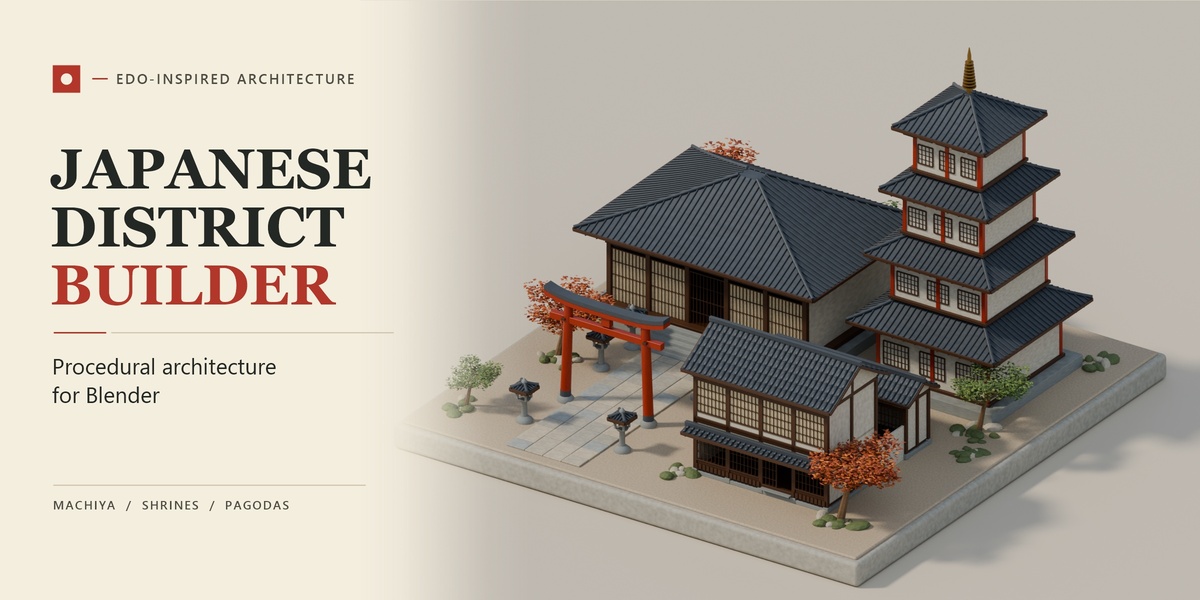
Build Edo-inspired Japanese architecture directly in Blender.
Generate a single machiya townhouse, lay out a merchant street along a curve, or assemble a shrine approach or temple court. Load a preset, adjust the dimensions, and generate editable Blender geometry from the 3D Viewport sidebar.
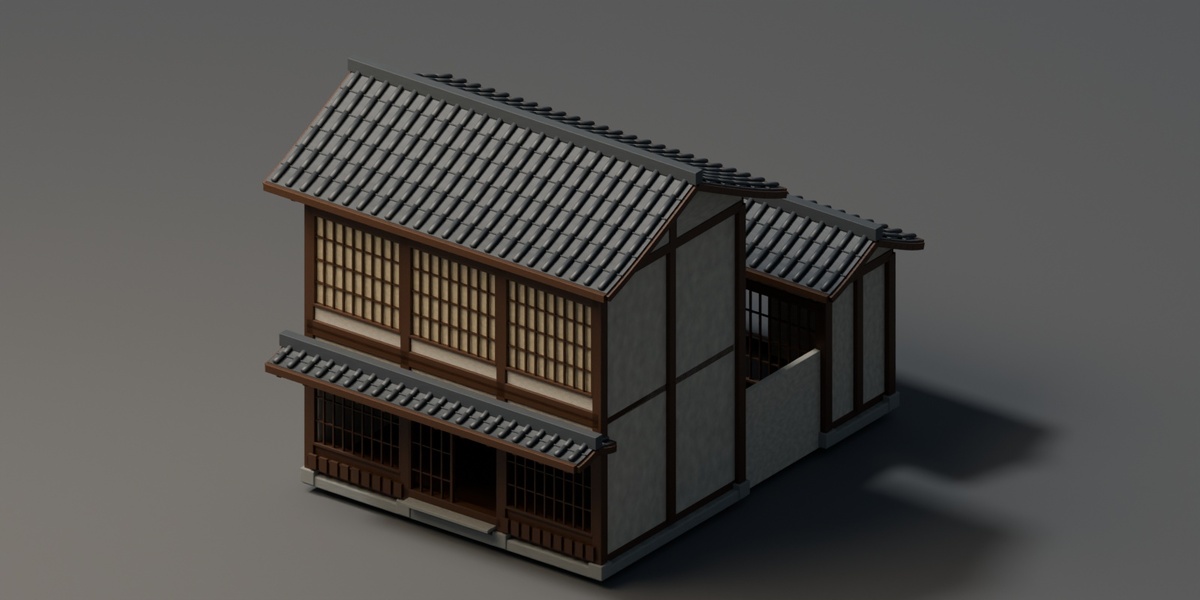
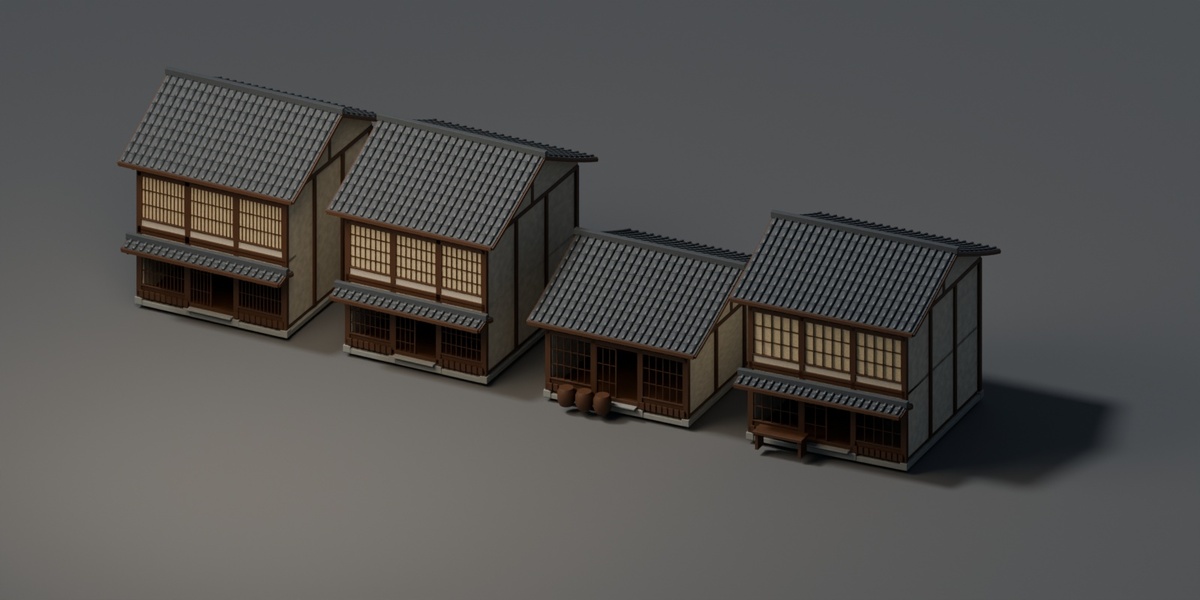
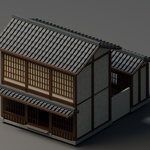
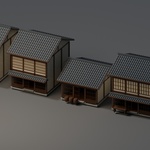
- Machiya & Merchant Streets - Create timber townhouses with lattice façades, door openings, and optional courtyards. Arrange up to 24 houses along a curve and control their spacing and variation.
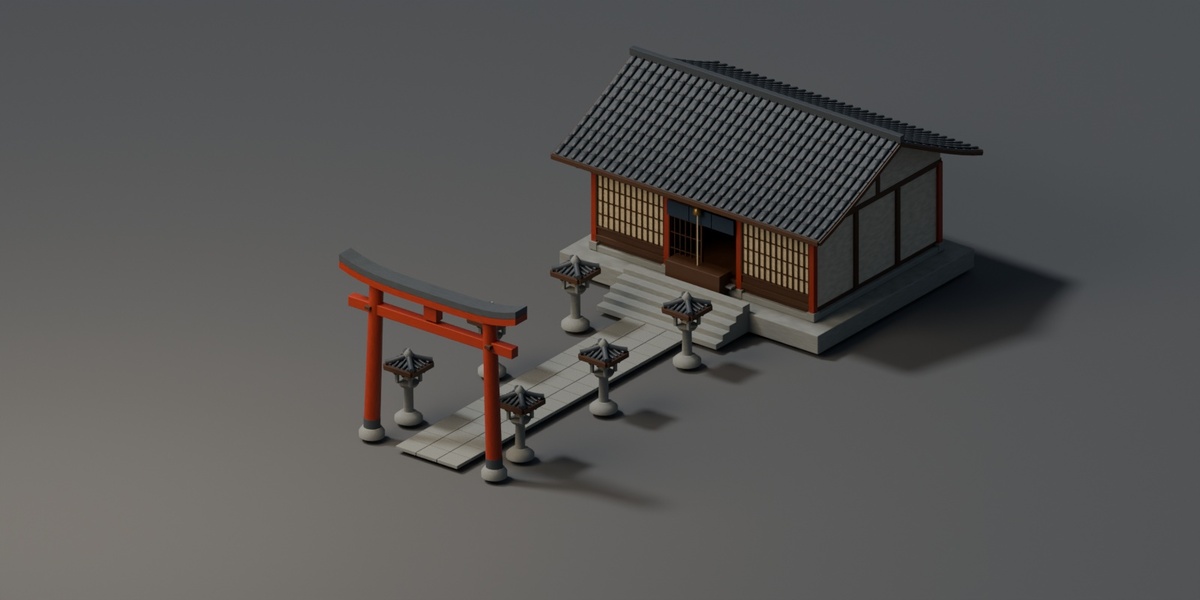
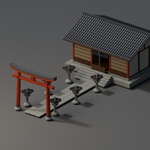
- Shinto Shrines & Approaches - Assemble torii gates, prayer halls, stone stairs, and lantern-lined paths. Generate individual elements for custom layouts.
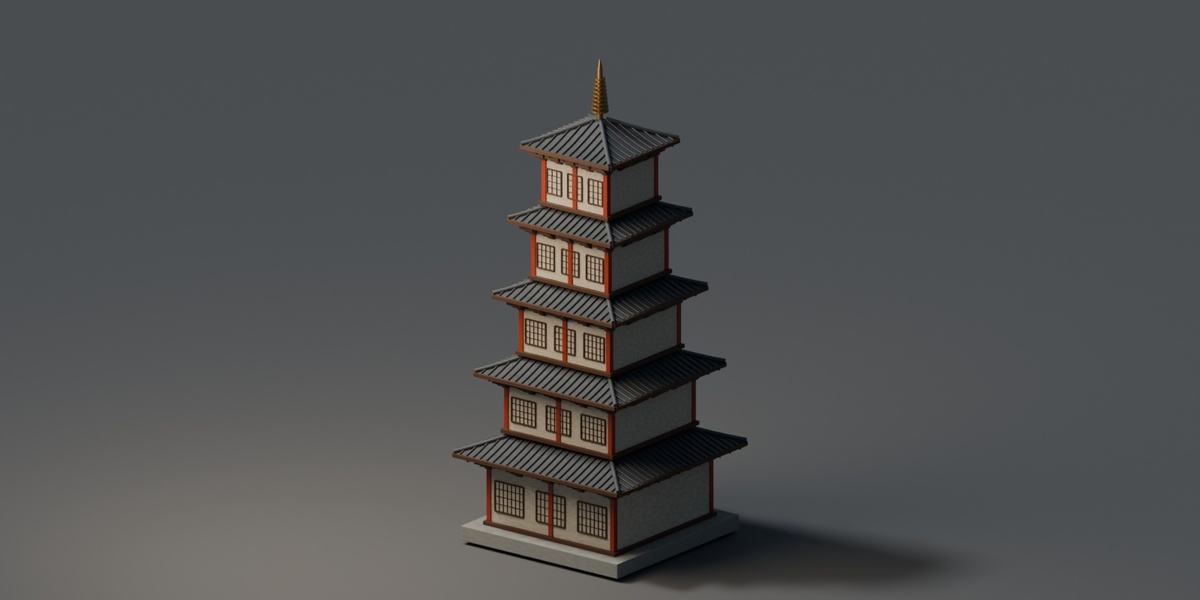
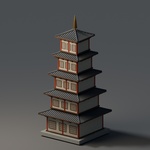
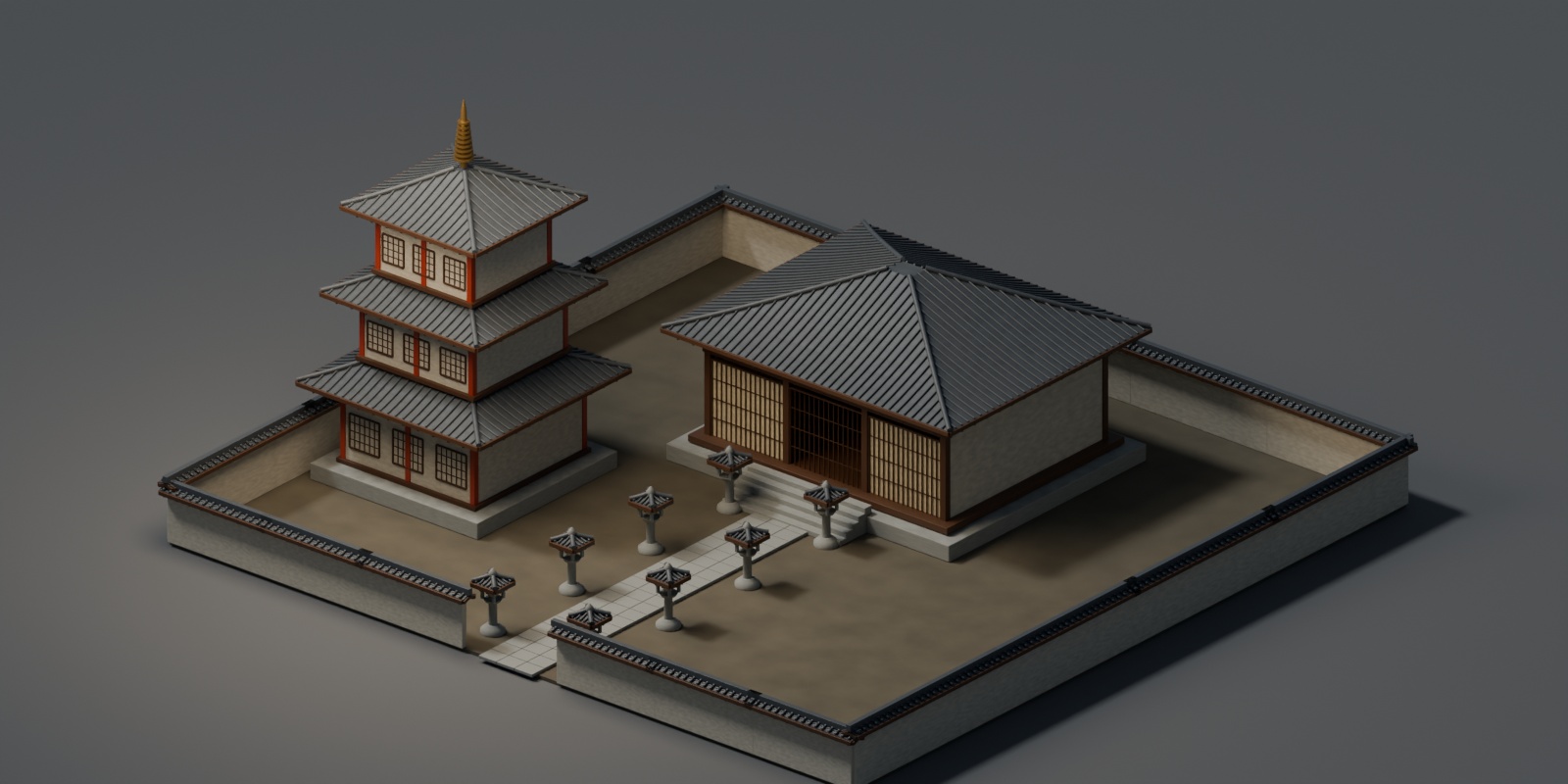
- Buddhist Temples & Pagodas - Create temple courts with halls, paths, and perimeter walls. Adjust pagoda height from two to five storeys and control roof overhangs.
Refine buildings in place. Select a structure, load its settings, and regenerate it while keeping its position and rotation. Edit a single house in a street without rebuilding its neighbors. Choose from three detail levels and use built-in procedural materials, your own materials, or geometry only.
Reuse your work. Save generated structures as Blender collection assets or create independent mesh copies for further editing and export.
Compatibility and download. The download is an installable Blender Extension ZIP with presets built into the panel. Minimum Blender version: 4.2. Tested on Windows, Mac, Linux with Blender 4.2.23 LTS and 5.3.0. The gallery shows scenes created with the add-on.
