 ZEG
ZEG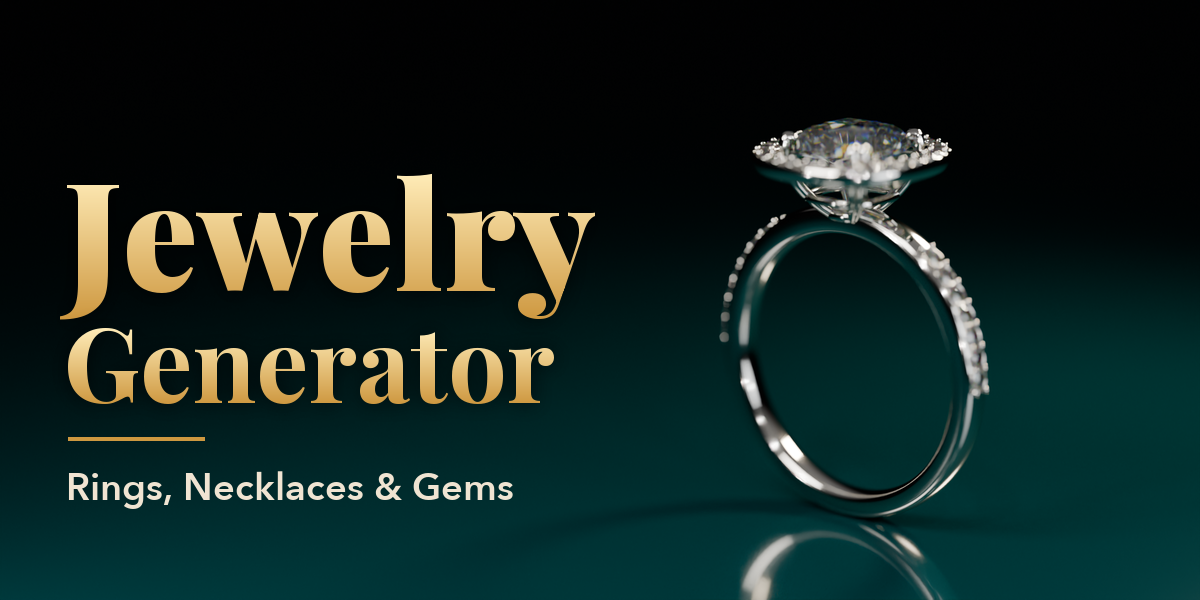
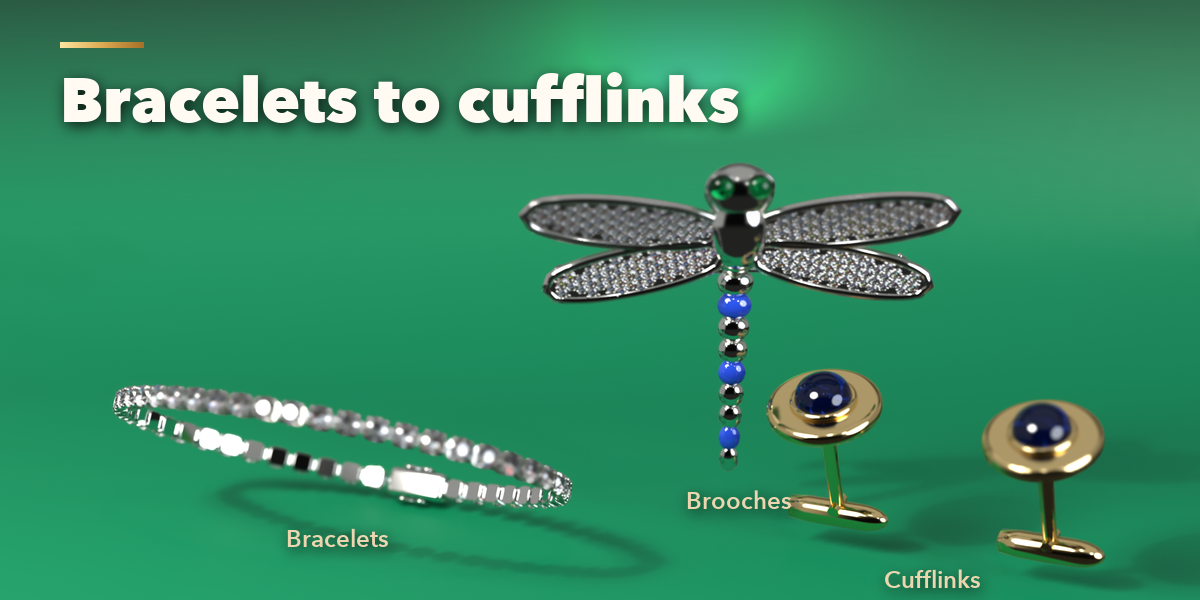
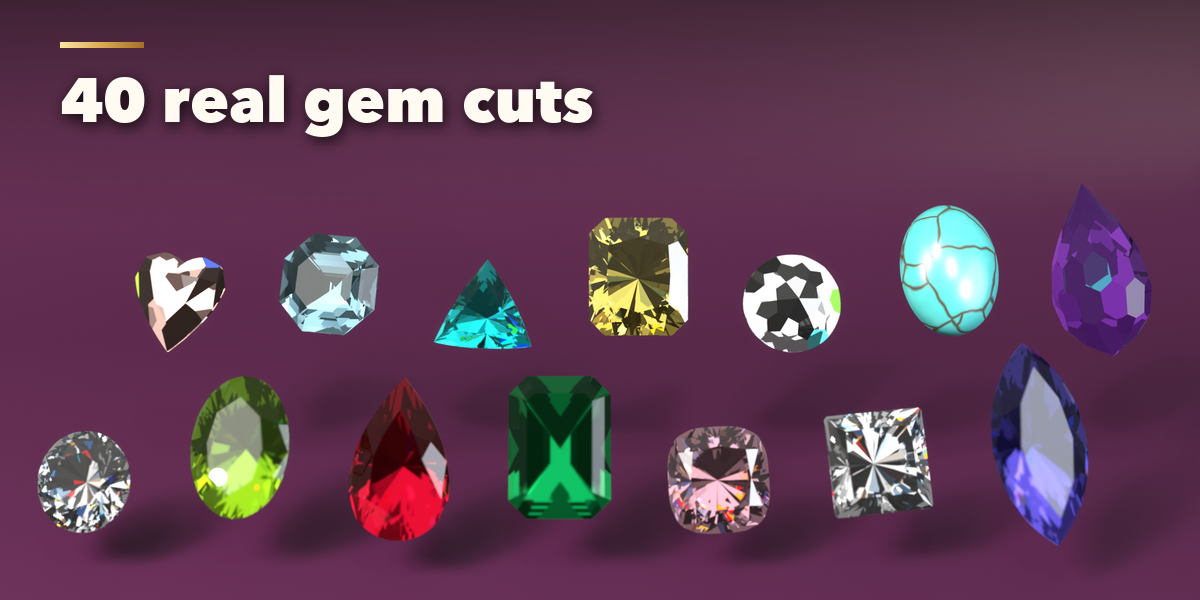
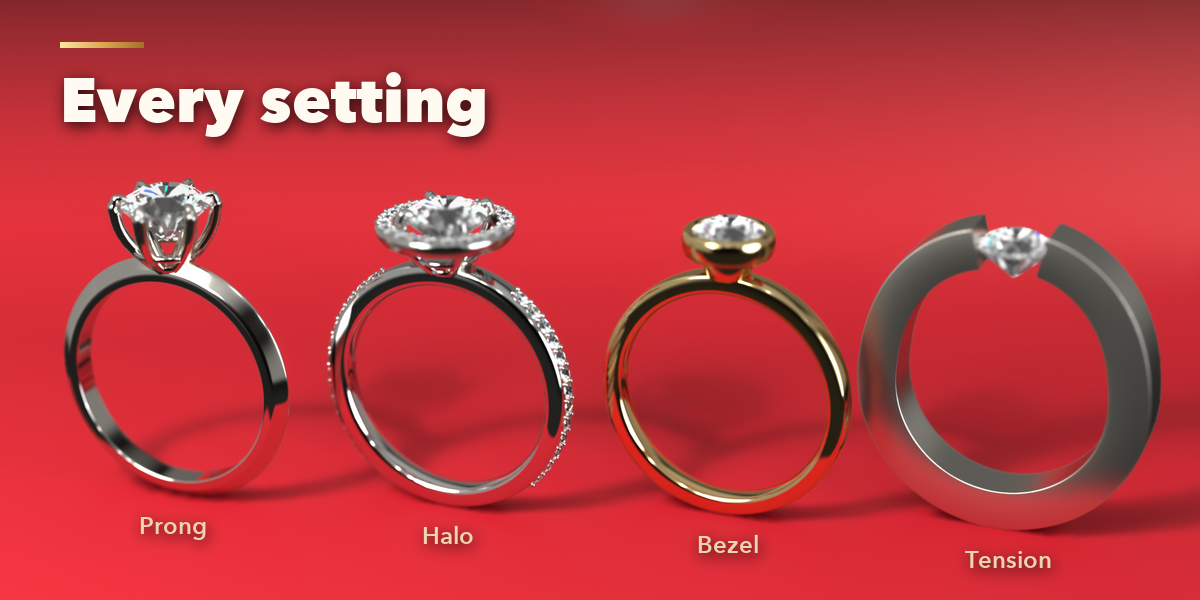
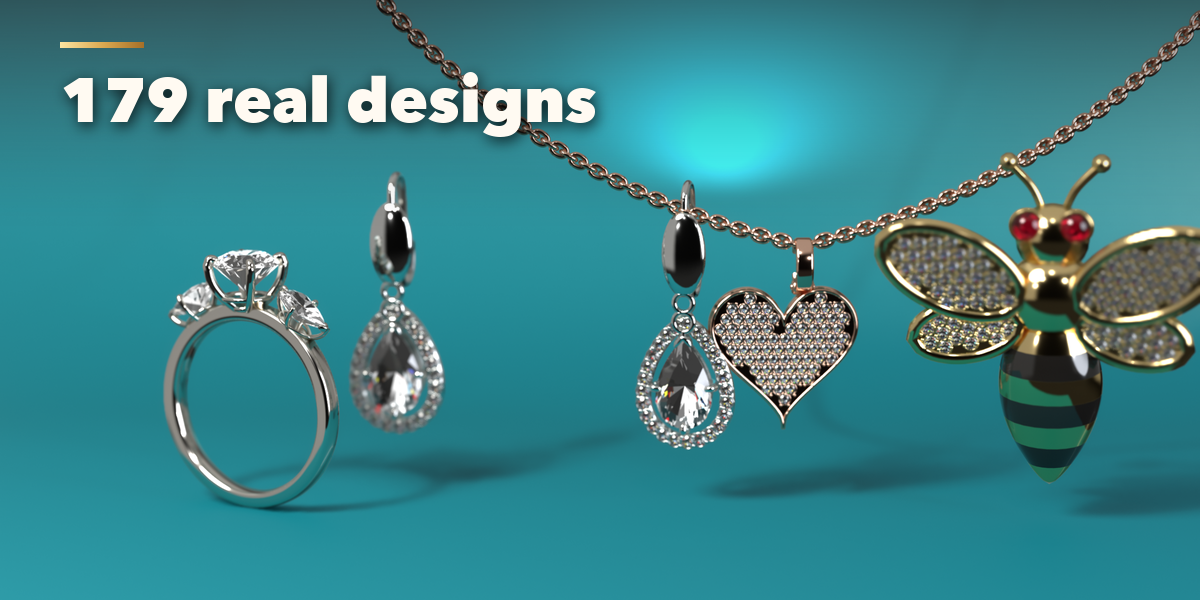
Installation
In Blender open Edit, Preferences, Get Extensions, then use Install from Disk and pick the jewelry_generator zip.
Usage
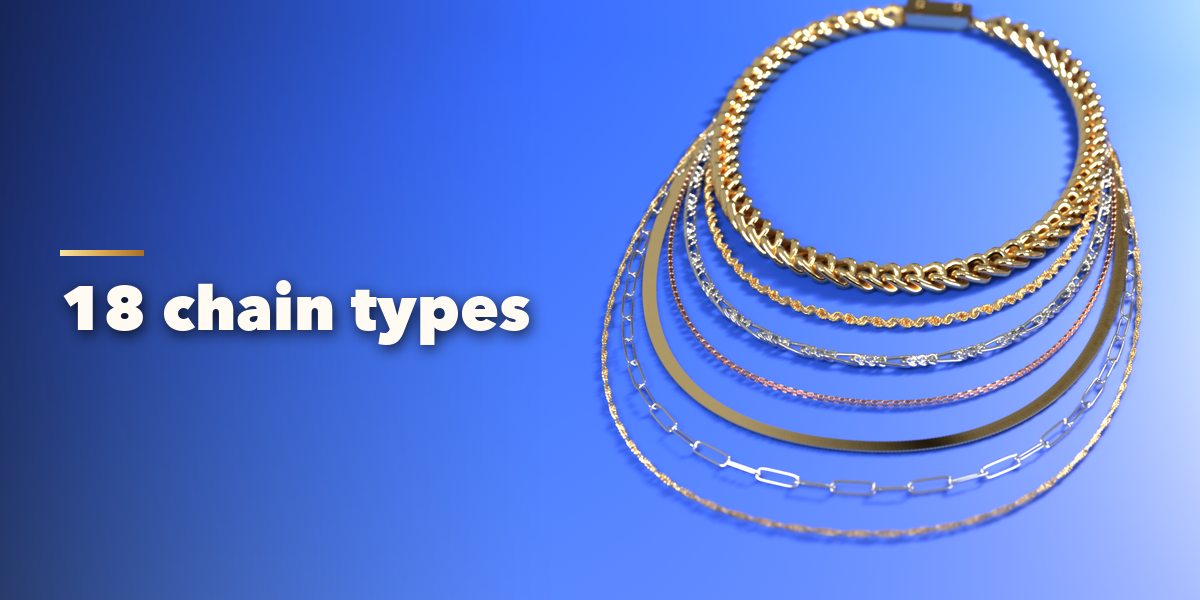
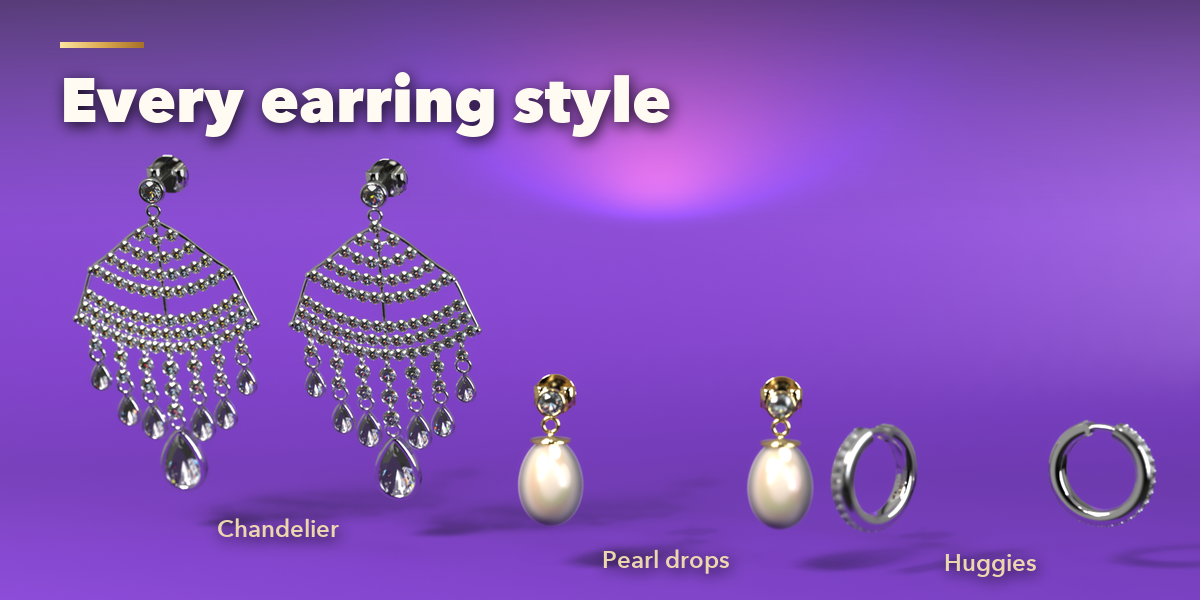
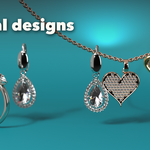
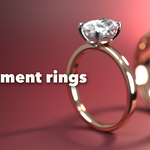
- Open the Jewelry tab in the 3D viewport sidebar (N). With nothing selected, pick a category and a design picture, then press Add. You can also use Shift+A, Mesh, Jewelry.
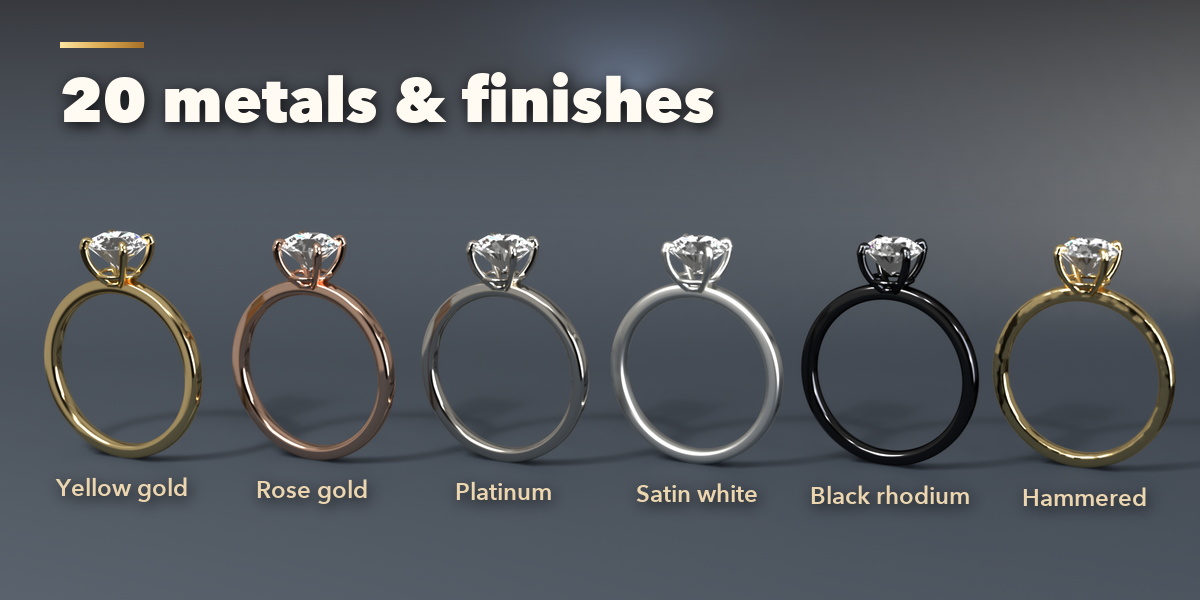
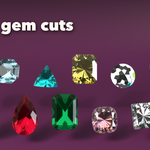
- The top of the panel shows the piece, its size and carat total, quick metal swatches, the gem and cut, the carat and (for rings) the ring size. Surprise makes a random new piece.
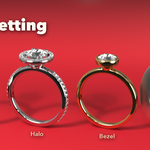
- The tabs hold every setting: Design (the piece's own shape), Stone (cut, gem, size and proportions), Setting (prongs, baskets, bezels, halos), Accents (pavé and side stones), Finish (metal, finish, wear, pearls, enamel) and Studio.
- Studio adds a one-click photo set with lights, backdrop and camera, in EEVEE or Cycles.
- Convert to Mesh turns the piece into plain meshes for export; Delete removes it with all its parts.
Use Rendered view to see the gems sparkle. Rainbow fire shows in both engines; Cycles gives the most accurate refraction.
Have questions about this product?
Login to message
| Blender Extension Compatible | Yes |
| Published | 2 days ago |
| Blender Version | 4.2 - 5.2 |
| Extension Type | Add-on |
| Render Engine Used | Cycles, Eevee |
| License | GPL |
